Trusted by








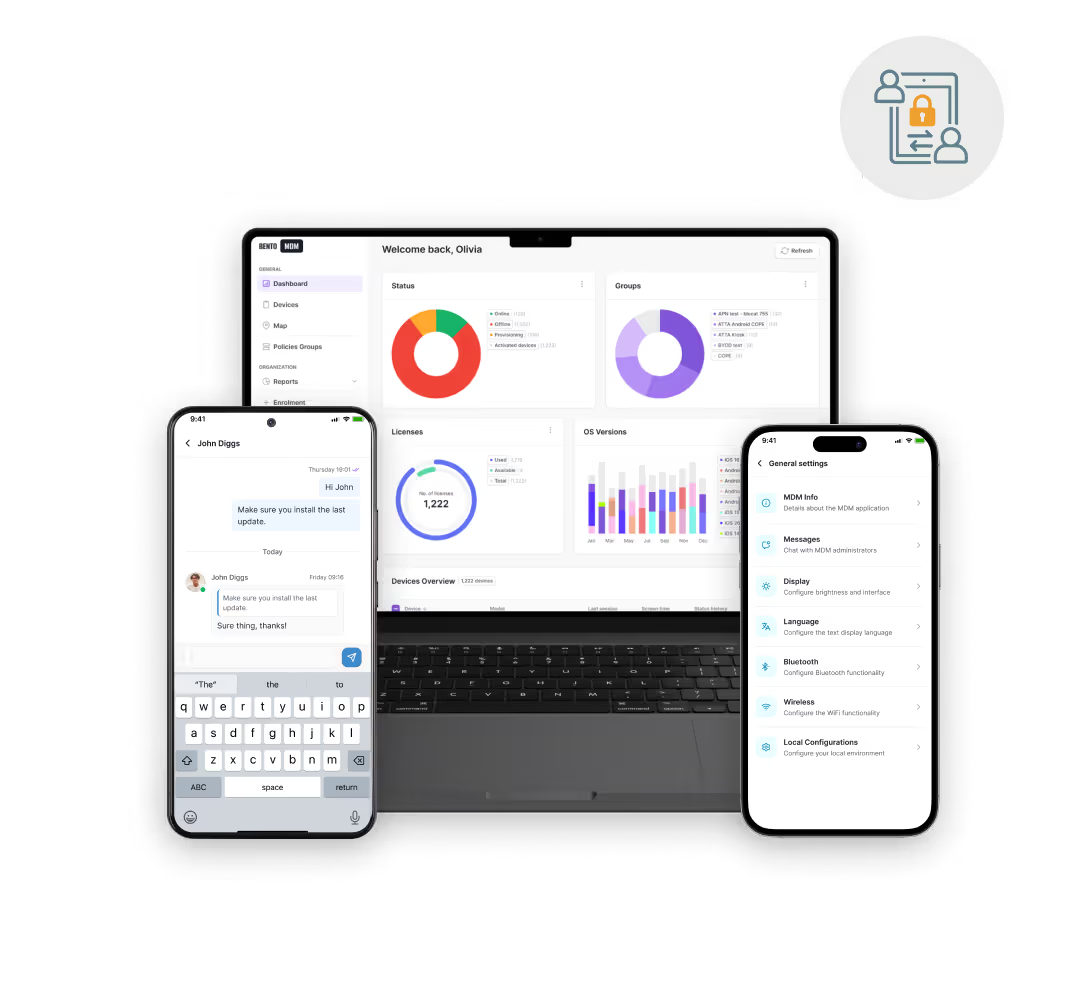
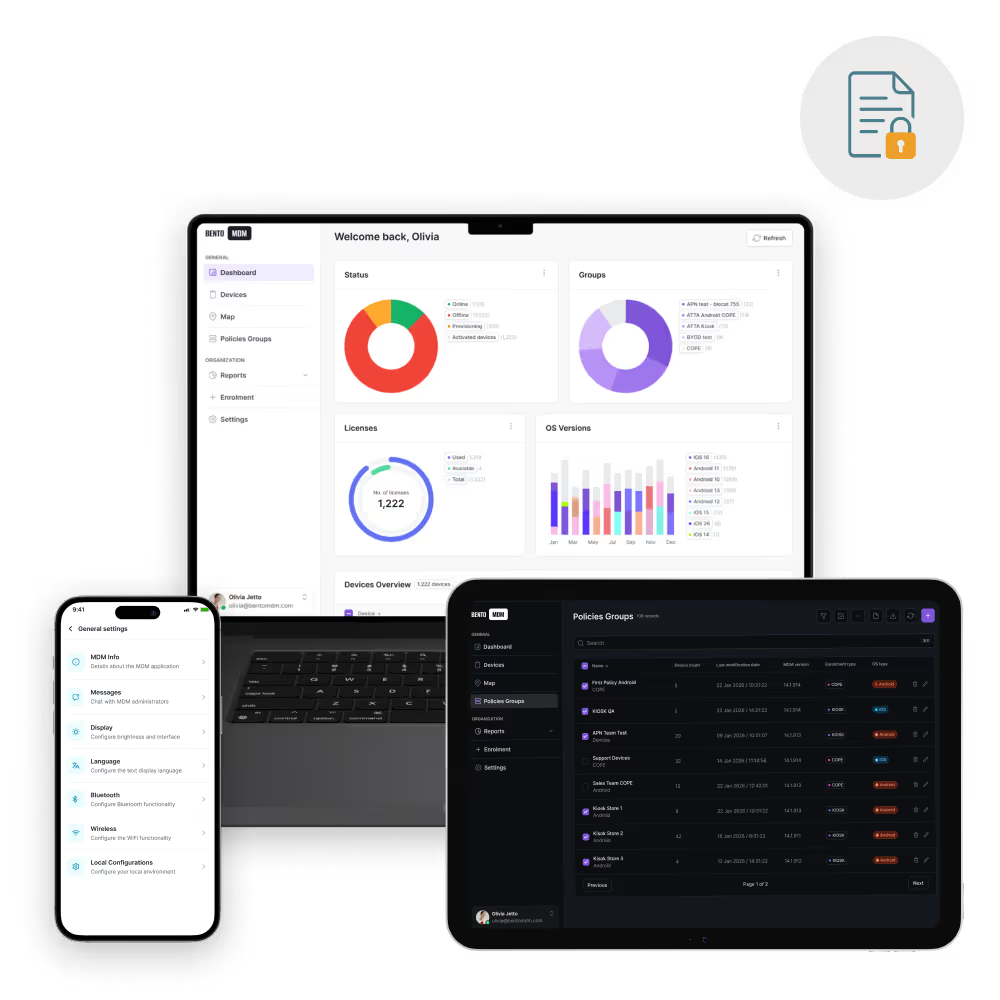
Check-in tablets, in-room iPads, and staff handhelds self-configure on first boot with the apps, profiles, and security settings each role needs, no tech visit required.

Kiosk mode, silent updates, and remote troubleshooting keep in-room tablets, signage, and lobby kiosks running through peak season without front-desk workarounds.

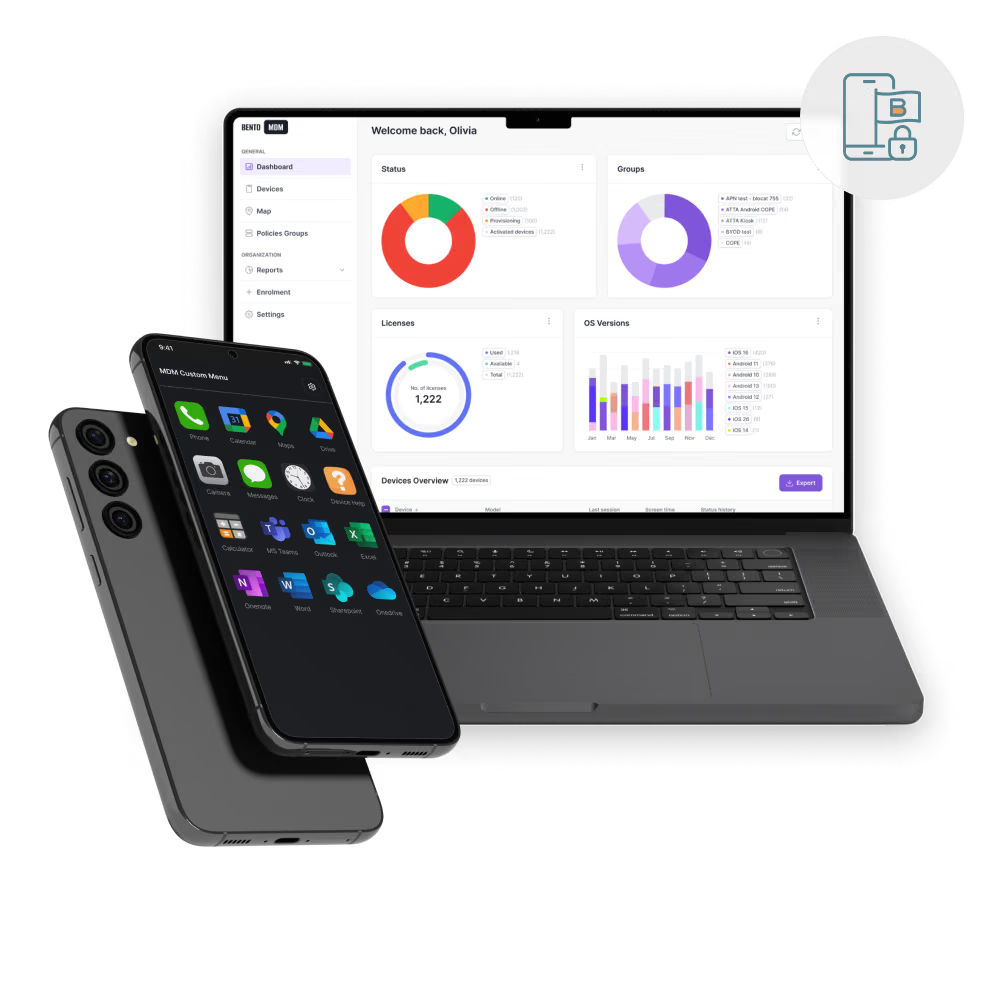
Approved apps, locked-down browsers, and automatic session resets stop personal and payment data from leaking across shared hospitality devices.

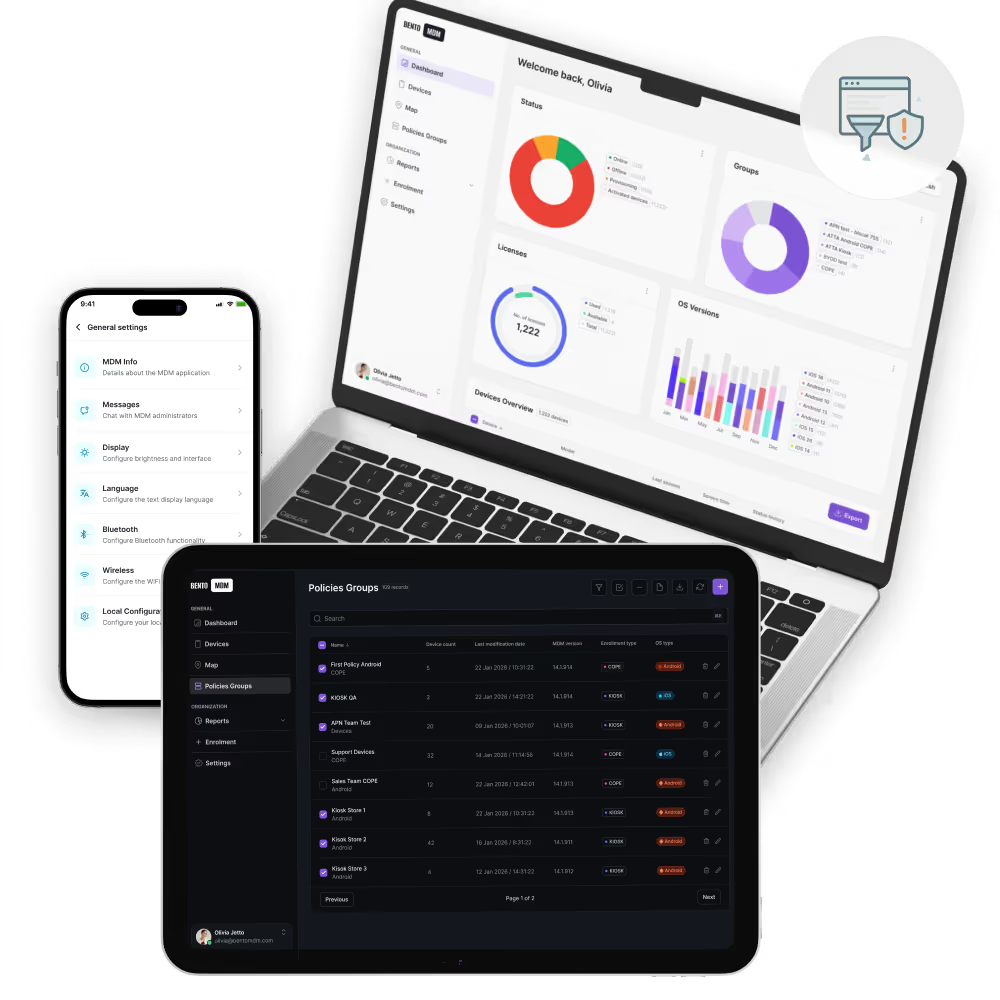
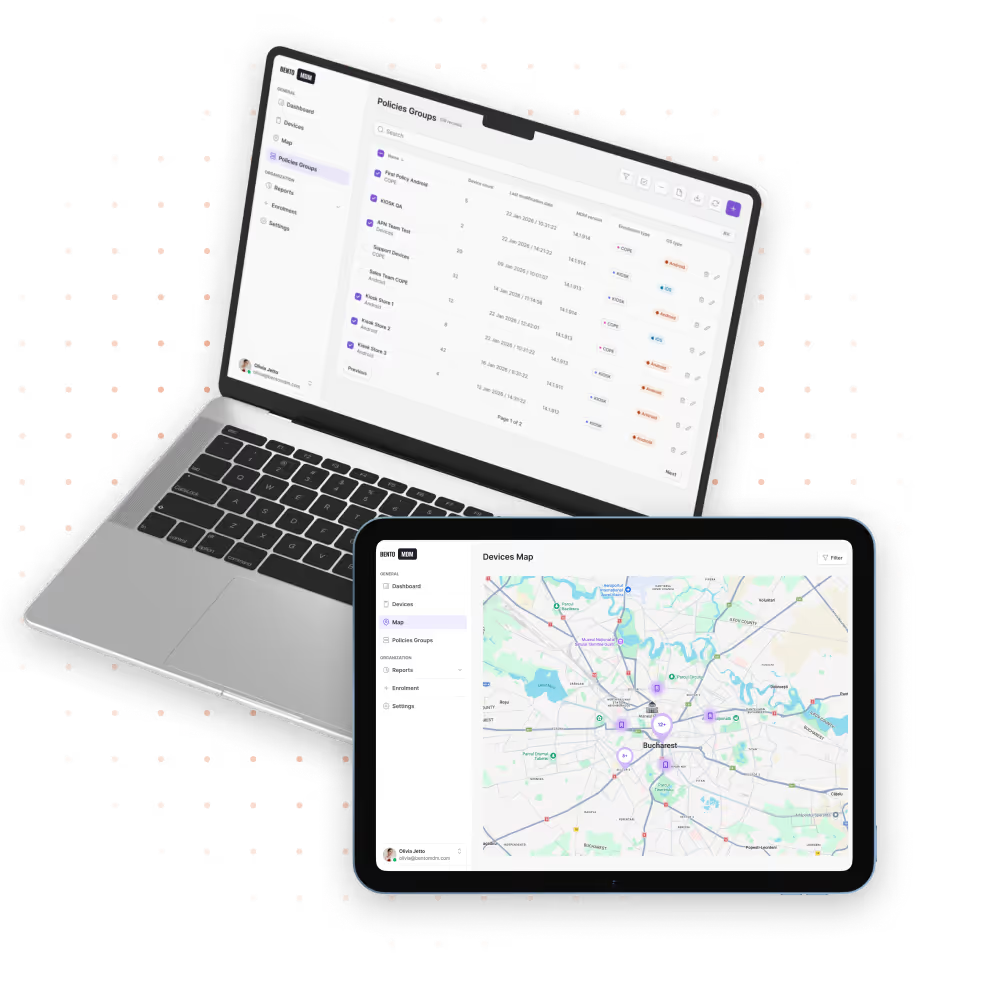
Central policies, fleet health views, and bulk app pushes let one IT team manage devices across all hotel and resort locations without site-by-site logins.
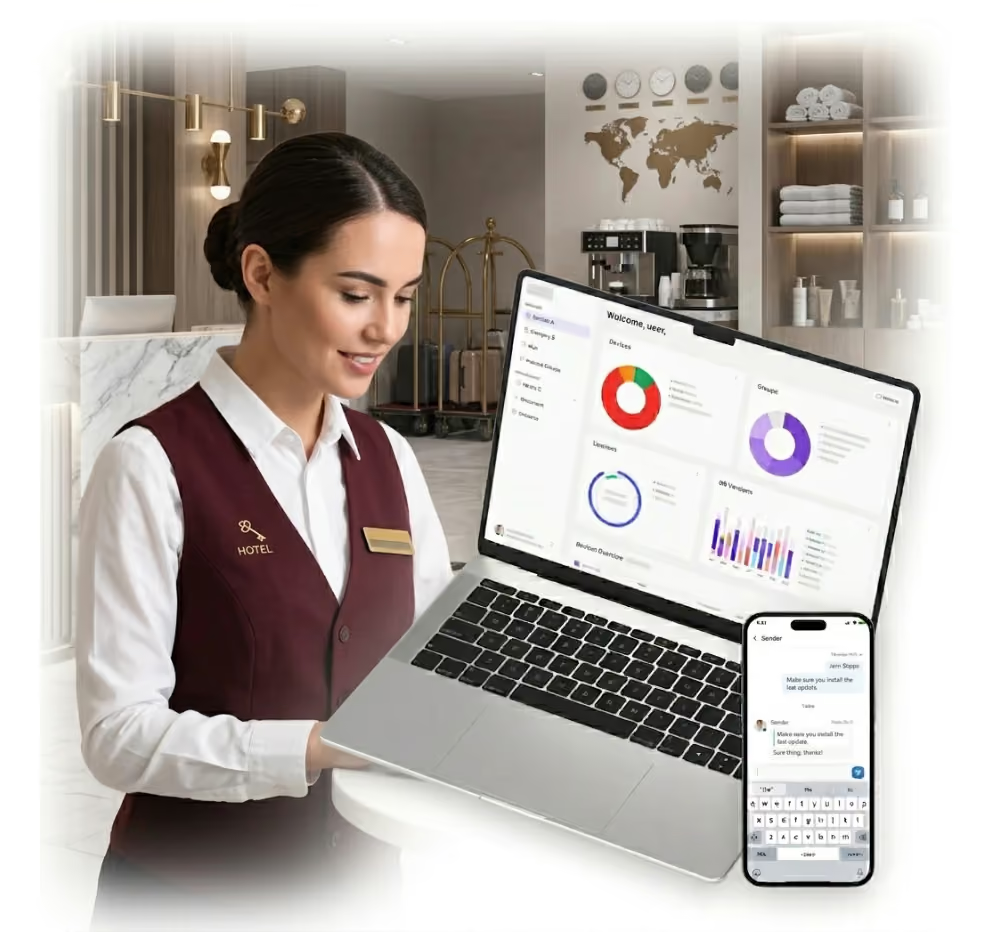
Keep guest-facing devices locked, updated, and running through peak season, with remote fixes and bulk policy changes across every property from one console.

Hotel tablets, kiosks, and staff phones self-configure at first boot through Apple Business Manager, Android Enterprise, and Windows Autopilot, with no property IT visit.

Check-in kiosks, in-room iPads, and POS handhelds lock to approved apps with automatic session reset between guests.

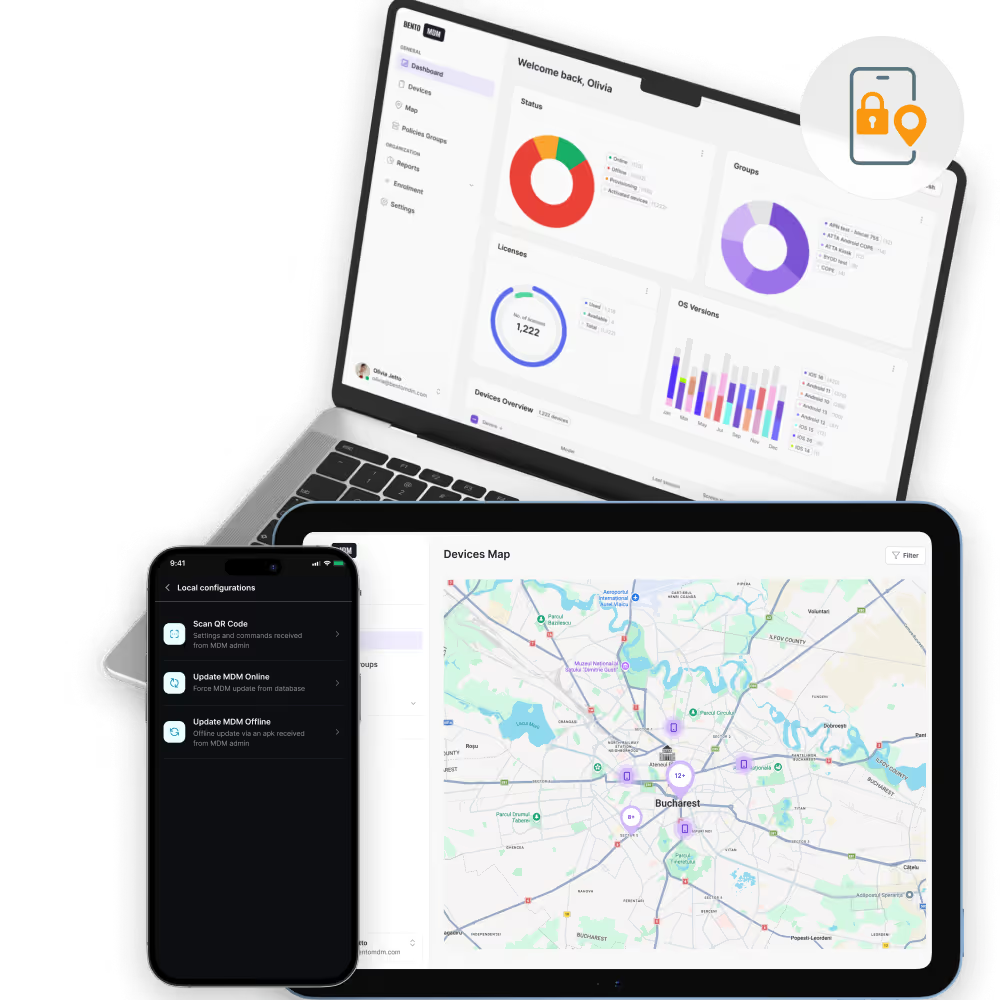
One live view tracks device health, connectivity, and app status across every hotel, resort, and restaurant location in the group.

PMS, POS, menu, and guest-service apps push to every device in one action, with version pinning and staged rollouts.

Session reset, auto-wipe, and managed app containers remove personal data between stays on in-room tablets and lobby devices.

Lobby displays and in-room screens update on schedule with bulk content, menu, and brand campaign pushes across every property.

Kiosk crashes, app errors, and payment issues resolve remotely without sending a technician to the property.

iOS, Android, and Windows patches run during low-traffic hours so guest-facing devices stay current without interrupting check-in.


"With Bento MDM and FSM, we efficiently manage over 700 devices, automate workflows, and improve communication between field teams."
Cristian Bordescu
Operations Director


“Our collaboration with Bento on migrating over 2,000 DPD devices was exceptional. Their openness, flexibility, and constant support stood out throughout the project. Their quick adaptation to challenges and solution-oriented approach made all the difference, a truly reliable and professional partner.”
Valentina Ionescu
CIO, DPD
https://www.linkedin.com/in/valentina-ionescu-45a117bb
https://www.facebook.com/DPDRomania/
https://www.linkedin.com/company/dpd-romania/
https://www.dpd.com/
https://ro.wikipedia.org/wiki/DPD_Romania

"Bento Field Service Management and Mobile Device Management helped us streamline field interventions, secure mobile devices, and increase operational transparency."
Simona Gigiu
Business Line Director


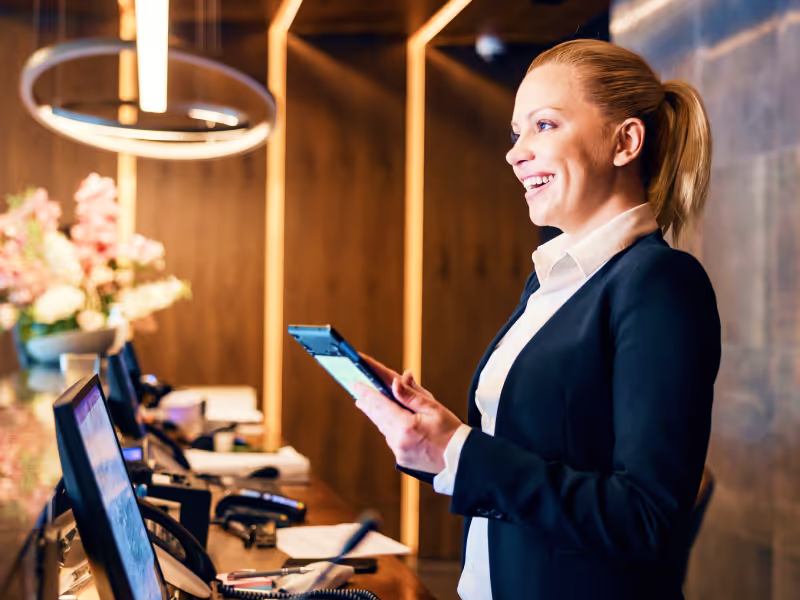
Self-service kiosks stay locked to check-in apps, reset between guests, and alert IT on tamper or payment errors.
.jpg)
In-room iPads run guest-mode apps, refresh content between stays, and auto-wipe personal data the moment a guest checks out.
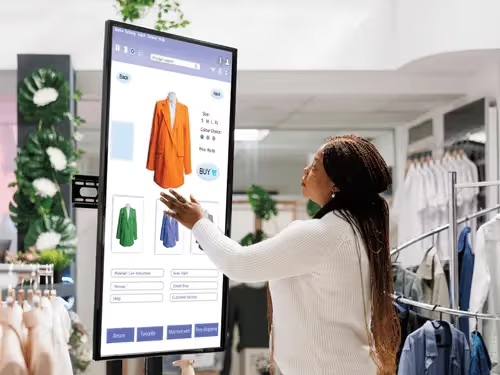
Lobby displays and restaurant menus update on schedule with bulk content pushes and automatic recovery from crashes.
.jpg)
Handheld POS tablets stay locked to ordering apps, route tips accurately, and sync to the back-office during shift changes.
.jpg)
Staff devices run room-status, work-order, and guest-request apps with offline queuing on slow-Wi-Fi floors.
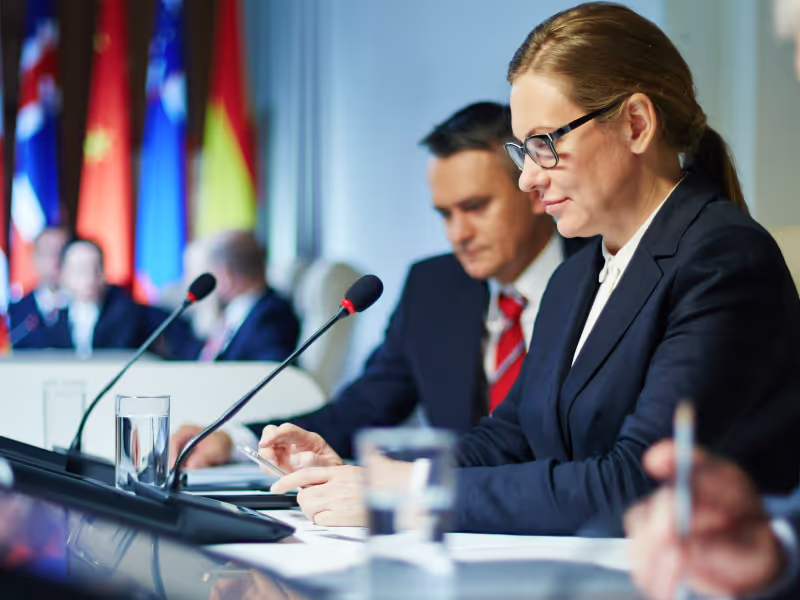
Event staff manage audio, display, and signage devices across meeting rooms without calling the AV vendor for every change.
%201.avif)
GDPR
Compliant

99.9%
Uptime

ISO 27001
Compliant

HIPAA
Compliant
Can in-room tablets be managed remotely?
Yes. In-room tablets receive app updates, policy changes, and guest-mode enforcement without on-site support or manual reconfiguration.
Which devices work with Hospitality MDM?
Typical devices include check-in kiosks, in-room tablets, POS terminals, digital signage screens, and staff smartphones or handhelds.
What is a Hospitality MDM solution?
A Hospitality MDM solution manages, secures, and updates devices like kiosks, in-room tablets, and digital signage across hotels and resorts from a centralized platform.
How does MDM improve guest check-in kiosks?
MDM auto-enrolls kiosks, locks them to specific apps, and pushes updates remotely to provide smooth, secure self-service check-in experiences.
Can digital signage update content automatically?
MDM schedules and pushes new content to digital displays, ensuring brand consistency and timely messaging without manual effort.
How does MDM secure guest devices?
Guest-mode settings lock tablets to approved apps, enforce safe browsing, and automatically reset sessions after use for privacy.
How does MDM support staff communication devices?
MDM installs messaging apps, enforces security policies, and enables remote troubleshooting to improve coordination and device uptime.
What happens if a device goes offline?
Offline devices keep preloaded apps and settings; once online, they receive all queued updates and policy changes automatically.

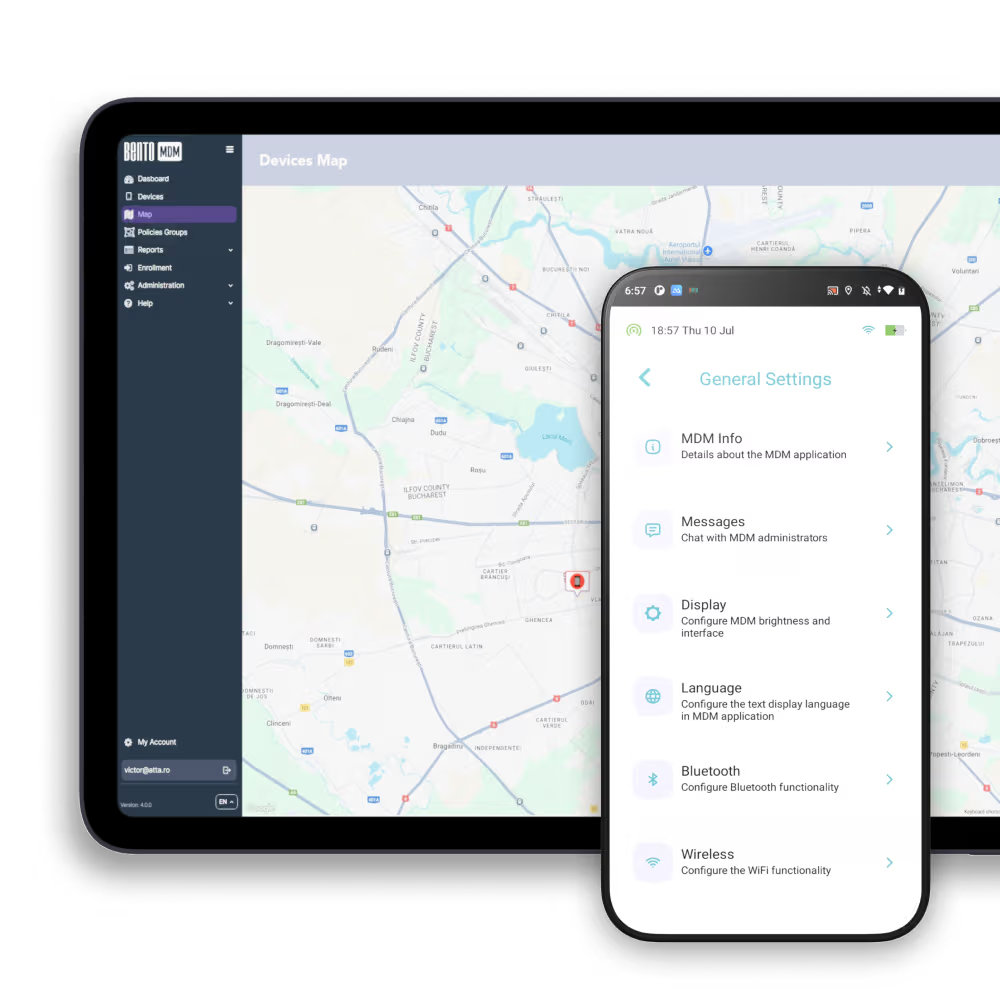
Bento MDM manages every guest-facing kiosk, in-room tablet, and staff device across all your properties from one console.


By Features
By Business Initiative
By OS Support