Trusted by









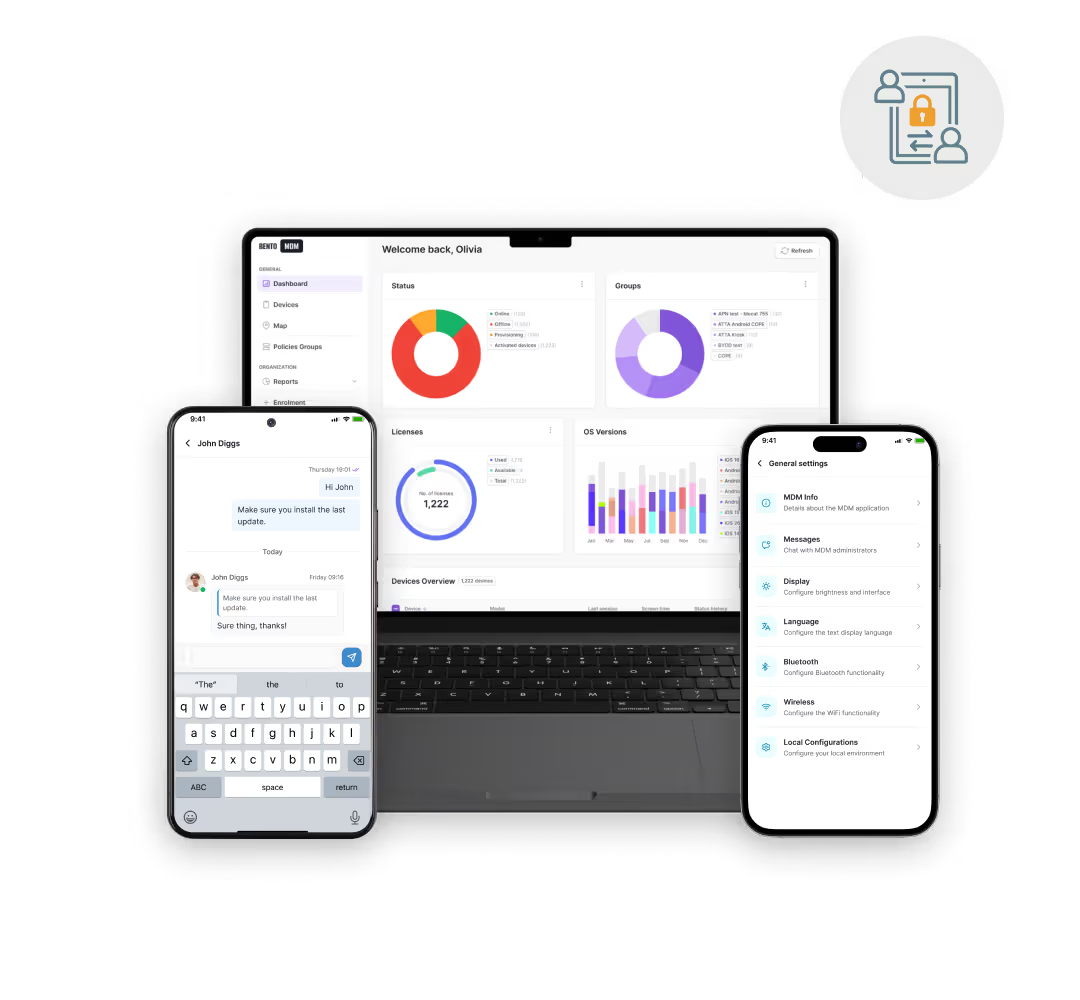
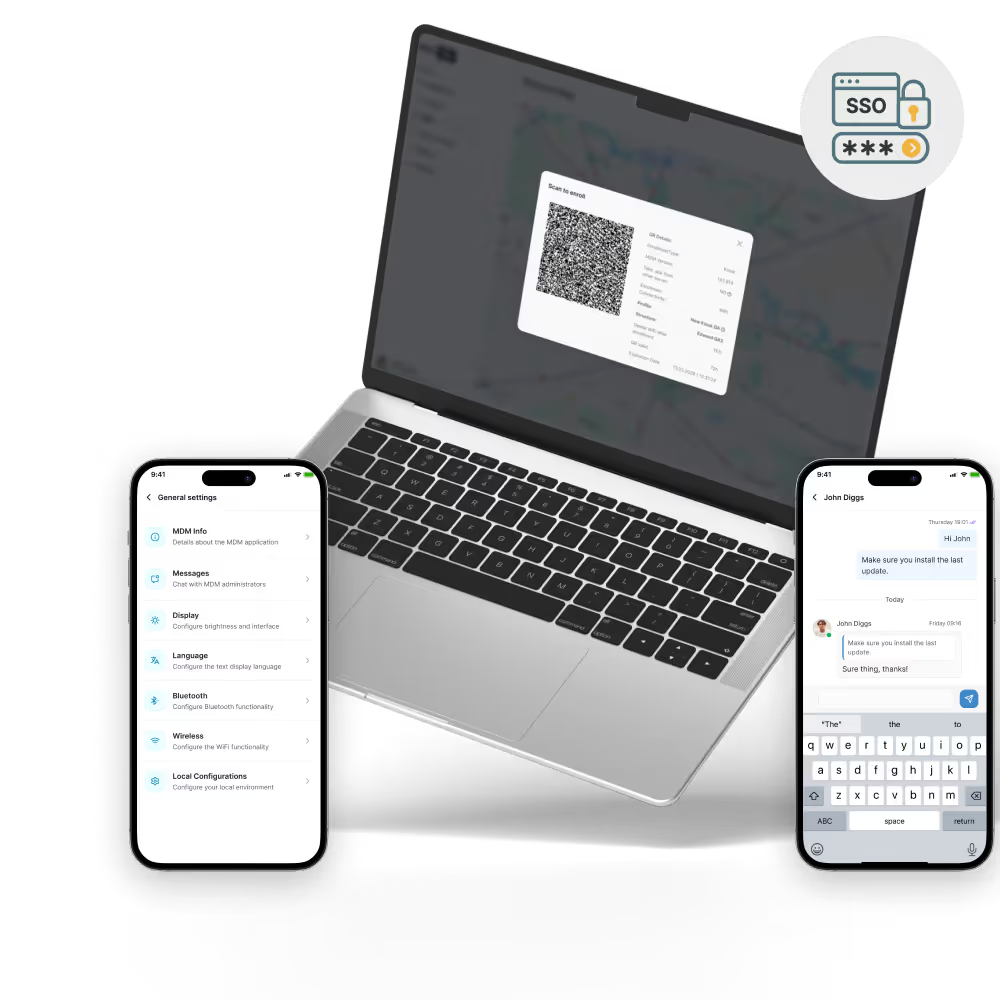
Prepare iPhones, iPads, and Macs before they reach employees, with enrollment and management starting on first setup.

Connect Apple Business Manager to Bento so IT can assign devices, apps, and management profiles without staging every device by hand.

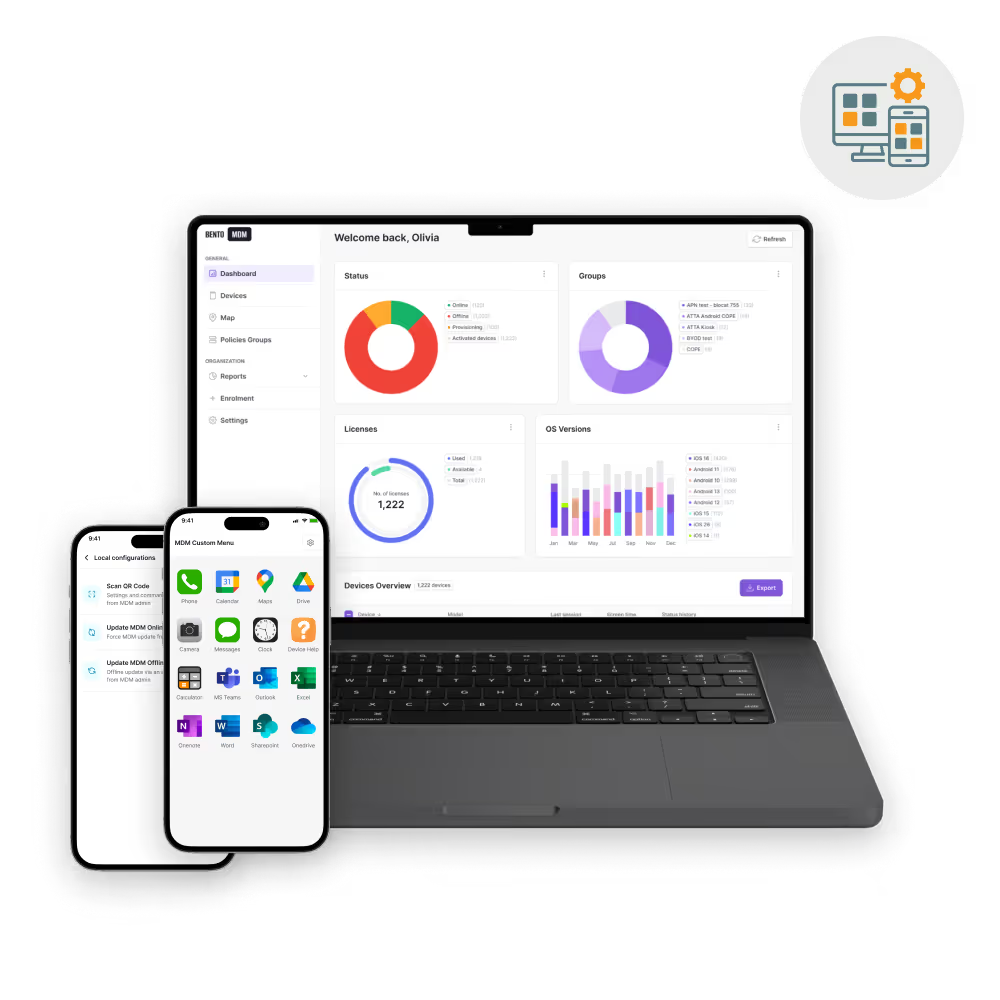
Manage app assignment and reclamation through Apple’s app licensing flow while Bento controls deployment and device targeting.

Manage Apple fleets with supervision, policies, reporting, and cross-platform controls that go beyond basic Apple setup.

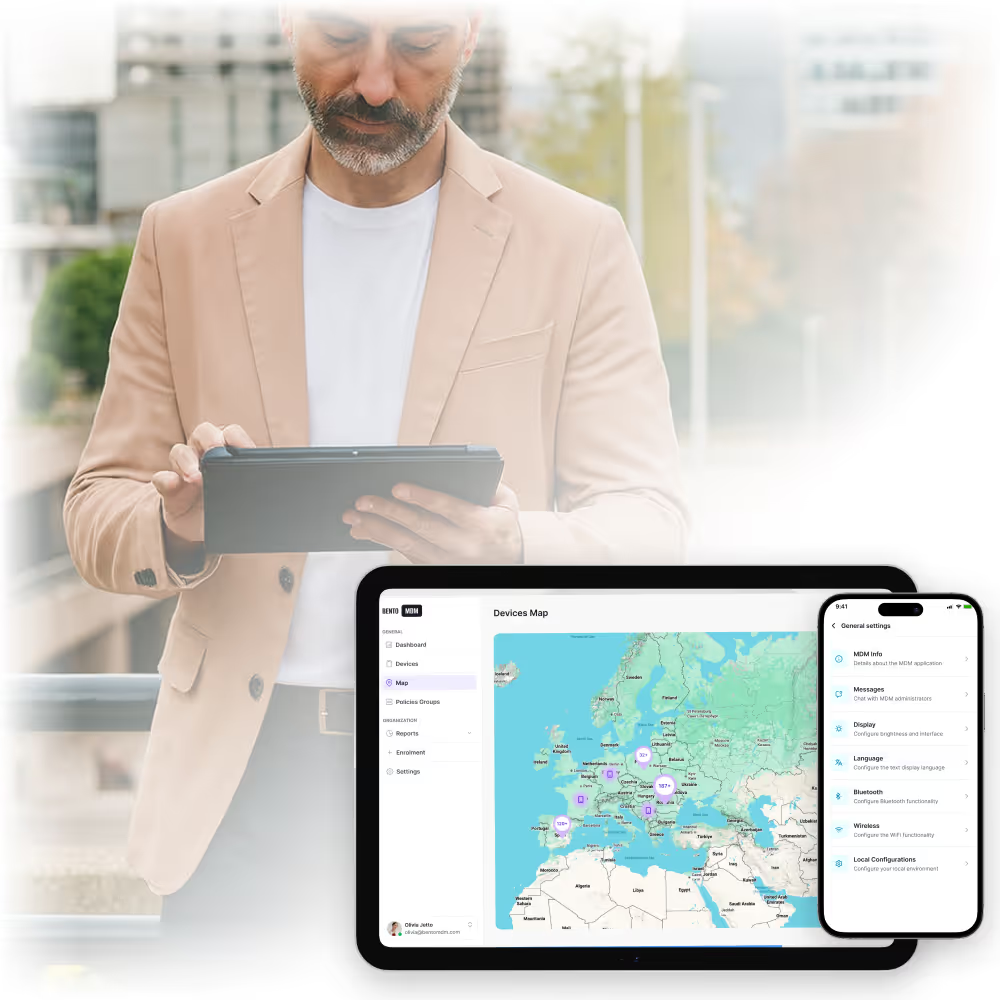
Sync Apple devices assigned to Bento and organize them by team, location, department, or deployment group.

Apply deeper controls to supervised iPhone, iPad, and Mac devices enrolled through Automated Device Enrollment.

Sync app licenses from Apple’s app licensing flow and assign apps to users or device groups from Bento.

Monitor MDM server token and app license token status, with reminders before renewal deadlines.

Support Apple deployments that use Managed Apple Accounts and federated identity for organization-owned access.

Deploy private business apps distributed through Apple’s custom app flow to selected users or device groups.

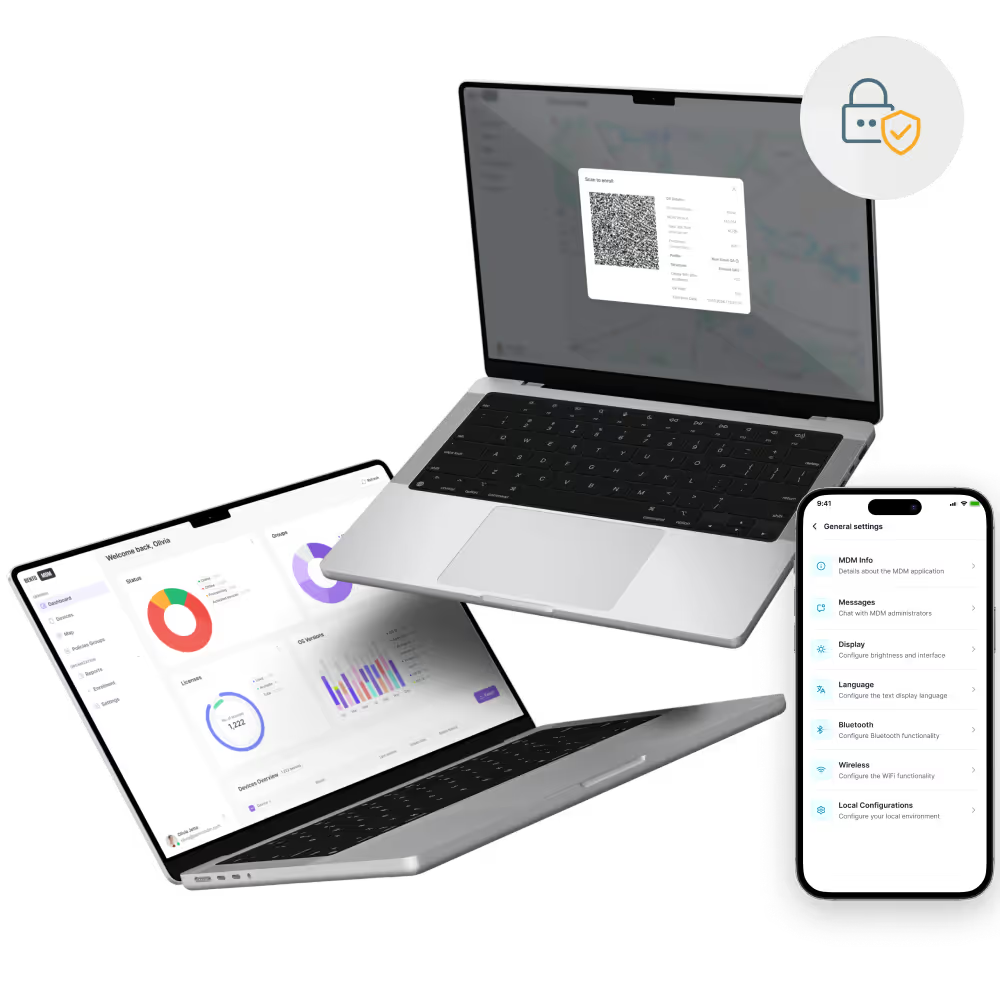
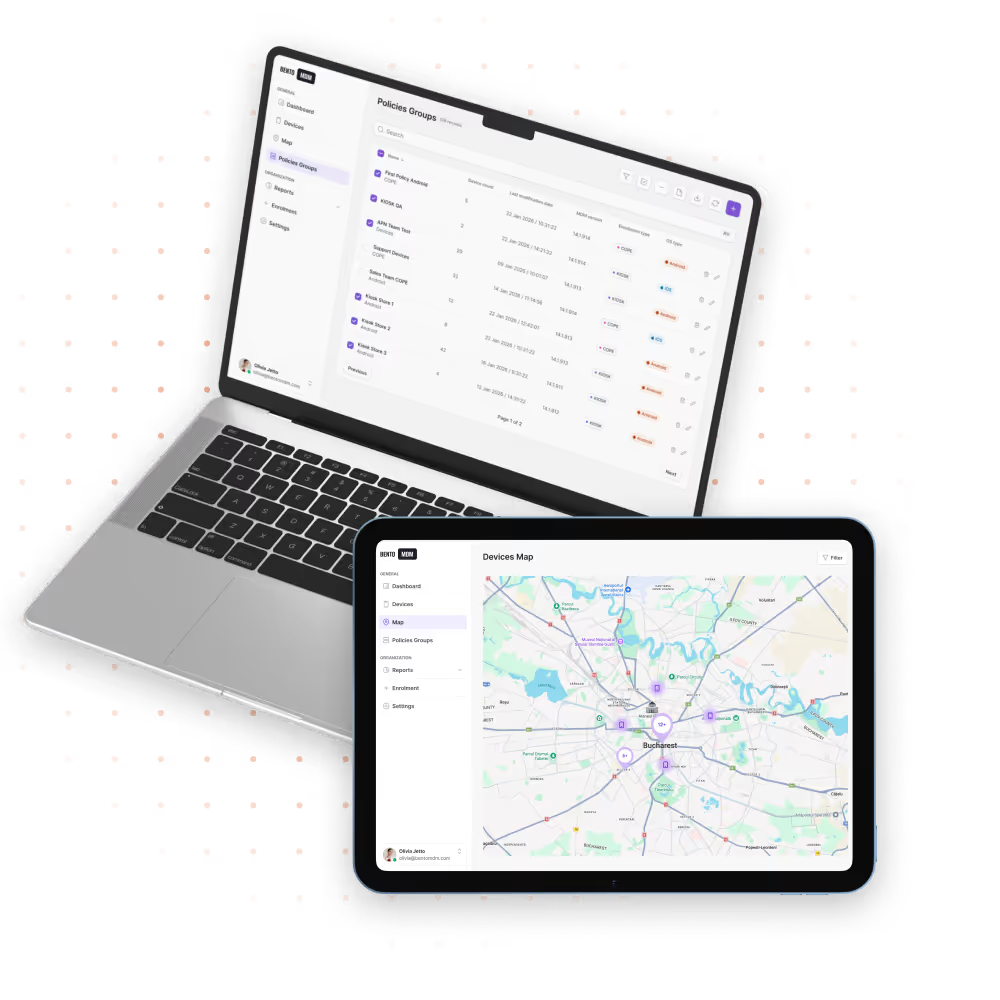
Apply Wi-Fi, VPN, web filtering, app restrictions, security settings, and compliance profiles after enrollment.

Track enrollment, supervision, app deployment, policy status, and compliance across iPhone, iPad, and Mac fleets.

Connect ADE, app licensing, Managed Apple Accounts, and federated identity to Bento’s policies, reporting, and device controls.
Assign company-owned iPhone, iPad, and Mac devices to Bento so they enroll during setup with the right management profile.

Sync app licenses from Apple Business Manager and assign apps to users, devices, or groups from Bento.

Use organization-owned Apple accounts for business access, shared workflows, and separation between work and personal data.

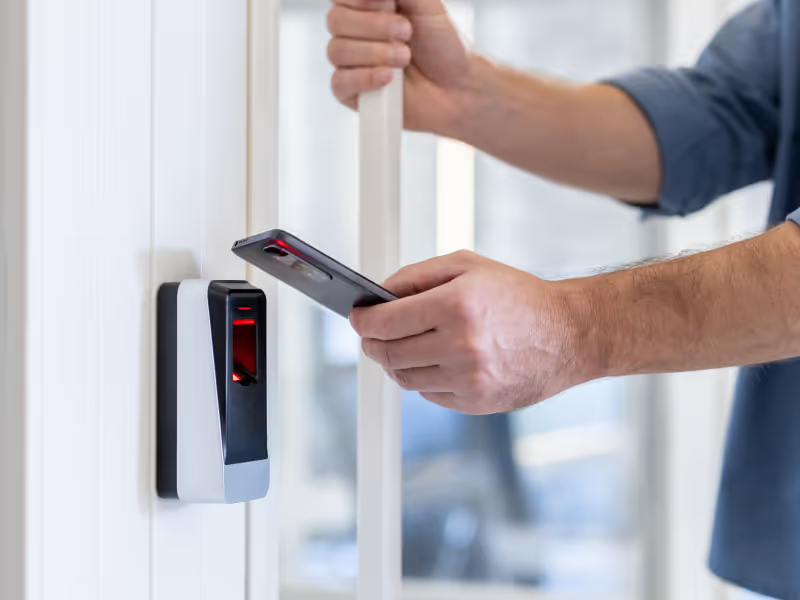
Connect identity providers such as Microsoft Entra ID, Google Workspace, Okta, or OneLogin so users can sign in with corporate credentials.

"With Bento MDM and FSM, we efficiently manage over 700 devices, automate workflows, and improve communication between field teams."
Cristian Bordescu
Operations Director


“Our collaboration with Bento on migrating over 2,000 DPD devices was exceptional. Their openness, flexibility, and constant support stood out throughout the project. Their quick adaptation to challenges and solution-oriented approach made all the difference, a truly reliable and professional partner.”
Valentina Ionescu
CIO, DPD
https://www.linkedin.com/in/valentina-ionescu-45a117bb
https://www.facebook.com/DPDRomania/
https://www.linkedin.com/company/dpd-romania/
https://www.dpd.com/
https://ro.wikipedia.org/wiki/DPD_Romania

"Bento Field Service Management and Mobile Device Management helped us streamline field interventions, secure mobile devices, and increase operational transparency."
Simona Gigiu
Business Line Director



Knowledge workers receive MacBooks and iPhones provisioned through ADE; devices ship from Apple to the employee with apps, policies, VPN, and identity configured.

Apple School Manager integrates with Bento for 1:1 iPad programs and shared classroom carts; class rosters and Managed Apple Accounts sync from the SIS at the start of each year.

Clinical iPads with Managed Apple Accounts separate clinician identities and audit logs; Shared iPad mode delivers HIPAA-aligned per-user accountability on shared ward devices.
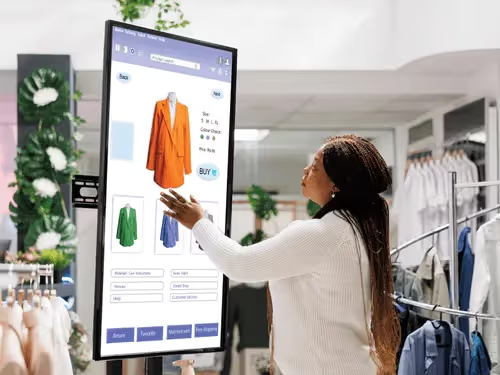
Retail stores enroll Apple devices through ADE with store-specific configurations: branding, app set, Wi-Fi profile per location, all from one Bento console.

Production teams using Macs, iPads, and Apple Pro hardware distribute creative apps (Final Cut Pro, Logic Pro, DaVinci Resolve) through VPP with per-project license shifting between freelancers.
%201.avif)
GDPR
Compliant

99.9%
Uptime

ISO 27001
Compliant

HIPAA
Compliant
What is Apple Business Manager MDM?
The integration between Apple Business Manager (now Apple Business) and a third-party MDM platform like Bento. It covers four functions: Automated Device Enrollment, Volume Purchase Program app distribution, Managed Apple Accounts, and federated authentication. Apple provides the enrollment and licensing infrastructure; the MDM provides the policy framework and management console.
What changed with Apple Business in April 2026?
On April 14, 2026, Apple consolidated Apple Business Manager, Apple Business Essentials, and Apple Business Connect into a single platform called Apple Business. The MDM integration mechanisms (ADE, VPP, Managed Apple Accounts) all carry over and continue working with Bento. Existing accounts migrated automatically.
Do I still need a third-party MDM with Apple Business?
Apple Business now includes basic built-in MDM, free in 200+ countries, and suitable for very small Apple-only fleets. For organizations with compliance requirements, multi-platform fleets, or more than a small handful of devices, a dedicated MDM like Bento provides deeper policy controls, advanced security, audit logging, and cross-platform management.
What is Automated Device Enrollment (ADE)?
Apple's zero-touch enrollment service for corporate-owned Apple devices. Devices purchased from Apple or authorized resellers appear automatically in your Apple Business account by serial or order number; on first boot, they enroll in the assigned MDM with policies and apps applied. ADE replaced the older DEP name in 2019.
What is a Managed Apple Account?
An organization-issued Apple account (formerly Managed Apple ID) that the organization owns and controls. It separates corporate from personal data, supports Shared iPad, and integrates with the identity provider. Bento provisions Managed Apple Accounts during enrollment.
What is Apple device supervision and why does it matter for MDM?
Supervision is an Apple enrollment state that grants the MDM deeper management control. Devices enrolled through ADE are automatically supervised, unlocking Single App Mode, OS-level web filtering, USB controls, silent app installation, and dozens of other commands that are unavailable on unsupervised devices. For corporate-owned iPhone, iPad, and Mac fleets, supervision is foundational.
Does Bento MDM support Apple School Manager?
Yes. Apple School Manager continues as a separate portal under Apple's rebrand. Bento integrates with ASM for K-12 and higher education: 1:1 iPad programs, shared classroom carts, student-managed Apple Accounts, and class roster sync from the SIS.
How do I set up Apple Business Manager with Bento MDM?
Sign in to business.apple.com, download the public key for Bento, upload it in the Bento console, and download the resulting MDM server token to upload back to Apple Business. Setup typically takes 15 to 30 minutes for a new tenant.
Can I use Apple Business Manager for free?
Yes. Apple Business (and the previous Apple Business Manager) is free for organizations, and with the April 2026 consolidation, the built-in MDM is now included free in over 200 countries. The cost is the third-party MDM subscription, Bento, at €1/device/month, which covers full Apple Business integration and all other capabilities.

Running 10 Macs or 10,000 iPhones? Bento adds the policy depth, compliance reporting, and cross-platform reach that Apple's built-in MDM doesn't. Try it for free or book a demo.


By Features
By Business Initiative
By OS Support