Trusted by









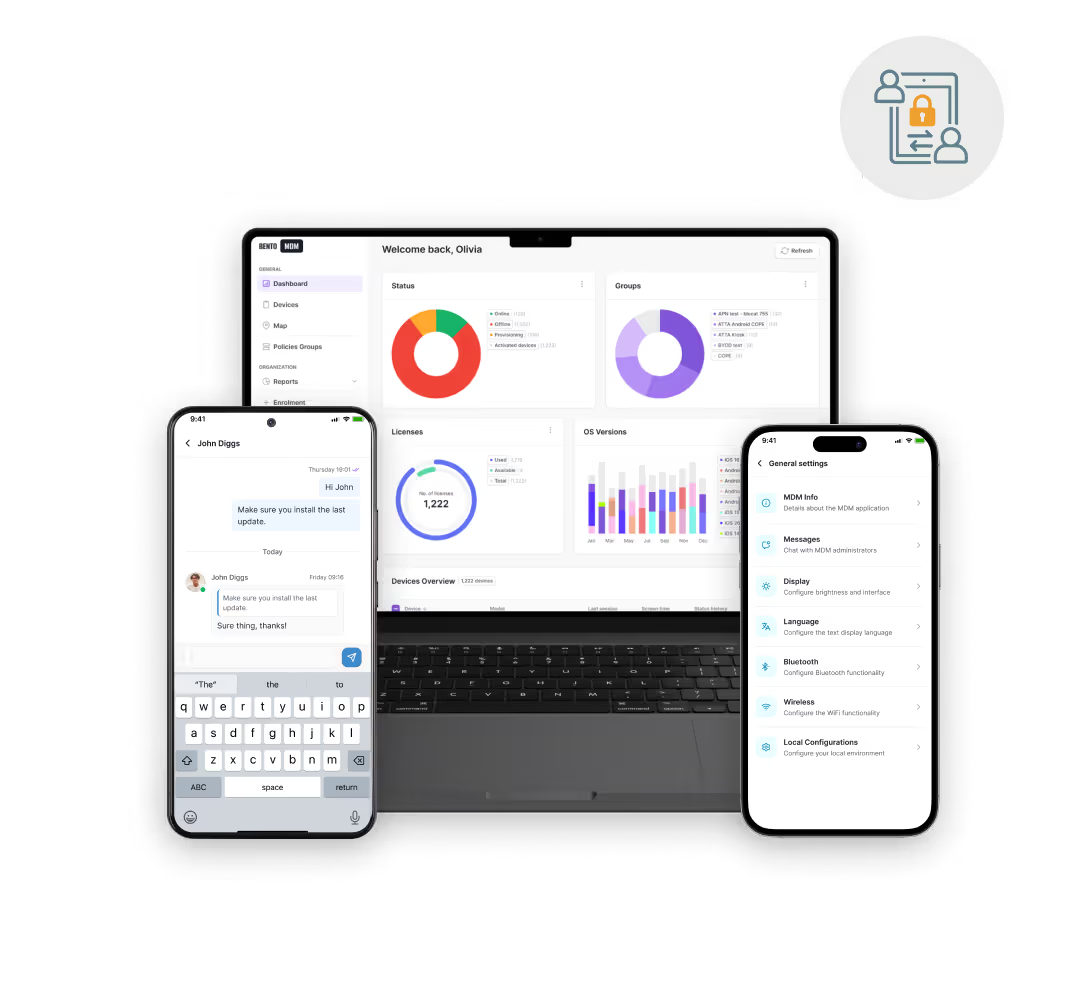
POS terminals, tablets, and scanners self-configure on first boot with store-ready apps, settings, and security policies, cutting new-store rollout from days to hours.

Silent patching, live device health monitoring, and instant remote fixes keep checkout devices online through rush hours and payment windows.

Encryption, screen policies, and usage restrictions apply across every retail device, reducing breach risk and supporting PCI DSS compliance.

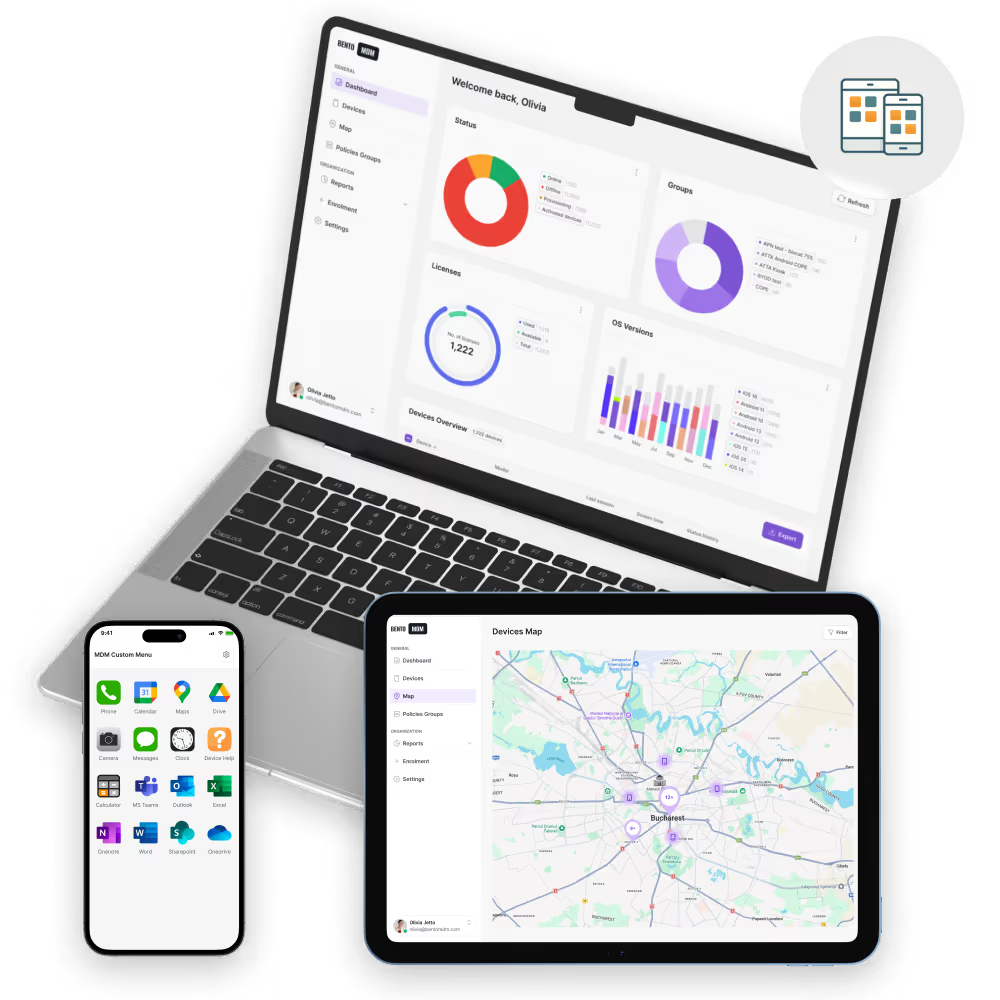
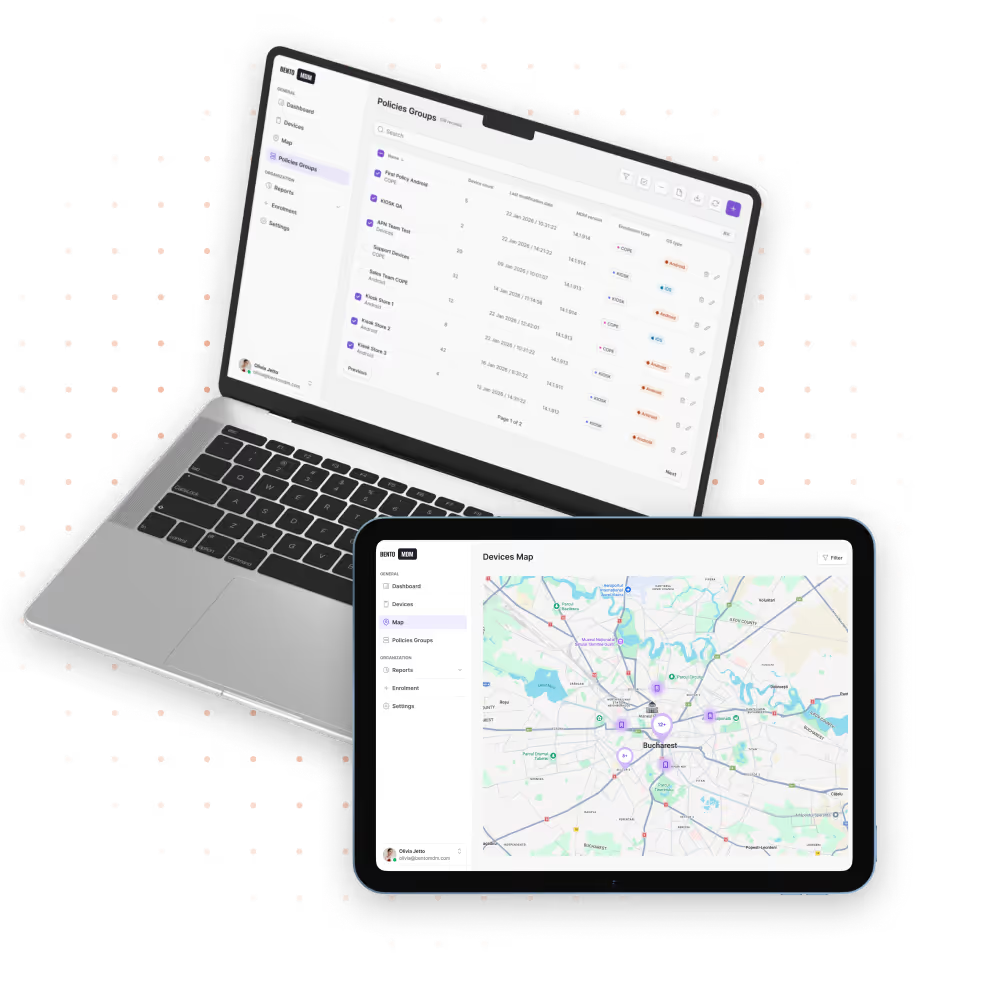
Bulk app pushes, content updates, and kiosk lockdown let you roll out new campaigns, prices, and apps to the full store fleet from one dashboard.
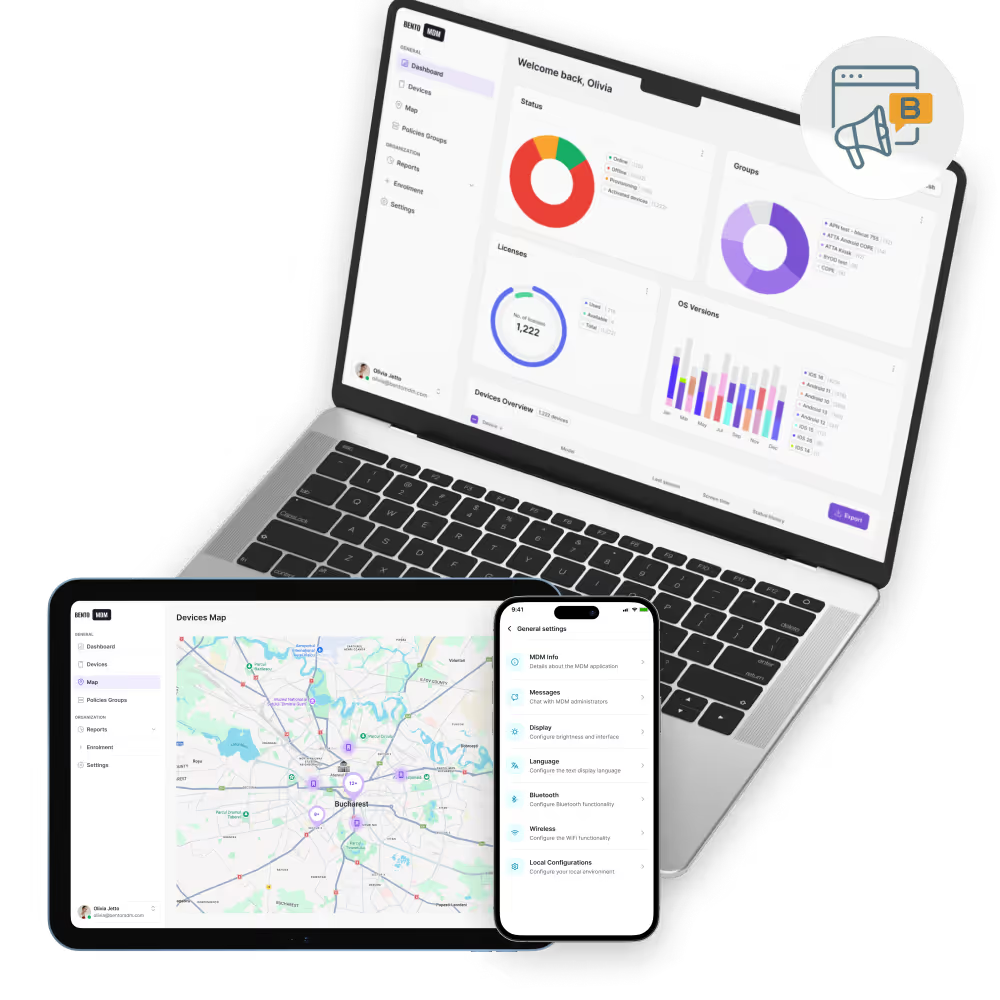
Manage, update, and secure devices across all retail store locations.

iOS, Android, and Windows updates run during closed hours so checkout devices stay current without interrupting trading.

In-store displays and e-paper shelf tags update on schedule with bulk content and price changes pushed centrally.

POS crashes, printer errors, and payment issues resolve remotely without dispatching technicians to every store.

Encryption, passcode rules, and network restrictions apply across every retail device for consistent compliance posture.

POS, inventory, clienteling, and promo apps push to every device in one action, with version pinning and staged rollouts.

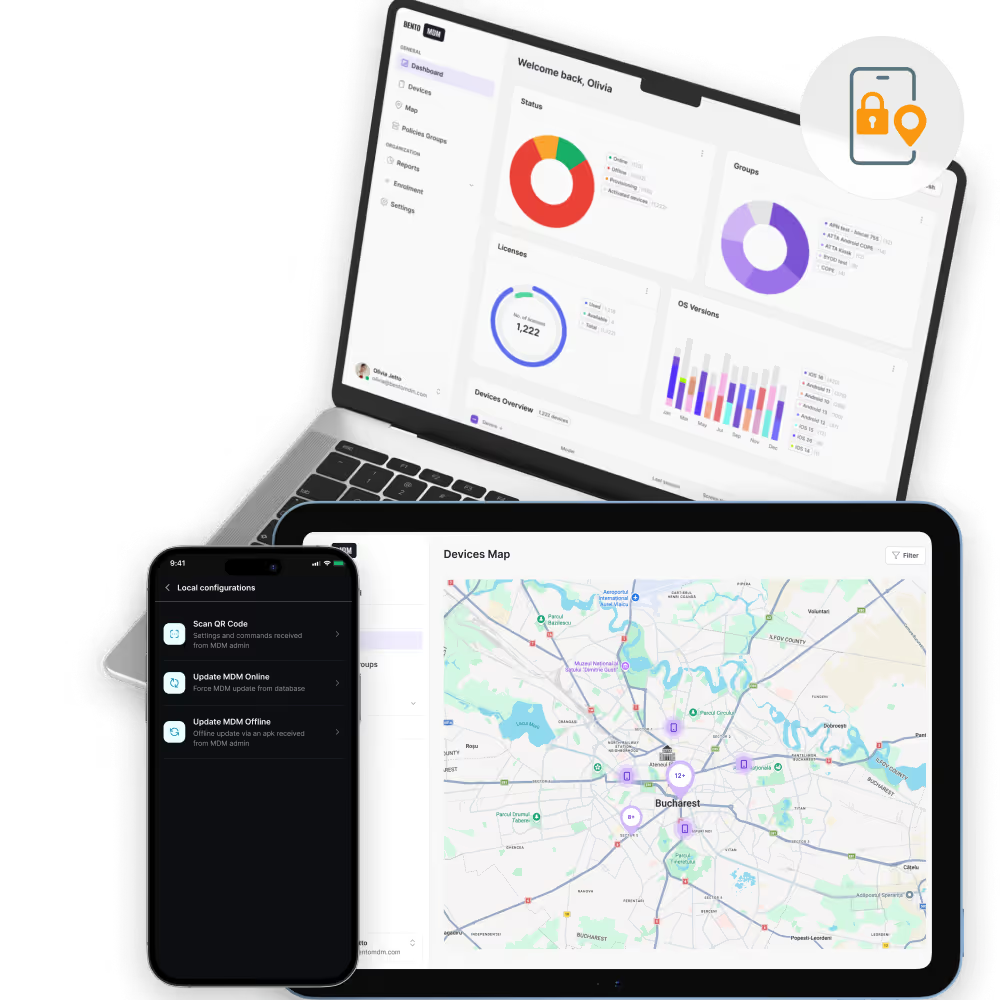
One live view tracks device health, connectivity, and app status across every store from head office.

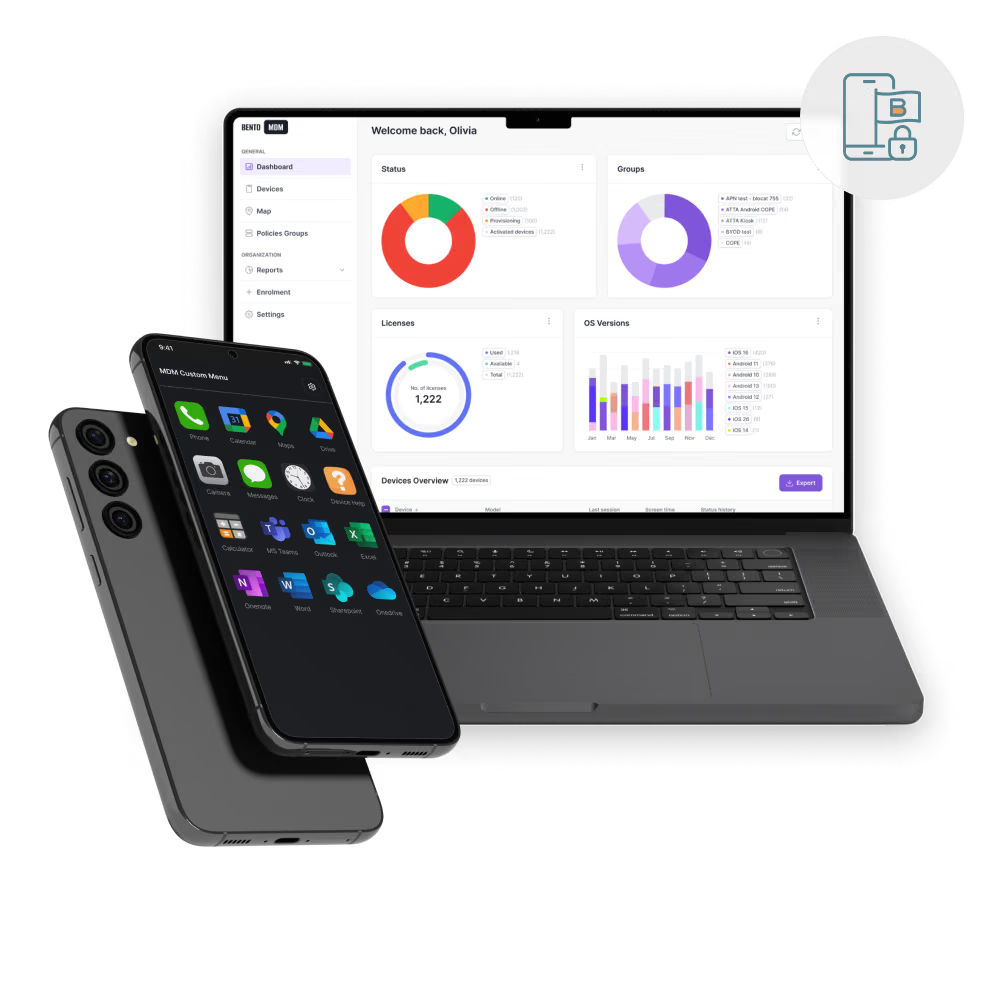
Checkout tablets, self-checkout stations, and signage displays lock to approved apps for predictable in-store behavior.

POS tablets, scanners, and back-office devices self-configure at first boot through Apple, Android, and Windows automatic enrollment flows.


"With Bento MDM and FSM, we efficiently manage over 700 devices, automate workflows, and improve communication between field teams."
Cristian Bordescu
Operations Director


“Our collaboration with Bento on migrating over 2,000 DPD devices was exceptional. Their openness, flexibility, and constant support stood out throughout the project. Their quick adaptation to challenges and solution-oriented approach made all the difference, a truly reliable and professional partner.”
Valentina Ionescu
CIO, DPD
https://www.linkedin.com/in/valentina-ionescu-45a117bb
https://www.facebook.com/DPDRomania/
https://www.linkedin.com/company/dpd-romania/
https://www.dpd.com/
https://ro.wikipedia.org/wiki/DPD_Romania

"Bento Field Service Management and Mobile Device Management helped us streamline field interventions, secure mobile devices, and increase operational transparency."
Simona Gigiu
Business Line Director


One dashboard enforces per-banner policies, apps, and branding across franchisees without site visits to every store.

Stockroom scanners run pick, receive, and inventory apps with shared device sessions reset per shift.

Store displays and e-paper shelf tags update on schedule, with bulk campaigns rolled out to every location at once.

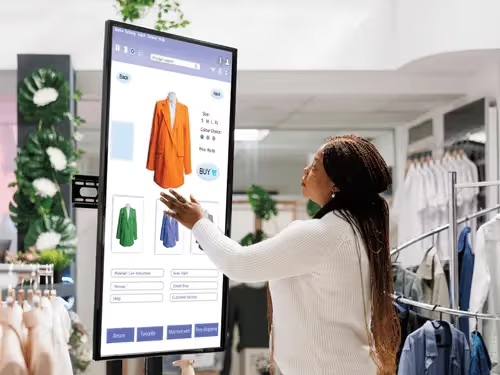
Self-service kiosks run in single-app mode, reset between customers, and alert staff on lockup or hardware error.

Associate handhelds run inventory, customer lookup, and mobile checkout apps across the sales floor with managed configs.
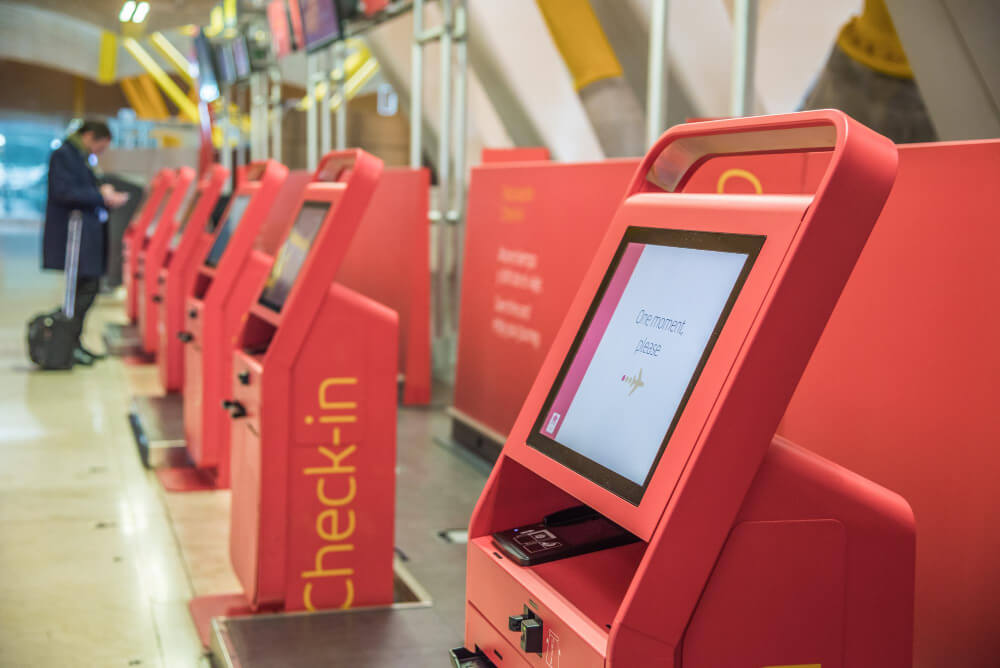
Cashier tablets stay locked to POS apps, sync price and promo updates, and fail over automatically on hardware faults.
%201.avif)
GDPR
Compliant

99.9%
Uptime

ISO 27001
Compliant

HIPAA
Compliant
What is a Retail MDM solution?
A Retail MDM solution manages, secures, and monitors POS systems, tablets, and scanners across multiple store locations, with centralized control over apps, policies, and compliance.
Is Retail MDM useful for franchises?
Yes. Retail MDM standardizes settings, apps, and security policies across franchise stores, providing compliance and consistency regardless of location.
Can POS devices be managed remotely?
Yes. MDM enables remote updates, security enforcement, and troubleshooting for POS devices without disrupting store operations or requiring on-site IT visits.
How does MDM support retail operations?
MDM helps retail IT teams remotely deploy apps, enforce security policies, troubleshoot devices, and track inventory, keeping devices consistent and operations running smoothly.
What devices can be managed with Retail MDM?
Retail MDM supports tablets, POS systems, handheld scanners, digital signage, and back-office computers used across store environments.
How does Retail MDM handle app updates?
Apps can be installed or updated silently across devices so all retail endpoints run approved, consistent software versions without manual intervention.
Can devices be locked into specific apps?
Yes. Kiosk or single-app mode allows devices to run only approved apps—ideal for POS, self-checkout, or digital signage use.
What if a retail device is lost?
MDM can remotely lock, wipe, or locate lost devices to protect sensitive data and prevent misuse.

Manage every phone, tablet, and workstation from one console, across retail and beyond, with Bento MDM.


By Features
By Business Initiative
By OS Support