Trusted by









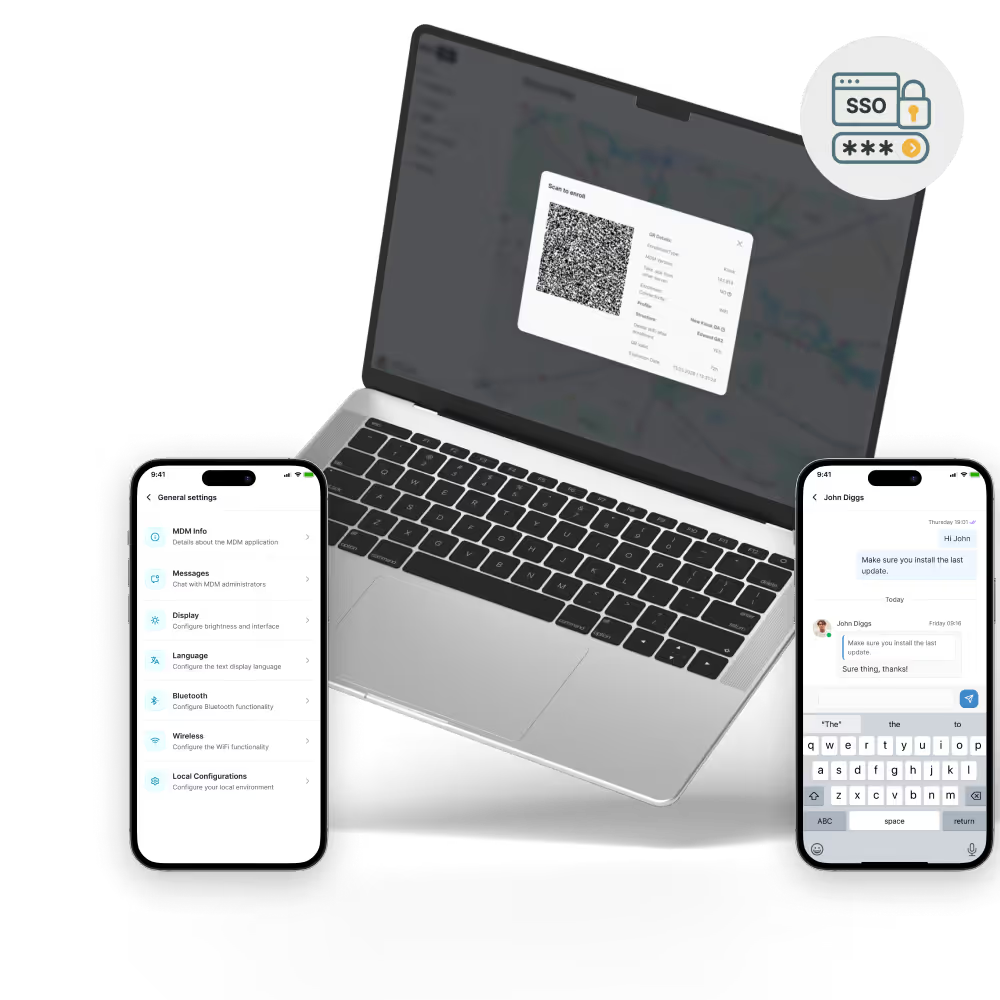
New hires unbox their laptop or phone, enroll with a QR code, and land in a fully configured work environment, saving IT from shipping pre-imaged devices or booking virtual setup calls.

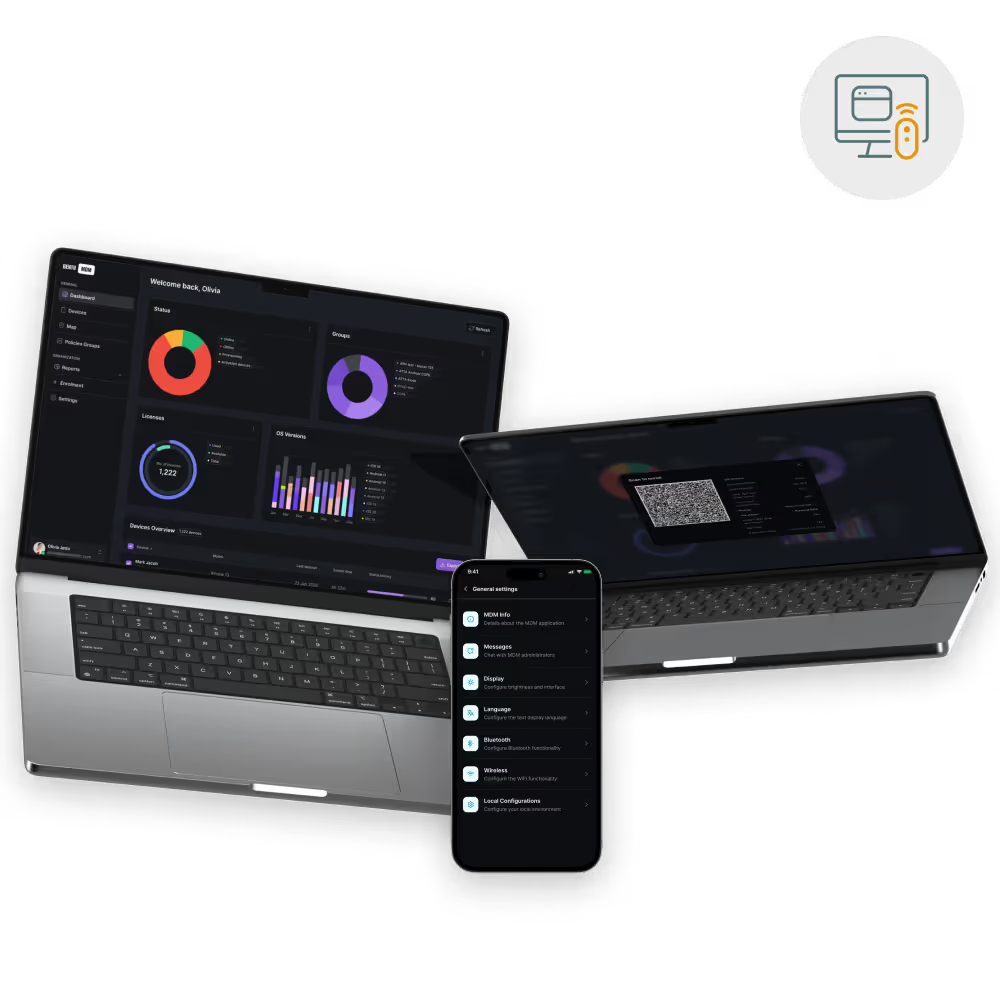
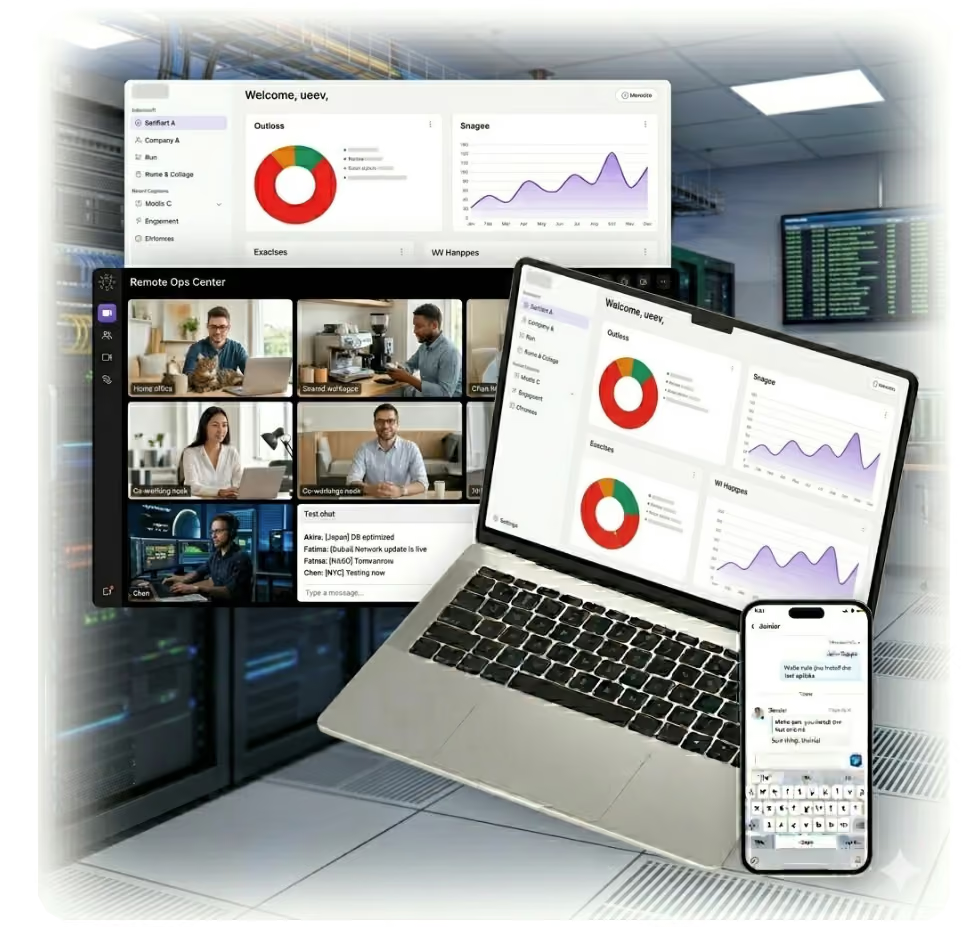
Live screen view, remote commands, and script execution let IT diagnose and resolve problems on any remote device, cutting ticket time and shipping costs.

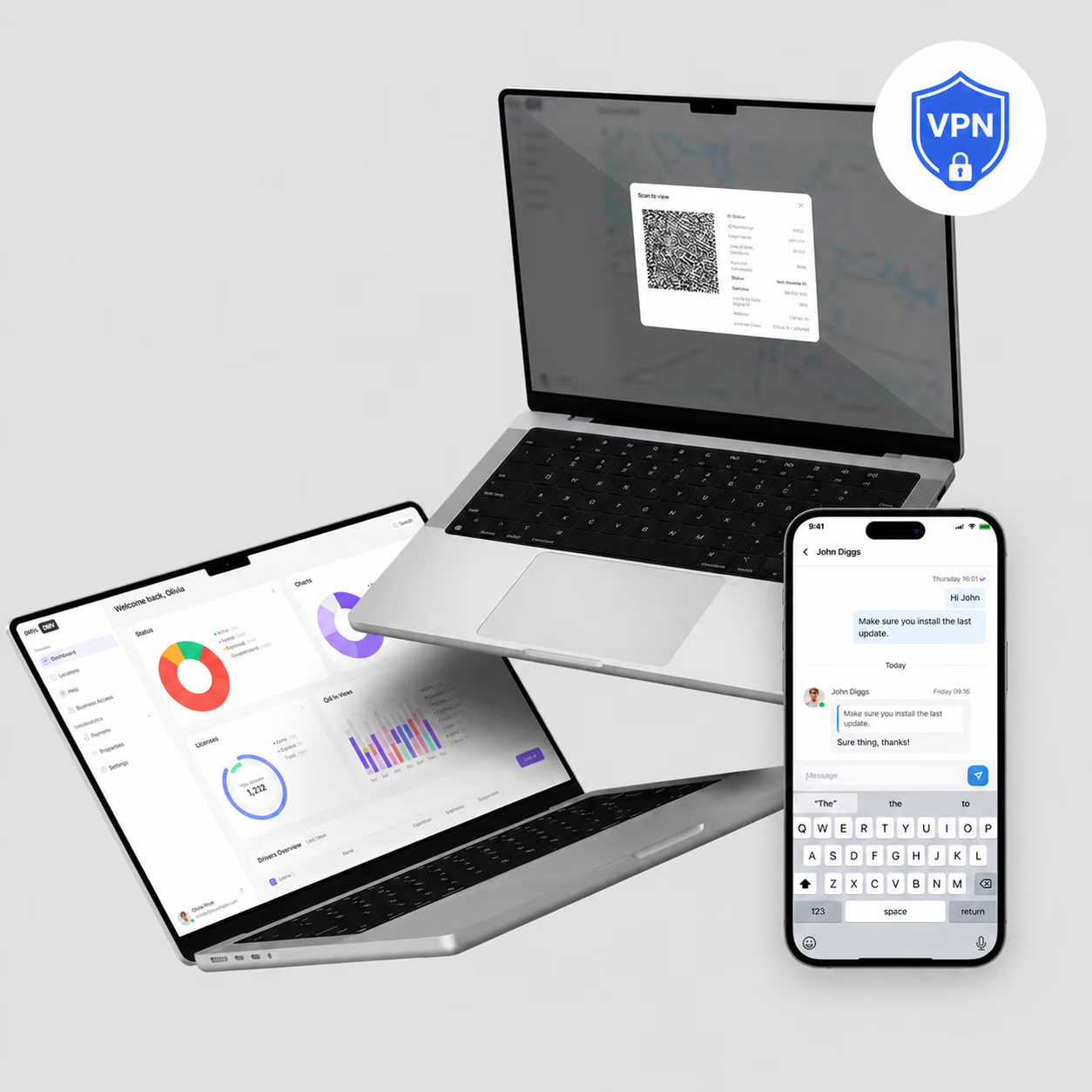
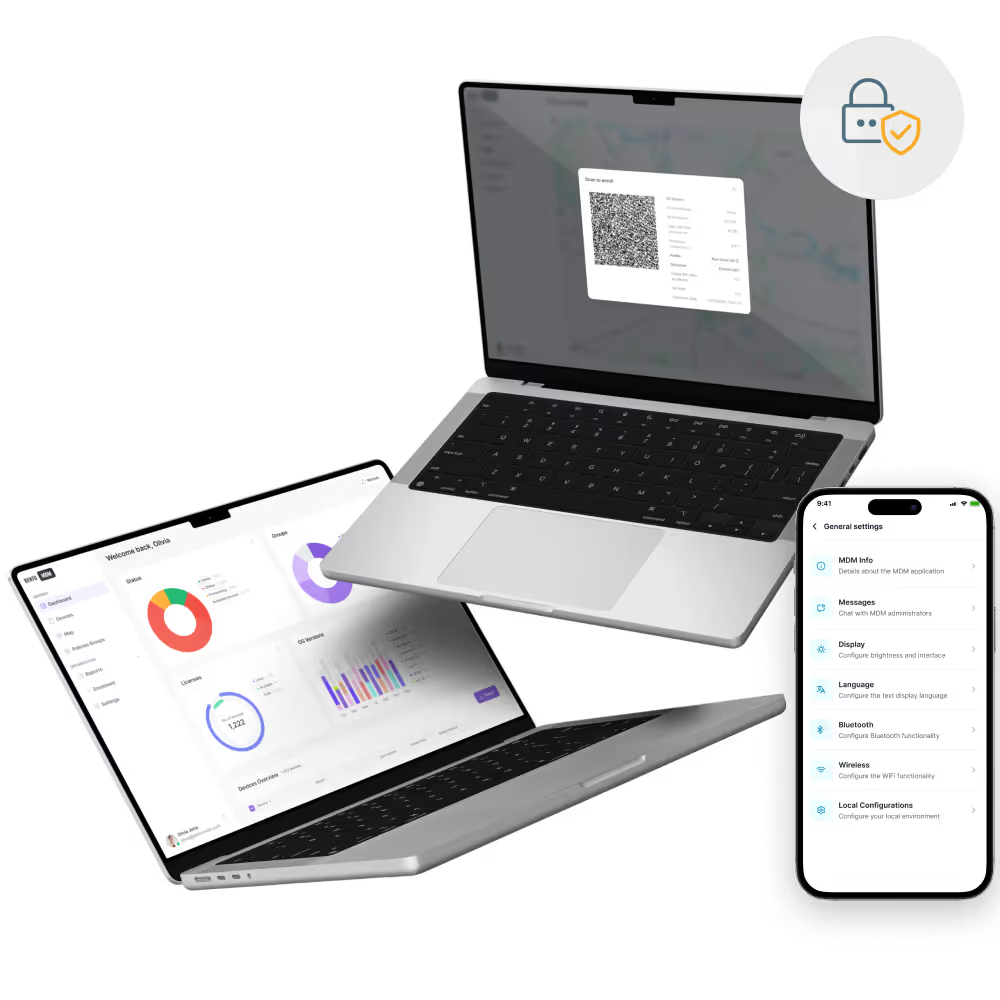
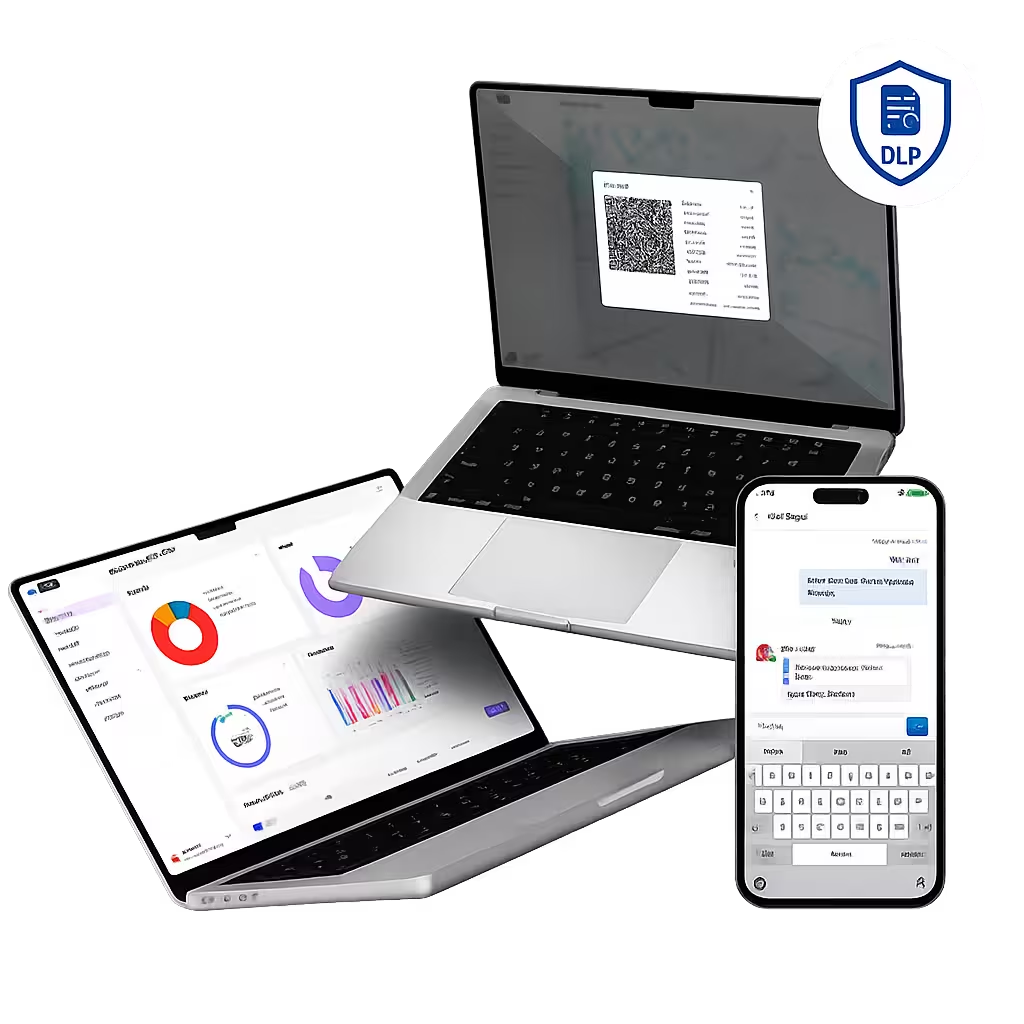
Encryption, passcode, VPN, and conditional access policies apply continuously, so devices stay compliant on home Wi-Fi, coffee shops, and airport networks.

Scheduled off-hour patches, silent app installs, and offline command queuing keep remote laptops current without pulling users out of meetings or focus time.
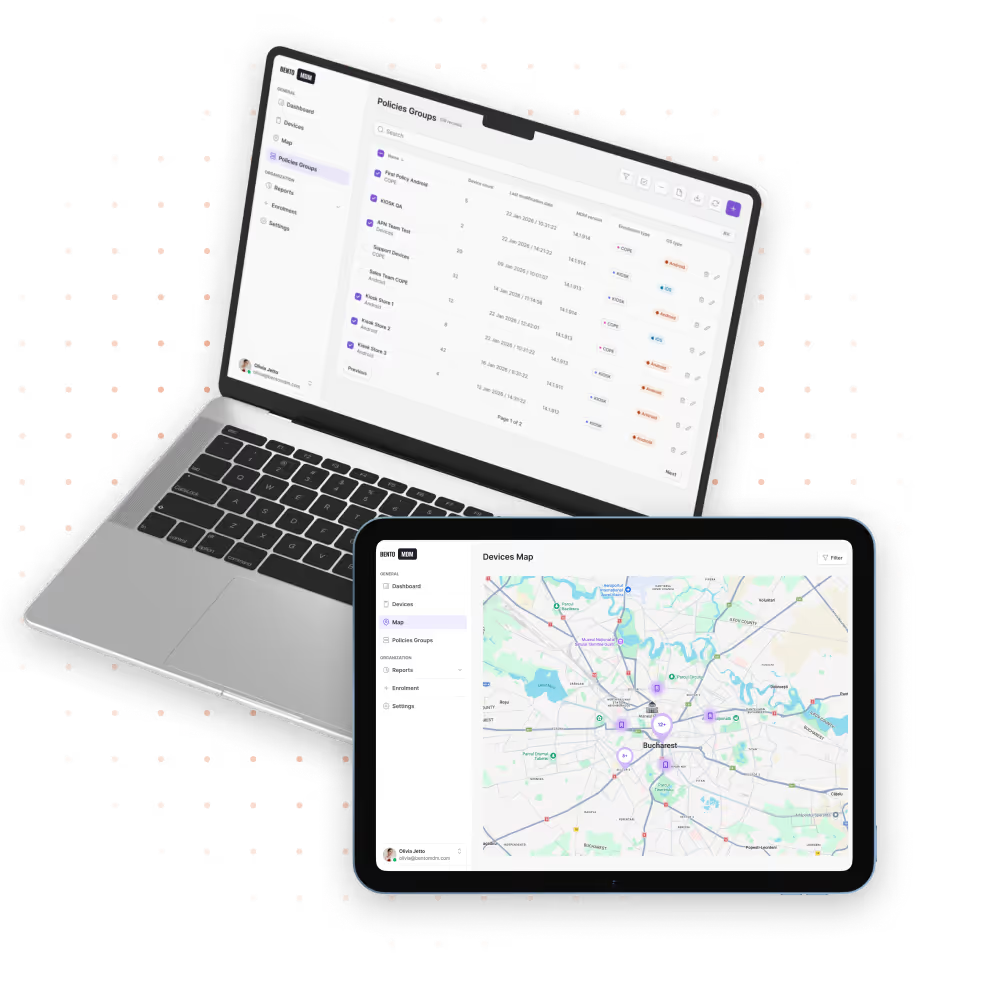
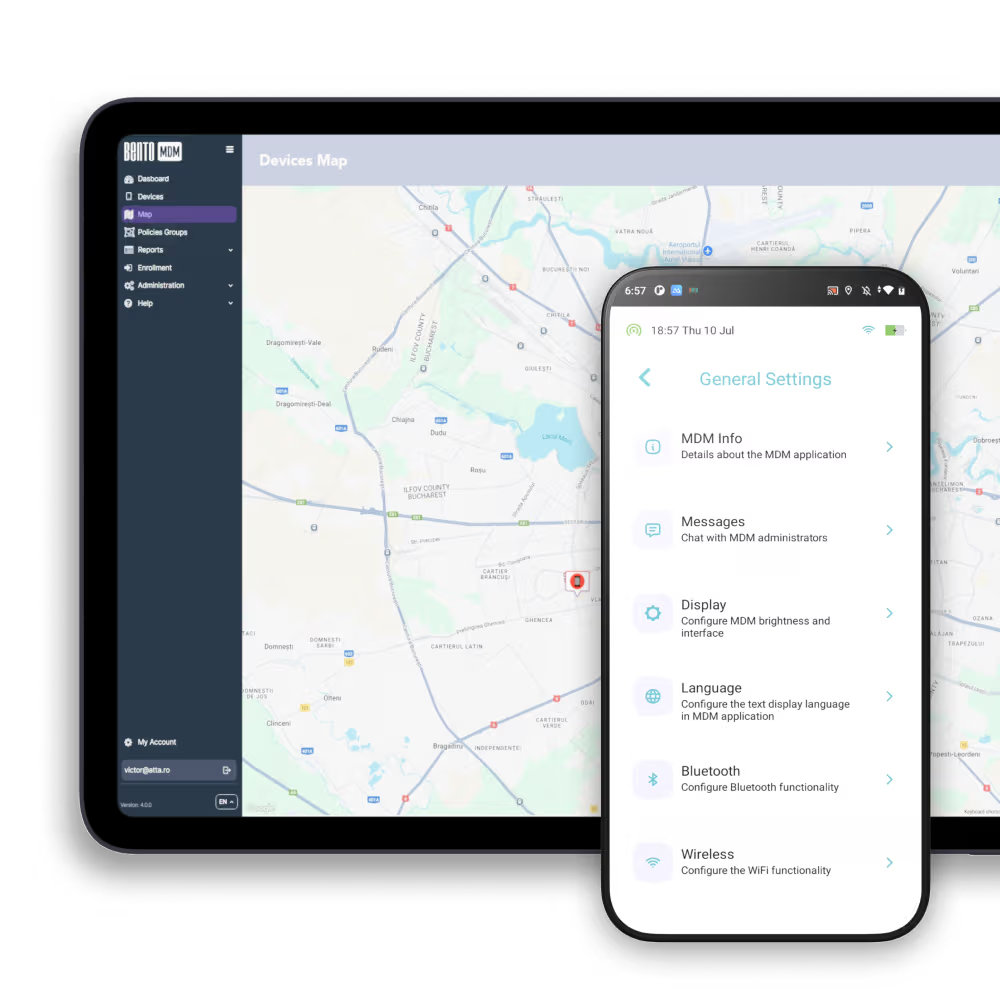
Enroll, configure, secure, and support remote devices from one console, with no IT travel required.

New hires unbox a device, scan a QR code, and land in a ready-to-work state through Apple Business Manager, Android Enterprise, or Windows Autopilot.

Screen view, file transfer, and script execution resolve remote tickets from the console without shipping devices or sending IT on site.

Encryption, MFA, OS version, and compliance checks gate access to corporate apps so only healthy devices reach sensitive data.

OS and app updates schedule during quiet hours with staged rollouts and rollback on failure, keeping users in focus time during the day.

Policies, scripts, and app pushes queue on the device and run the moment connectivity returns, supporting flights, trains, and low-signal zones.

Apple User Enrollment and Android Work Profile separate corporate data from personal content so IT manages the work side only.

Corporate apps tunnel through encrypted connections, with identity-based access blocking unmanaged devices and personal browsing from the corporate network.

Live views of device health, patch status, encryption, and policy drift alert IT the moment a remote device falls out of compliance.


"With Bento MDM and FSM, we efficiently manage over 700 devices, automate workflows, and improve communication between field teams."
Cristian Bordescu
Operations Director


“Our collaboration with Bento on migrating over 2,000 DPD devices was exceptional. Their openness, flexibility, and constant support stood out throughout the project. Their quick adaptation to challenges and solution-oriented approach made all the difference, a truly reliable and professional partner.”
Valentina Ionescu
CIO, DPD
https://www.linkedin.com/in/valentina-ionescu-45a117bb
https://www.facebook.com/DPDRomania/
https://www.linkedin.com/company/dpd-romania/
https://www.dpd.com/
https://ro.wikipedia.org/wiki/DPD_Romania
"Bento Field Service Management and Mobile Device Management helped us streamline field interventions, secure mobile devices, and increase operational transparency."
Simona Gigiu
Business Line Director


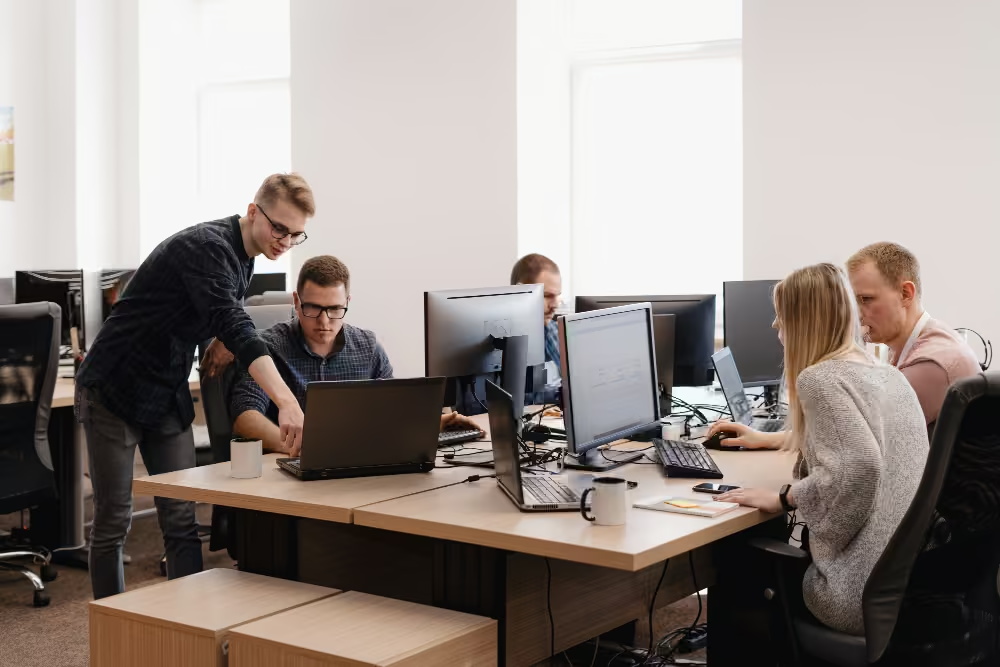
Dev laptops run approved IDEs, scripts, and dev tools with container isolation between client and personal projects.
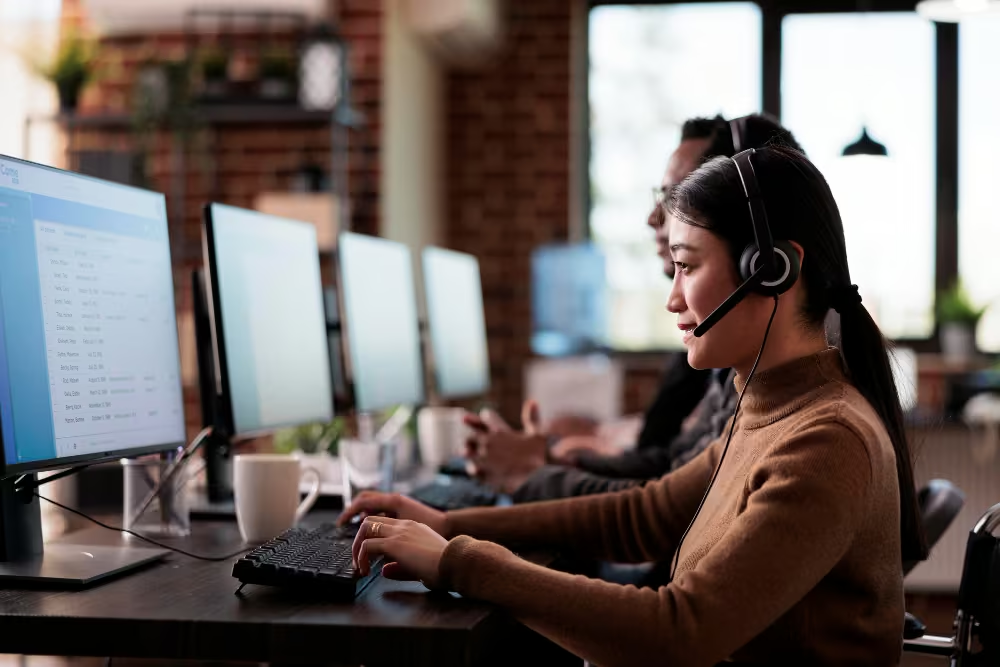
Agent laptops run support consoles through per-app VPN, with call-recording apps pre-installed and screen capture logged.
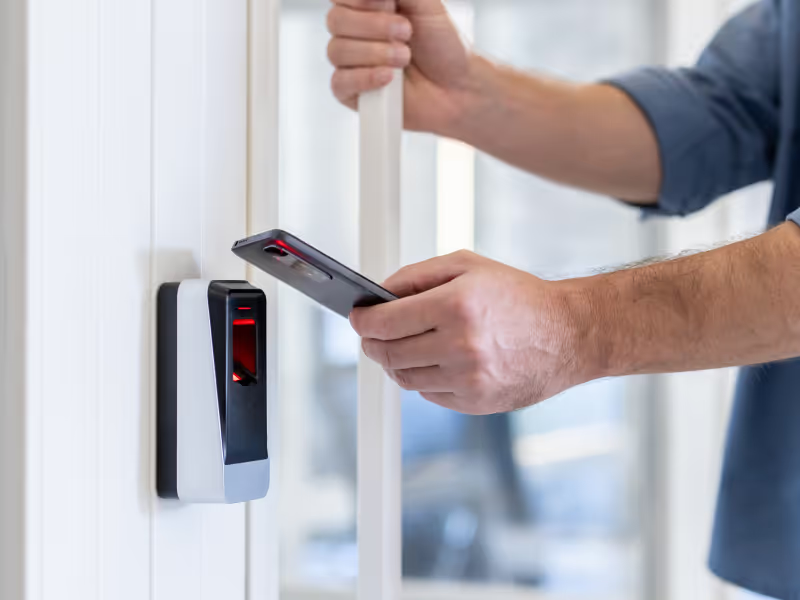
Contractor devices onboard with time-boxed access, then auto-revoke apps, files, and credentials at contract end.

New hires in any country enroll via QR code, pull localized apps and settings, and start without shipping delays.

Executive devices apply geofenced rules at sensitive locations, enforce VPN on public Wi-Fi, and lock instantly on loss.

Office-return days trigger printer, Wi-Fi, and conference-room app deployments automatically as devices enter the building zone.
%201.avif)
GDPR
Compliant

99.9%
Uptime

ISO 27001
Compliant

HIPAA
Compliant
What is remote team device management?
MDM for remote teams secures, configures, updates, and supports devices anywhere—ensuring consistent policies and productivity for distributed workforces.
How are remote devices enrolled?
Zero-touch enrollment and QR-code methods onboard laptops, tablets, and phones instantly—no IT travel or manual staging required.
Can offline remote devices be managed?
Yes. Commands, policies, and updates queue locally and execute automatically when connectivity returns.
How are patches delivered to remote endpoints?
Scheduled off-hour patch deployments push OS and app updates silently—keeping devices current without user intervention.
What remote troubleshooting features are available?
Live screen sharing, remote commands, and script execution diagnose and fix issues without physical access.
How is security enforced for remote teams?
Real-time threat detection, MFA policies, and container isolation maintain security and privacy on every device.
How is compliance monitored remotely?
Central dashboards track device health, configuration status, and policy adherence, sending alerts on deviations.
Can MDM integrate with ITSM tools?
Bento’s REST APIs link device events and actions to ITSM, SIEM, and ticketing systems for seamless workflows.

Manage every laptop, phone, and tablet your remote teams use from a single Bento MDM console.


By Features
By Business Initiative
By OS Support