Trusted by









Receive real-time alerts when devices go offline, policies are breached, patches fail, or unusual behavior needs immediate attention.

Set custom trigger rules, severity levels, and delivery logic so teams see the right signals instead of drowning in noise.

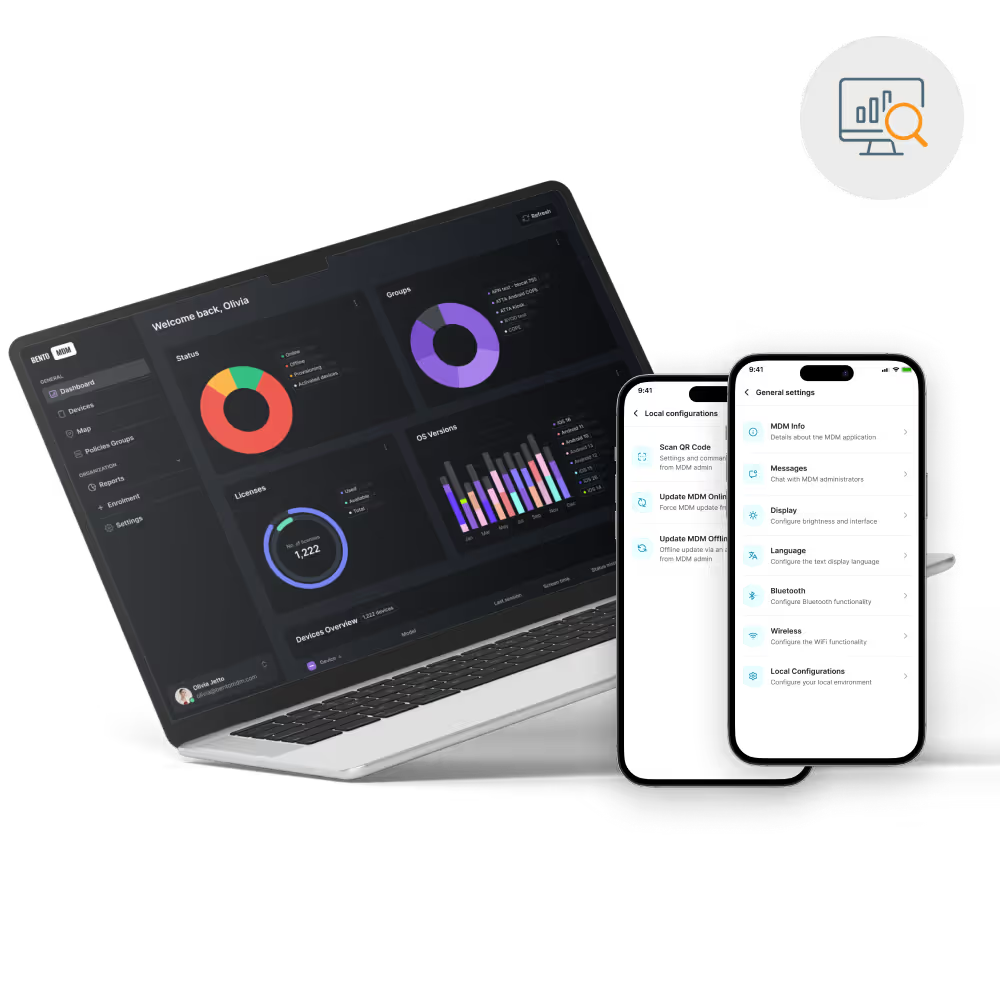
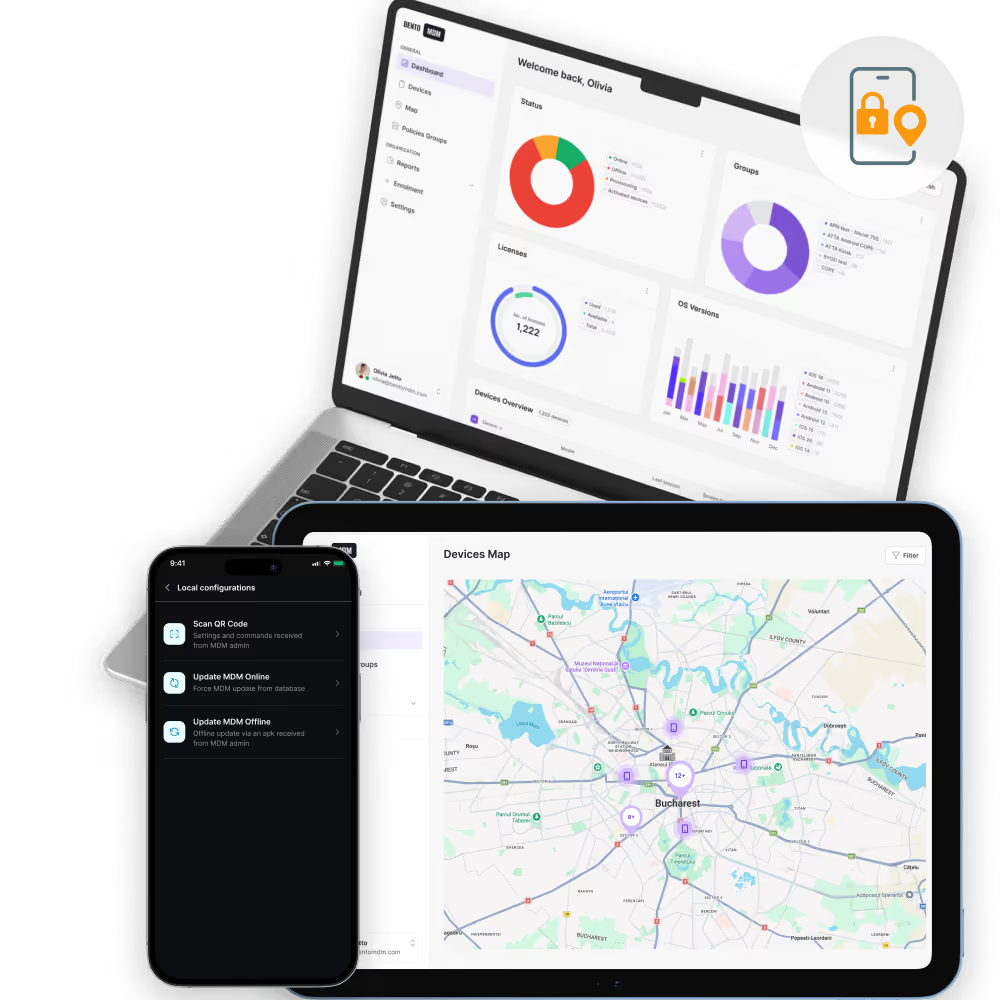
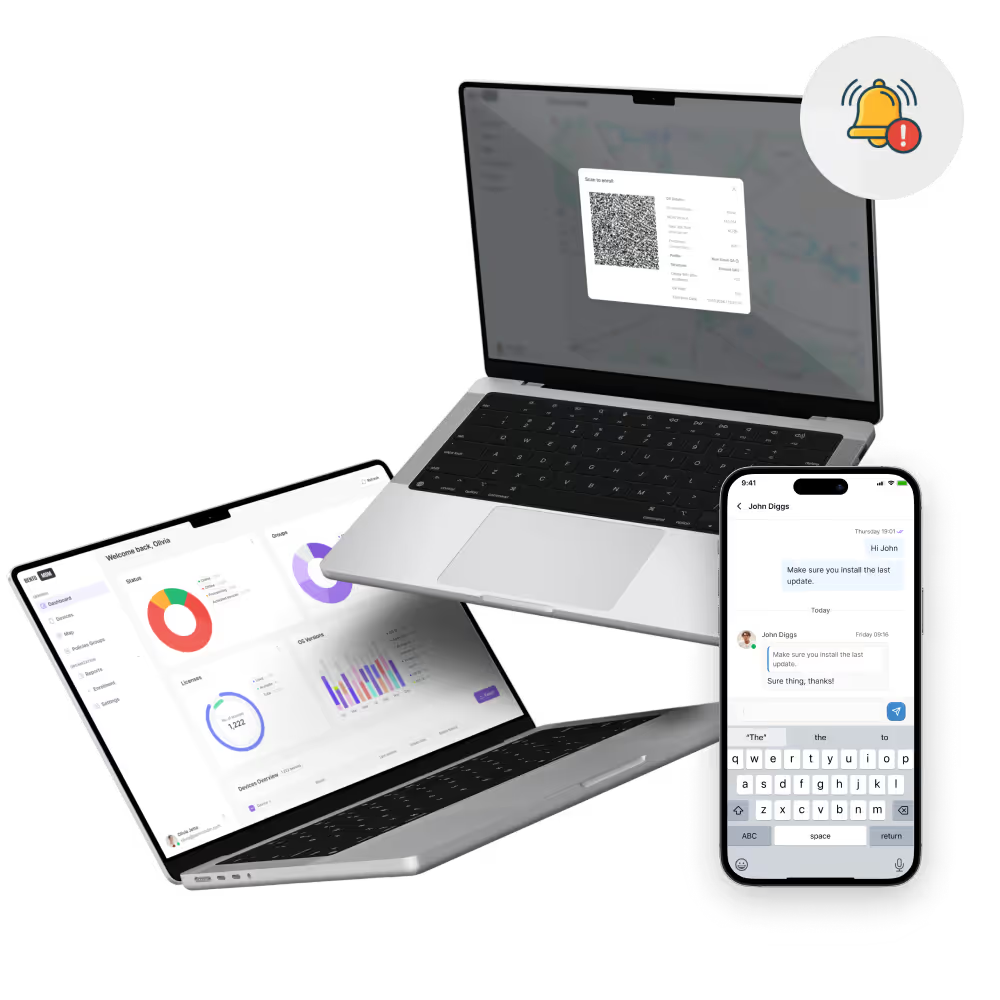
Monitor alerts, notification history, and device status in one centralized dashboard instead of chasing updates across tools.
Bento MDM helps IT teams monitor device health, policy status, and security events with centralized alerts and notifications, while also sending back-office messages and warnings directly to managed devices when needed.

Route alerts into helpdesk or ITSM workflows through integrations and APIs to keep response processes consistent.
Bundle lower-priority MDM notifications into scheduled summaries to reduce noise while keeping teams informed.

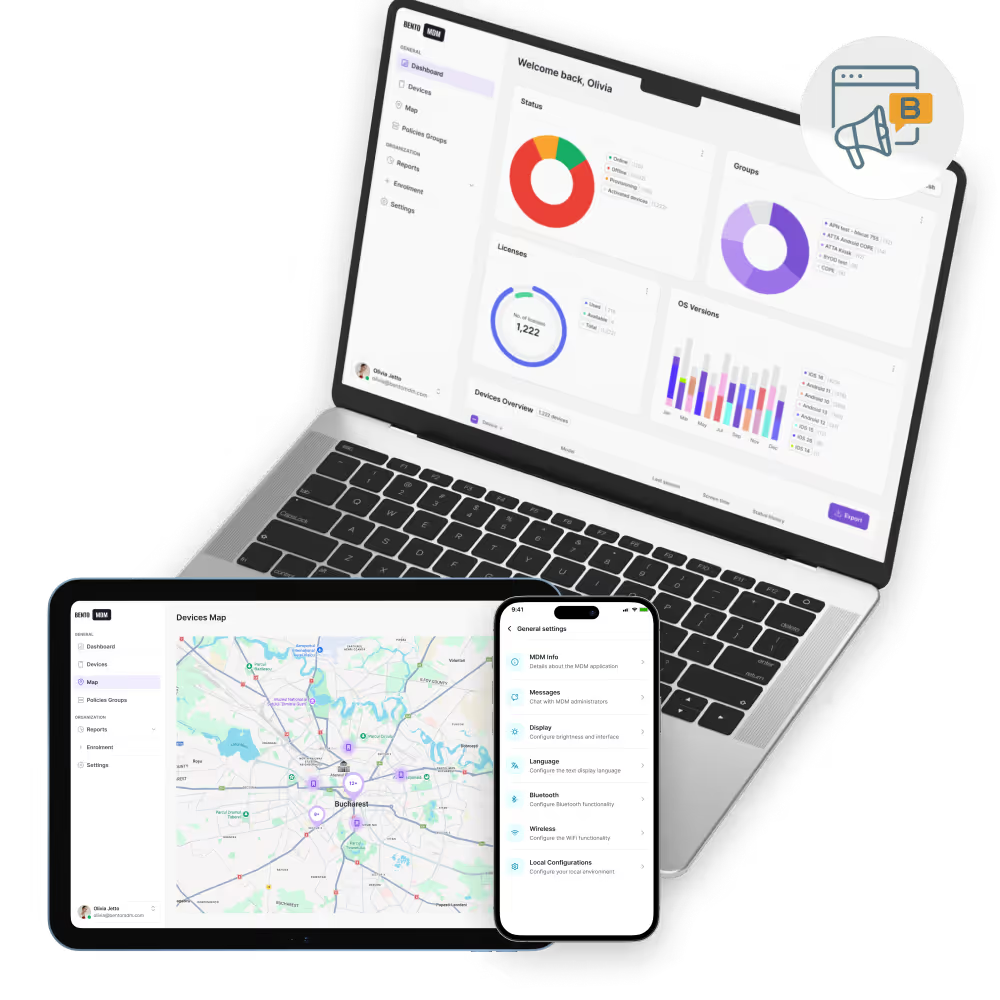
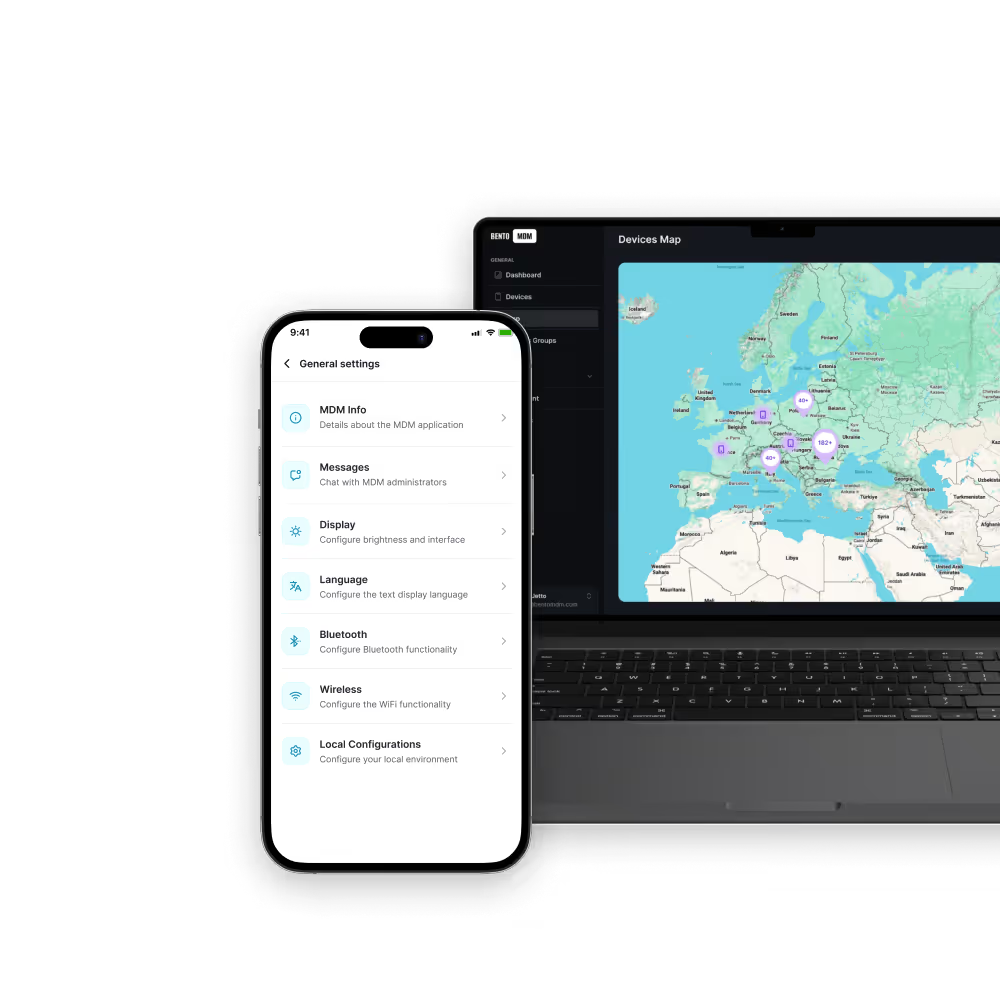
Send broadcast-style messages, warnings, or task prompts from the admin console to selected devices or groups when users need immediate guidance.

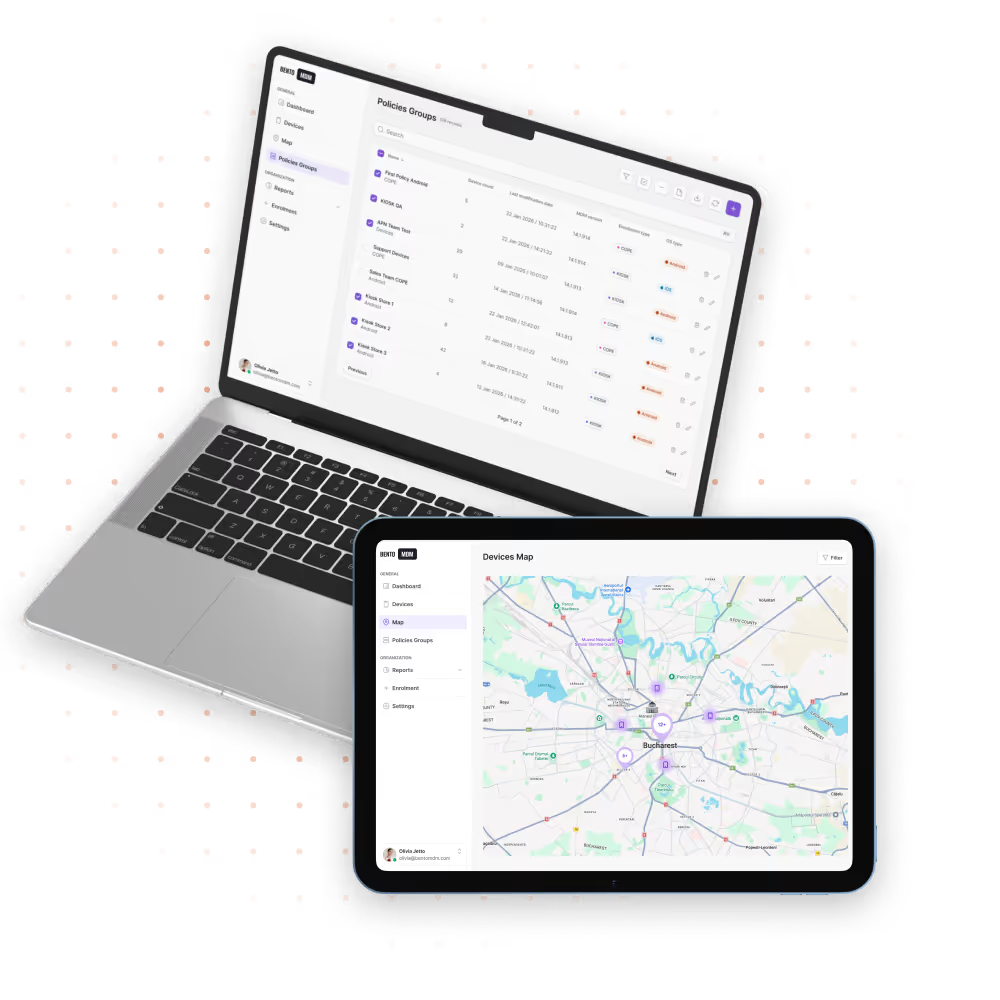
View open, acknowledged, and resolved alerts in one place, with filters by type, device group, location, or severity.

Include device metadata, time of event, policy context, and suggested next steps so teams can troubleshoot without wasting time.

Classify events by urgency to separate critical incidents from lower-priority warnings and routine device notices.

Send notifications through the admin console, email, SMS, or webhooks so the right people get the right update fast.
Define rules based on policy violations, geofence events, patch failures, offline status, or other conditions that matter to your environment.
Detect device issues as they happen, including security breaches, failed updates, compliance problems, and connectivity loss.

Get instant alerts on device compliance failures, security events, geofence breaches, patch issues, and unauthorized access attempts. Bento MDM Alerts route notifications to your IT team through email, Slack, Teams, or webhook integrations.

"With Bento MDM and FSM, we efficiently manage over 700 devices, automate workflows, and improve communication between field teams."
Cristian Bordescu
Operations Director


“Our collaboration with Bento on migrating over 2,000 DPD devices was exceptional. Their openness, flexibility, and constant support stood out throughout the project. Their quick adaptation to challenges and solution-oriented approach made all the difference, a truly reliable and professional partner.”
Valentina Ionescu
CIO, DPD
https://www.linkedin.com/in/valentina-ionescu-45a117bb
https://www.facebook.com/DPDRomania/
https://www.linkedin.com/company/dpd-romania/
https://www.dpd.com/
https://ro.wikipedia.org/wiki/DPD_Romania

"Bento Field Service Management and Mobile Device Management helped us streamline field interventions, secure mobile devices, and increase operational transparency."
Simona Gigiu
Business Line Director


.avif)
Monitor shop-floor tablets and industrial devices for policy violations, failures, and connectivity issues before downtime spreads.

Track compliance breaches, offline assets, and security issues across sensitive device fleets with centralized audit visibility.
.avif)
Flag failed updates and device issues on POS systems before checkout, pricing, or inventory workflows start breaking.

Detect offline student devices, update failures, and policy issues quickly, then push messages to school devices when users need guidance or restrictions change.

Get immediate notifications for offline clinical devices, security issues, and compliance breaches that could affect patient-facing workflows.

Notify teams when rugged devices go offline, leave geofenced zones, or fail updates in remote working conditions.
%201.avif)
GDPR
Compliant

99.9%
Uptime
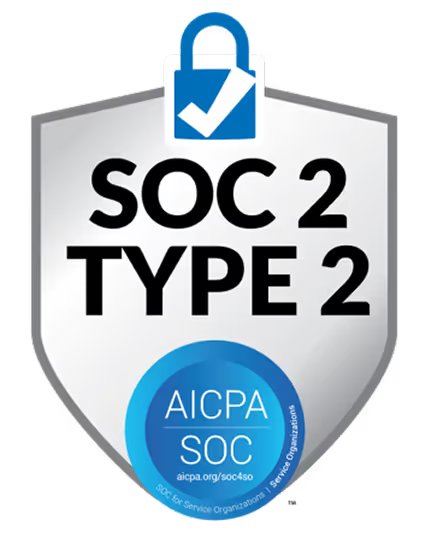

ISO 27001
Compliant

HIPAA
Compliant
Does Bento MDM keep alert history for audits and troubleshooting?
Yes. Alert events are logged centrally so teams can review incident history, investigate patterns, and support compliance documentation.
Can MDM alerts integrate with helpdesk or ITSM tools?
Yes. Bento can route alert data into ticketing and workflow systems through integrations, webhooks, and APIs for better incident management.
How do I configure MDM alerts in Bento?
Admins can set alert rules in the Bento console based on specific events, device states, policy violations, update failures, geofence breaches, or connectivity issues.
Can alert severity be customized?
Yes. Teams can assign severity levels such as critical, warning, or informational to help prioritize incident response and reduce unnecessary escalation.
Which notification channels does Bento support?
Bento supports in-console notifications, email, SMS, and webhook-based delivery so teams can route updates through the channels they already use. It can also push messages or warnings to managed devices from the admin side.
Can Bento send scheduled alert digests?
Yes. Lower-priority MDM notifications can be grouped into scheduled digests so teams stay informed without getting flooded by constant alerts.
What are MDM alerts and notifications?
MDM alerts and notifications inform IT teams about device events that need attention, such as security breaches, policy violations, failed updates, offline status, or compliance issues. They can also be used to send messages from admins to managed devices.
What is the difference between an alert and an MDM notification?
An alert usually signals an event that needs action, while an MDM notification can also include lower-priority updates, summaries, or informational messages.

From BYOD to kiosk lockdown, Bento MDM secures and simplifies your device operations. Try it for free or book a live demo.


By Features
By Business Initiative
By OS Support