Trusted by









Every boundary crossing, trigger, and action logs to the console so auditors get searchable, exportable geofencing records for regulatory reviews.

Context-aware geofencing rules tighten camera, app, and network controls in secure areas and relax them in trusted zones, matching policy to physical location automatically.

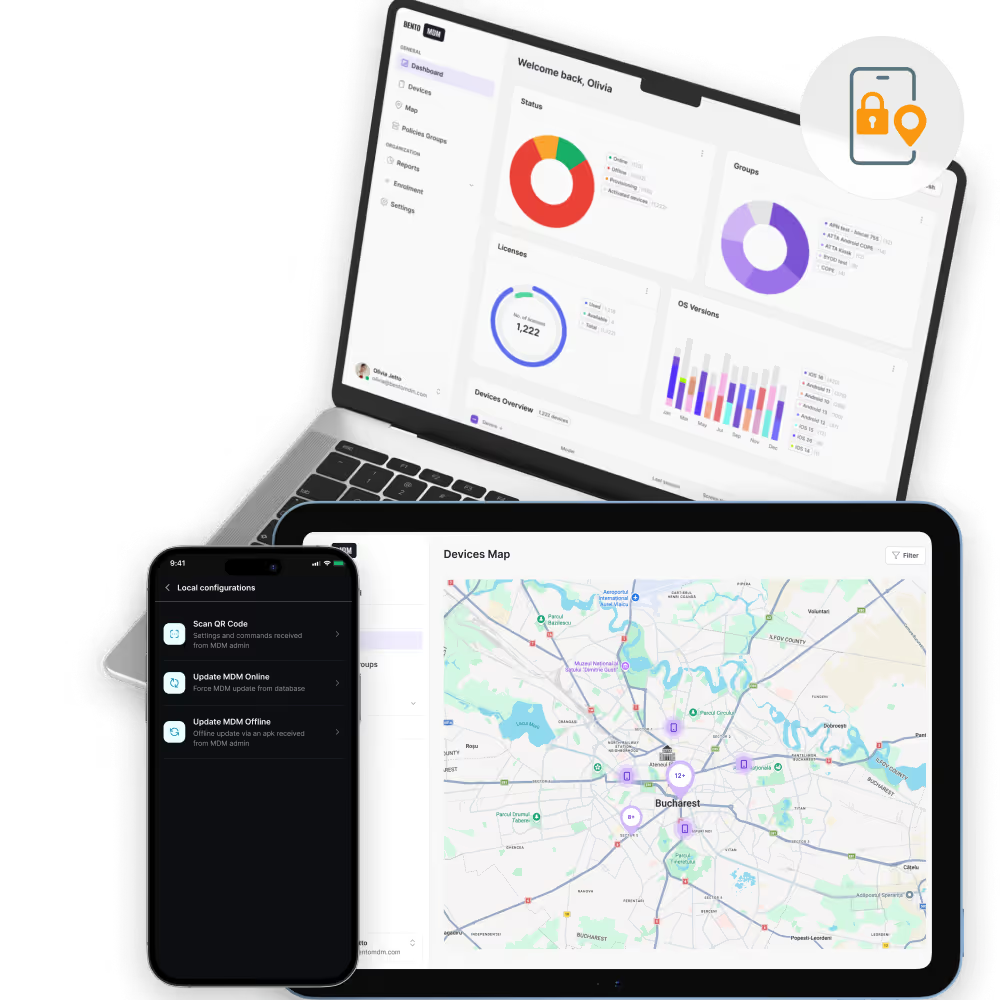
Geofencing alerts fire the instant a managed device leaves a defined zone, giving security teams time to lock, wipe, or investigate before data walks away.

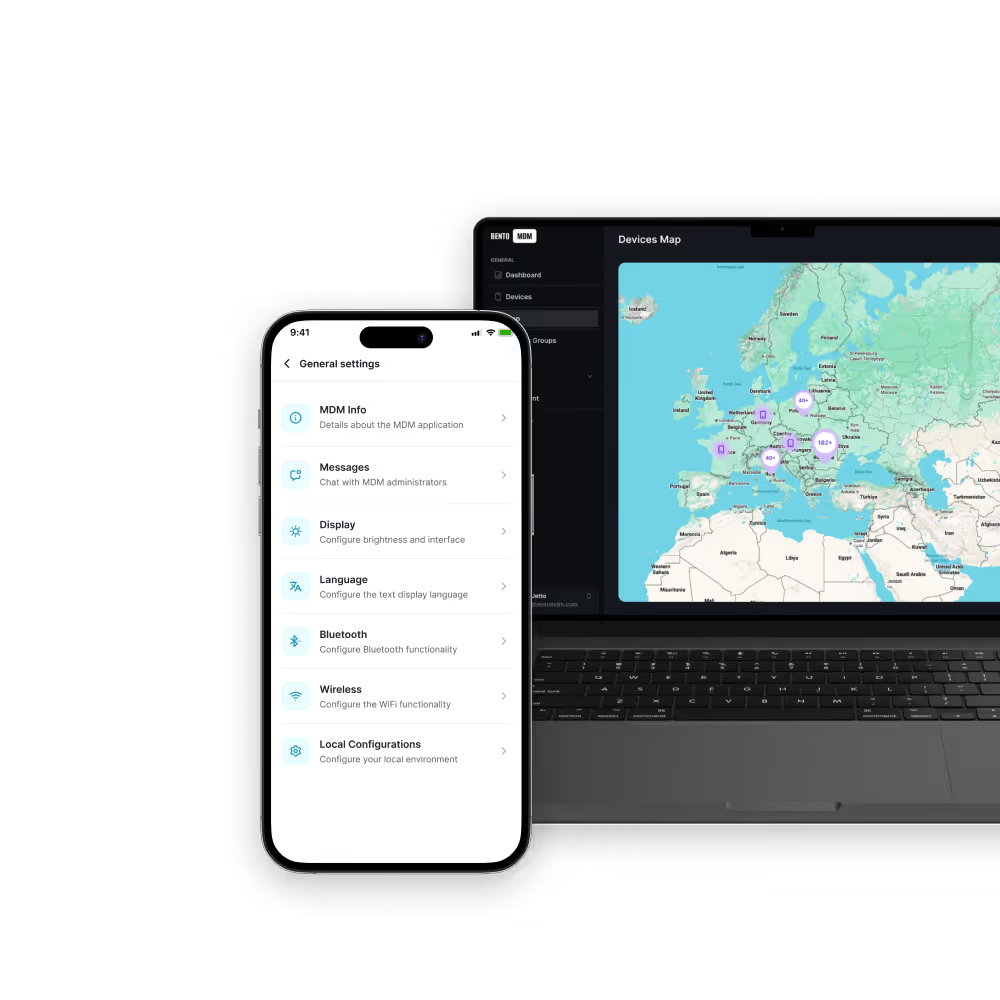
Draw a geofencing zone on a map once and Bento applies or revokes device restrictions automatically the moment an employee crosses the perimeter.
Bento’s Geo-Fencing adds location-based control, triggers policies, and alerts automatically as devices cross virtual boundaries to strengthen security, operational efficiency, and compliance.

Apply geofencing rules to any device group, including smartphones, tablets, kiosks, or IoT, across global, hybrid, or on-premises environments.

Stack overlapping geofences to enforce tiered policies, such as high-security cores within broader site boundaries.

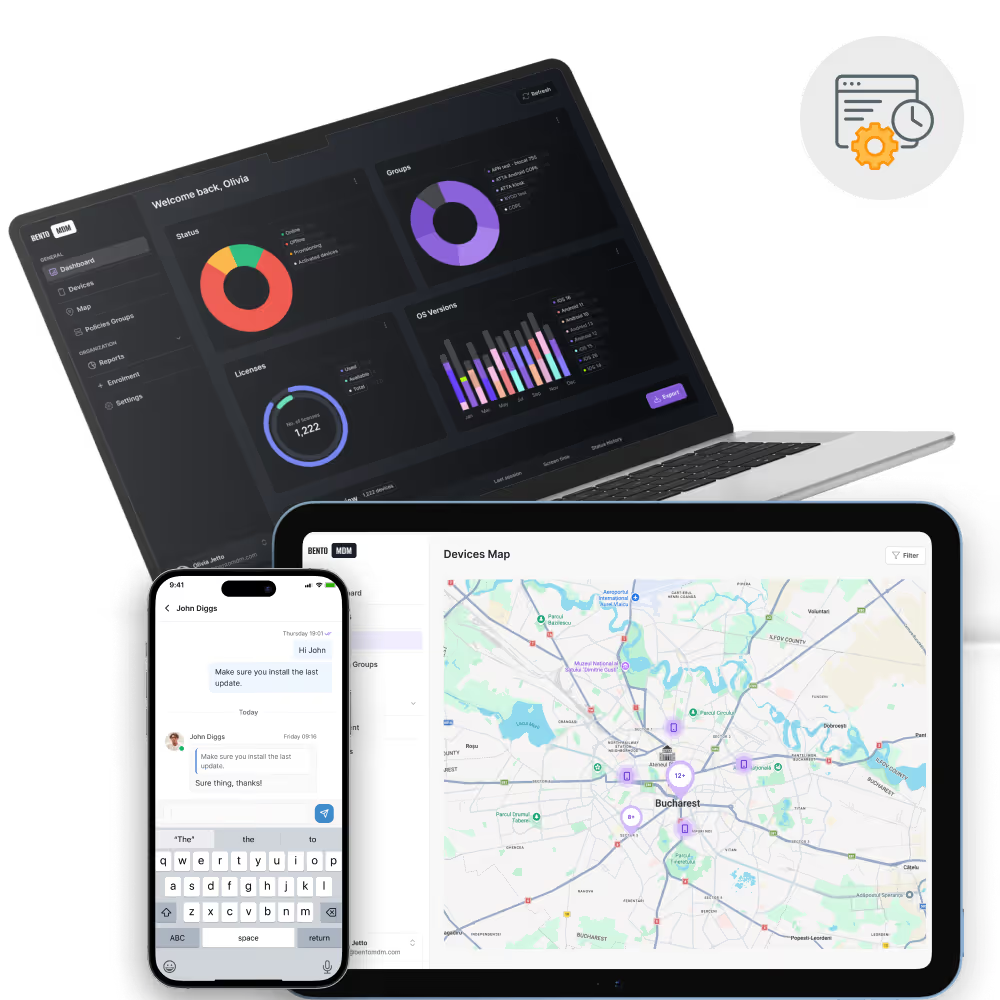
Activate or deactivate geofences on a calendar basis, ideal for temporary sites, events, or shift-based access needs.

Review past geofence entries, exits, and duration inside zones for audits, investigations, and workflow analysis.

Deploy different settings, including VPN, Wi-Fi, and app access, based on device location, adapting behavior to on-site or off-site zones.

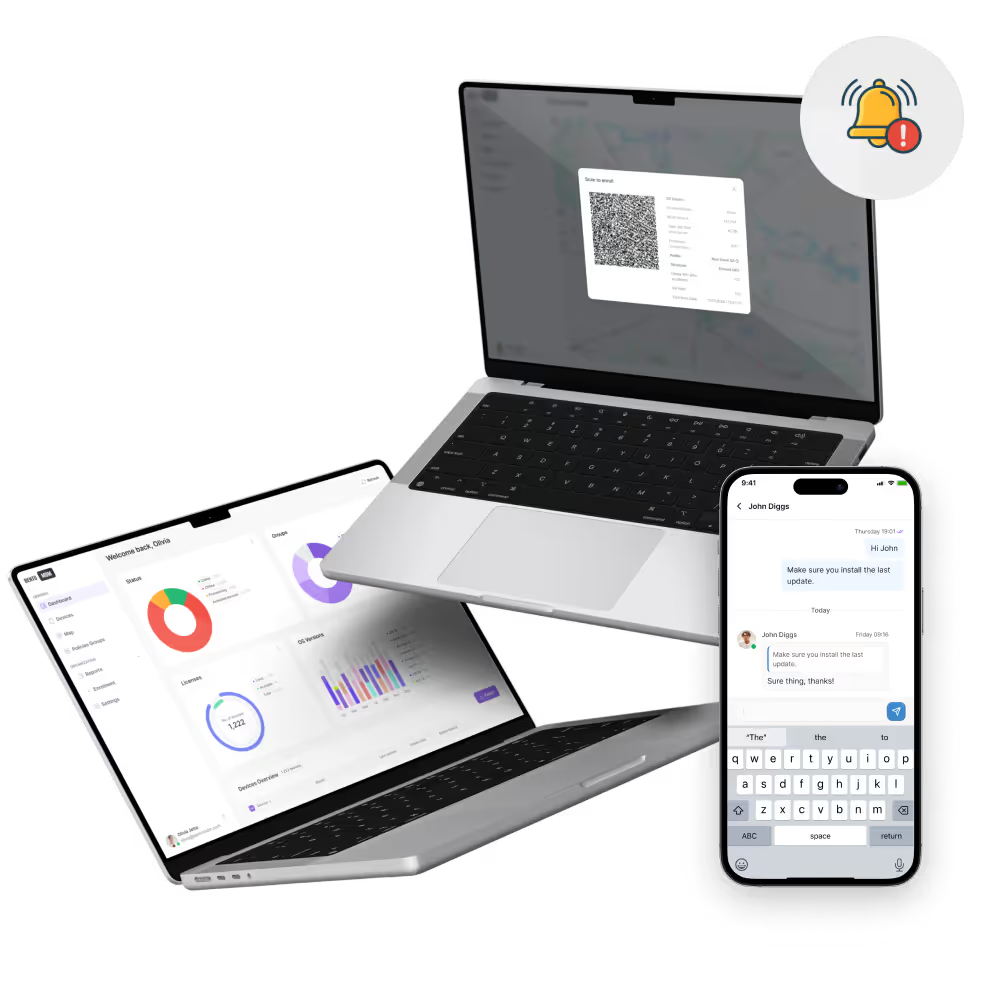
Instant notifications fire when devices cross perimeters, enabling rapid response to potential security or compliance incidents.

Apply or revoke device restrictions, such as camera disable or network lock, as devices enter or exit defined geofenced areas.

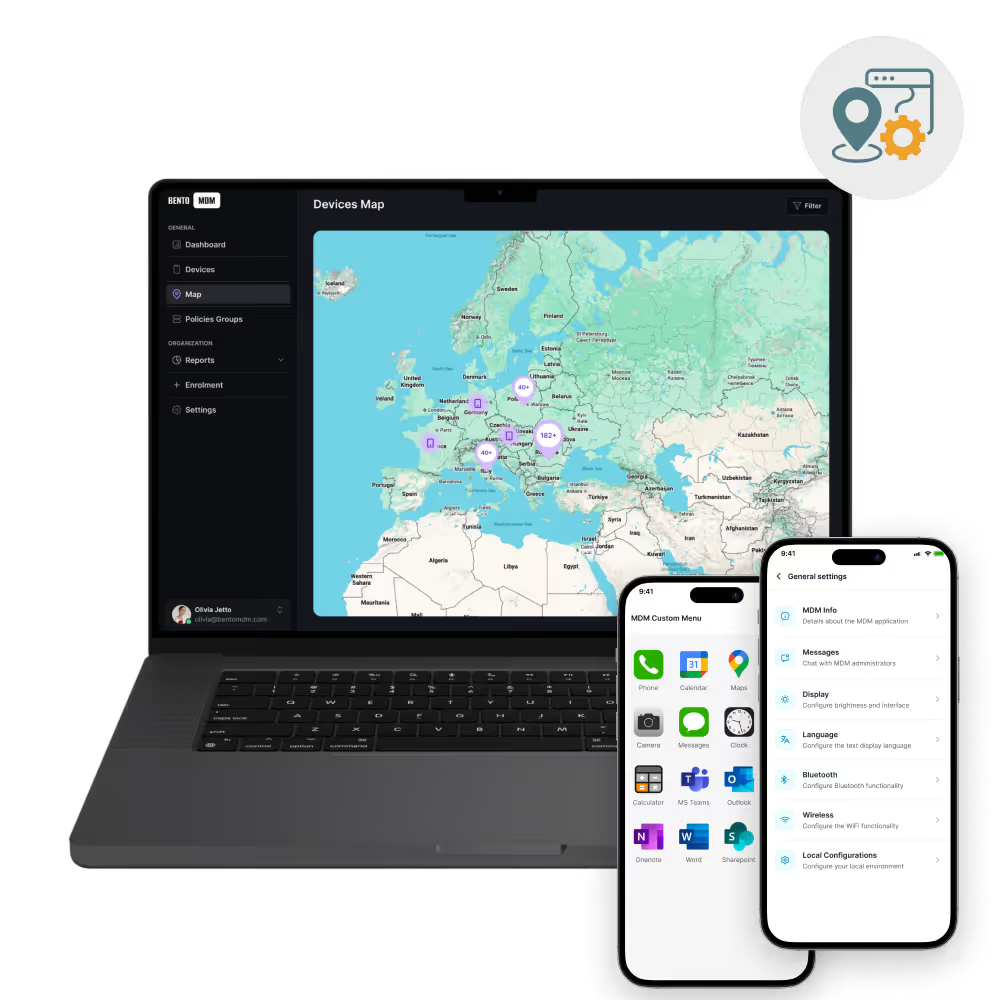
Draw circles or polygons on maps to define secure zones, restricted areas, or work sites with precision.

Trigger policies, alerts, and actions based on device location. Bento MDM Geo-Fencing enforces location-aware compliance for utility sites, hospital campuses, school grounds, retail stores, and any geographic boundary your operations require.

"With Bento MDM and FSM, we efficiently manage over 700 devices, automate workflows, and improve communication between field teams."
Cristian Bordescu
Operations Director


“Our collaboration with Bento on migrating over 2,000 DPD devices was exceptional. Their openness, flexibility, and constant support stood out throughout the project. Their quick adaptation to challenges and solution-oriented approach made all the difference, a truly reliable and professional partner.”
Valentina Ionescu
CIO, DPD
https://www.linkedin.com/in/valentina-ionescu-45a117bb
https://www.facebook.com/DPDRomania/
https://www.linkedin.com/company/dpd-romania/
https://www.dpd.com/
https://ro.wikipedia.org/wiki/DPD_Romania

"Bento Field Service Management and Mobile Device Management helped us streamline field interventions, secure mobile devices, and increase operational transparency."
Simona Gigiu
Business Line Director



Devices leaving a country or region apply local data residency rules, block sensitive app access, and alert compliance teams.

Student devices switch to exam or lesson mode inside classrooms, then release restrictions at the school gate automatically.

Clinical devices tighten PHI access inside wards and theatres, and auto-disable cameras the moment a device enters the zone.
.avif)
Store devices apply per-store policies as staff move between locations, with automatic check-in and app switching at each entry.

Field devices activate job-specific apps and policies on arrival, logging time-on-site for payroll and compliance.

Devices unlock sensitive apps inside R&D or secure zones, lock them again on exit, and alert security on breach.
%201.avif)
GDPR
Compliant

99.9%
Uptime

ISO 27001
Compliant

HIPAA
Compliant
How does geofencing aid compliance?
Geofencing enforces location-based policies automatically, reducing human error and ensuring devices follow rules in sensitive areas. Boundary crossing logs provide documented evidence for audits and regulatory reviews.
How are geofence events logged?
Bento MDM records every boundary crossing, including the device ID, timestamp, zone name, and the action triggered. Logs are searchable from the console and exportable for audits or investigations.
Which devices support geofencing?
Bento MDM supports geofencing on Android smartphones, Android tablets, iPhones, and iPads. Kiosks and IoT devices with location capabilities are also supported within the same console.
How accurate is geofence detection?
Detection accuracy depends on the location source on the device. GPS typically provides accuracy within 5 to 15 meters. Bento MDM supports GPS, Wi-Fi positioning, and cell network signals, each with different accuracy characteristics.
Can geofencing work offline?
Location data queues on the device when connectivity is unavailable. Once the device reconnects, Bento MDM processes the queued location events and applies the appropriate policy triggers based on the recorded boundary crossings.
What actions can geofencing trigger?
Boundary crossings can trigger policy changes, camera disable, VPN activation, app access restrictions, compliance alerts, lock commands, or custom scripts, depending on the rules configured for that zone.
How are geofences created?
IT teams draw boundaries directly on a map in the Bento MDM console. Boundaries can be circles or custom polygons. Each zone links to a rule set that defines what happens when a device enters or exits.
What is geofencing in MDM?
Geofencing in MDM creates virtual geographic boundaries around physical locations. When a managed device crosses a boundary, Bento MDM applies policies, sends alerts, or triggers actions based on IT-defined rules.

From BYOD to kiosk lockdown, Bento MDM secures and simplifies your device operations. Try it for free or book a live demo.


By Features
By Business Initiative
By OS Support