Trusted by








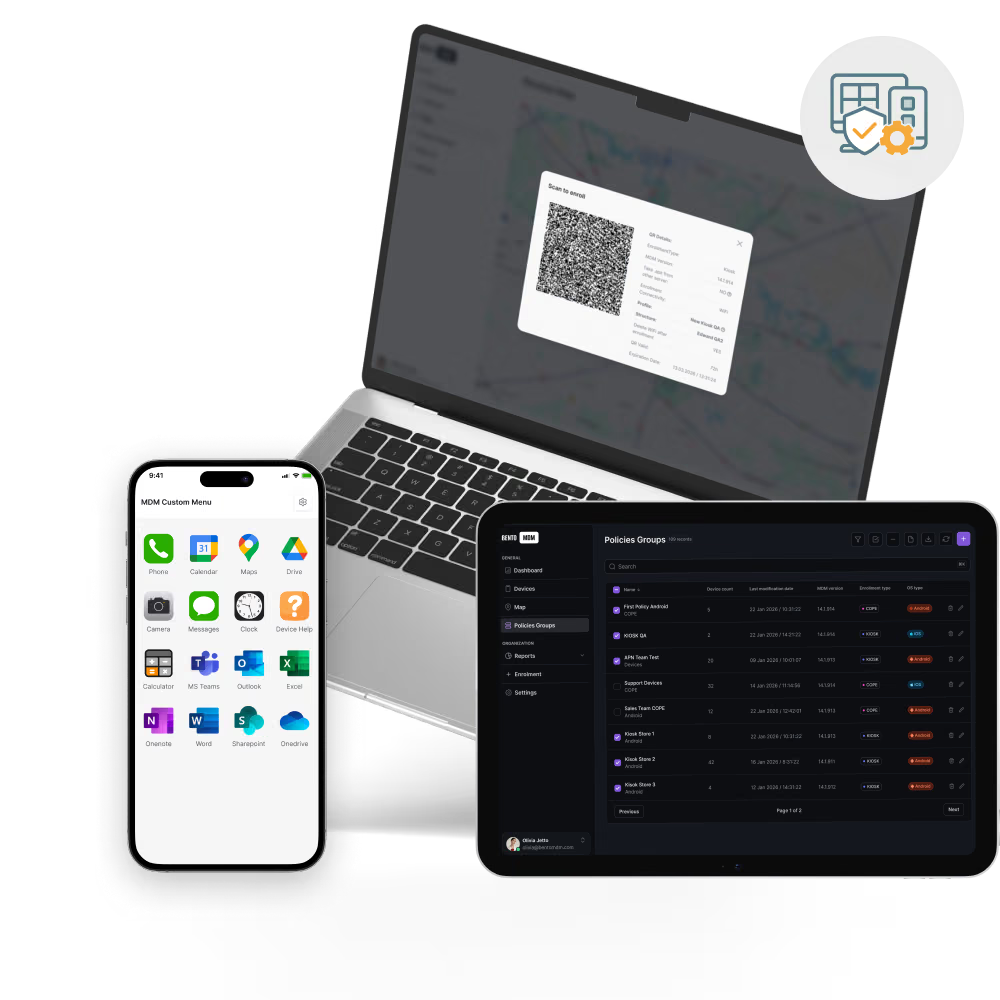
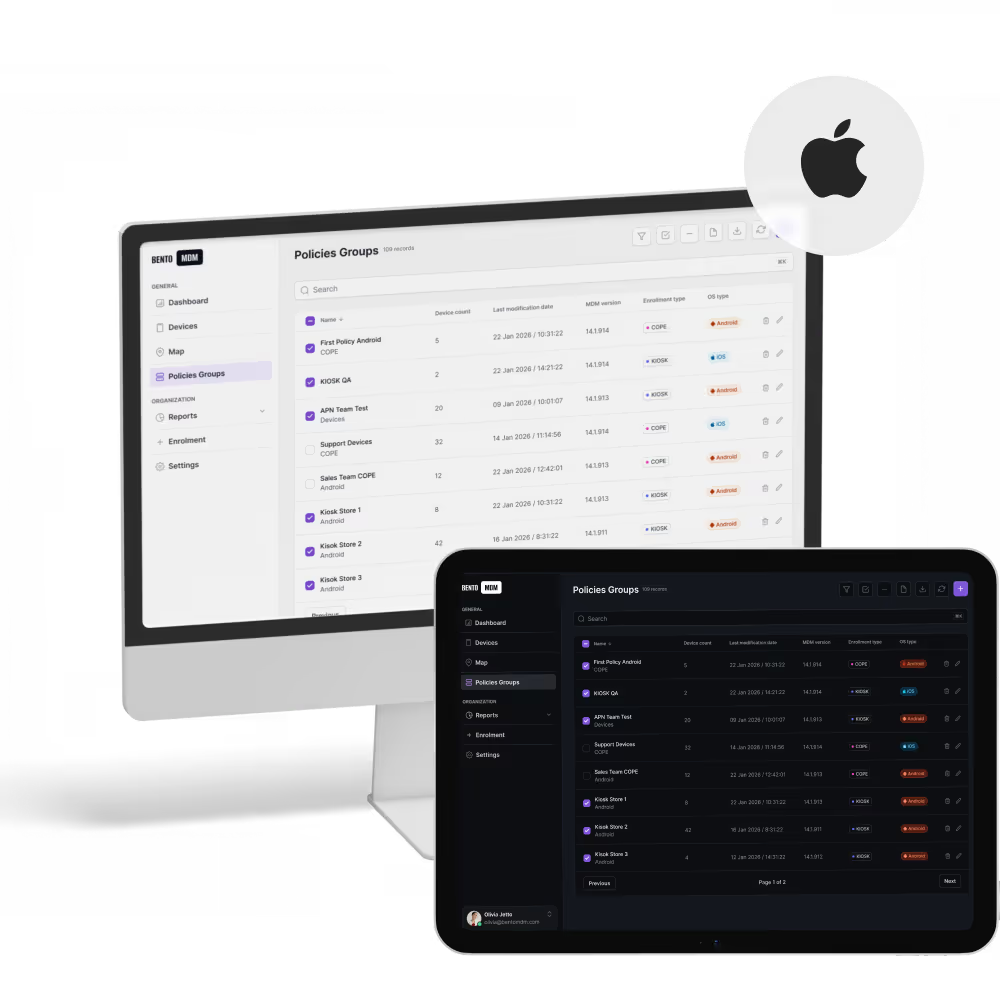
Macs enroll through Apple Business Manager on first boot, applying apps, profiles, and security settings before users sign in.

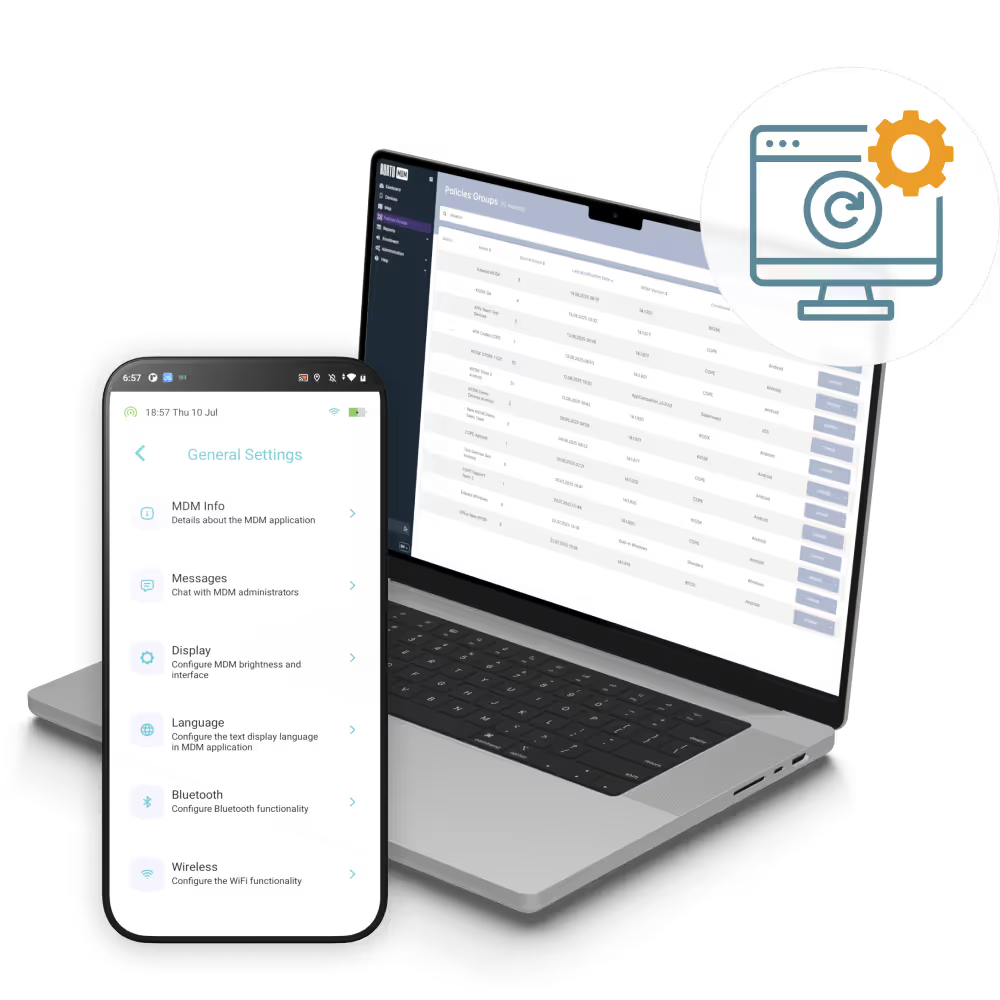
Push FileVault, firewall, passcode, and identity rules to every Mac in one action, with policy drift reported live.

Roll out macOS upgrades and security patches inside maintenance windows so users stay productive on the latest version.

Remote screen view, log capture, and command execution resolve Mac issues without site visits or shipping.
Macs onboard through Apple Business Manager on first activation, applying apps, profiles, and security policy with no manual staging.

Push, update, and remove macOS apps through Apple Business Manager and managed VPP with version-controlled rollouts.

Apply encryption, firewall, identity, and passcode rules across every Mac with policy drift flagged in the dashboard.

Schedule macOS upgrades, point releases, and security patches for maintenance windows so Macs stay current without interrupting users.

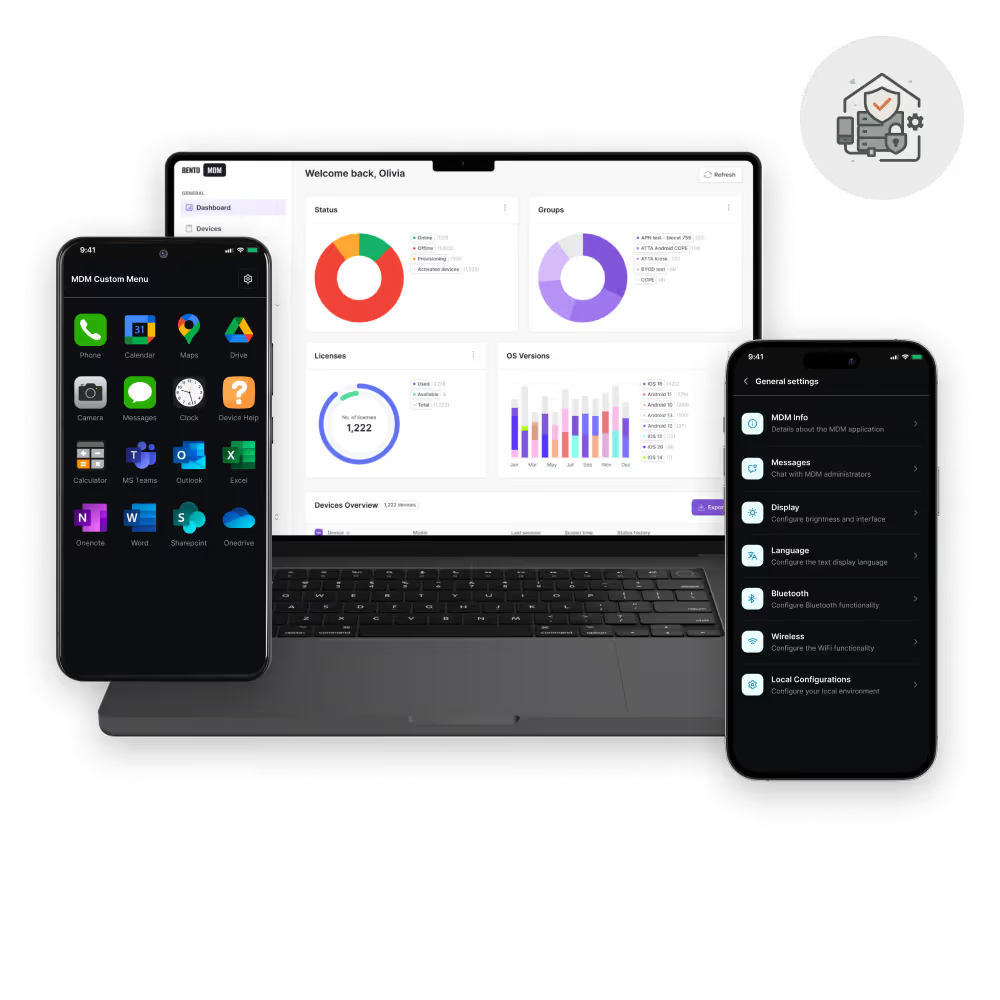
Track device health, battery, storage, app inventory, and policy state across Mac fleets from one console.

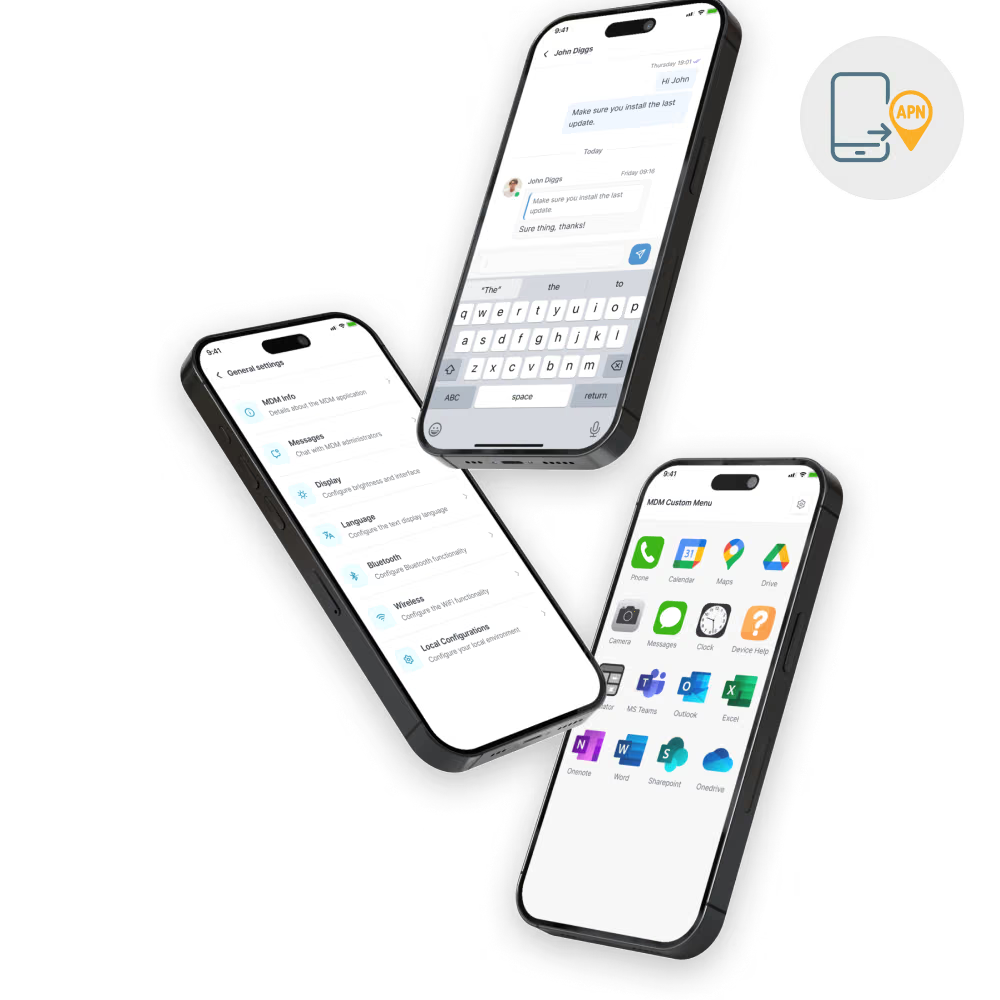
View screens, run commands, collect logs, and trigger lock or wipe on any Mac without physical access.

Keep every Mac enrolled, encrypted, patched, and policy-compliant with automated app delivery, scheduled updates, and remote support from one console.



Office Macs enroll through Apple Business Manager on first power-on, with apps, identity, and policy applied before the new hire signs in.


Engineering teams get pre-approved developer toolchains, managed Xcode and Homebrew installs, and identity-tied SSH keys delivered through policy on first boot.
.jpg)

Studio Macs receive licensed Adobe and Figma installs, FileVault encryption, and license audit reports across shared and freelance workstations.

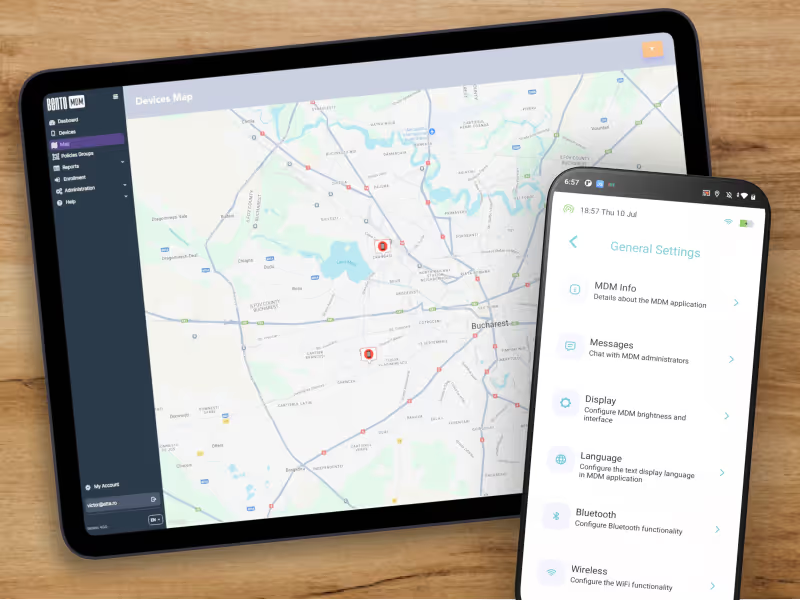
Remote Macs enforce VPN, identity, and update policy over the network, with remote screen support and log capture cutting backshipping for distributed teams.


Sensitive-role Macs enforce stricter policy (forced encryption, conditional access, MFA) with remote wipe-on-loss and priority audit trails for leadership devices.

All-Mac organizations run one console for enrollment, FileVault, app delivery, and audit reporting without bolting on a separate Mac-specific stack.
%201.avif)
GDPR
Compliant

99.9%
Uptime

ISO 27001
Compliant

HIPAA
Compliant

"With Bento MDM and FSM, we efficiently manage over 700 devices, automate workflows, and improve communication between field teams."
Cristian Bordescu
Operations Director


“Our collaboration with Bento on migrating over 2,000 DPD devices was exceptional. Their openness, flexibility, and constant support stood out throughout the project. Their quick adaptation to challenges and solution-oriented approach made all the difference, a truly reliable and professional partner.”
Valentina Ionescu
CIO, DPD
https://www.linkedin.com/in/valentina-ionescu-45a117bb
https://www.facebook.com/DPDRomania/
https://www.linkedin.com/company/dpd-romania/
https://www.dpd.com/
https://ro.wikipedia.org/wiki/DPD_Romania

"Bento Field Service Management and Mobile Device Management helped us streamline field interventions, secure mobile devices, and increase operational transparency."
Simona Gigiu
Business Line Director


What is macOS Device Management?
macOS Device Management lets IT teams enroll, configure, secure, and support Mac fleets from one console. Bento MDM handles enrollment, app deployment, FileVault encryption, OS update scheduling, and remote support across every Mac.
How are Macs enrolled into Bento MDM?
Macs enroll through Apple Business Manager and Apple's Automated Device Enrollment on first boot. Bento MDM applies configuration, identity, apps, and security policy with no manual staging.
Can Bento MDM enforce FileVault encryption on Macs?
Yes. FileVault is enforced through policy across the Mac fleet, with recovery keys escrowed in the console and encryption status reported live for audit and compliance.
How does macOS update scheduling work?
Bento MDM schedules macOS upgrades and security patches inside admin-defined maintenance windows, with deferral controls so Macs stay current without interrupting work or breaking app compatibility.
Does Bento MDM support BYOD on Mac?
Yes. Personal Macs enroll through Apple's User Enrollment with a managed Apple ID, isolating work apps, mail, and calendar from personal data while keeping IT control over the corporate partition.
Can Bento MDM remotely lock or wipe a lost Mac?
Yes. Lost or compromised Macs can be locked, put into Lost Mode, or wiped from the console without needing physical access to the device.

Bento MDM secures and simplifies device operations, covering everything from BYOD to kiosk lockdown. Try it for free or book a live demo.


By Features
By Business Initiative
By OS Support