Trusted by








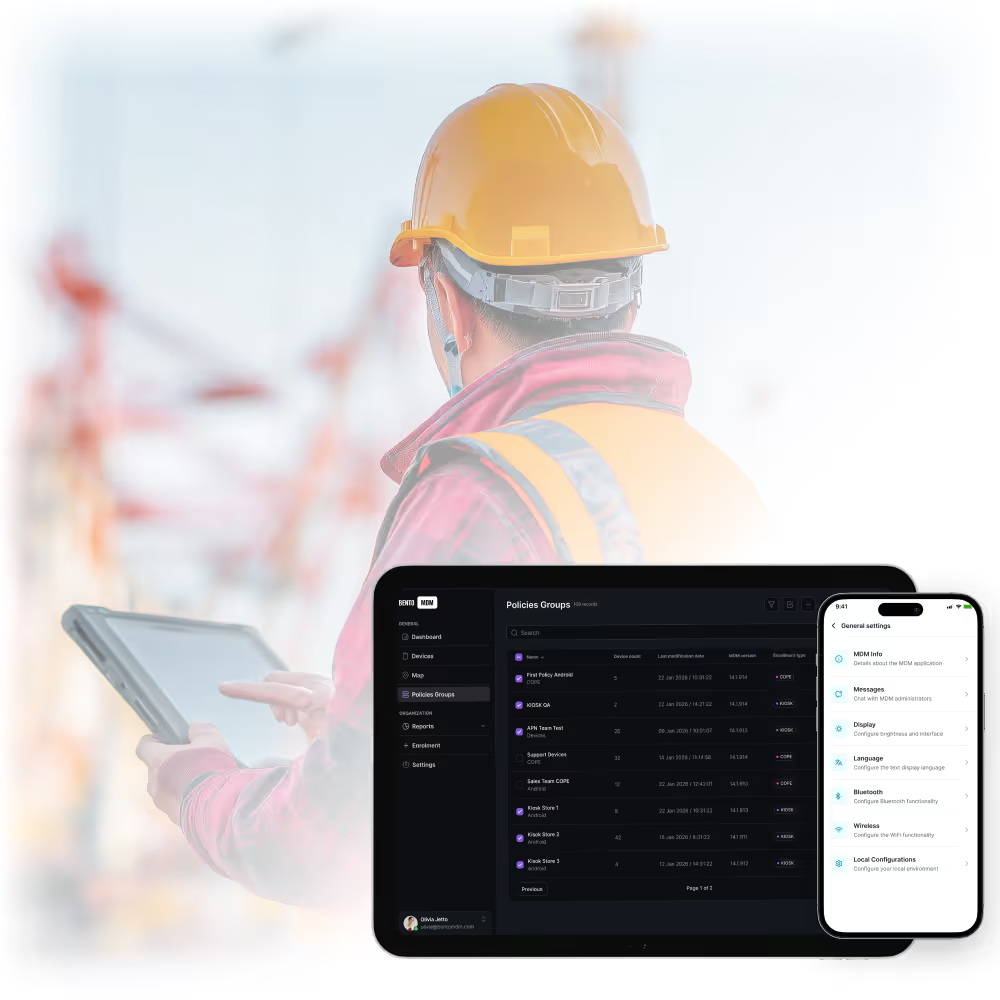
Full support for rugged tablets, scanners, and handhelds built for harsh field conditions.

Apply policies by team or zone to manage thousands of devices across distributed service hubs.

€1 per device per month, with no hidden costs and no per-feature charges.

Devices keep enforcing policies and running queued commands with no signal, then sync on reconnect.

Devices arrive ready to use, so a new hire or a replacement device is productive from the first job, with no waiting on IT.

Devices keep working through dead zones and recover from crashes on their own, so a frozen screen does not stall a service call.

Most device issues are fixed remotely, so a glitch no longer means a return trip to the depot or a missed appointment.

A lost or stolen device is locked or wiped before its data is exposed, protecting customers and the business.

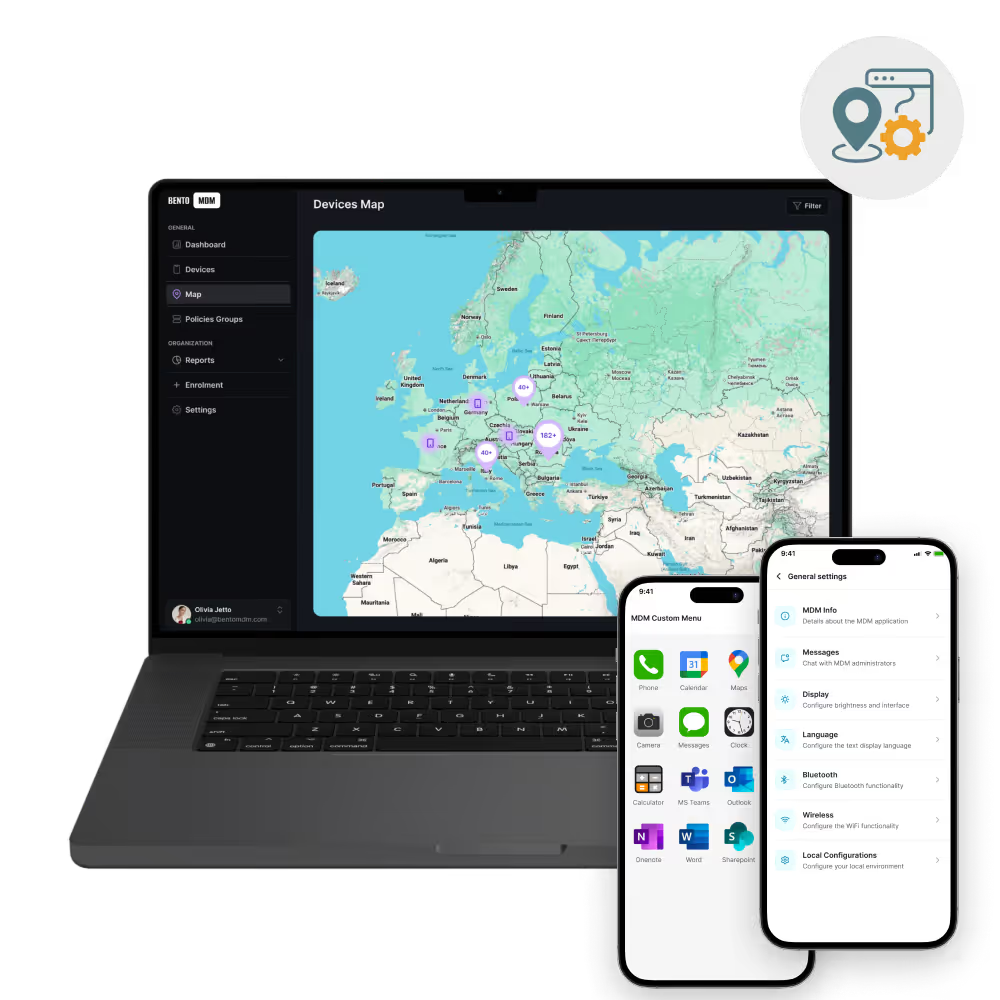
Live visibility into where devices are helps dispatch route the right technician and keep the day on schedule.

One console manages thousands of devices across regions, so adding sites and technicians does not add IT headcount.

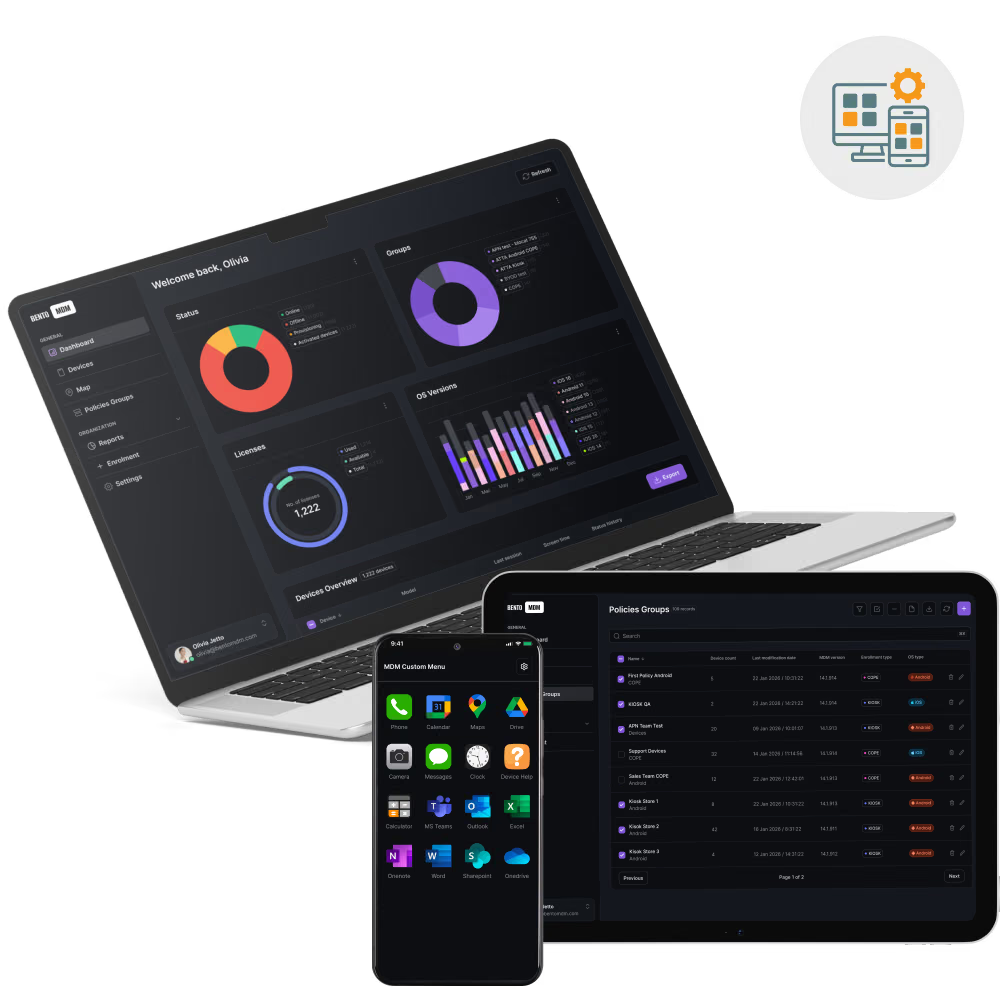
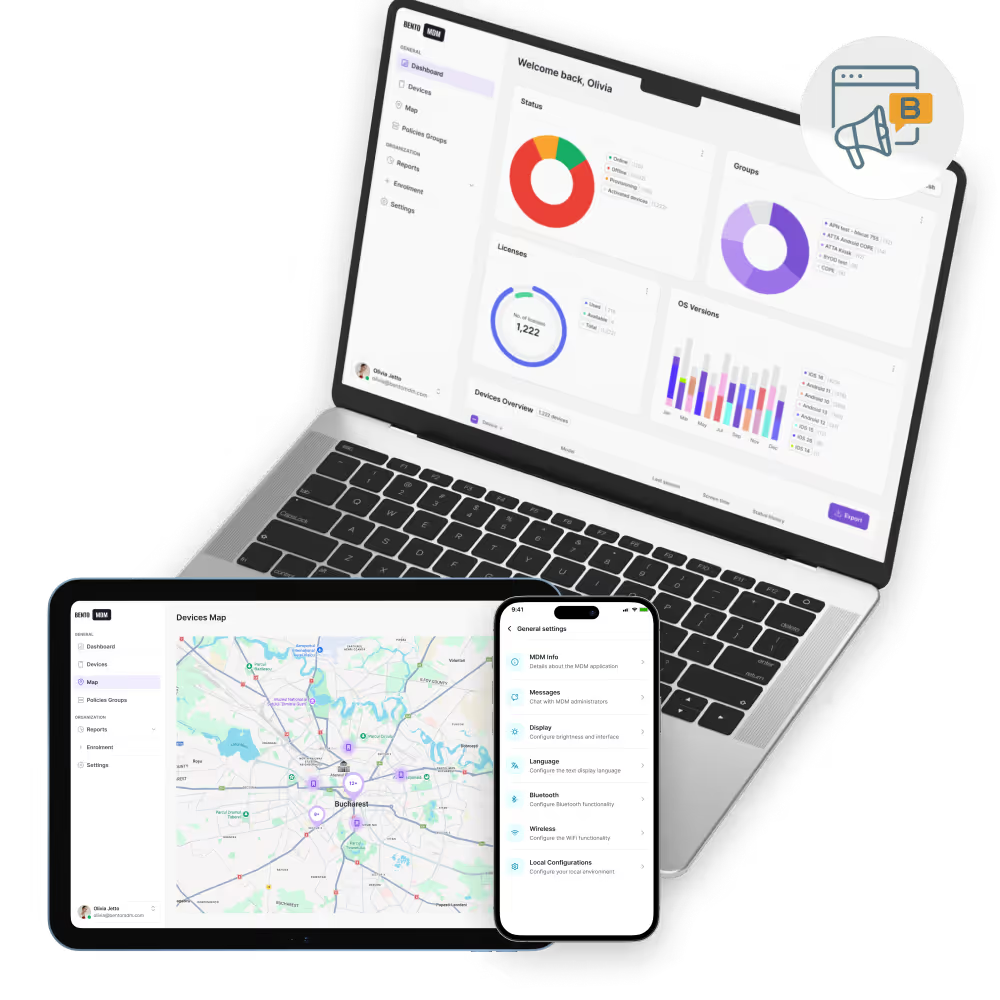
Manage, update, and troubleshoot field devices from one dashboard.

Devices arrive preconfigured and enroll themselves, so technicians start work with no IT staging delay.

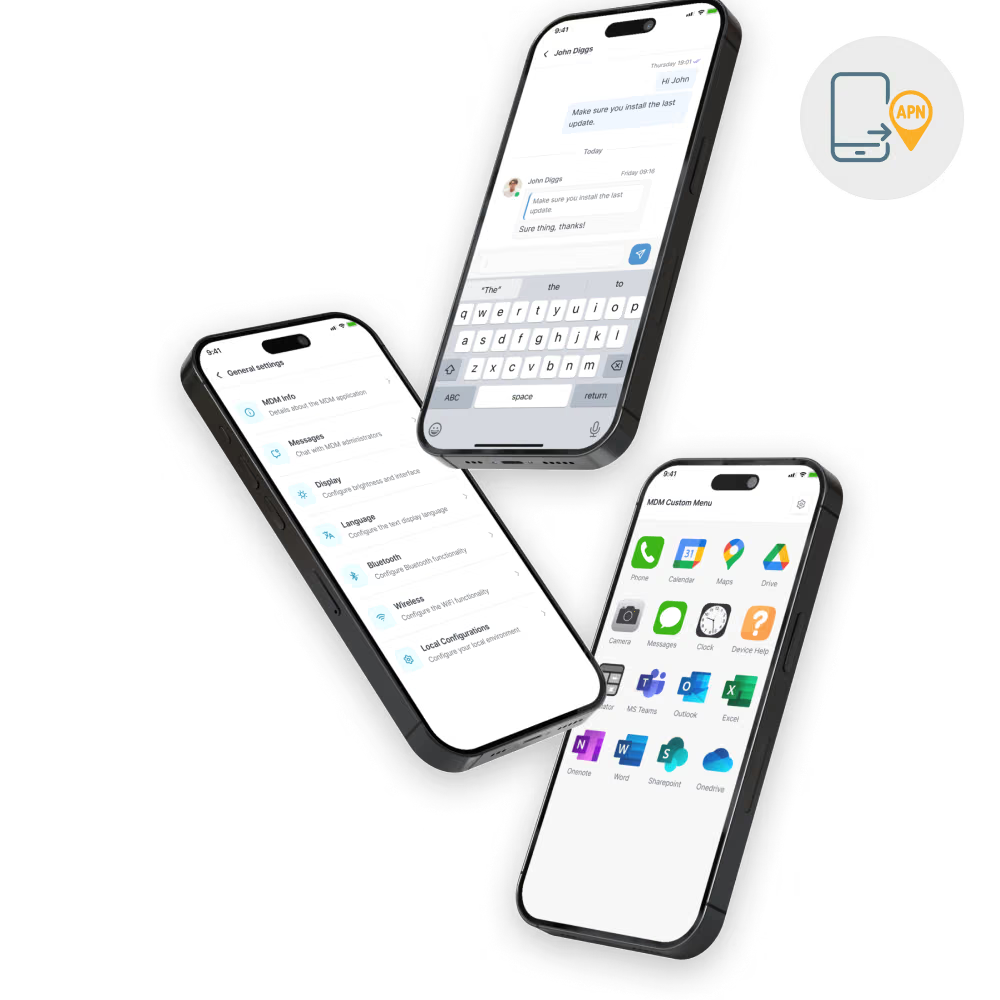
Push diagnostic, scheduling, and reporting apps silently to every device.

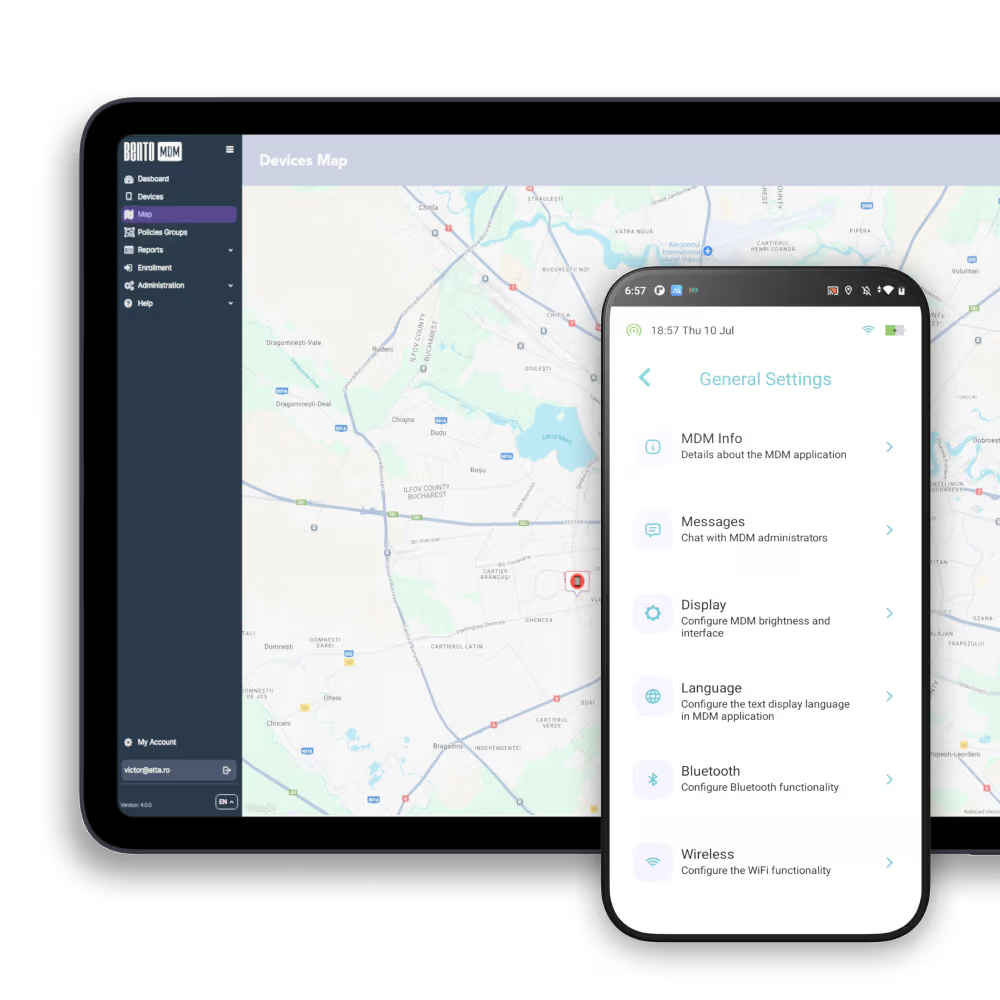
Track field devices on a live map to support dispatch, coordination, and recovery.

Schedule updates for off-hours so they never interrupt a service appointment.
View and control any device remotely to fix issues without recalling equipment.

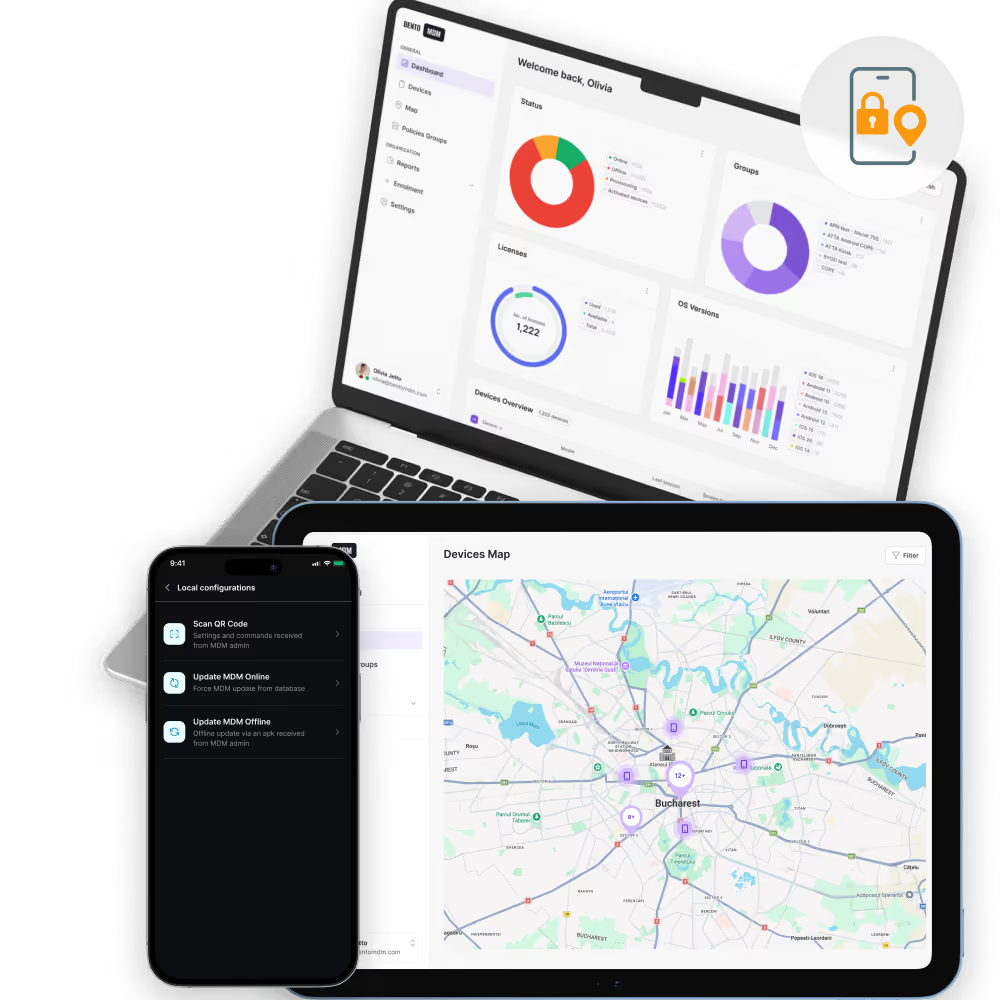
Track, lock, or wipe lost or stolen devices to protect customer and internal data.

Group devices by region, team, or project to apply the right settings and tools.

Report on device health, updates, and policy status for audits and planning.

"With Bento MDM and FSM, we efficiently manage over 700 devices, automate workflows, and improve communication between field teams."
Cristian Bordescu
Operations Director


“Our collaboration with Bento on migrating over 2,000 DPD devices was exceptional. Their openness, flexibility, and constant support stood out throughout the project. Their quick adaptation to challenges and solution-oriented approach made all the difference, a truly reliable and professional partner.”
Valentina Ionescu
CIO, DPD
https://www.linkedin.com/in/valentina-ionescu-45a117bb
https://www.facebook.com/DPDRomania/
https://www.linkedin.com/company/dpd-romania/
https://www.dpd.com/
https://ro.wikipedia.org/wiki/DPD_Romania

"Bento Field Service Management and Mobile Device Management helped us streamline field interventions, secure mobile devices, and increase operational transparency."
Simona Gigiu
Business Line Director



Fix device issues instantly without returning equipment to the depot.

Push scheduling, diagnostic, and communication apps to every device silently.

Lock or wipe lost devices to protect sensitive service data.

Apply location-specific rules and configurations to devices based on the service area.

Monitor field device locations to support dispatch and keep technicians safe.

New technicians get preconfigured devices that enroll automatically, ready to work on day one.
%201.avif)
GDPR
Compliant

99.9%
Uptime

ISO 27001
Compliant

HIPAA
Compliant
What is an MDM solution for field service?
An MDM solution for field service manages, secures, and supports mobile devices used by technicians and remote teams across job sites and service areas.
How does MDM help field technicians?
It automates device setup, pushes job-specific apps, enables remote troubleshooting, and secures data even when devices are lost or out of coverage.
Can MDM track field devices in real time?
Yes. Bento MDM provides live location tracking for field devices, helping IT teams monitor usage, support dispatching, and quickly locate lost equipment.
What devices are supported in field service MDM?
Most MDM solutions, including Bento’s, support rugged tablets, smartphones, barcode scanners, and other mobile devices across Android, iOS, and Windows platforms.
Is remote troubleshooting possible with field MDM?
Yes. IT teams can view, control, or fix devices remotely, reducing downtime and avoiding unnecessary returns to the office or depot.
Can field service apps be pushed remotely?
Yes. MDM enables remote app deployment and updates, ensuring all field workers use the correct tools without manual installs.
What happens if a device is lost in the field?
Administrators can lock, track, or wipe lost devices remotely to protect business and customer data from unauthorized access.
How does MDM help with field compliance?
Bento MDM generates reports on device usage, update status, and policy enforcement, helping businesses meet both internal standards and external compliance requirements.

Manage every phone, tablet, and workstation from one console, across healthcare and beyond, with Bento MDM.


By Features
By Business Initiative
By OS Support