Trusted by









Manage thousands of devices across departments, municipalities, and field units from a single console.

Generate exportable reports on device health, app versions, and policy adherence to meet regulatory requirements.

Security policies continue to apply even without connectivity, with logs syncing automatically once devices reconnect.

Simple per-device pricing removes hidden costs commonly found in large enterprise contracts.

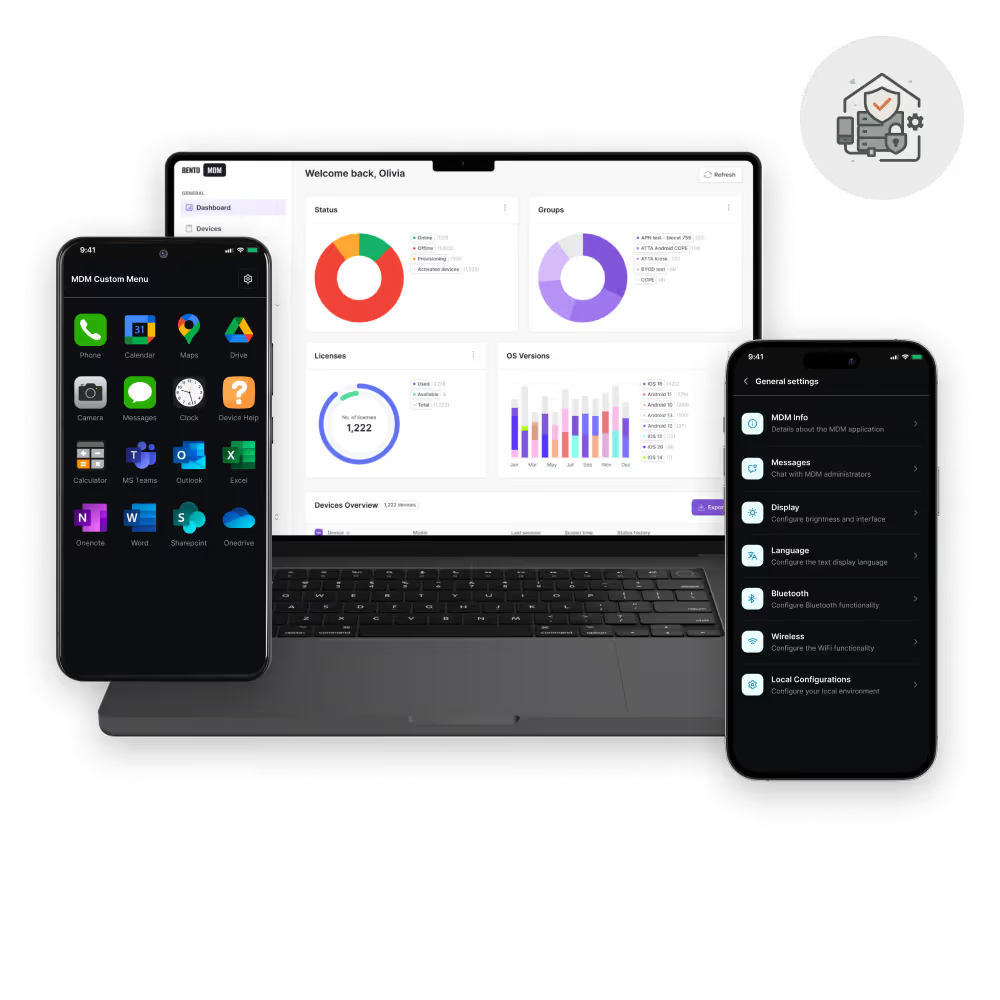
Devices enroll instantly with preconfigured settings, apps, and policies, reducing manual work and speeding up deployments across departments.

Policies such as encryption, password, and network rules apply uniformly across all managed devices in real time.

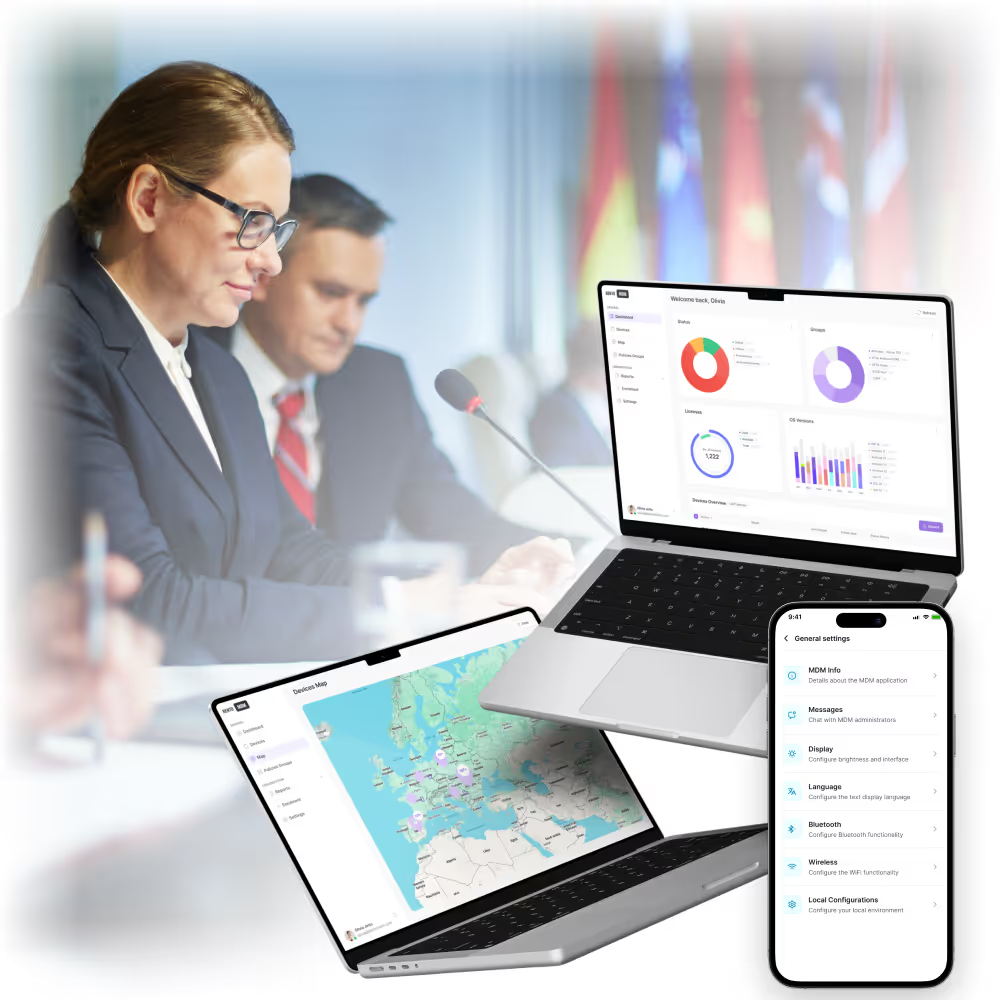
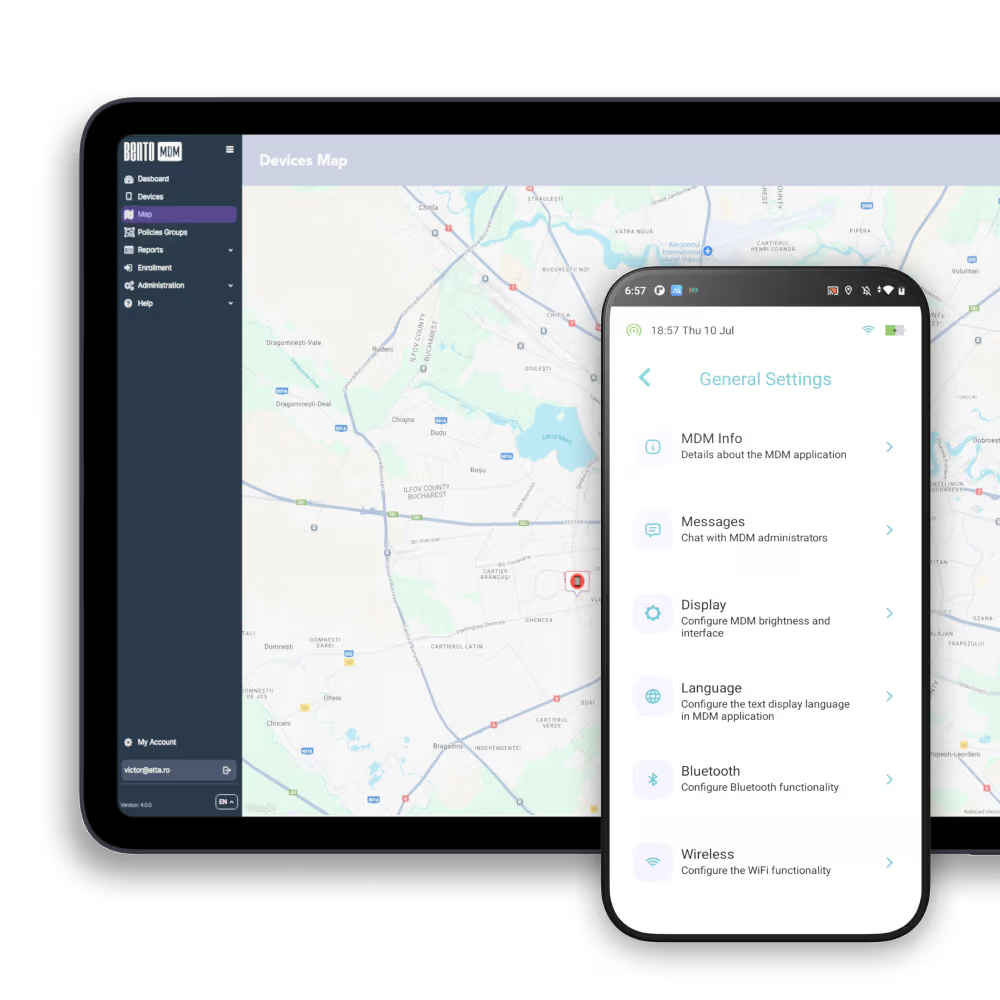
Dashboards show live device location, health, and usage data for oversight and faster decision-making.

IT teams can view screens, push fixes, and reboot devices remotely, eliminating site visits and minimizing downtime.

OS and app patches install automatically during off-hours, keeping devices secure without disrupting agency operations.
Alerts trigger when devices move outside permitted boundaries, protecting sensitive data and assets.

Encrypt, monitor, update, and support devices across all government departments, everything from a single console.
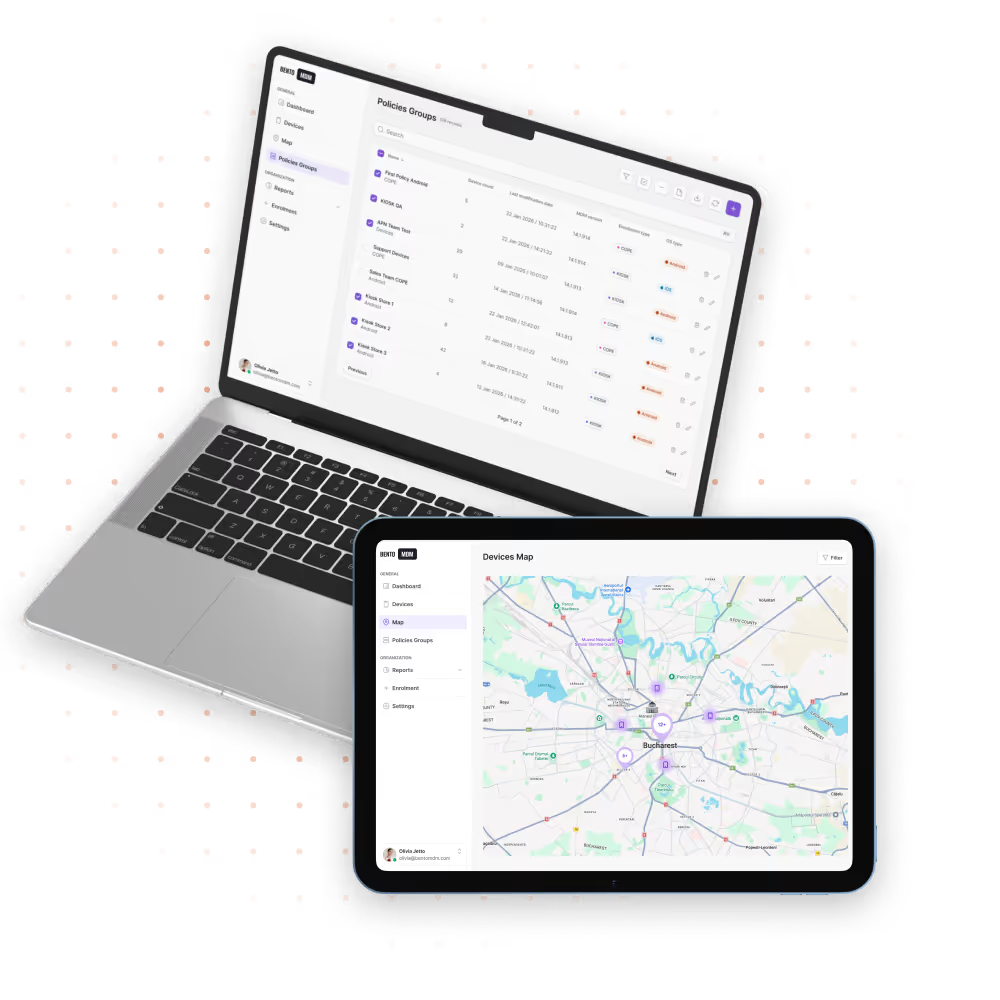

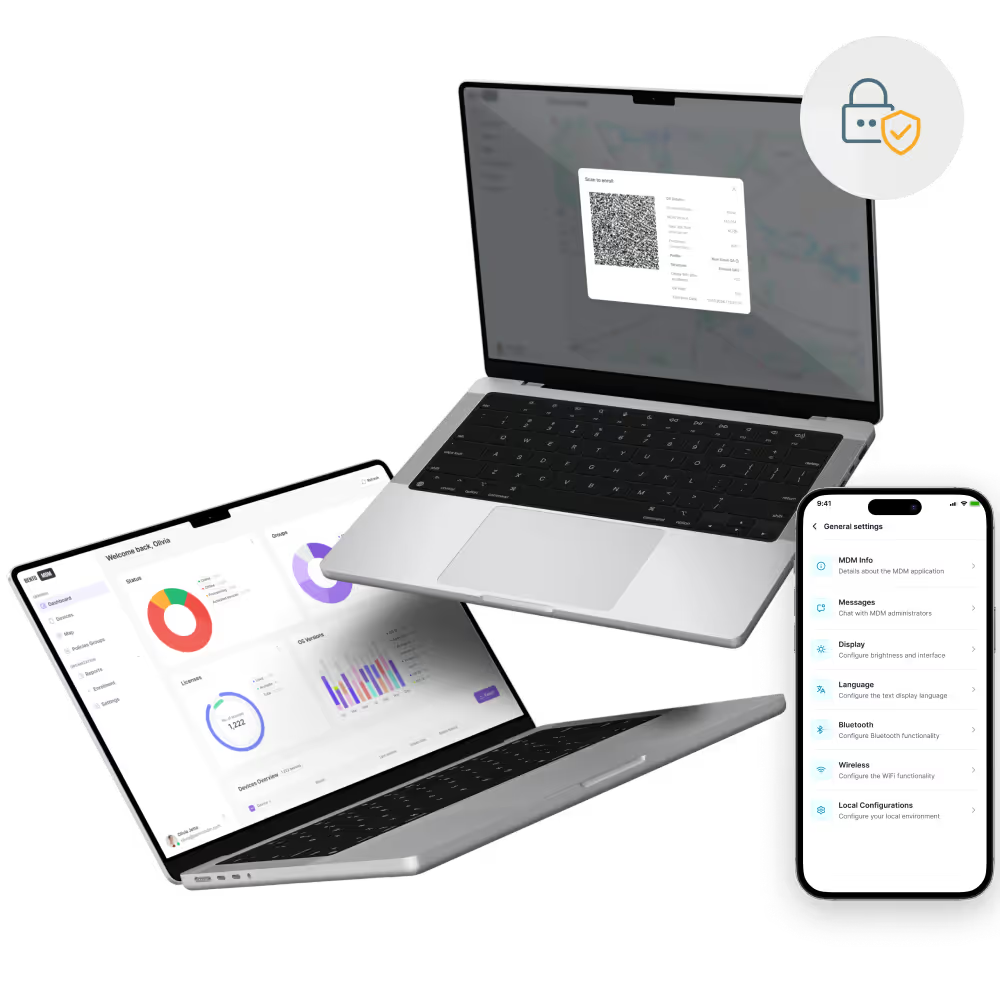
Devices automatically enroll with preloaded apps, policies, and settings on first boot, speeding up readiness and enabling secure workflows across departments.

Encryption, passwords, VPNs, and certificates are centrally enforced to maintain regulatory compliance and protect sensitive citizen data across all government devices and remote locations.

Approved civic apps deploy remotely, install updates silently, and block unauthorized installations, ensuring smooth operations and consistent tools across departments.
IT staff access and control devices remotely for instant diagnostics, repairs, and configurations, reducing downtime and avoiding costly site visits across public facilities and field operations.

Custom geofences trigger alerts when devices exit defined zones, helping agencies enforce area restrictions, prevent misuse, and track asset movements in real time.

Devices maintain secure logs of inventory, status updates, and maintenance schedules, simplifying budgeting, replacement planning, and loss prevention across departments.
Dashboards generate export-ready reports on device health, app versions, policy adherence, and location data, streamlining audits and improving transparency.

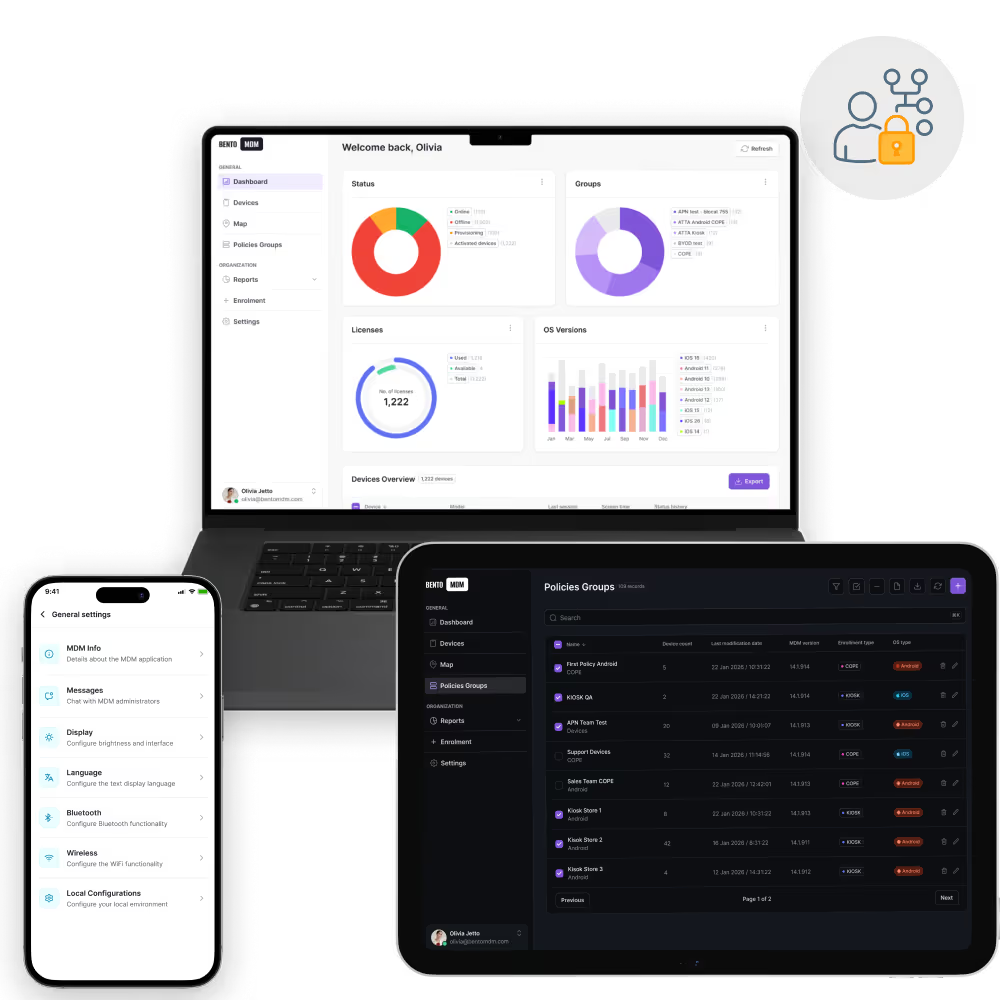
Role-based access limits administrative functions by department or position, ensuring only authorized personnel can manage sensitive public sector devices securely.

"With Bento MDM and FSM, we efficiently manage over 700 devices, automate workflows, and improve communication between field teams."
Cristian Bordescu
Operations Director


“Our collaboration with Bento on migrating over 2,000 DPD devices was exceptional. Their openness, flexibility, and constant support stood out throughout the project. Their quick adaptation to challenges and solution-oriented approach made all the difference, a truly reliable and professional partner.”
Valentina Ionescu
CIO, DPD
https://www.linkedin.com/in/valentina-ionescu-45a117bb
https://www.facebook.com/DPDRomania/
https://www.linkedin.com/company/dpd-romania/
https://www.dpd.com/
https://ro.wikipedia.org/wiki/DPD_Romania

"Bento Field Service Management and Mobile Device Management helped us streamline field interventions, secure mobile devices, and increase operational transparency."
Simona Gigiu
Business Line Director



Devices auto-enroll, update apps, and secure data for inspectors.
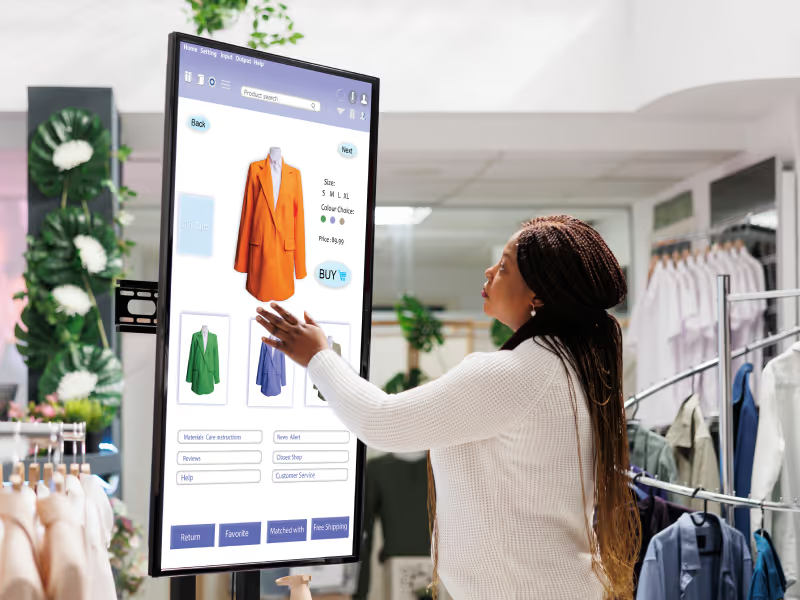
Lock kiosks to apps, reset sessions, and update content remotely.

Secure work containers keep agency data separate from personal data on employee devices.

Generate export-ready reports to support regulatory audits and maintain transparency.

Time-limited overrides allow critical staff to bypass policies securely when needed.

Apply location-specific rules and configurations to devices based on the service area.
%201.avif)
GDPR
Compliant

99.9%
Uptime

ISO 27001
Compliant

HIPAA
Compliant
What is a Public Sector MDM solution?
A Public Sector MDM solution secures, manages, and monitors devices used by government agencies, municipalities, and field staff through a centralized cloud console.
How does MDM benefit government agencies?
Bento MDM automates device setup, enforces security policies, tracks locations, and enables remote support — improving efficiency, security, and compliance across departments and field operations.
Can public kiosks be managed remotely?
Yes. The Bento MDM platform locks kiosks to approved apps, pushes content updates, and resets sessions automatically without requiring on-site IT visits.
How are compliance reports generated?
Bento MDM dashboards compile device health, policy adherence, and app usage into exportable, audit-ready reports for regulatory reviews and transparency.
Is geofencing available in Public Sector MDM?
Yes. Custom geofences trigger alerts when devices leave defined zones, helping agencies enforce area restrictions and track assets in real time.
What devices work with a Public Sector MDM?
Supported devices include desktops, laptops, tablets, smartphones, and kiosks running Windows, macOS, Android, iOS, or ChromeOS in government environments.
How does MDM handle BYOD in agencies?
Work profiles or containerization separate official data from personal apps, ensuring agency data remains secure on employee-owned devices.
Can MDM secure offline devices?
Yes. Security policies and certificates cache locally, enforcing encryption and access controls even when devices are offline until reconnected.

Manage every phone, tablet, and workstation from one console, across government agencies and beyond, with Bento MDM.


By Features
By Business Initiative
By OS Support