Trusted by








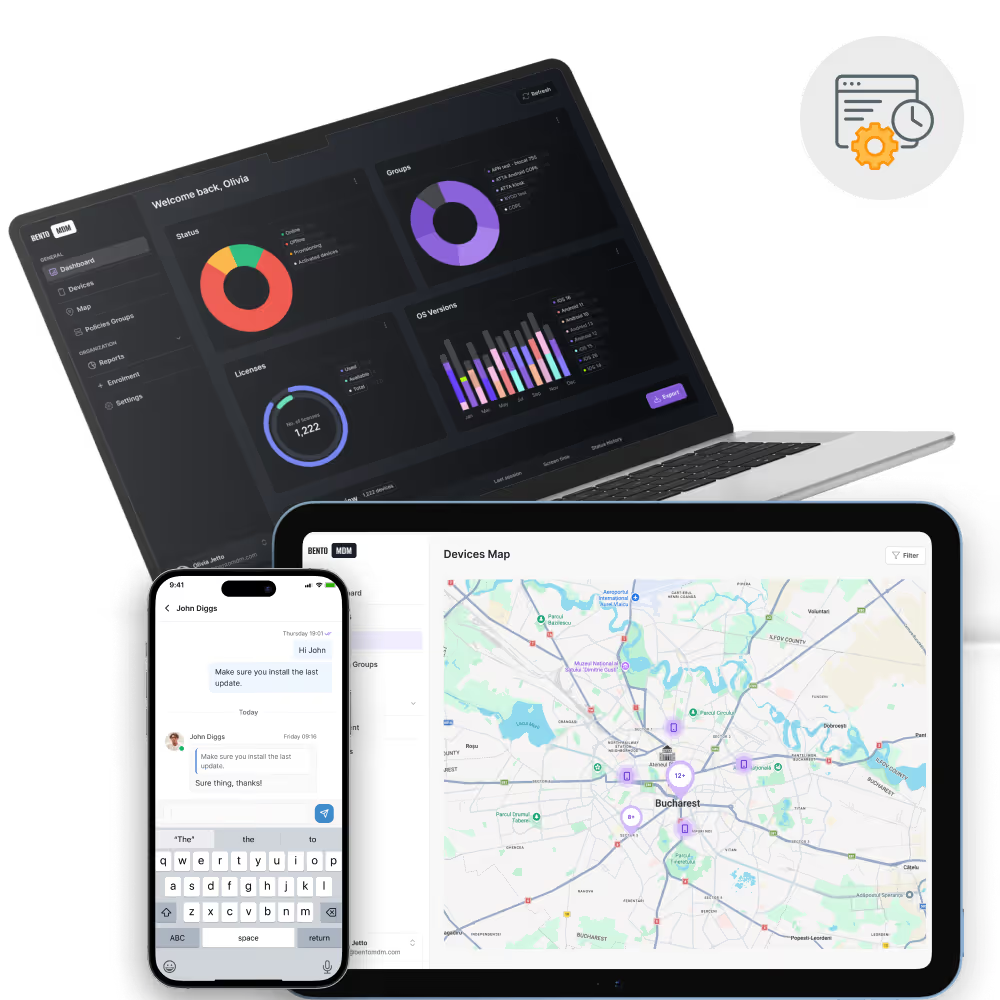
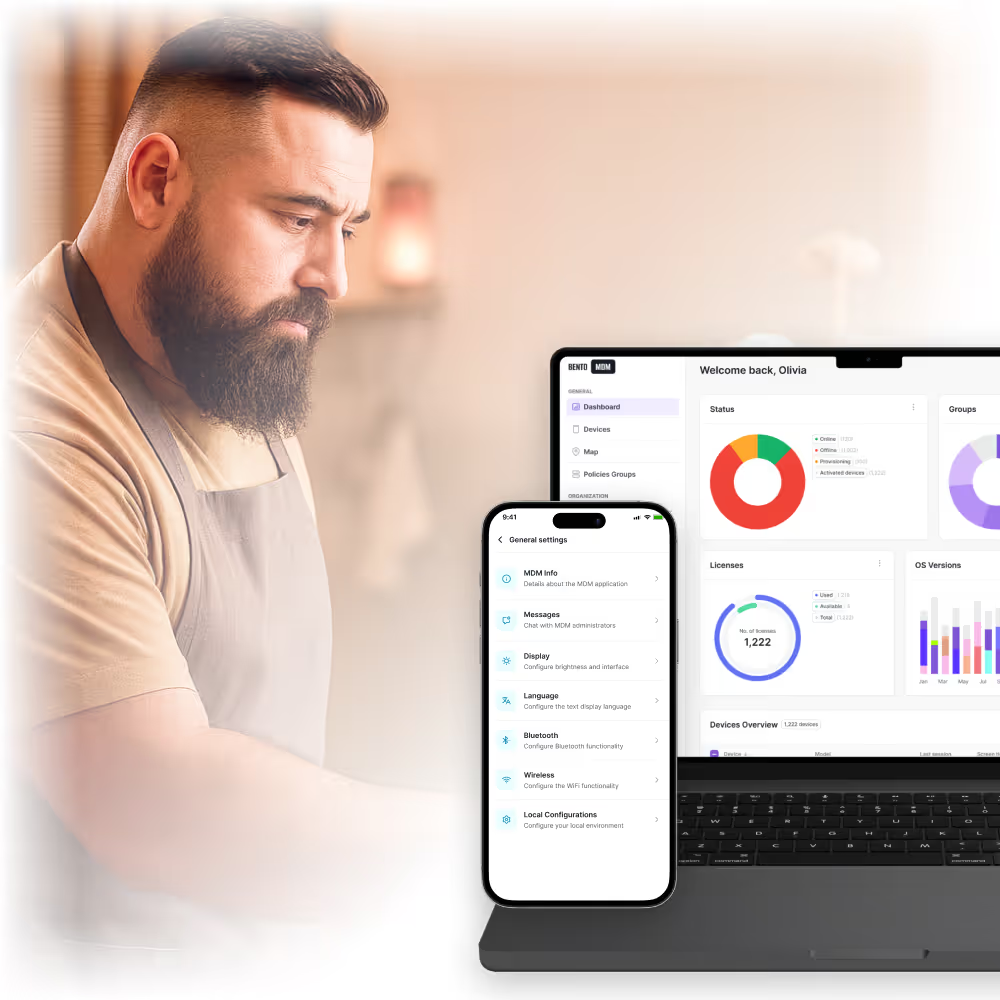
Manage iOS, Android, and Windows kiosks from one console.

Configure thousands of devices remotely with automated workflows.

Non-technical managers can enforce kiosk policies quickly.

Starts at just €1/device with volume pricing for enterprise kiosk deployments.

Android kiosk software locks tablets, phones, and rugged handhelds to a single app or an approved app set using Android Enterprise Dedicated Device mode, formerly called COSU. Bento MDM disables the status bar, navigation buttons, and hardware keys, and relaunches the approved app automatically if it closes.

Apple kiosk software locks iPad and iPhone into Single App Mode or Autonomous Single App Mode through supervised MDM enrollment. Bento MDM applies the lockdown persistently, so the device returns to the approved app after a restart rather than reverting to the home screen.

Windows kiosk software configures PCs and tablets for single-app or multi-app operation using Assigned Access. Bento MDM covers digital signage panels, shared workstations, and self-service terminals from the same console as the mobile fleet.

macOS kiosk software locks a Mac into one application through MDM configuration profiles, for signage and dedicated-purpose workstations. Bento MDM requires the Mac to be supervised through Apple Automated Device Enrollment for macOS kiosk lockdown to persist.

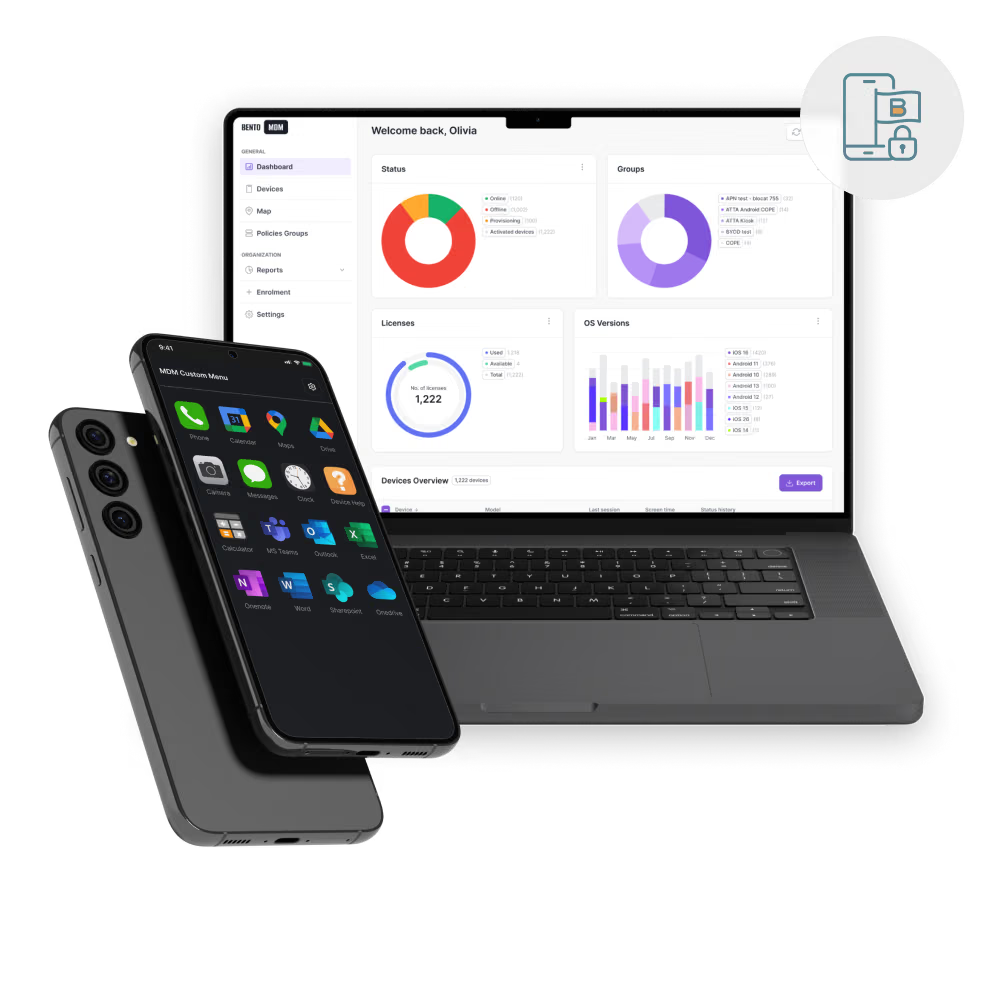
Display your logo, wallpapers, and kiosk screens for a professional user experience.
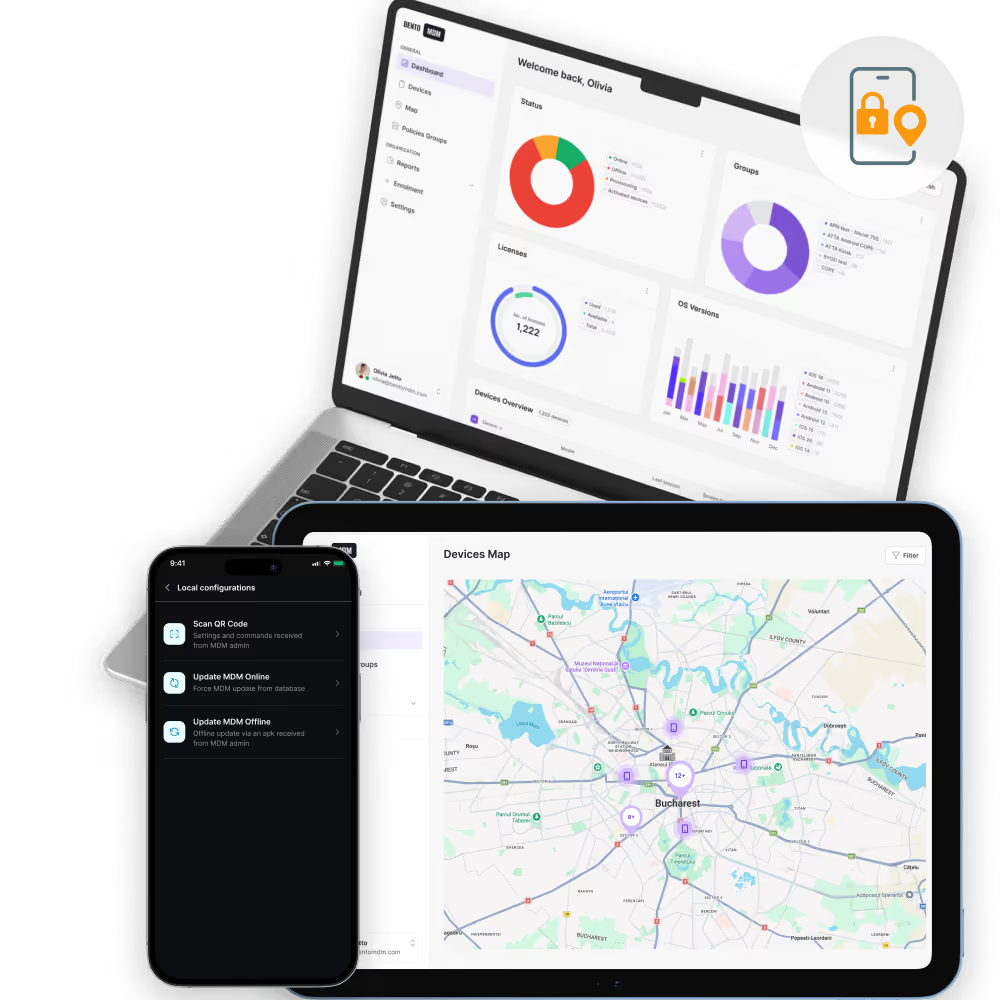
Push updates, reboot, or exit kiosk remotely without physical access.

Replace scattered tools with policy automation, remote fixes, and audit-ready evidence, without extra headcount.
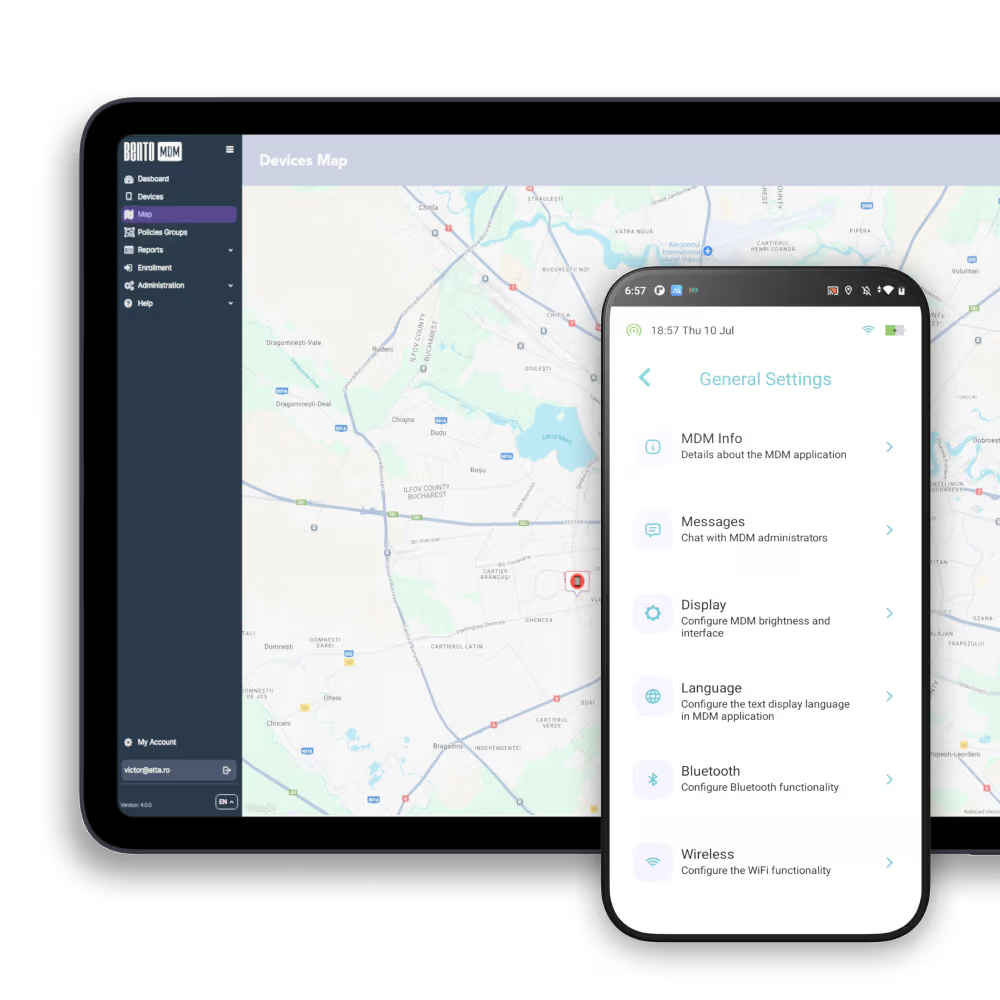

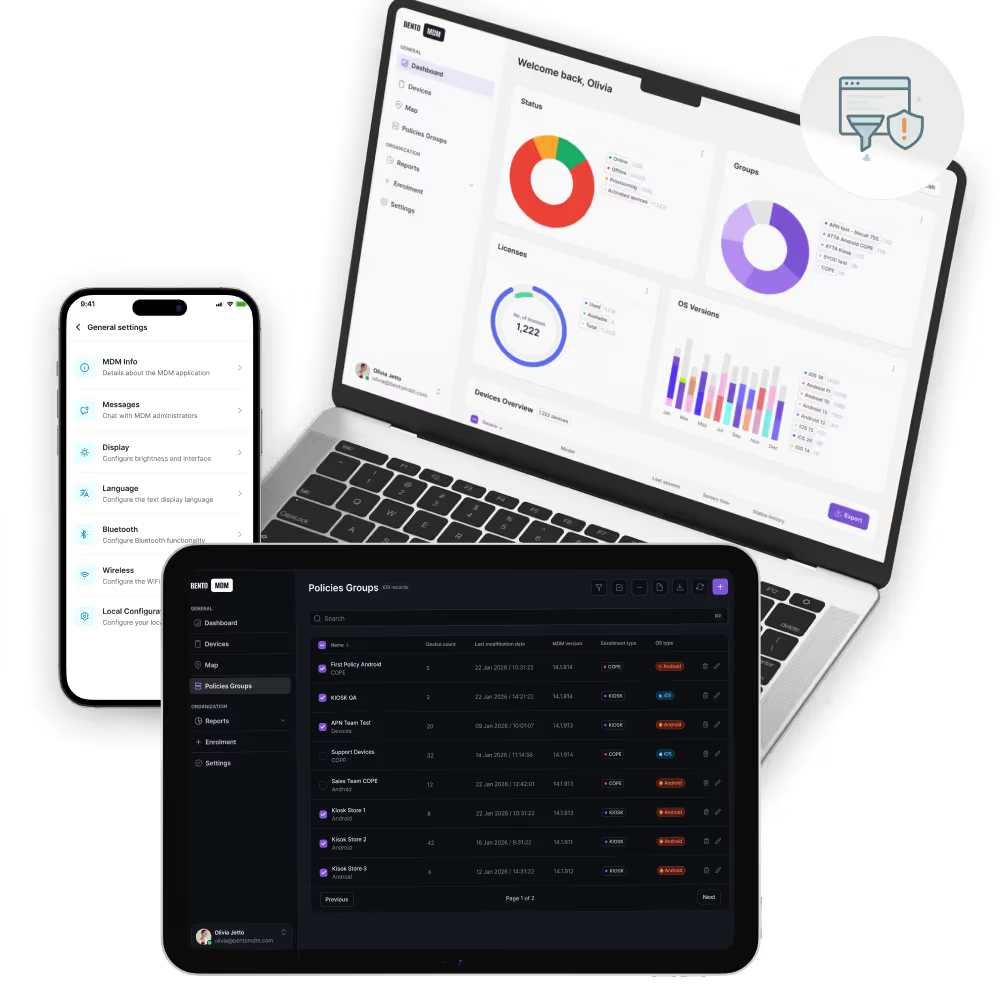
Lock devices into one dedicated app for POS, surveys, or training.

Limit access to only pre-approved apps for flexible kiosk workflows.

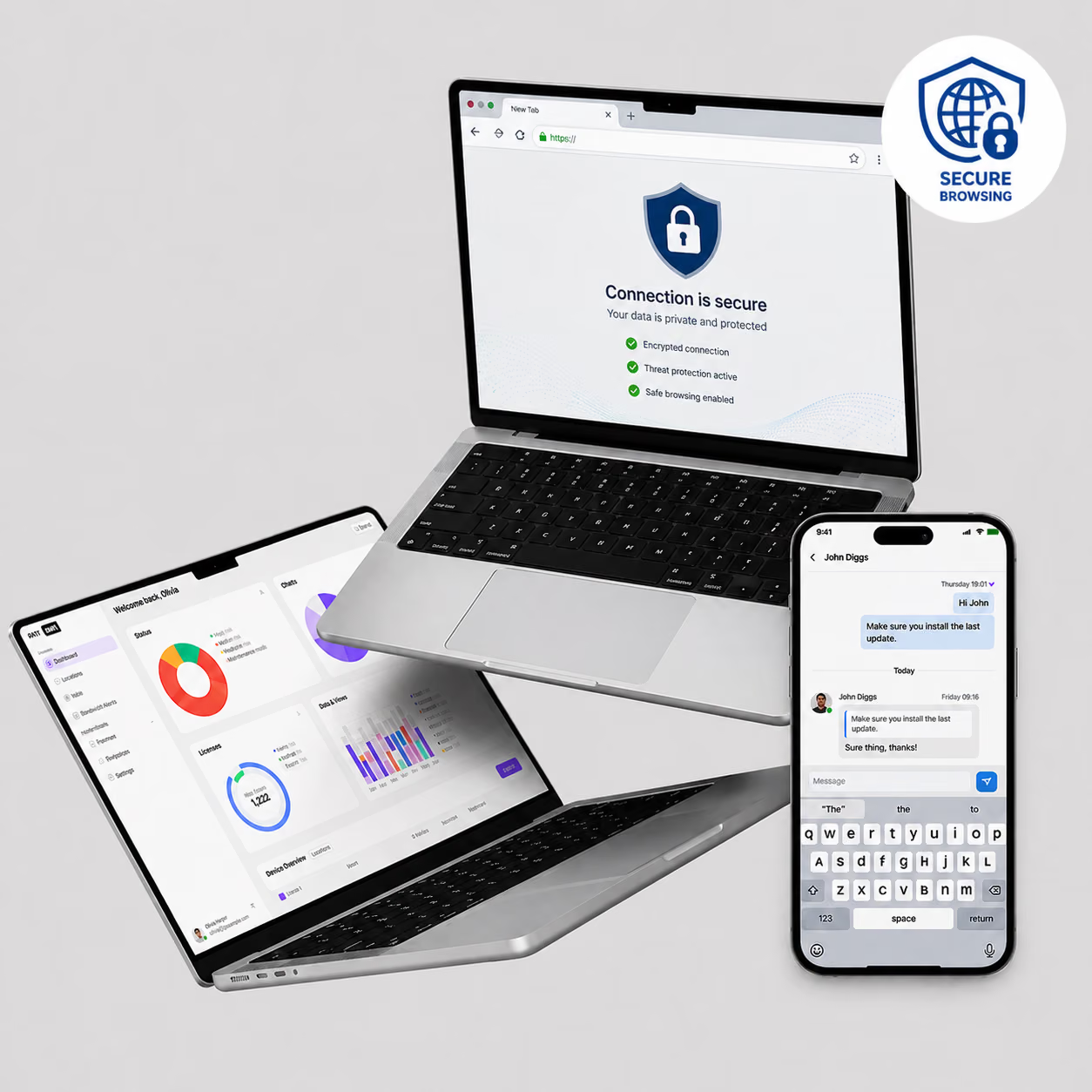
Lock devices into a single website or web app for secure browsing.

Restrict access to only business-approved resources.

Set wallpapers, company logos, and kiosk layouts for a consistent look.

Track kiosk uptime, push updates, and resolve issues without site visits.

Real-time reporting on device health, usage, and policy adherence.

Authorized users can exit kiosk securely with PIN or QR code.

"With Bento MDM and FSM, we efficiently manage over 700 devices, automate workflows, and improve communication between field teams."
Cristian Bordescu
Operations Director


“Our collaboration with Bento on migrating over 2,000 DPD devices was exceptional. Their openness, flexibility, and constant support stood out throughout the project. Their quick adaptation to challenges and solution-oriented approach made all the difference, a truly reliable and professional partner.”
Valentina Ionescu
CIO, DPD
https://www.linkedin.com/in/valentina-ionescu-45a117bb
https://www.facebook.com/DPDRomania/
https://www.linkedin.com/company/dpd-romania/
https://www.dpd.com/
https://ro.wikipedia.org/wiki/DPD_Romania

"Bento Field Service Management and Mobile Device Management helped us streamline field interventions, secure mobile devices, and increase operational transparency."
Simona Gigiu
Business Line Director



Assign per-device PKI certificates to enable trusted access.

Centrally manage BitLocker and FileVault to protect sensitive data.

Route corporate app traffic through secure VPN channels while keeping personal traffic private.

Instantly disable or erase lost and non-compliant endpoints to prevent data loss.

Automatically detects compromised devices and alerts IT teams immediately.

Prevent unauthorized attempts to exit kiosk mode.
%201.avif)
GDPR
Compliant

99.9%
Uptime

ISO 27001
Compliant

HIPAA
Compliant
.avif)
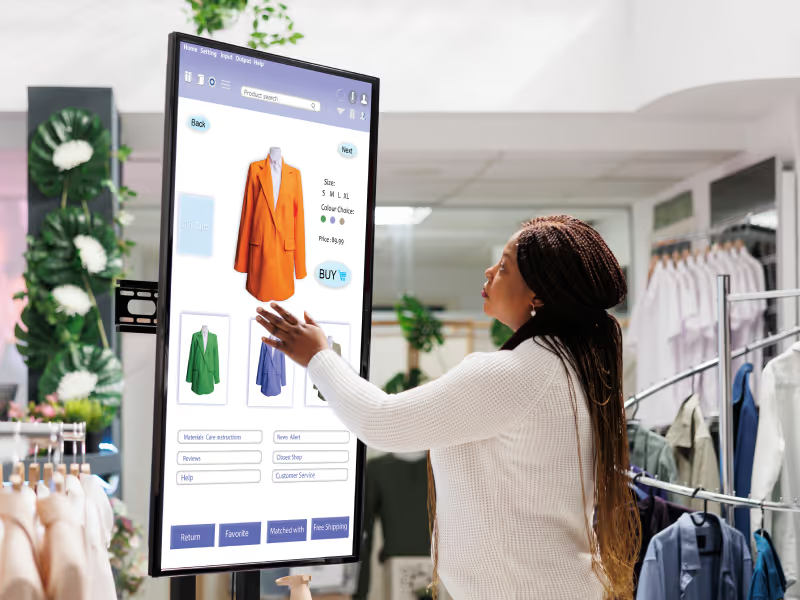
Lock tablets to the POS app for checkout and inventory lookup. Self-checkout blocks everything except the payment URL, and factory-reset protection prevents anyone from wiping the device.

Lock devices to a lockdown browser for exams so students cannot switch apps, open notes, or take screenshots. Schedule-based kiosk turns on for testing hours and off for normal class use.

Lock tablets to patient check-in for intake, identity, and signature capture, with encryption for the ePHI collected. Wayfinding displays run a single-app map with content filtering.

Give technicians a curated multi-app set: diagnostics, camera, scanner, and reporting. Offline QR Commands push policy updates to field kiosks with no network connection.

Lock hotel and airline self-check-in, restaurant ordering, and car-rental tablets to the guest interface only, without exposing the OS. Custom branding keeps every touchpoint on-brand.
Lock devices to a signage player running content on a loop for menu boards, departure screens, and promotional displays. Remote view verifies each screen without a site visit.
What is kiosk software?
Kiosk software locks devices into single-app, multi-app, or web kiosk mode for controlled use.
What is an MDM kiosk software solution?
MDM-based kiosk management software combines kiosk mode with device provisioning, security, and compliance.
Does Bento support MDM Apple kiosk mode?
Yes—iPads and iPhones can be locked into single or multi-app kiosk mode.
Does Bento support MDM Android kiosk mode?
Yes—Android devices can run in kiosk mode for POS, retail, or field operations.
Does Bento support Windows kiosk software?
Yes—Windows devices can be configured as kiosks for signage, retail, or shared desktops.
What industries use kiosk management software?
Retail, education, healthcare, logistics, hospitality, and field services.
How do you exit kiosk mode securely?
Admins use PINs, QR codes, or remote commands to exit kiosk without user tampering.
Does Bento MDM support kiosk mode for macOS?
Yes. Bento MDM supports macOS single-app mode for Mac devices, allowing IT to lock a Mac into one application using MDM profiles. This is useful for digital signage, self-service terminals, and dedicated-purpose Mac workstations. macOS kiosk mode requires the device to be enrolled and supervised via Apple Automated Device Enrollment.
What MDM solution can help manage kiosk devices?
An MDM solution for kiosk devices should support single-app and multi-app kiosk mode across Android, iOS, and Windows from one console. It should include factory reset protection (to prevent unauthorized resets), content filtering (to block network access outside the kiosk app), automated patching (to keep unattended devices current), and remote view (to troubleshoot without site visits). Bento MDM includes all of these capabilities at €1/device with no enterprise tier gating.
Can I set up kiosk mode without MDM?
Limited kiosk functionality is possible without MDM. On iOS, Guided Access locks the device to one app temporarily — but it is user-initiated, requires a passcode to exit, and does not survive restarts. On Android, Screen Pinning locks the current app but can be exited by the user. On Windows, Assigned Access can be configured locally. None of these approaches offer persistent, centrally managed kiosk lockdown. For production kiosk deployments — where devices must stay locked, auto-restart on crash, receive remote updates, and prevent factory resets — MDM is required.
How do I exit kiosk mode remotely?
IT administrators can exit kiosk mode remotely from the Bento MDM admin console by removing or modifying the kiosk policy assigned to the device or device group. The device exits kiosk mode and returns to the standard managed home screen. On-device, authorized users can exit kiosk mode using a PIN or QR code configured by IT. Bento MDM also supports remote view and control, allowing IT to interact with the kiosk screen directly for troubleshooting.
How do I update apps on a device that is in kiosk mode?
MDM pushes OS and app updates to kiosk devices over the air, the same way it updates any enrolled device. Configure automated patching with a maintenance window during off-hours so the device can restart for updates without interrupting its kiosk function. The kiosk app relaunches automatically after the update completes. If the device operates without connectivity, Bento MDM’s Offline QR Commands can push the update via a locally scanned QR code.
What is the difference between single-app and multi-app kiosk mode?
Single-app kiosk mode locks the device to one application — a POS terminal running only the payment app, a check-in tablet running only the registration app. Multi-app kiosk mode locks the device to a curated set of applications selected by IT — a field service device with a diagnostic app, a camera, a barcode scanner, and a reporting tool. Single-app is for public-facing and single-function devices. Multi-app is for worker devices that need multiple tools but no personal access.
What is kiosk mode in MDM?
MDM kiosk mode is a mobile device management capability that locks a device to a single application or a curated set of approved applications. The home screen, settings menu, and navigation controls are disabled. The user interacts only with the approved app. When the app closes or crashes, the device automatically restarts it. MDM kiosk mode applies to Android (COSU dedicated device mode), iOS (Single App Mode), and Windows (Assigned Access).

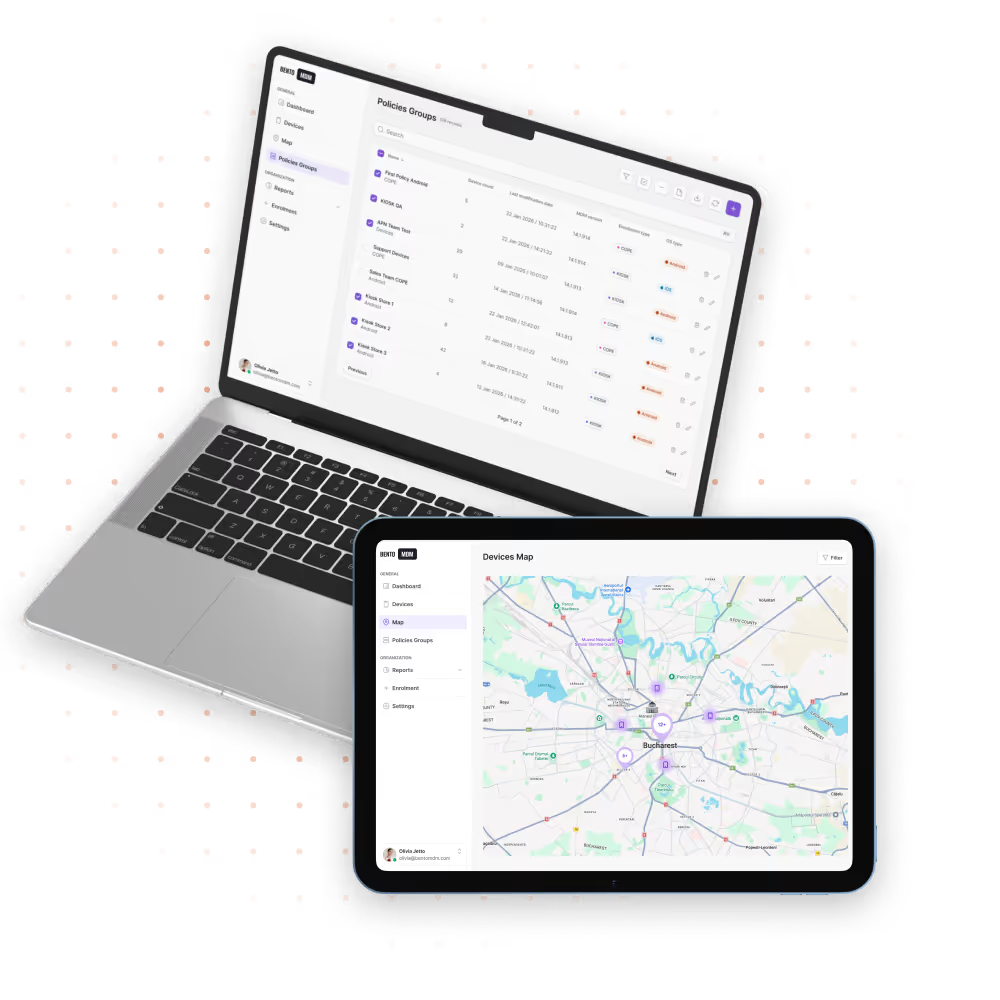
Manage every phone, tablet, and workstation from one console, across healthcare and beyond, with Bento MDM.


By Features
By Business Initiative
By OS Support