Trusted by





Policies, apps, and identity load on enrollment so new hires, students, and shift workers are productive on first sign-in.

Apply policy, app, and network rules to every Chromebook from one console, including shared and multi-tenant devices.

Pin Chromebooks to stable, beta, or LTS channels and schedule the auto-restart window so updates land without disrupting work.

Power-wash, deprovision, and re-enroll Chromebooks fleet-wide between sessions, returns, or hot-desk handoffs.

Chromebooks enroll through Chrome Enterprise Upgrade on first sign-in, applying configuration, policy, and identity with no manual staging.

Push ChromeOS policies for sign-in, network, force-installed apps, USB controls, and proxy settings from one console.

ChromeOS Verified Boot and full-disk encryption come built in; Bento MDM enforces and reports compliance fleet-wide.
Deploy and update web apps, Android apps via managed Google Play, Linux apps, and PWAs across Chromebook fleets through managed channels.

Lock Chromebooks into single-app kiosk, multi-app kiosk, or managed guest sessions for shared-device scenarios.

Pin Chromebooks to stable, beta, or LTS channels with scheduled auto-update windows and forced-restart policies.

Restart, power-wash, deprovision, and run remote diagnostics on any Chromebook in the fleet from the console.

Track serial, asset tag, OS version, last user, network, and policy state across the fleet with audit-ready exports.


"With Bento MDM and FSM, we efficiently manage over 700 devices, automate workflows, and improve communication between field teams."
Cristian Bordescu
Operations Director


“Our collaboration with Bento on migrating over 2,000 DPD devices was exceptional. Their openness, flexibility, and constant support stood out throughout the project. Their quick adaptation to challenges and solution-oriented approach made all the difference, a truly reliable and professional partner.”
Valentina Ionescu
CIO, DPD
https://www.linkedin.com/in/valentina-ionescu-45a117bb
https://www.facebook.com/DPDRomania/
https://www.linkedin.com/company/dpd-romania/
https://www.dpd.com/
https://ro.wikipedia.org/wiki/DPD_Romania
"Bento Field Service Management and Mobile Device Management helped us streamline field interventions, secure mobile devices, and increase operational transparency."
Simona Gigiu
Business Line Director



Connect Chromebook sign-in to Google Workspace, Okta, Entra ID, or other SAML and OIDC providers.

Enforce MFA at sign-in through the identity provider for stronger Chromebook authentication.

Limit admin actions in the Bento MDM console to role-appropriate permissions and scopes.

Apply sign-in or app-access rules based on device state, network, or user context.

Force screen lock and session expiry on shared Chromebooks for protection between users.

Track admin actions, policy changes, and sign-in events to support investigations and compliance reviews.
%201.avif)
GDPR
Compliant

99.9%
Uptime

ISO 27001
Compliant

HIPAA
Compliant


Student Chromebooks share between sessions with managed guest sessions, web filtering, and exam-mode lockdown for testing days.
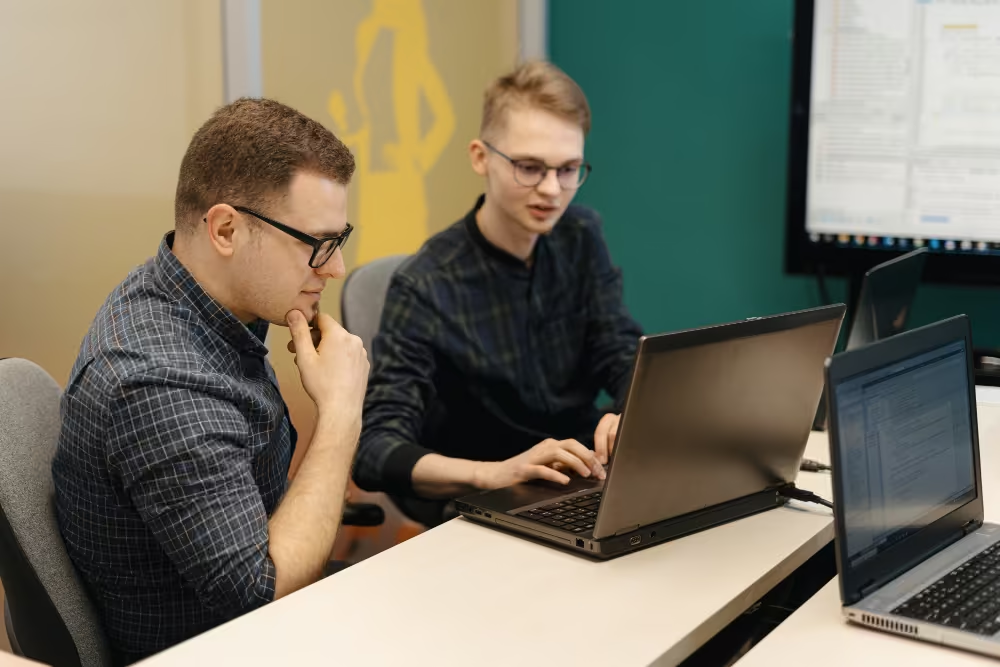

Shared lab Chromebooks reset between classes through power-wash and re-enrollment, with role-based app sets per course or program.

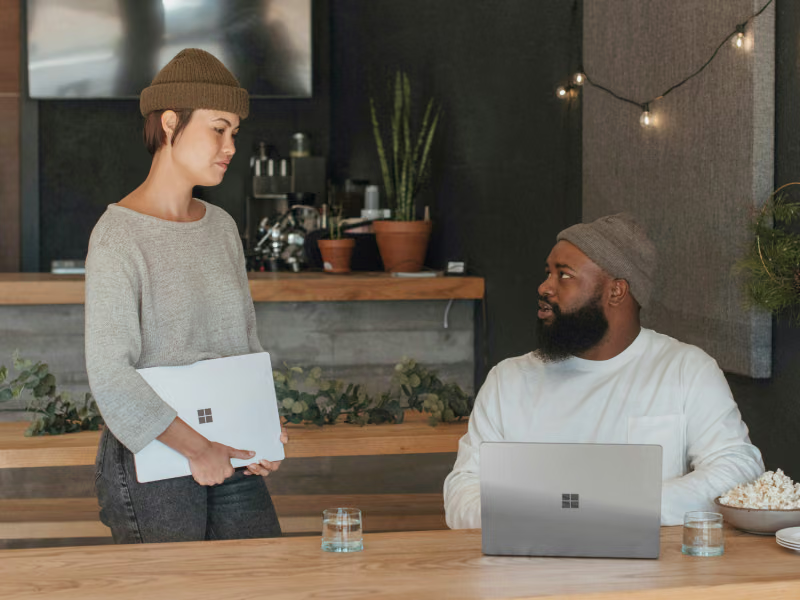
Retail and hospitality Chromebooks shared across shifts run with single sign-on per worker, kiosk mode for shift tasks, and per-session reset.

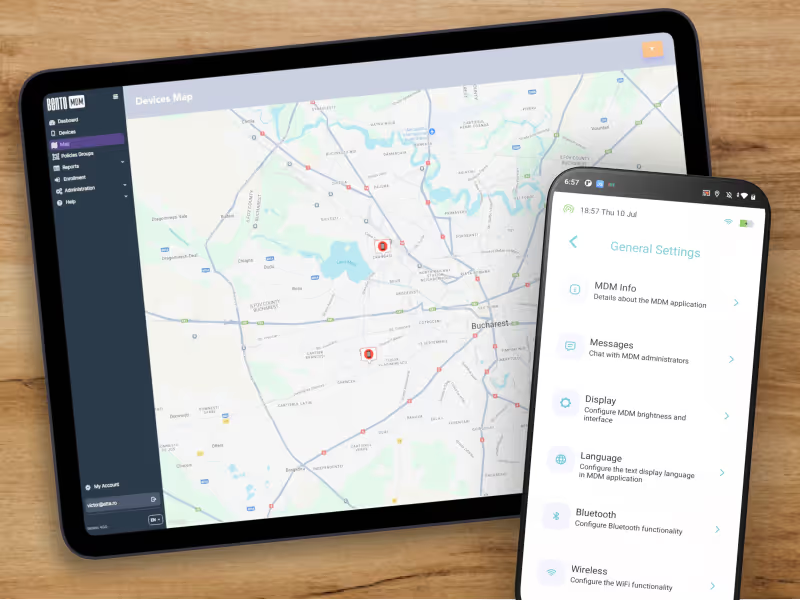
Remote Chromebooks enforce VPN, identity, and update policies through the network with remote support cutting backshipping for distributed teams.
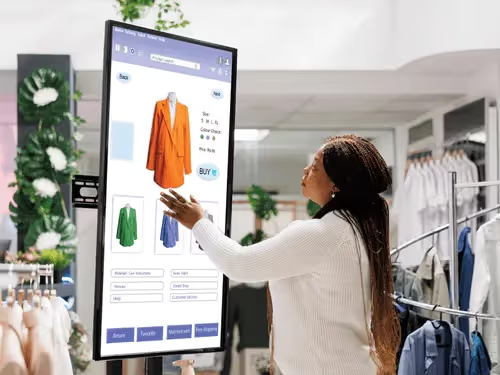

Public Chromebooks lock into single-app or multi-app kiosk mode for self-service stations and signage, with scheduled content refresh and remote restart.

Sales and consulting Chromebooks run lightweight CRM, document, and SaaS apps with identity-tied policies and automatic update channel control.
What is ChromeOS Management?
ChromeOS Management lets IT teams enroll, configure, secure, monitor, and reuse Chromebooks remotely through one platform. Bento MDM applies policies, deploys apps, controls update channels, and supports shared and kiosk-mode devices across the fleet.
How are Chromebooks enrolled into Bento MDM?
Chromebooks enroll through Chrome Enterprise Upgrade on first sign-in. Bento MDM connects to Google Admin and applies configuration, identity, apps, and policy automatically with no manual staging.
What's the difference between Chrome Enterprise Upgrade and Bento MDM?
Chrome Enterprise Upgrade is the Google licensing tier that unlocks management policies on a Chromebook. Bento MDM is the management platform that uses those policies to enroll, configure, monitor, and support Chromebook fleets alongside Windows, macOS, Linux, and mobile.
Can Bento MDM manage shared and student Chromebooks?
Yes. Bento MDM supports managed guest sessions, kiosk modes, role-based app sets, and per-session power-wash so shared Chromebooks stay clean and policy-aligned between users.
How does Chromebook update channel control work?
Bento MDM pins Chromebooks to the stable, beta, or LTS channel and schedules the auto-update and auto-restart windows so updates land without disrupting class, shift, or trading hours.
Can a lost Chromebook be locked, wiped, or deprovisioned remotely?
Yes. Admins can disable, deprovision, or remotely power-wash a lost Chromebook from the console, blocking sign-in and clearing local data without physical access.
Does Bento MDM work alongside Google Workspace and Google Admin?
Yes. Bento MDM connects to Google Admin and Google Workspace for identity, app delivery, and reporting, then layers cross-platform management across the rest of the fleet from one console.

Manage every phone, tablet, and workstation from one console, across healthcare and beyond, with Bento MDM.


By Features
By Business Initiative
By OS Support