Trusted by





Android device management with Bento MDM gets fleets fully enrolled in days, not months. Zero-touch enrollment provisions devices automatically as soon as they connect to the internet, no manual setup required.

Android device management starts at €1/device/month with all features included, Work Profile, Device Owner, kiosk mode, and managed Google Play. No enterprise tier gating. Volume pricing available.

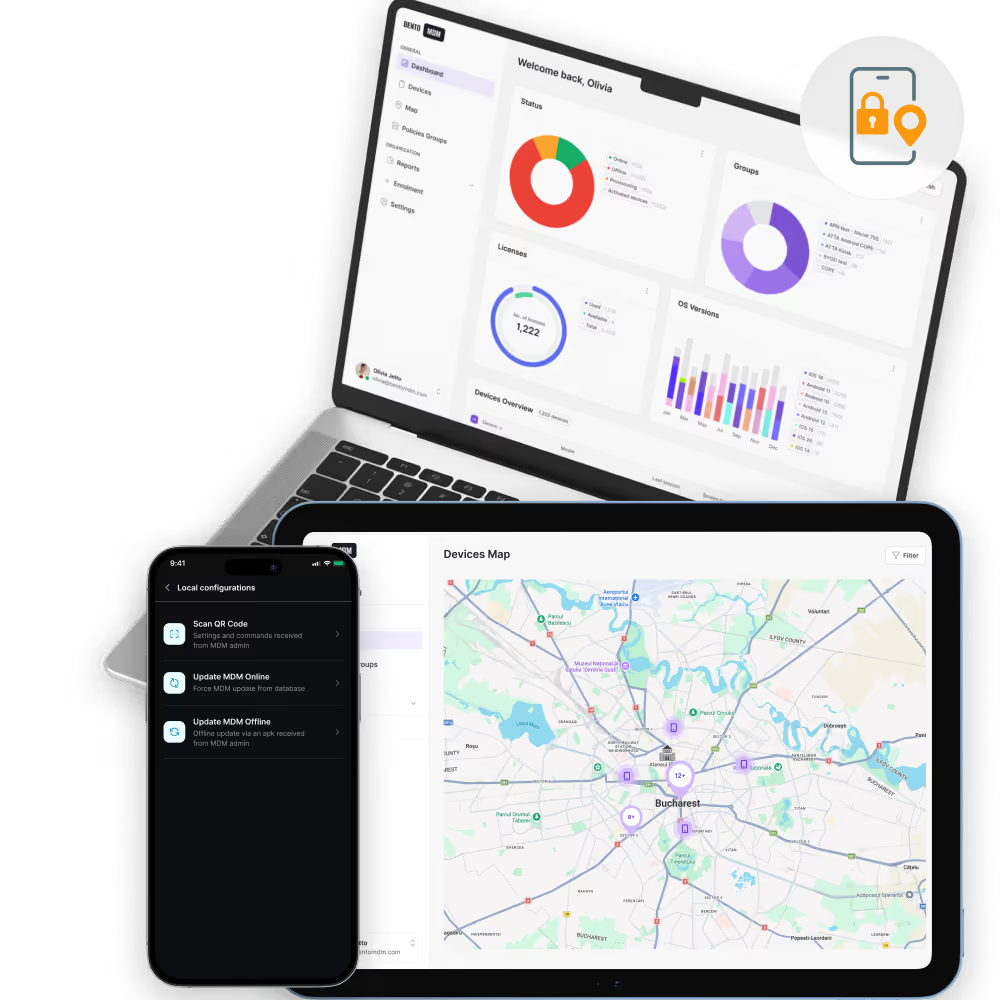
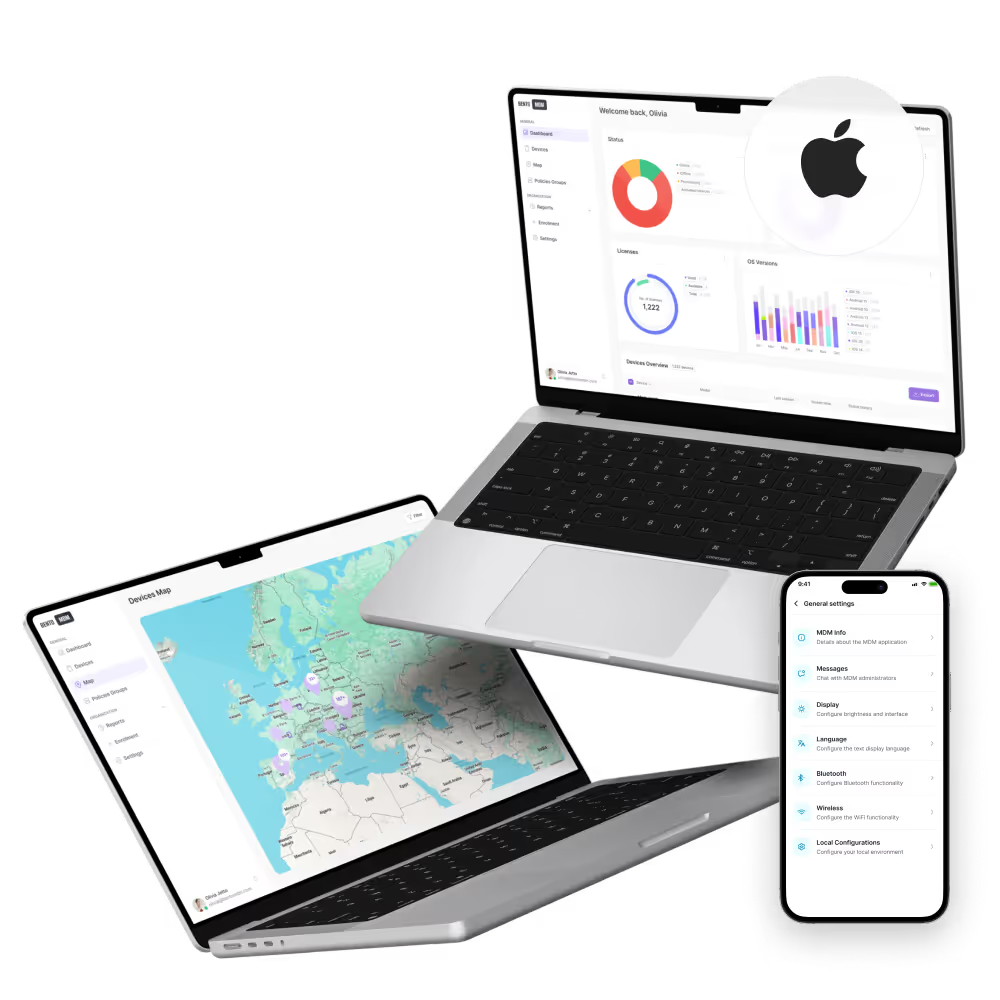
Exclusive to Bento MDM, Offline QR Commands push encrypted policies, app updates, and configuration changes to Android devices that have no internet connection, extending Android device management to warehouses, construction sites, and field locations with no coverage.

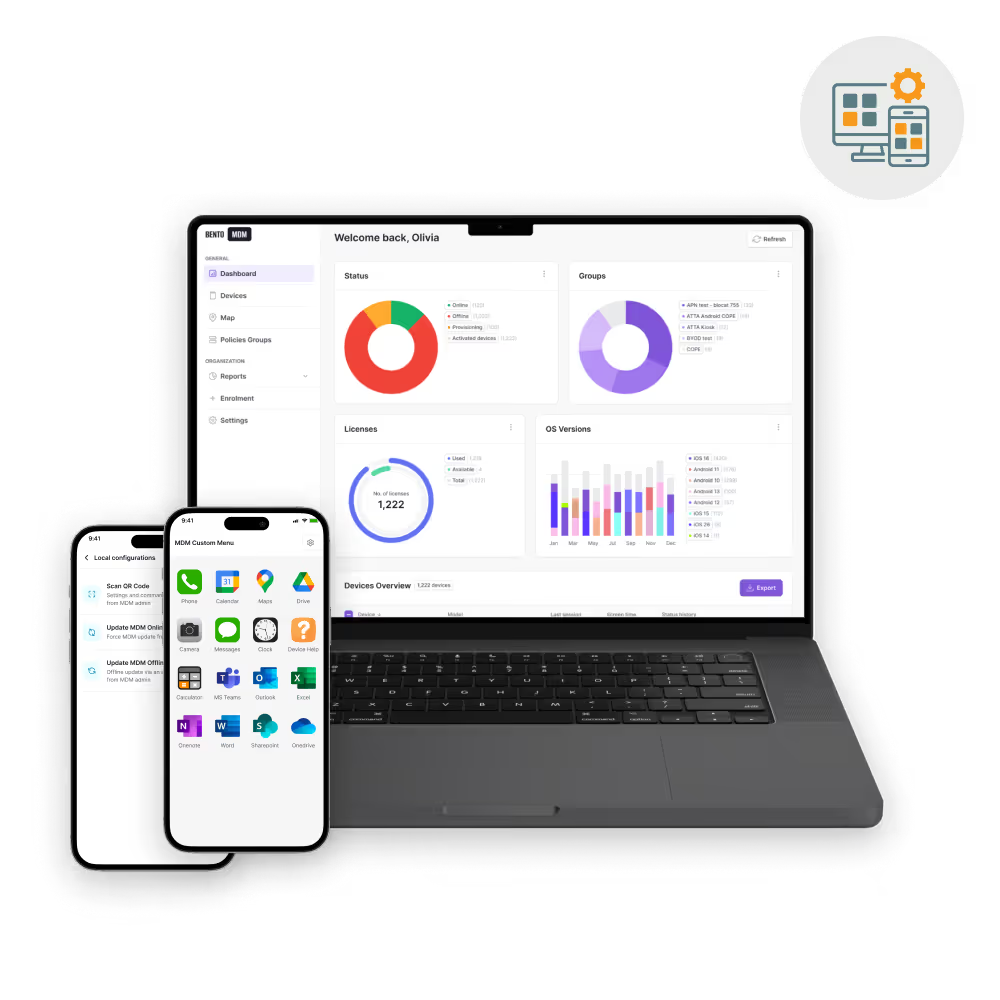
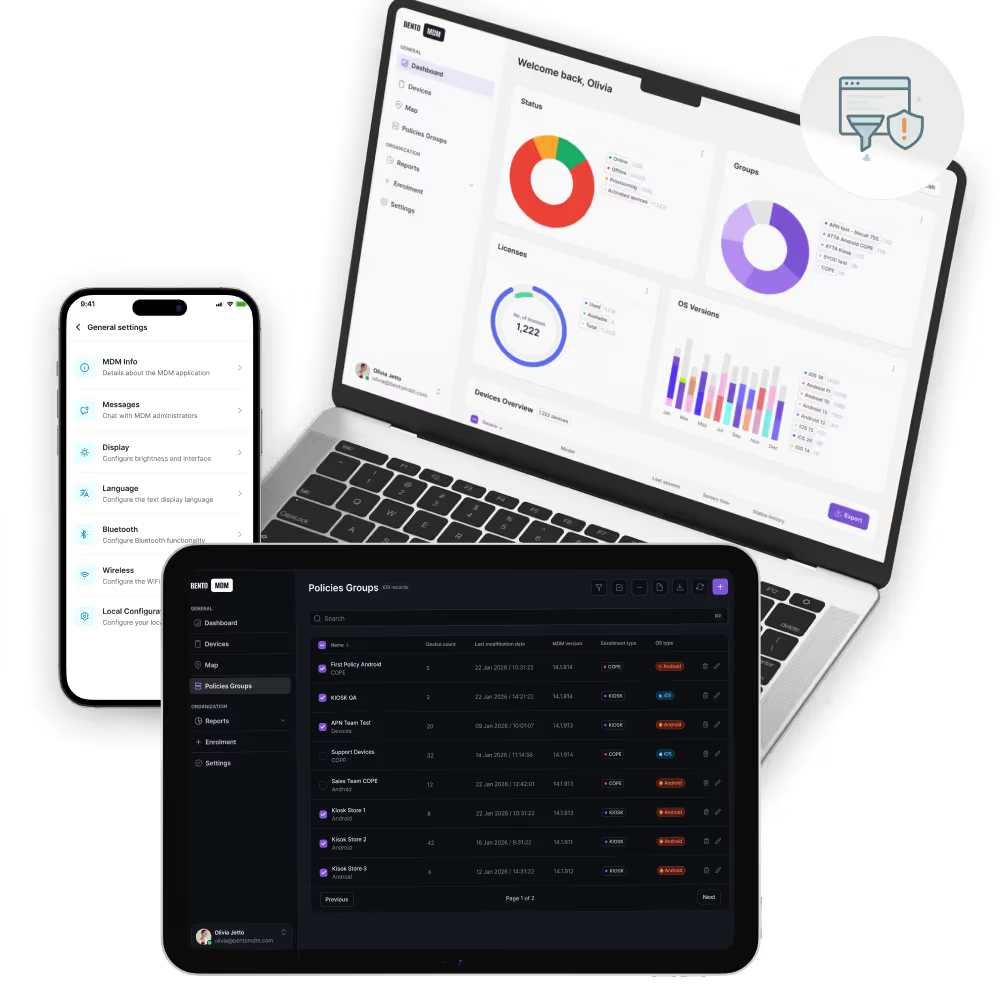
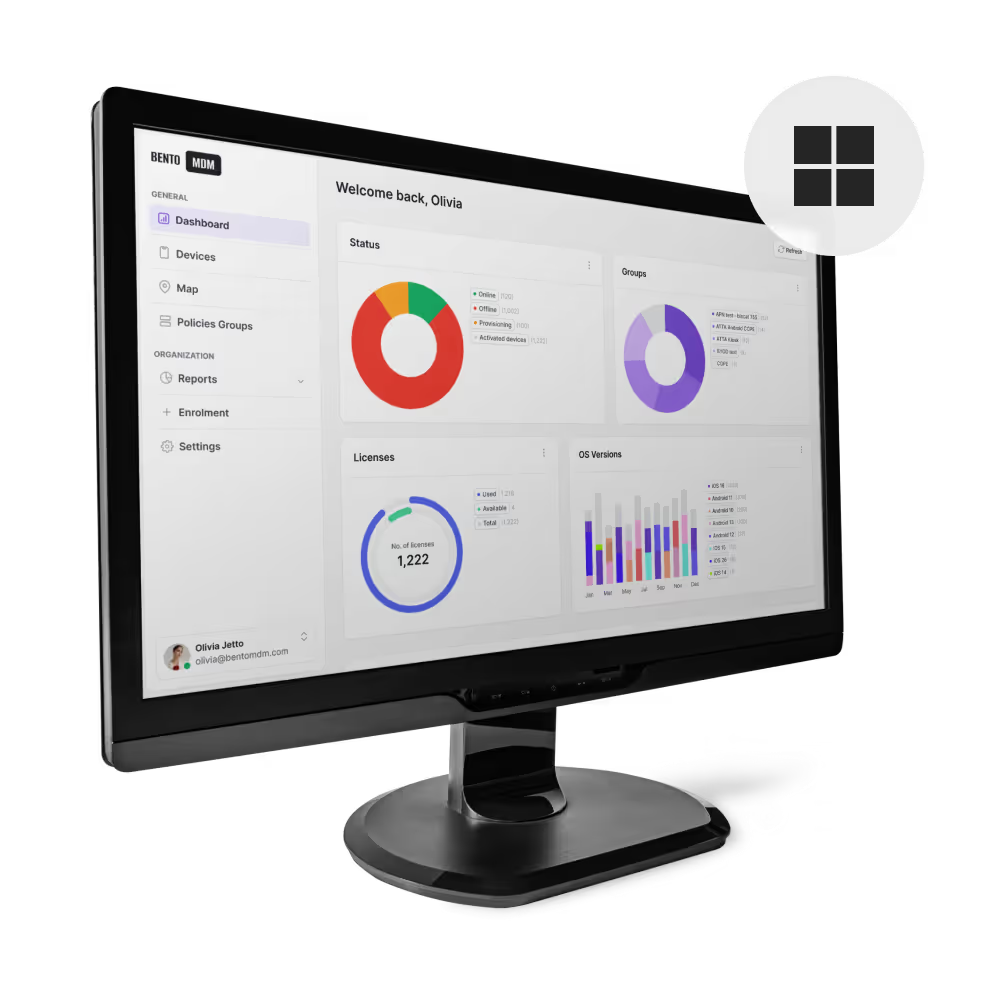
Non-technical managers can enroll, group, and apply policies to Android devices without scripting or command-line tools. The admin console guides users through enrollment, app deployment, and security configuration step by step.

Android zero-touch enrollment provisions corporate devices automatically, the device downloads the MDM agent, applies the assigned profile, and enters the management mode (Work Profile, Device Owner, or COSU) on first boot. Samsung Knox Mobile Enrollment extends this to Samsung-specific hardware with additional provisioning controls. No IT intervention required after initial configuration.

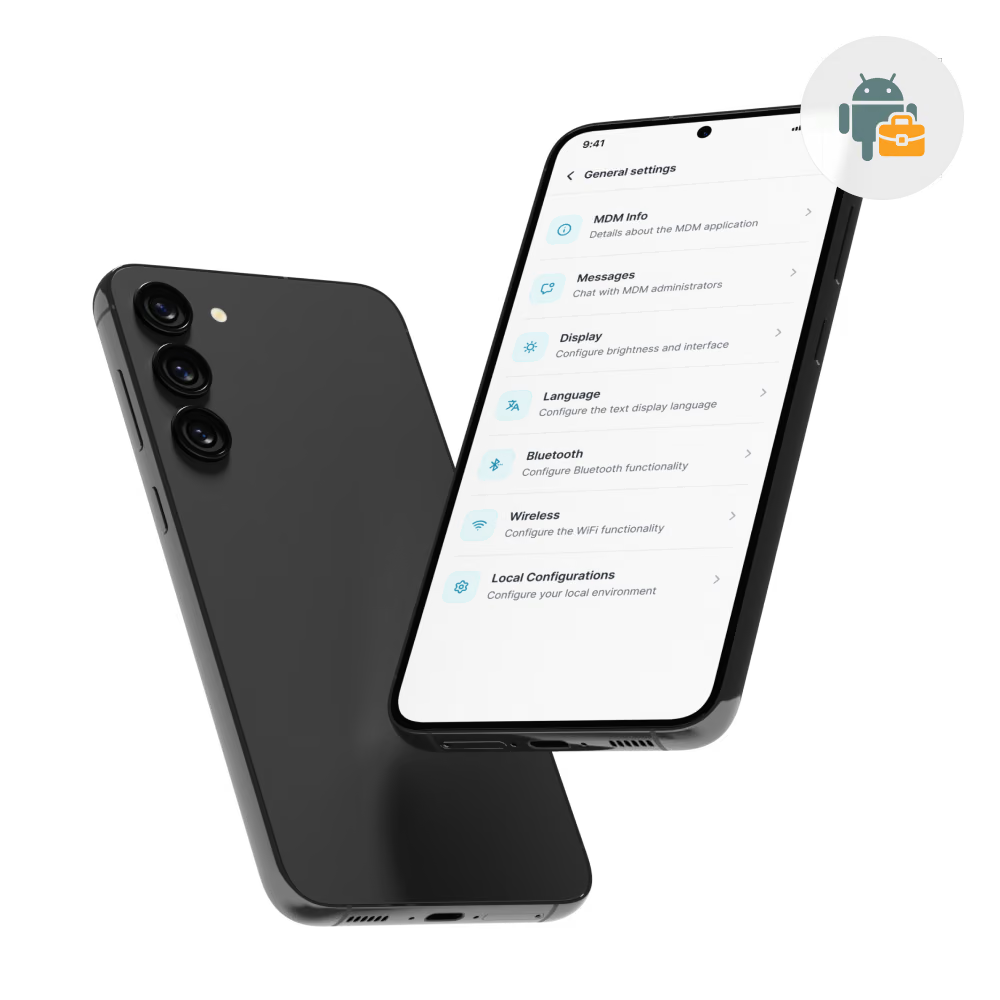
Android Work Profile creates a separate container on the employee’s personal device for corporate apps, data, and policies. IT manages the Work Profile, enforcing security policies, deploying apps via managed Google Play, and wiping corporate data on offboarding, without touching personal photos, messages, or apps. Work Profile is the Android Enterprise mode designed for BYOD deployments.

Device Owner mode gives IT full control over company-owned Android devices. COPE (Company Owned, Personally Enabled) allows a Work Profile for personal use alongside corporate management. COSU (Company Owned, Single Use) locks the device to a single app or curated app set for kiosk, digital signage, and dedicated-purpose deployments. Device Owner mode enables factory reset protection, hardware button lockdown, and silent app installation.

Managed Google Play is the enterprise app distribution channel for Android device management. IT approves apps once and deploys them silently across the fleet. Supports version pinning (locking a specific app version across all devices), private app hosting (distributing internal APKs through Play without publishing publicly), and managed app configurations (pushing server URLs, license keys, and feature flags directly into the app).

Android device management policies control encryption, password strength, camera and USB restrictions, Wi-Fi and VPN configurations, and OS baselines. Policies apply per device group, per enrollment mode, or per location, allowing different security postures for frontline rugged devices versus executive BYOD smartphones.

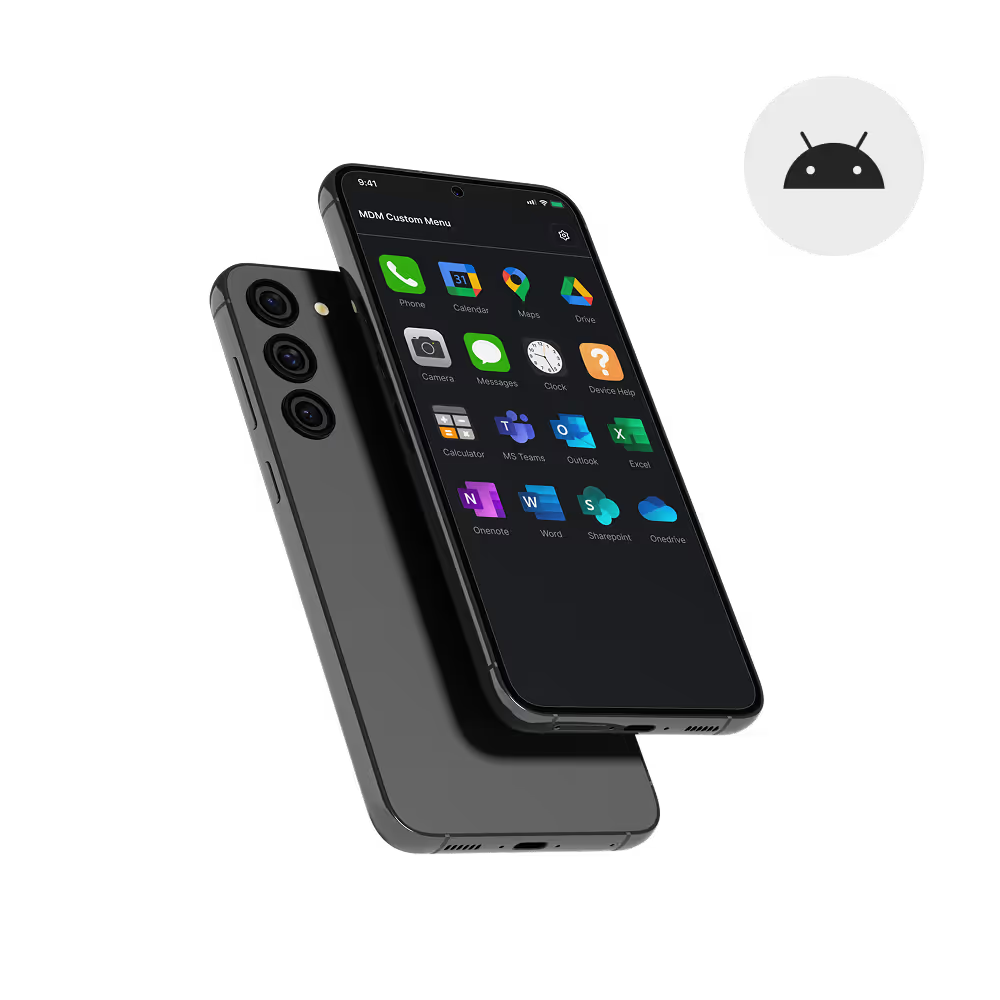
Android COSU kiosk mode locks devices to a single approved app or curated app set. The home screen is replaced, status bar is hidden, and hardware buttons are disabled. The kiosk app auto-restarts on crash. Bento MDM supports both single-app and multi-app kiosk configurations with remote exit, remote update, and web kiosk mode.

Replace scattered tools with policy automation, remote fixes, and audit-ready compliance, without extra headcount.
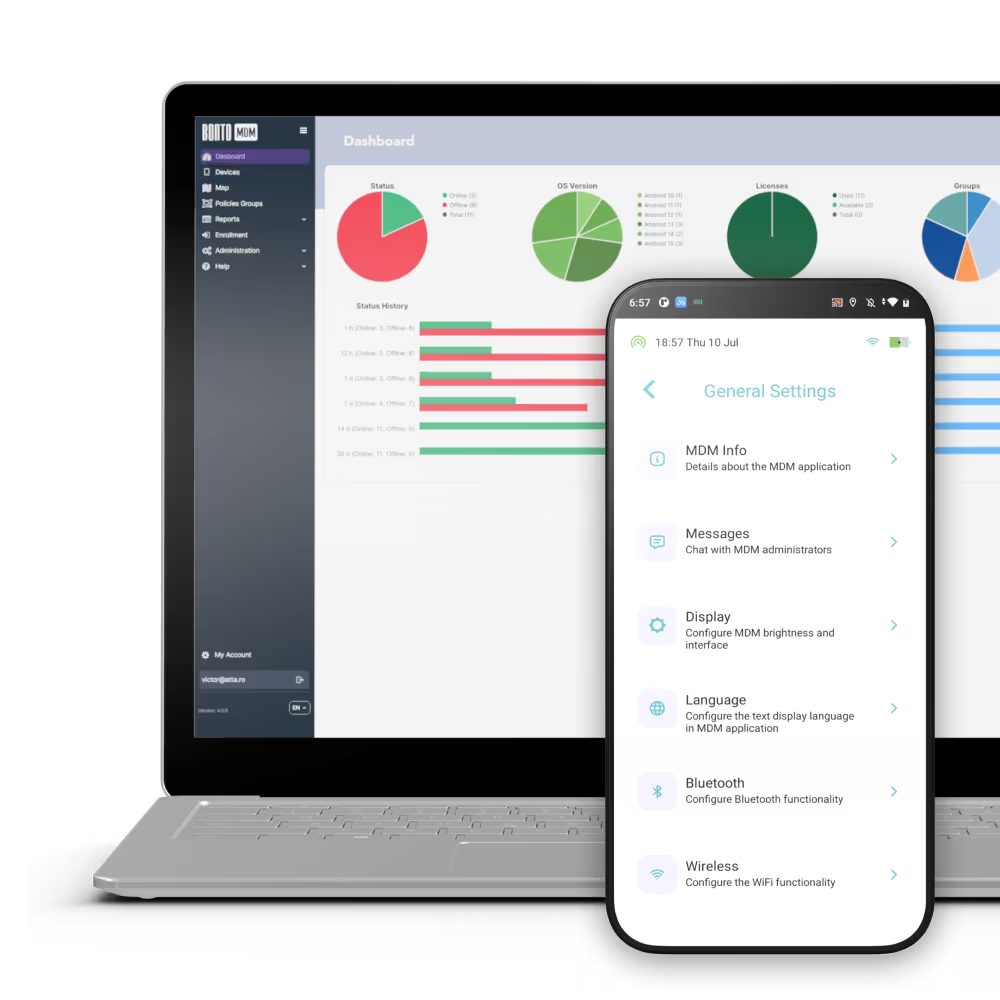

Execute remote shell commands, collect device logs, and view live screens to diagnose and resolve Android issues without costly site visits.

Apply security baselines, network rules, and app settings to thousands of Android devices in a single push. Policies propagate within minutes and confirm compliance on each device.

Monitor Android fleet patch levels, device posture, and policy drift with color-coded alerts. Non-compliant devices are flagged automatically for remediation.
Push encrypted policies, app updates, or configuration changes to Android devices via QR codes when no internet connection is available. Unique to Bento MDM.

Track Android devices by age, warranty status, location, and usage patterns to plan refresh cycles, manage replacements, and optimize procurement.
Distribute custom APKs, security certificates, configuration files, or documents to the entire Android fleet in bulk, without requiring user action or app store approval.

"With Bento MDM and FSM, we efficiently manage over 700 devices, automate workflows, and improve communication between field teams."
Cristian Bordescu
Operations Director


“Our collaboration with Bento on migrating over 2,000 DPD devices was exceptional. Their openness, flexibility, and constant support stood out throughout the project. Their quick adaptation to challenges and solution-oriented approach made all the difference, a truly reliable and professional partner.”
Valentina Ionescu
CIO, DPD
https://www.linkedin.com/in/valentina-ionescu-45a117bb
https://www.facebook.com/DPDRomania/
https://www.linkedin.com/company/dpd-romania/
https://www.dpd.com/
https://ro.wikipedia.org/wiki/DPD_Romania
"Bento Field Service Management and Mobile Device Management helped us streamline field interventions, secure mobile devices, and increase operational transparency."
Simona Gigiu
Business Line Director



Assign per-device PKI certificates to enable mutual TLS and trusted access to enterprise resources on managed Android devices.

Block enrollment until encryption is active, ensuring data remains protected from the moment the Android device enters management.

Restrict sensitive Android permissions (camera, microphone, location, storage) to enforce least-privilege access on managed devices.

Route corporate Android app traffic through managed VPN or proxy tunnels while keeping personal traffic private on BYOD Work Profile devices.

Validate Android device posture continuously - encryption status, OS version, root detection, password strength - and trigger real-time alerts for violations.

Instantly disable or erase lost and non-compliant Android endpoints to prevent data loss. Supports selective wipe (Work Profile only) and full device wipe.

Ensure Android devices boot only from approved OS images using Android Verified Boot to maintain platform integrity.
Automatically detect rooted Android devices and quarantine them from accessing corporate resources until remediated.
%201.avif)
GDPR
Compliant

99.9%
Uptime

ISO 27001
Compliant

HIPAA
Compliant
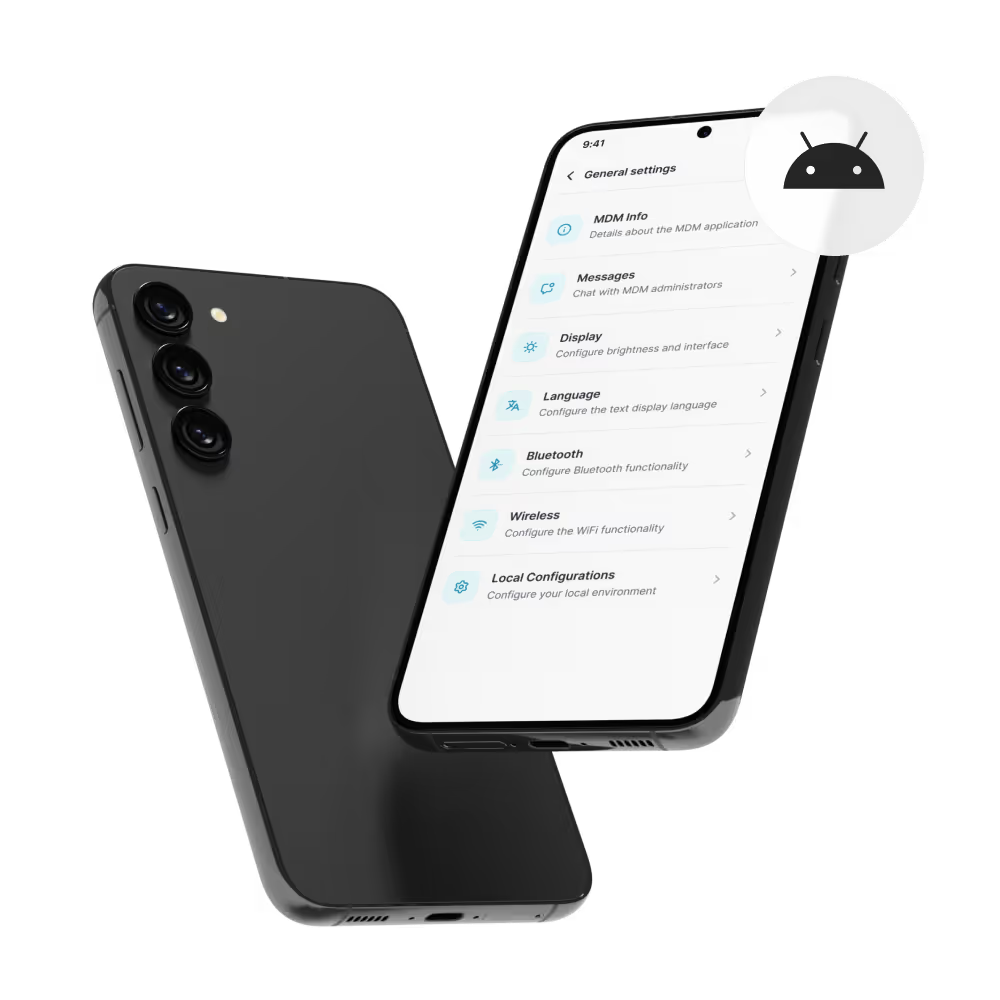

Android zero-touch enrollment automatically sets up new devices with the corporate image, assigned apps, and preconfigured security policies, the employee opens the box, connects to Wi-Fi, and the device is ready.

Remote lock, remote wipe, or OS rollback restores compromised Android devices instantly. Selective wipe removes only the Work Profile on BYOD devices, preserving personal data.

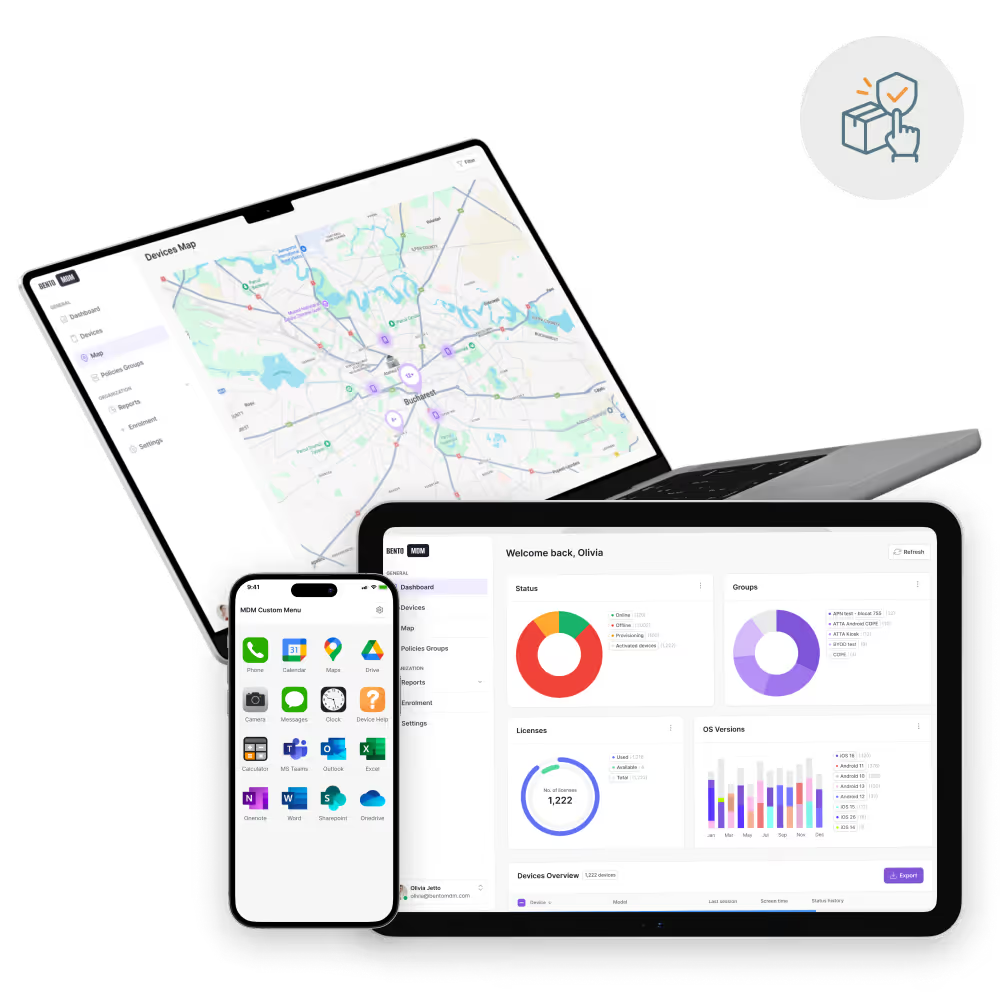
Track every Android device from procurement through retirement: monitor age, warranty status, usage patterns, and compliance posture. Plan refresh cycles and manage replacements from one dashboard.
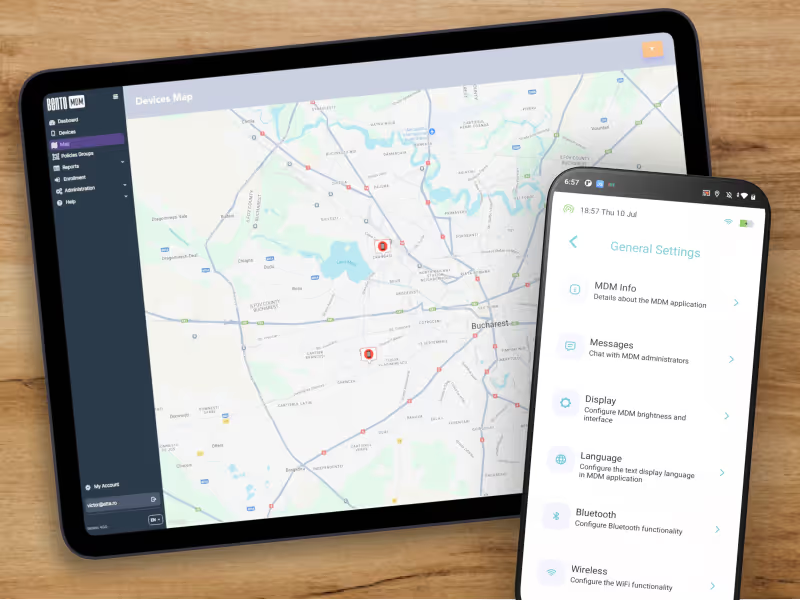
Distribute apps silently and in stages through managed Google Play. Pin versions, push private APKs, and configure managed app settings — all without user action.

Enforce Android OS and security patch updates across the fleet. Schedule updates during maintenance windows, stage rollouts by device group, and track compliance in real time.
What enrollment methods are supported?
Android Zero-Touch, Samsung Knox Mobile Enrollment, and QR code enrollment are supported for bulk deployments.
How are corporate and personal apps separated?
Work Profiles isolate corporate apps and data in a secure container on BYOD devices.
Can devices be locked into kiosk mode?
Yes. Device Owner (COSU) mode supports both single-app and multi-app kiosk deployments.
How is app distribution managed in Android device MDM?
Managed Google Play enables curated app catalogs, silent installs, and private app deployments.
What security policies can be enforced?
Policies include encryption, PIN and credential strength, OS baselines, camera and USB restrictions, and VPN rules.
How is compliance monitored in android MDM?
Real-time dashboards and alerts track patch levels, device posture, and policy drift, with notifications for any violations.
What remote support tools are available in Bento MDM for Android?
IT teams can execute remote shell commands, push updates, collect logs, and view live screens to resolve issues without site visits.
How are OS and app updates handled in Bento MDM?
OS and app updates can be scheduled and deployed remotely, staged across the fleet, and applied to offline devices through QR commands.
What is Android device management?
Android device management is the process of enrolling, configuring, securing, and monitoring Android devices through a mobile device management (MDM) platform. It uses the Android Enterprise framework to apply policies, distribute apps via managed Google Play, enforce encryption, and manage devices remotely. Android device management supports three enrollment modes: Work Profile (for BYOD), Device Owner (for corporate-owned devices), and COSU (for single-use kiosk devices).
What enrollment methods does Android MDM support?
Android MDM supports Android Automatic Enrollment (for bulk automated provisioning), Samsung Knox Mobile Enrollment (for Samsung-specific hardware), and QR code enrollment (for manual or small-batch setups). Bento MDM also supports Offline QR Commands for enrolling and configuring devices without internet connectivity.
How does Android device management separate corporate and personal apps?
Android Work Profile creates a separate, encrypted container on the employee’s personal device for corporate apps, email, and data. IT manages the Work Profile independently, personal photos, messages, and apps remain private and untouched. On offboarding, IT selectively wipes only the Work Profile without affecting personal data.
Can Android MDM lock devices into kiosk mode?
Yes. Android MDM supports COSU (Corporate Owned, Single Use) kiosk mode, which locks devices to a single approved app or a curated set of apps. The home screen is replaced, status bar is hidden, and hardware buttons are disabled. Bento MDM supports both single-app and multi-app kiosk configurations with remote exit and remote update capabilities.
How is app distribution managed with Android MDM?
Managed Google Play is the enterprise app distribution channel for Android MDM. IT approves apps once and deploys them silently across the fleet. Supports version pinning, private app hosting for internal APKs, and managed app configurations that push server URLs and license keys directly into the app — all without user action.
What security policies can Android device management enforce?
Android device management policies include encryption enforcement, PIN and credential strength requirements, OS version baselines, camera and USB restrictions, Wi-Fi and VPN configurations, app permission controls, and root detection. Policies apply per device group, per enrollment mode, or per location.
How is compliance monitored in Android MDM?
Real-time compliance dashboards track patch levels, device posture, encryption status, and policy drift across the Android fleet. Non-compliant devices trigger automatic alerts. Bento MDM’s compliance engine checks continuously — not on a schedule — so violations are flagged within minutes.
What remote support tools does Bento MDM offer for Android devices?
IT teams can execute remote shell commands, push app and OS updates, collect device logs, and view live screens on managed Android devices. Bento MDM’s remote view works across all Android versions and does not require user acceptance on fully managed (Device Owner) devices.
How are Android OS and app updates handled?
Android OS and app updates can be scheduled, staged by device group, and deployed remotely through managed Google Play and Bento MDM’s update engine. Updates can be applied during maintenance windows to avoid disrupting frontline workers. For offline devices, Bento MDM’s Offline QR Commands push updates via locally scanned QR codes.
What is the difference between Work Profile and Device Owner on Android?
Work Profile is for BYOD, IT manages only the corporate container on the employee’s personal device. Personal apps and data remain private. Device Owner is for company-owned devices, IT has full control over the entire device, including factory reset protection, kiosk mode, and hardware restrictions. Choose Work Profile when employees own the device; choose Device Owner when the company owns it.

Manage every phone, tablet, and workstation from one console, across healthcare and beyond, with Bento MDM.


By Features
By Business Initiative
By OS Support