Trusted by






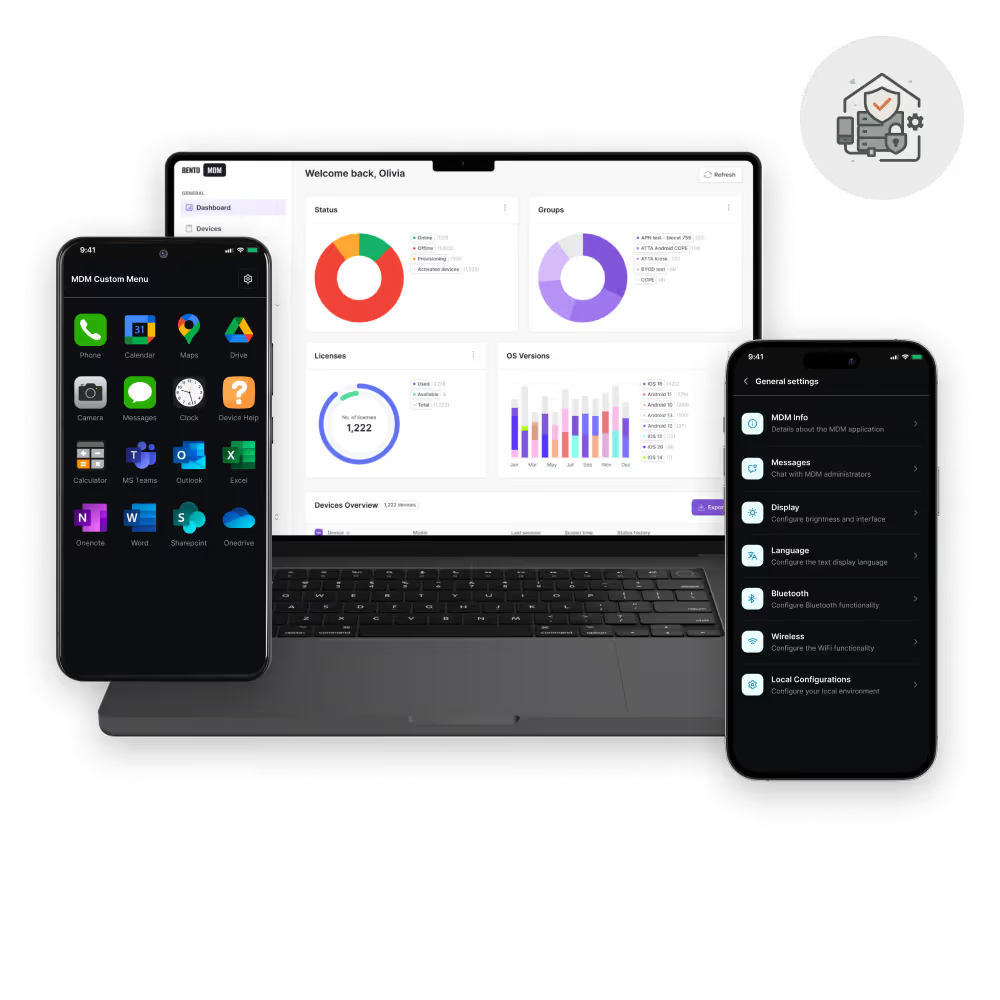
Run Bento in our cloud or self-hosted on your own infrastructure.

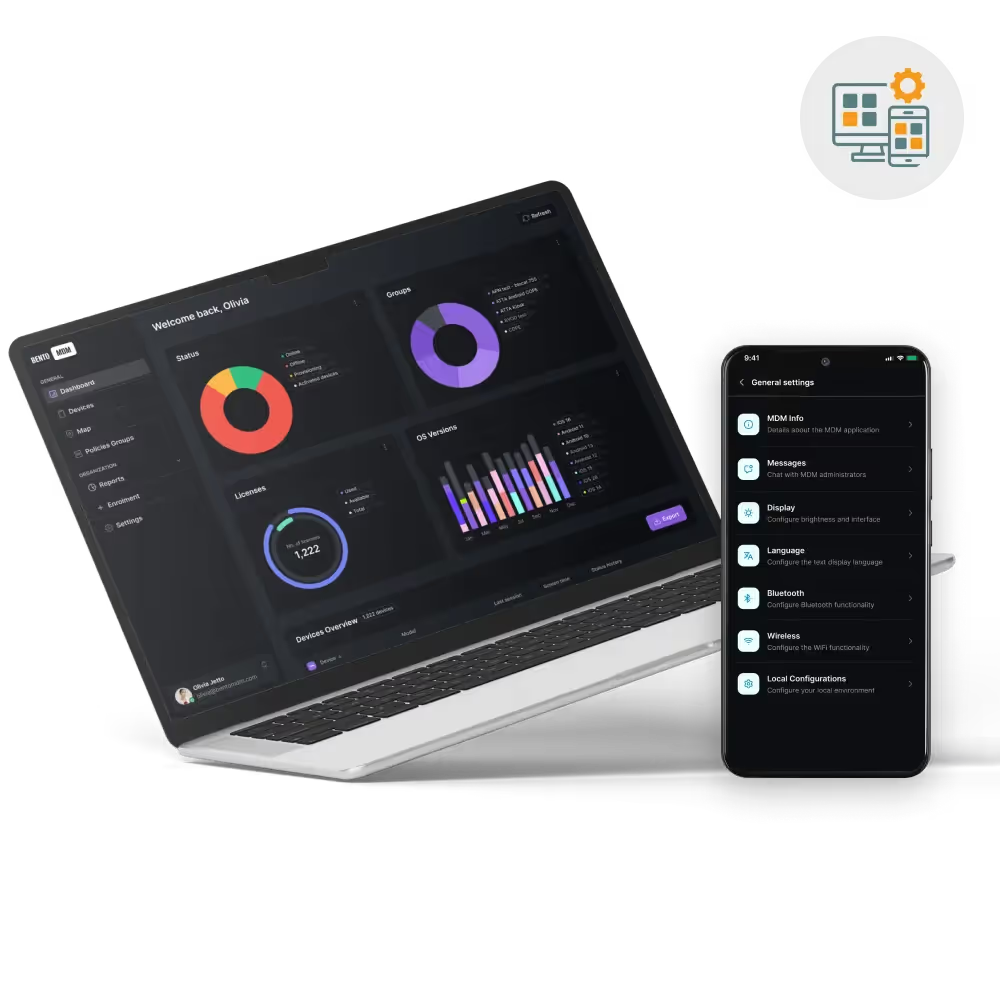
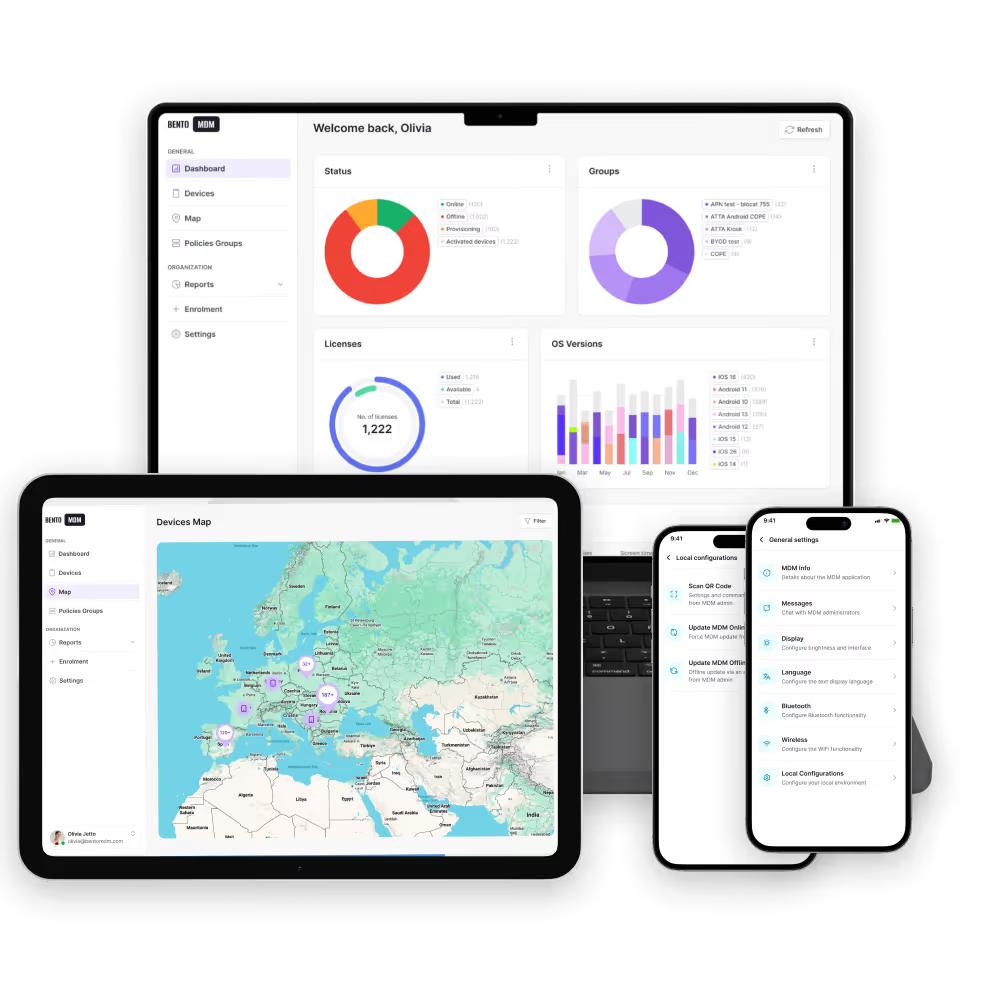
Manage iOS, iPadOS, Android, Windows, macOS, and Linux from one console.

Pricing starts at €1 per device and drops as your fleet grows.

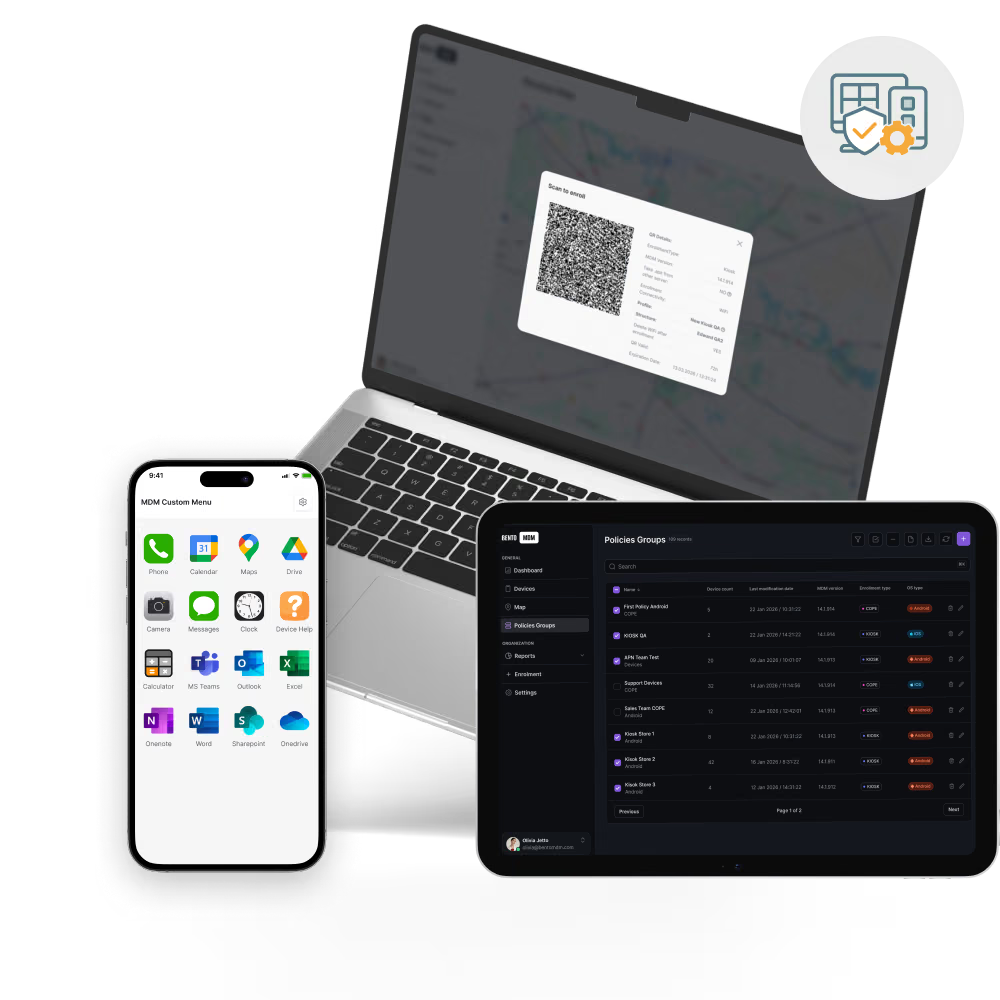
Enforce policies and push fixes by QR code even when devices are offline. Exclusive to Bento MDM.
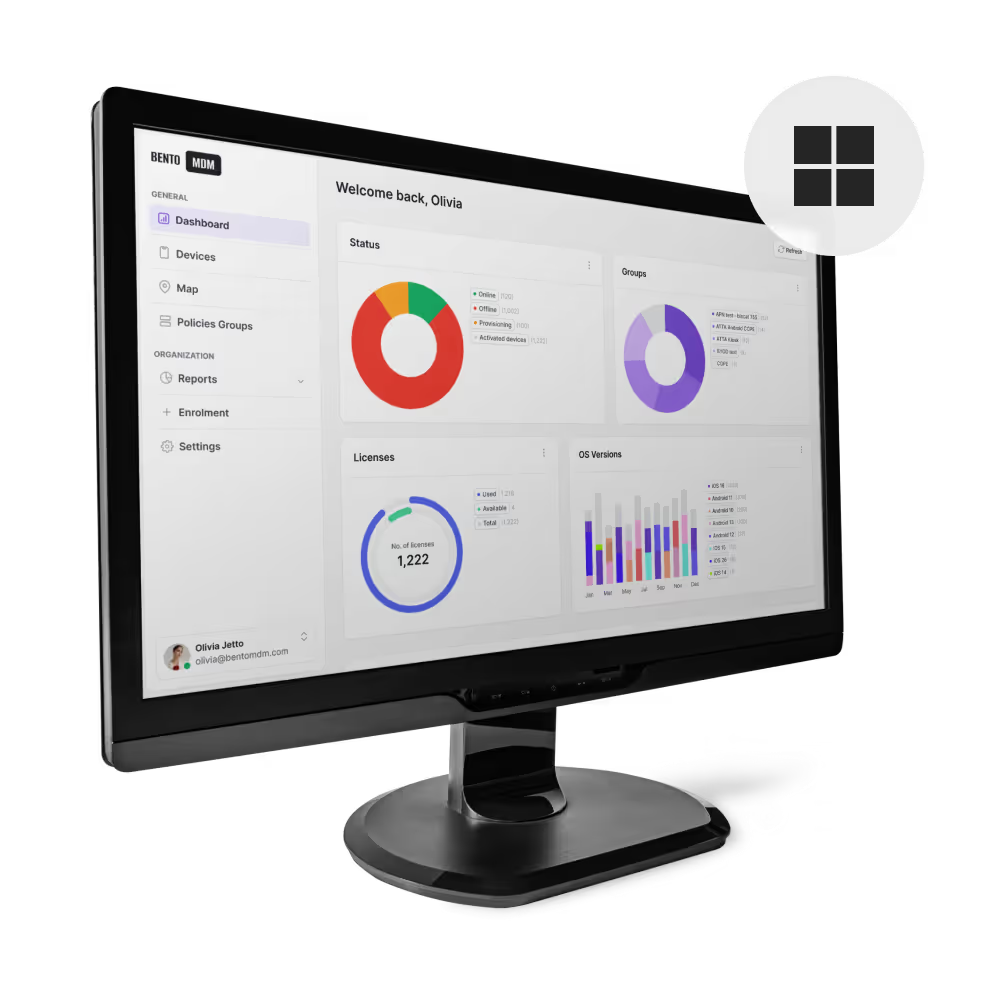
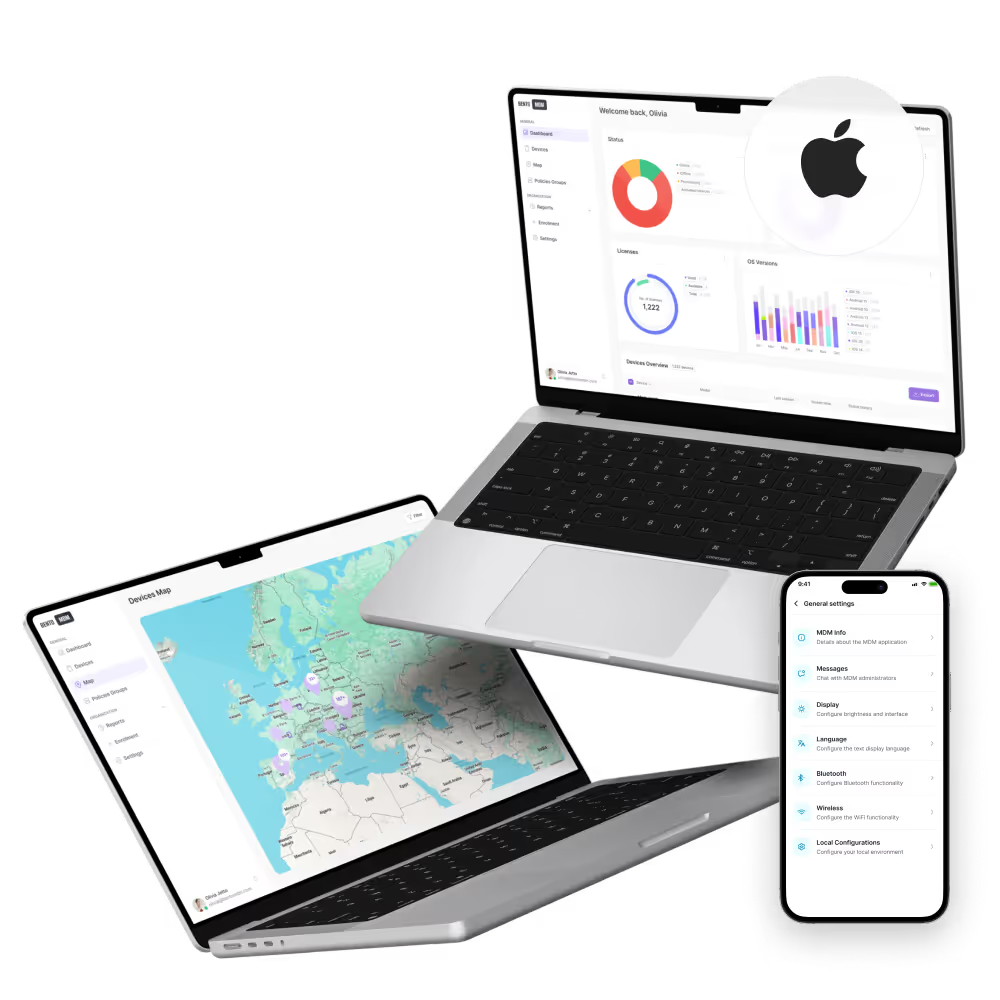
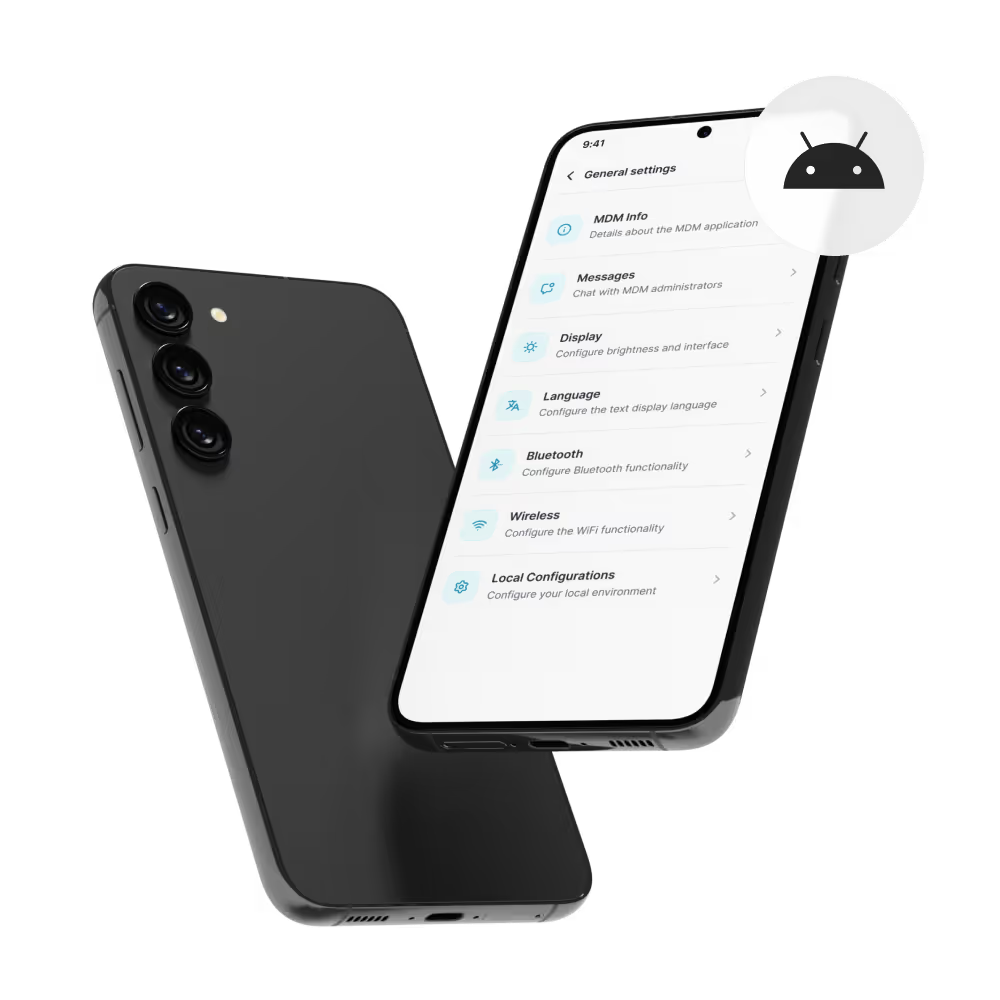

Deploy devices at scale with no manual setup or IT intervention.

Curate a self-service catalog or push silent installs across the fleet.

Keep devices secure and up to date automatically.

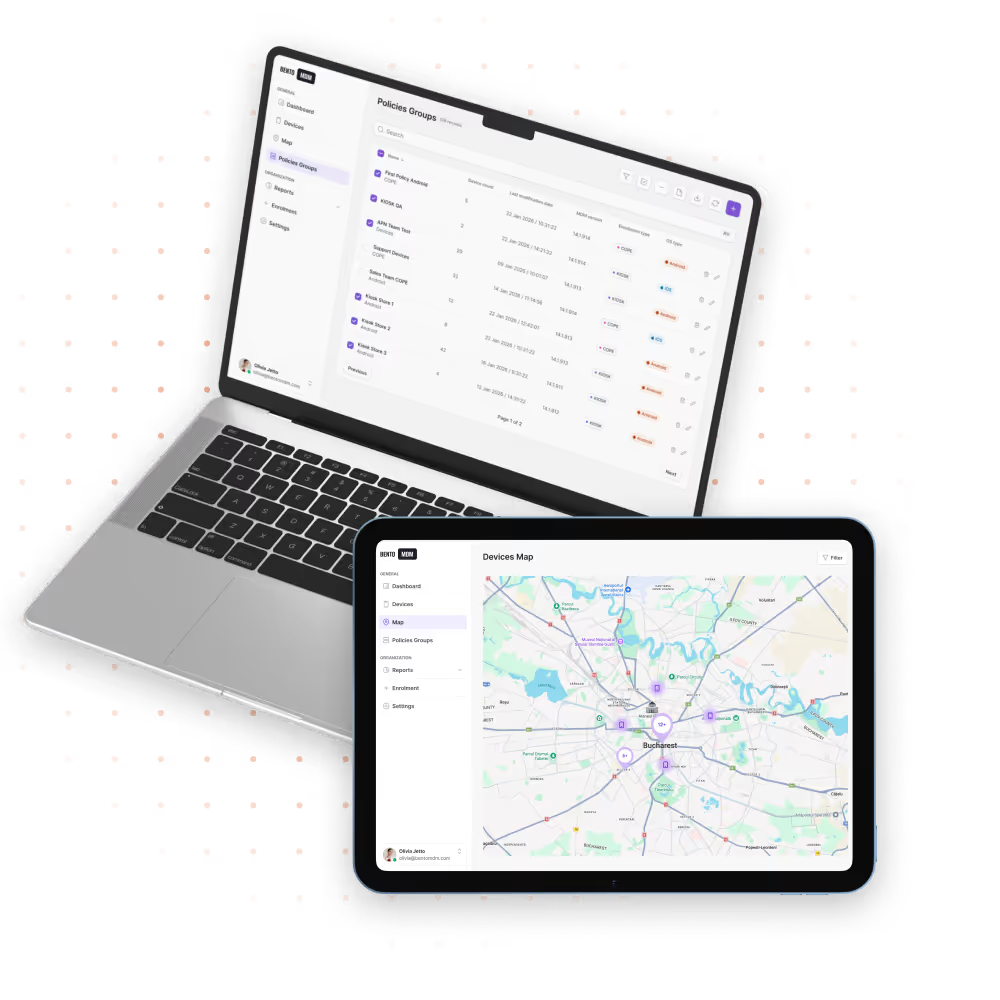
View and troubleshoot any device in seconds.

Apply industry-standard security baselines in a few clicks.

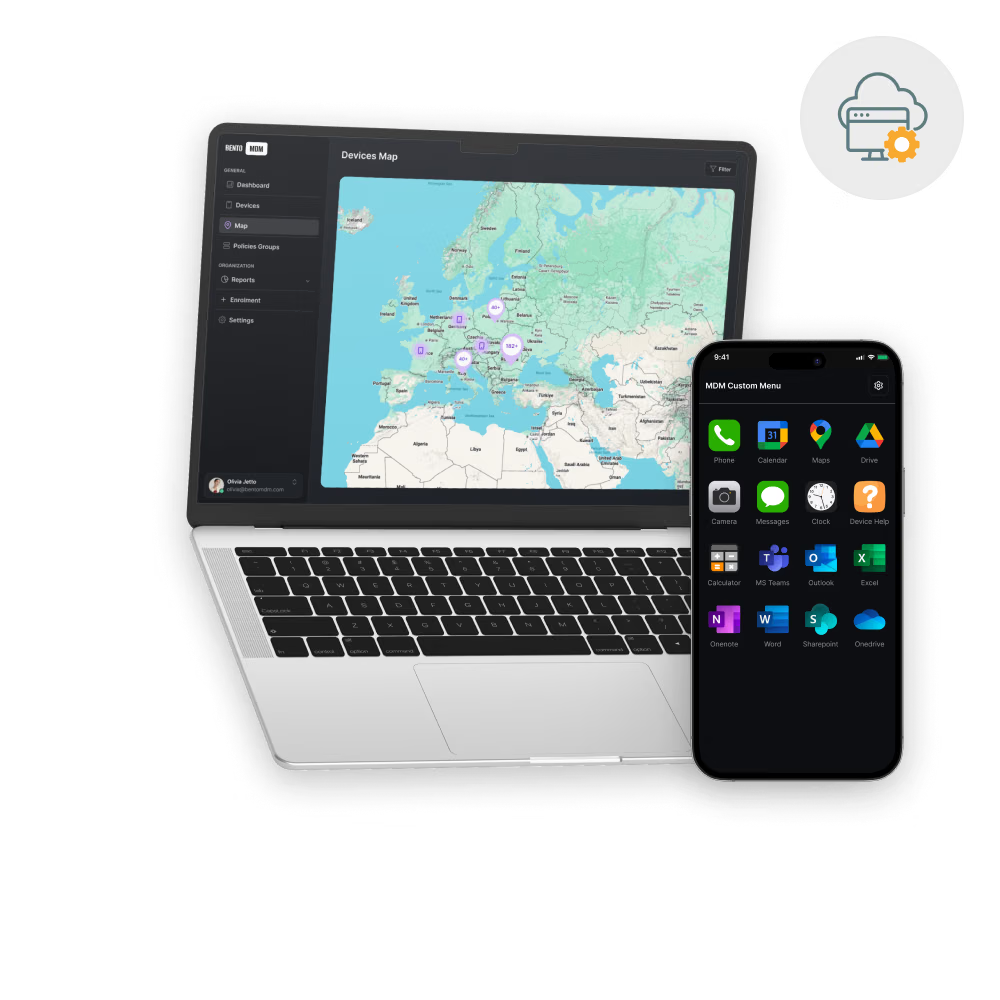
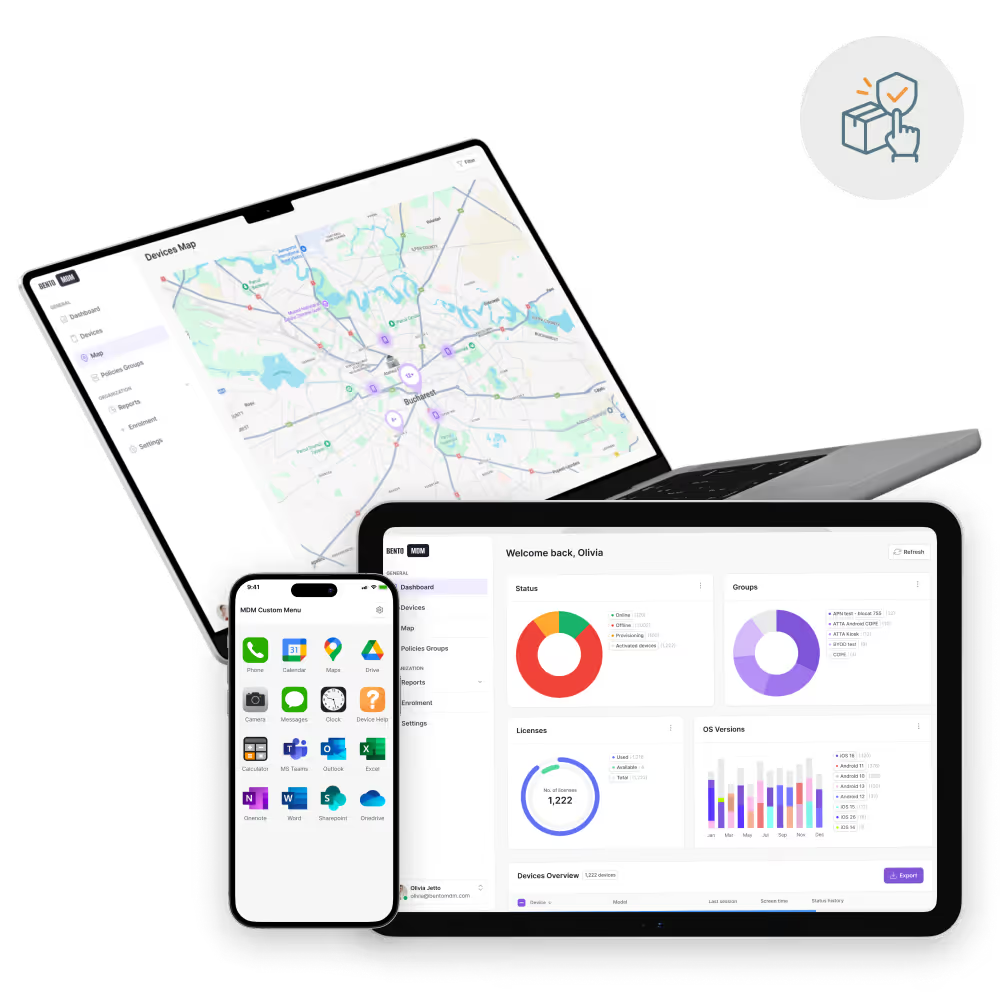
Track, locate, and secure mobile assets from one console.

Separate corporate data from personal data to protect privacy.

Grant granular admin permissions for control and compliance.


"With Bento MDM and FSM, we efficiently manage over 700 devices, automate workflows, and improve communication between field teams."
Cristian Bordescu
Operations Director


“Our collaboration with Bento on migrating over 2,000 DPD devices was exceptional. Their openness, flexibility, and constant support stood out throughout the project. Their quick adaptation to challenges and solution-oriented approach made all the difference, a truly reliable and professional partner.”
Valentina Ionescu
CIO, DPD
https://www.linkedin.com/in/valentina-ionescu-45a117bb
https://www.facebook.com/DPDRomania/
https://www.linkedin.com/company/dpd-romania/
https://www.dpd.com/
https://ro.wikipedia.org/wiki/DPD_Romania

"Bento Field Service Management and Mobile Device Management helped us streamline field interventions, secure mobile devices, and increase operational transparency."
Simona Gigiu
Business Line Director



Enforce strong PIN and password standards.

Block unauthorized resets and protect enrolled devices.

Block screenshots and recording in sensitive apps.

Erase or lock lost or compromised devices to protect data.

Push secure Wi-Fi and VPN settings to every device.

Lock devices to single or multi-app mode for controlled use.

Record every admin action for transparency and audits.

Prevent data leaks between corporate and personal apps.
%201.avif)
GDPR
Compliant

99.9%
Uptime

ISO 27001
Compliant

HIPAA
Compliant
Reduce manual setup and on-site visits with streamlined workflows.

Get new hires productive immediately with preconfigured devices.

Simplify audits with real-time dashboards and reports.

Resolve issues remotely in minutes to keep teams working.

Reclaim unused licenses with metering and management.

Enforce per-app VPN and least-privilege access across devices.

Separate work and personal data with Work Profile policies on Android and iOS.
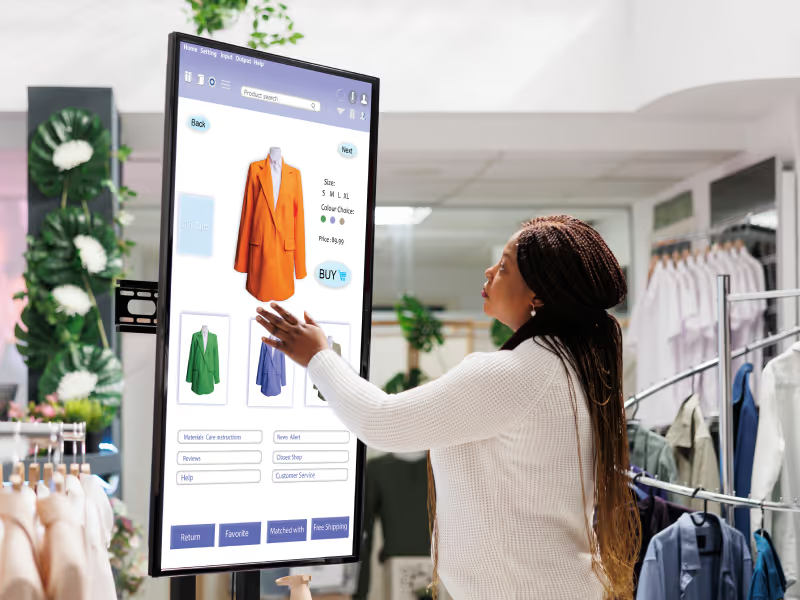
Lock devices to approved payment or signage apps and URLs.

Secure shared clinical tablets and carts, and keep patient data on approved networks.

Deploy diagnostic and route-planning apps to remote teams and keep them updated.
What are the benefits of using MDM software?
Bento MDM reduces IT overhead, strengthens security, automates compliance, and improves user productivity across all device platform.
Can Bento MDM manage both company‑owned and employee‑owned devices?
Yes—BYOD Work Profiles isolate corporate data while keeping personal information private.
How does zero‑touch enrollment work with Bento MDM?
Devices ship straight from the vendor, auto‑enroll on first boot via Autopilot, ADE, or Android Zero‑Touch, and configure themselves instantly.
Which choice quickly gets a device enrolled on a network?
Zero‑touch enrollment is the fastest, requiring no manual setup by IT or end users.
Does Bento support mobile application management (MAM)?
Absolutely. Push, update, or revoke apps silently and enforce per-app VPNs or dataloss prevention controls.
What is mobile device management (MDM)?
MDM is software that enables IT teams to centrally enroll, configure, secure, and support mobile endpoints overtheair.
How does MDM software work?
A lightweight agent or native OS API communicates with Bento MDM’s cloud or on‑prem console, enforcing policies and reporting status in real time.

From BYOD to kiosk lockdown, Bento MDM secures and simplifies your device operations. Try it for free or book a live demo.


By Features
By Business Initiative
By OS Support