Trusted by









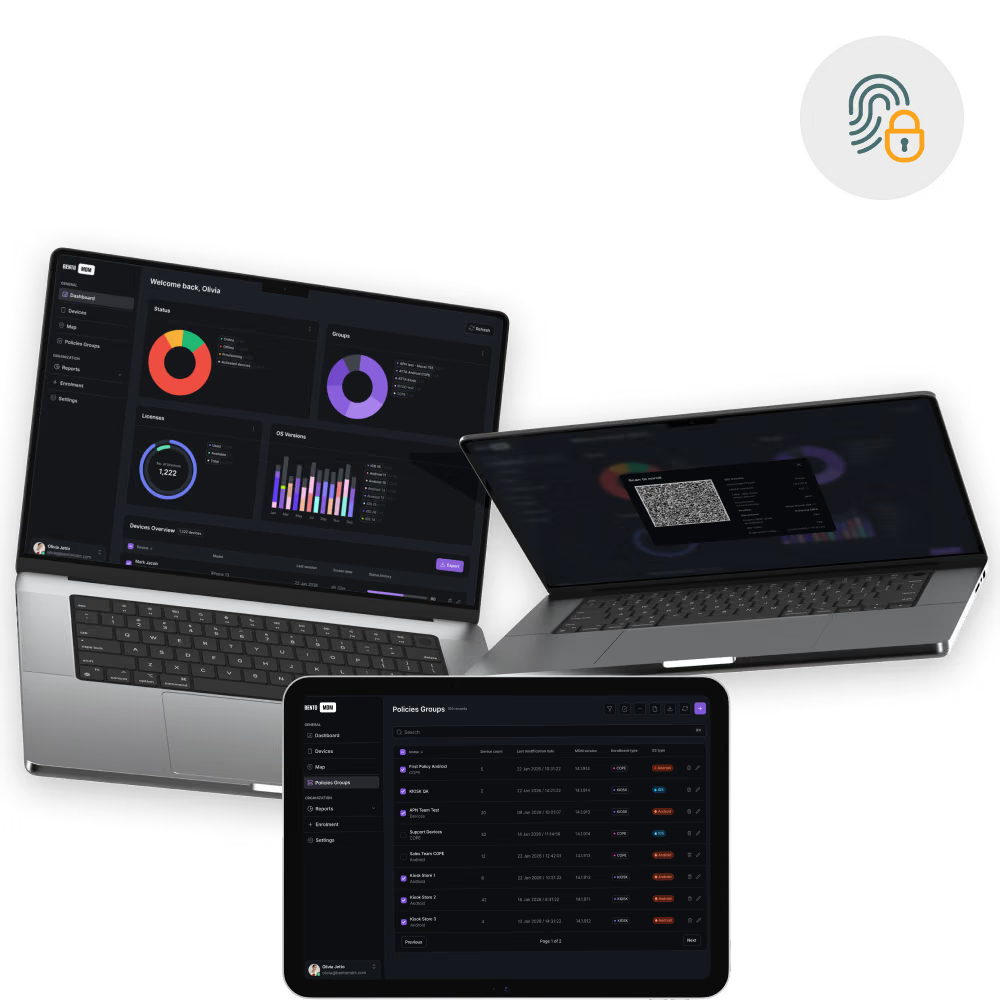
Role-specific access profiles auto-apply on shared devices, ensuring each user’s session remains secure and isolated.

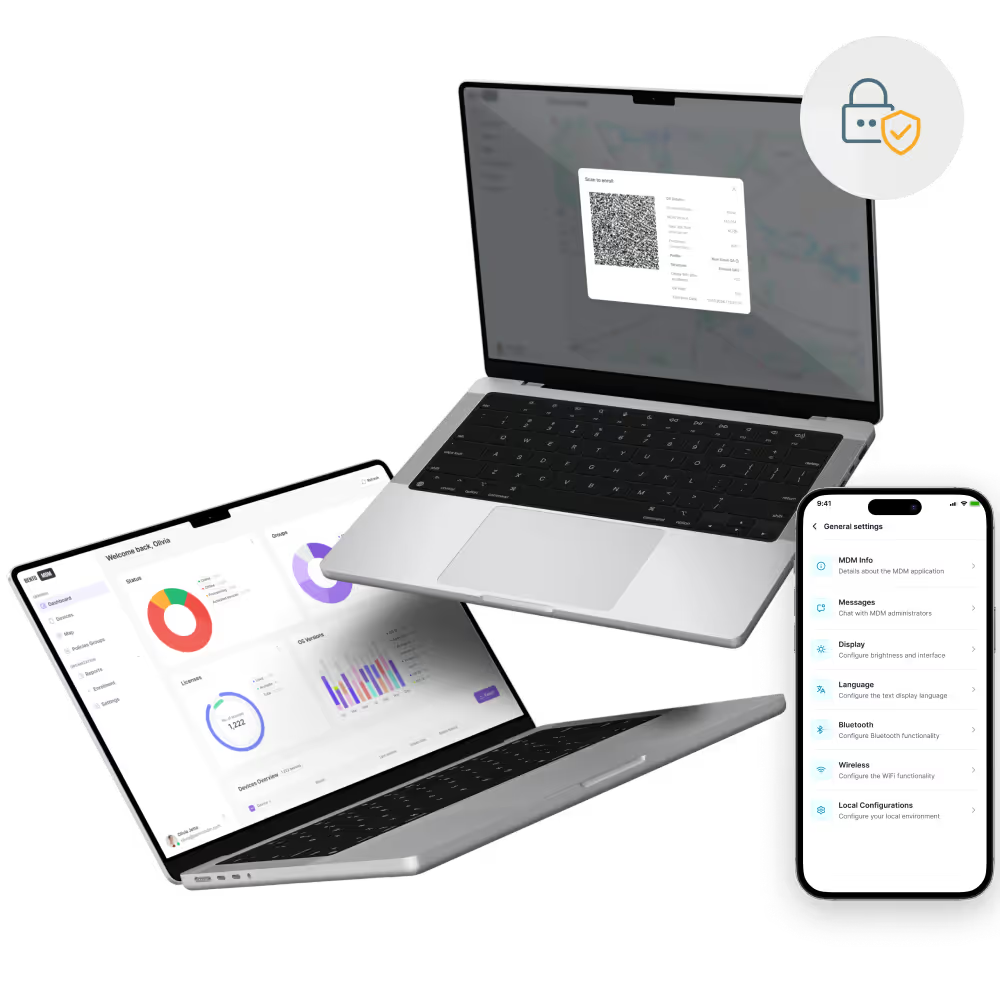
Integrates with LDAP, Active Directory, and SAML, leveraging existing identity stores for consistent access control.

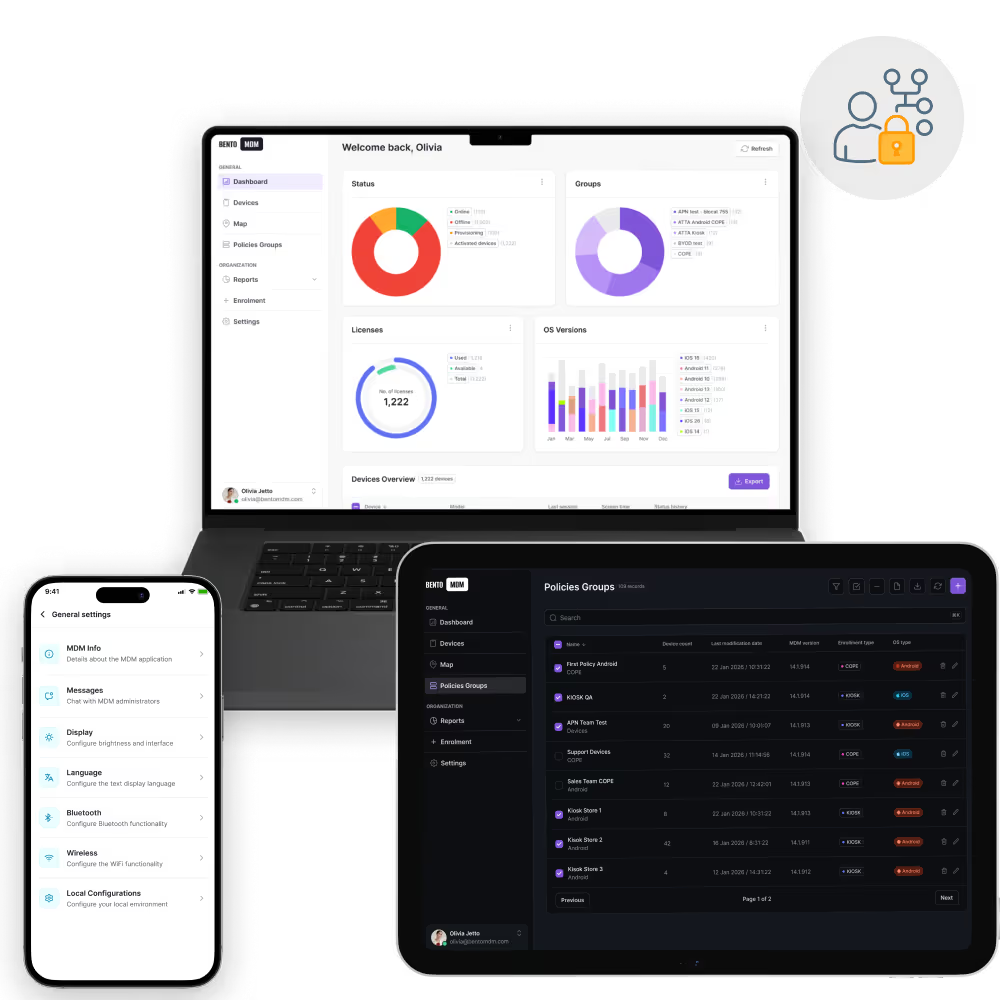
Authorized applications launch instantly after Single Sign-On, eliminating repeated sign-ins and improving workflow efficiency across mobile fleets.

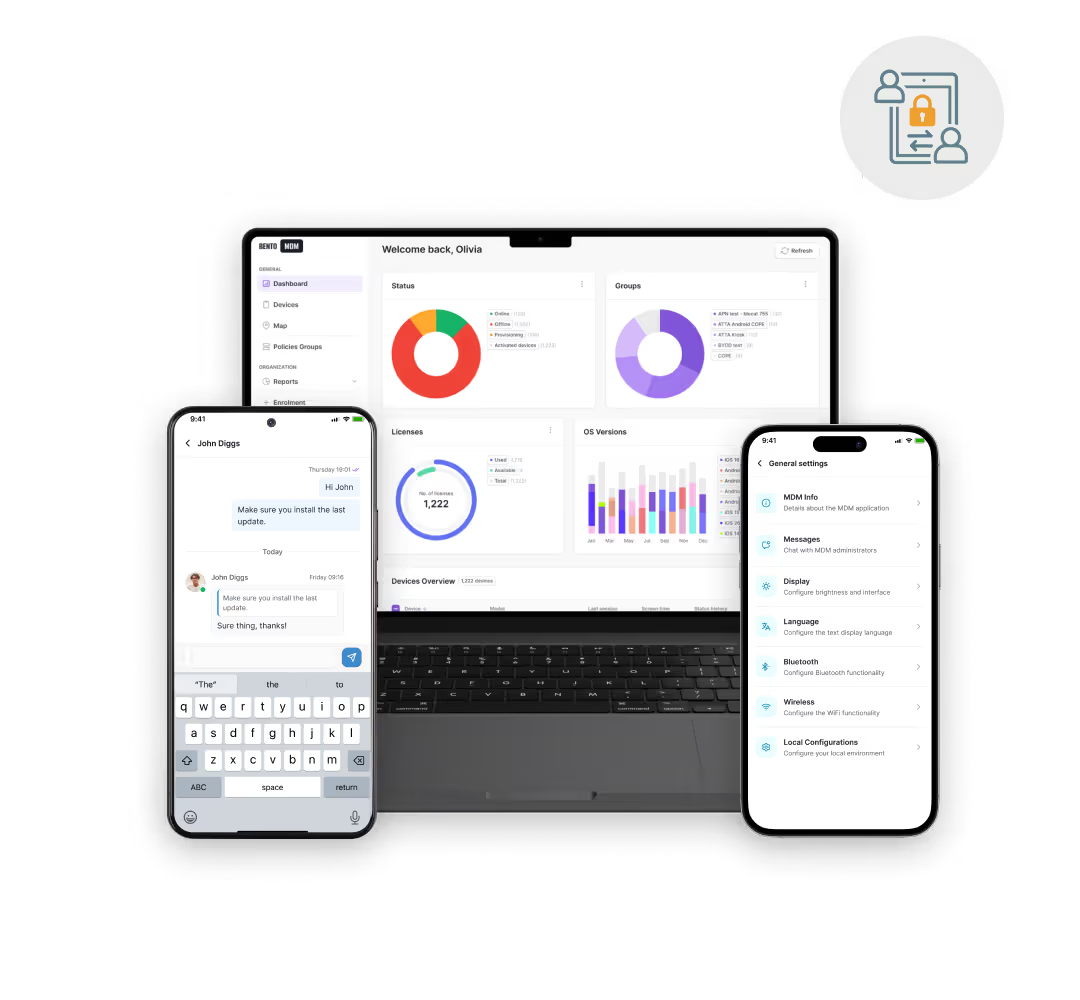
A single login covers all managed applications and devices, simplifying credential management and reducing password fatigue.
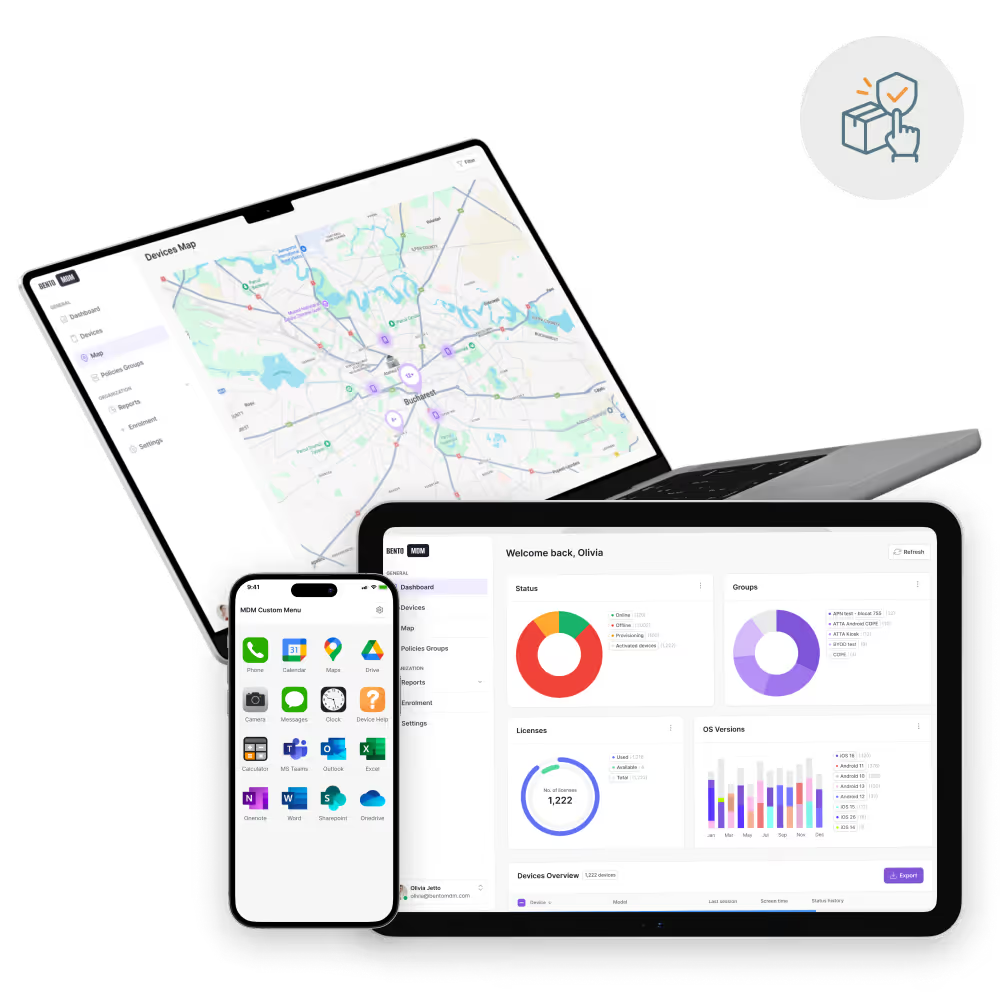
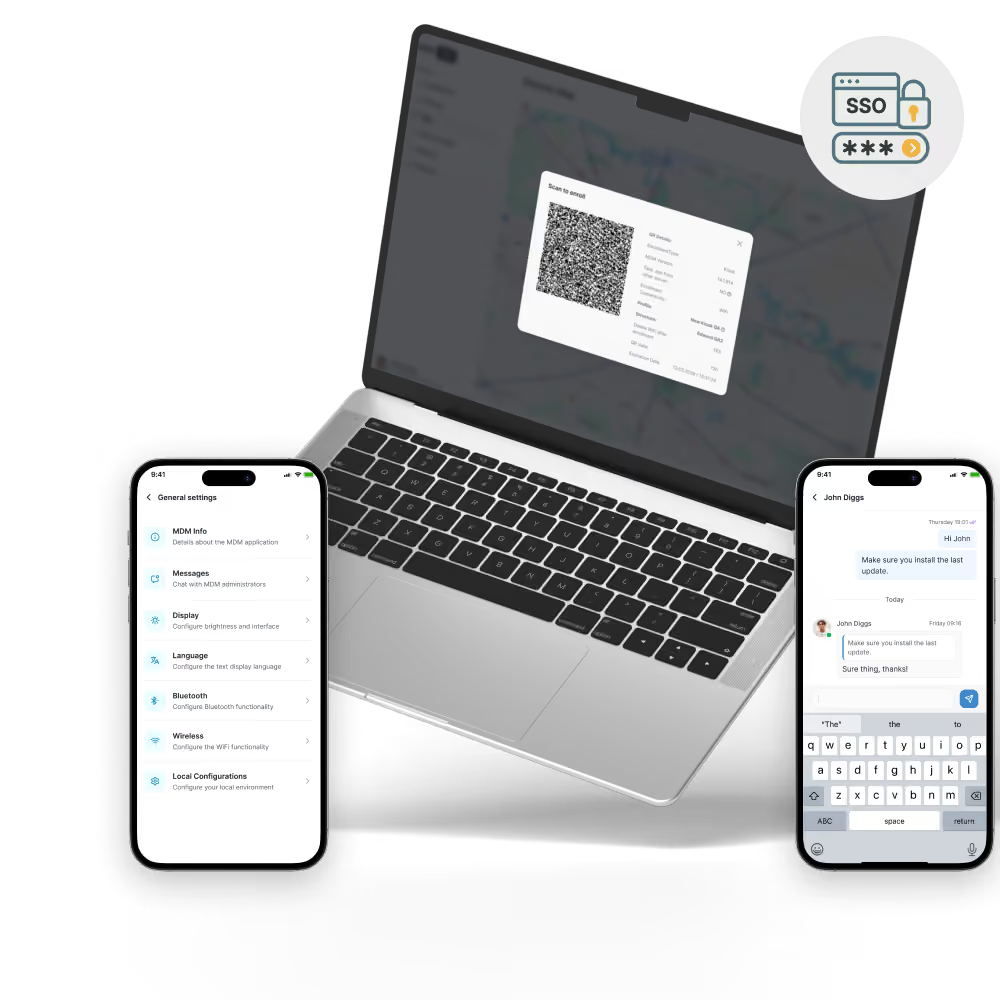
Bento MDM’s Single Sign-On simplifies access to applications and devices by integrating with enterprise identity stores and enforcing contextual policies for secure authentication.

REST APIs enable custom integrations with ticketing, analytics, or custom portals, which extend SSO across the IT ecosystem.

Detailed records of login attempts, successes, and failures support compliance reporting and incident investigations.

Provides a live view of active sessions and allows instant access revocation from a single console.

Authentication tokens refresh automatically in the background, maintaining continuous access without interrupting workflows.

MFA, device health checks, and geofence requirements are enforced before granting access, adapting security based on context.

Role-based profiles auto-apply on personal and shared devices, ensuring each session uses the correct permissions and access.

Directly connects to Active Directory, LDAP, or SAML providers, leveraging existing user stores without requiring additional infrastructure.

One-click authentication grants access to all managed apps and device services, eliminating multiple credential prompts.

Eliminate per-device credential entry for shared, frontline, and BYOD users. Bento Single Sign-On integrates with Microsoft Entra, Google Workspace, Okta, and any SAML or OIDC identity provider for seamless cross-app access.

"With Bento MDM and FSM, we efficiently manage over 700 devices, automate workflows, and improve communication between field teams."
Cristian Bordescu
Operations Director


“Our collaboration with Bento on migrating over 2,000 DPD devices was exceptional. Their openness, flexibility, and constant support stood out throughout the project. Their quick adaptation to challenges and solution-oriented approach made all the difference, a truly reliable and professional partner.”
Valentina Ionescu
CIO, DPD
https://www.linkedin.com/in/valentina-ionescu-45a117bb
https://www.facebook.com/DPDRomania/
https://www.linkedin.com/company/dpd-romania/
https://www.dpd.com/
https://ro.wikipedia.org/wiki/DPD_Romania

"Bento Field Service Management and Mobile Device Management helped us streamline field interventions, secure mobile devices, and increase operational transparency."
Simona Gigiu
Business Line Director



Across government agencies, SSO integrates with LDAP and PKI to secure device access and applications, ensuring compliance and simplifying audit reporting.

In manufacturing plants, SSO provides secure access to control panels, maintenance logs, and quality systems, maintaining uptime, minimizing downtime, and protecting intellectual property.
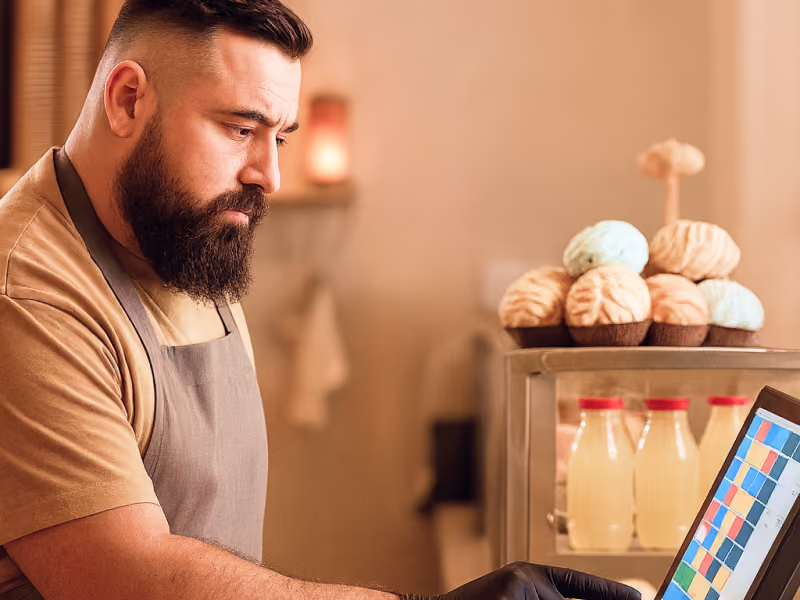
SSO secures POS and inventory applications behind a single login, streamlining onboarding, reducing support calls, and accelerating transactions.

At hospitals and clinics, SSO provides secure instant access to EMR and communication applications, improving staff efficiency, while eliminating password overload.
%201.avif)
GDPR
Compliant

99.9%
Uptime

ISO 27001
Compliant

HIPAA
Compliant
How is SSO compliance logged?
Every authentication event such us successes, failures, and token renewals, is recorded in audit logs for compliance reporting and security analysis.
Can SSO work on shared devices?
Yes. Role-based profiles apply per session, ensuring each user signs in with their own credentials and that no data carries over between sessions.
Is single sign-on secure?
SSO centralizes authentication, enforces strong policies such us MFA, device posture, and issues short-lived tokens. This reduces passwords exposure and protects corporate credentials.
Which apps support MDM-driven SSO?
Enterprise and custom apps configured for SAML or OAuth support SSO. Bento MDM’s integration works seamlessly with email, file-sharing, CRM, and custom corporate applications.
How does Bento MDM integrate with SSO?
MDM pushes SSO configuration profiles to devices, enabling built-in login portals that connect to identity providers (LDAP, SAML, OAuth) without requiring manual user setup.
What is single sign-on (SSO)?
SSO lets users authenticate once to access multiple applications and devices, streamlining login workflows and reducing credential overload across managed endpoints.

From BYOD to kiosk lockdown, Bento MDM secures and simplifies your device operations. Try it for free or book a live demo.


By Features
By Business Initiative
By OS Support