Trusted by









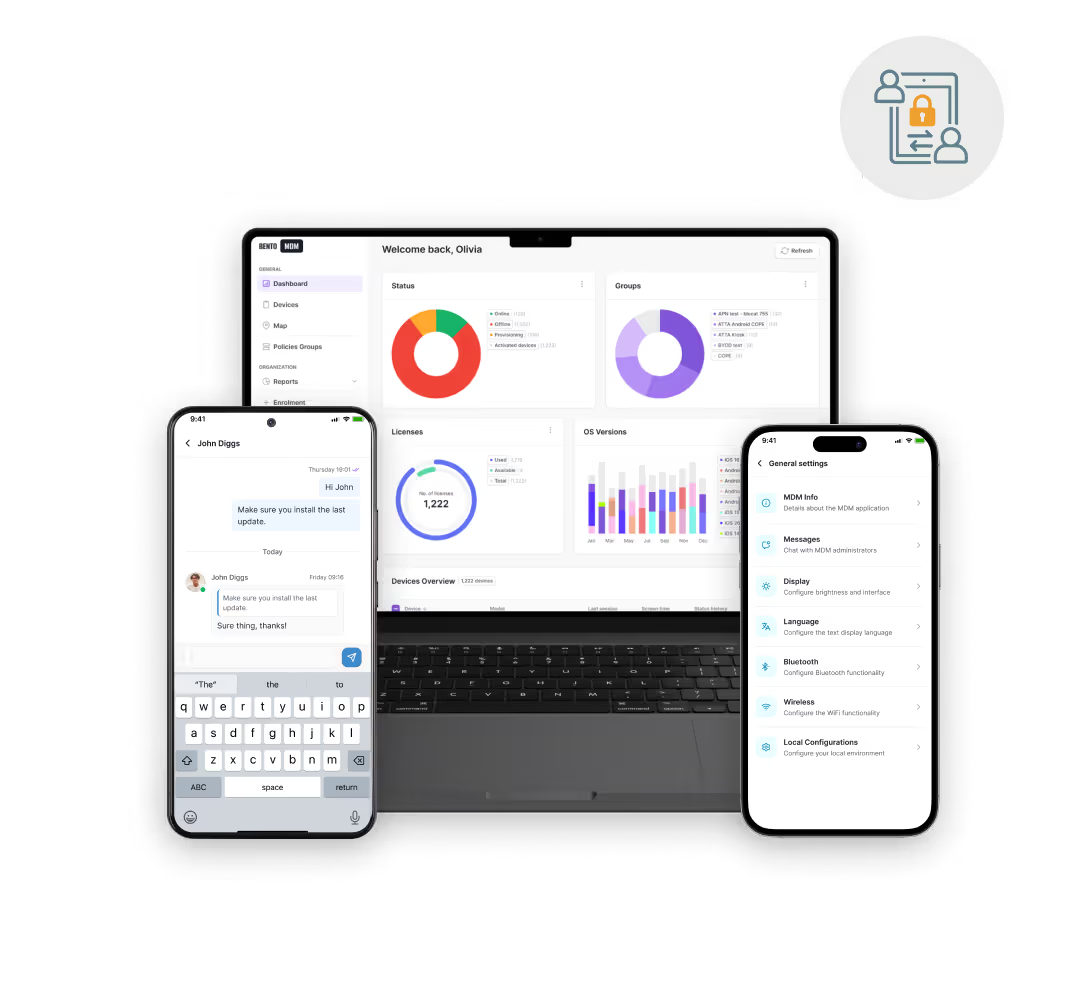
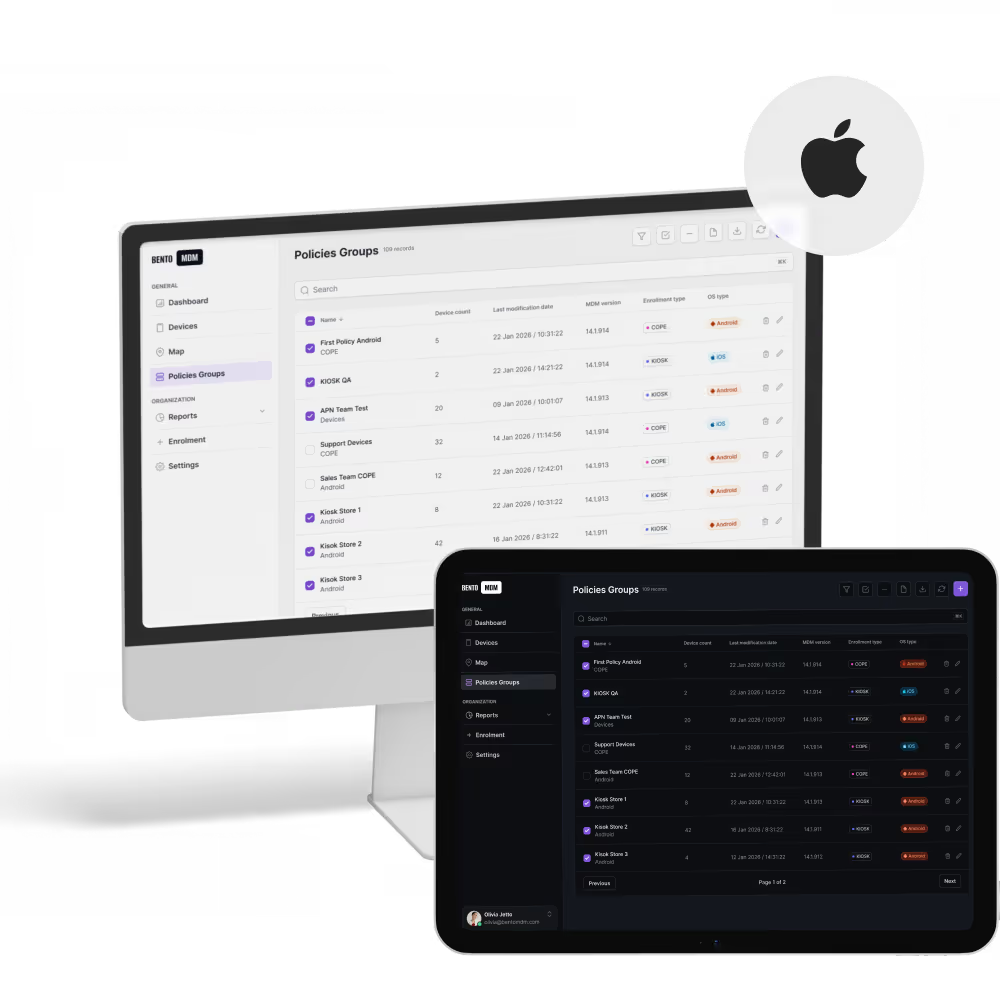
iPads self-configure on first activation through Apple Business Manager, loading apps, profiles, and Kiosk mode for POS, check-in, and signage deployments without IT handoff.

Single-app or multi-app Kiosk mode, restricted web access, and app allow-lists keep customer iPads focused on their purpose and shielded from accidental changes.

Automatic resets, managed apps, and remote wipe protect sensitive data on iPads passed between shifts, students, or customer sessions.

Silent app installs, content delivery, and bulk policy updates roll out new software or campaigns to every iPad in the fleet from one dashboard.
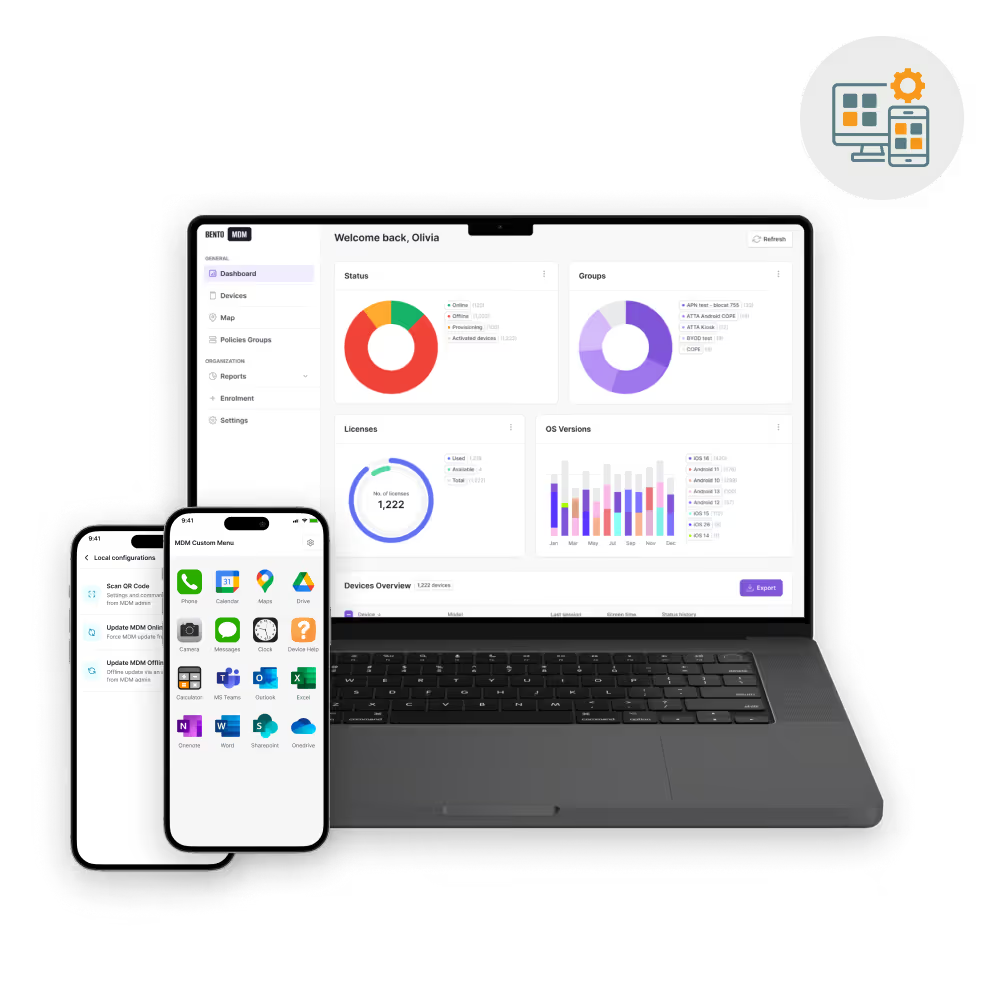
Centralized monitoring, app installs, scheduled updates, and remote troubleshooting simplify fleet operations and enhance policy compliance across all corporate iPads.

iPads enroll through Apple Business Manager at first activation, receiving configurations, apps, and policies instantly without manual setup.

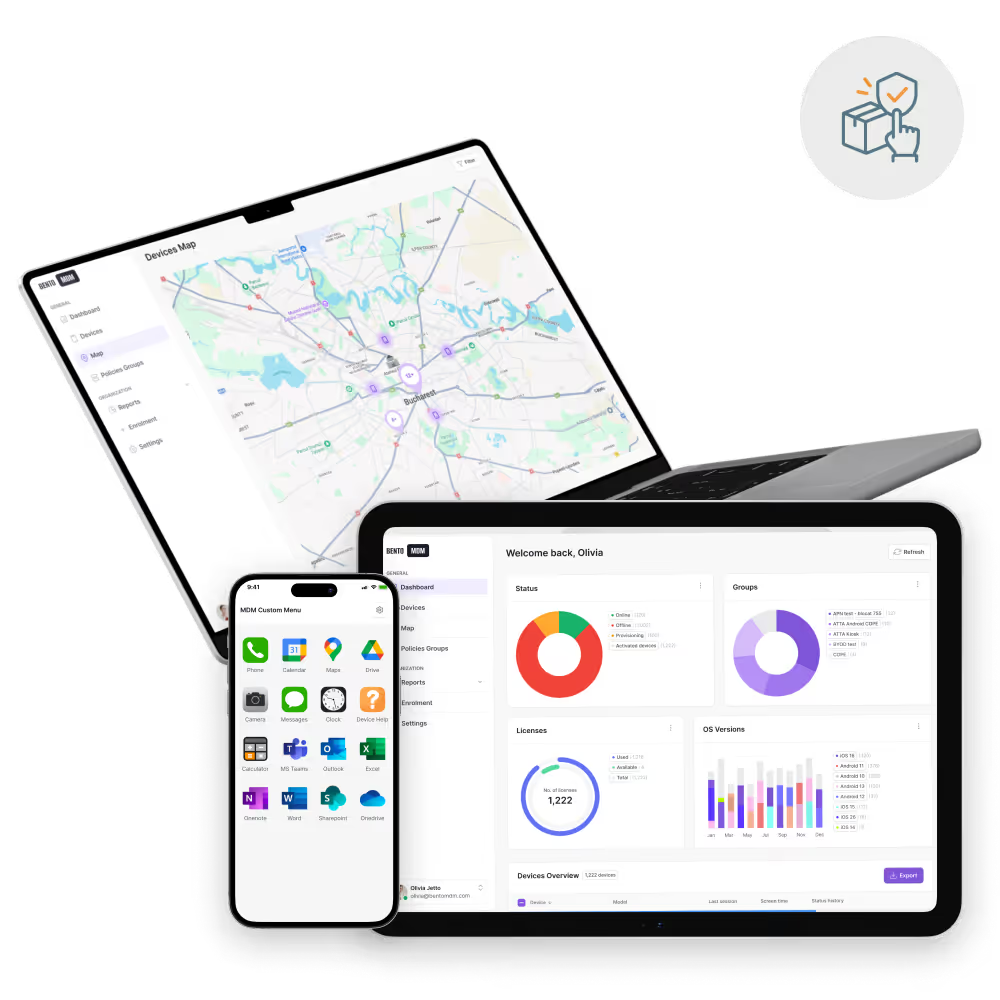
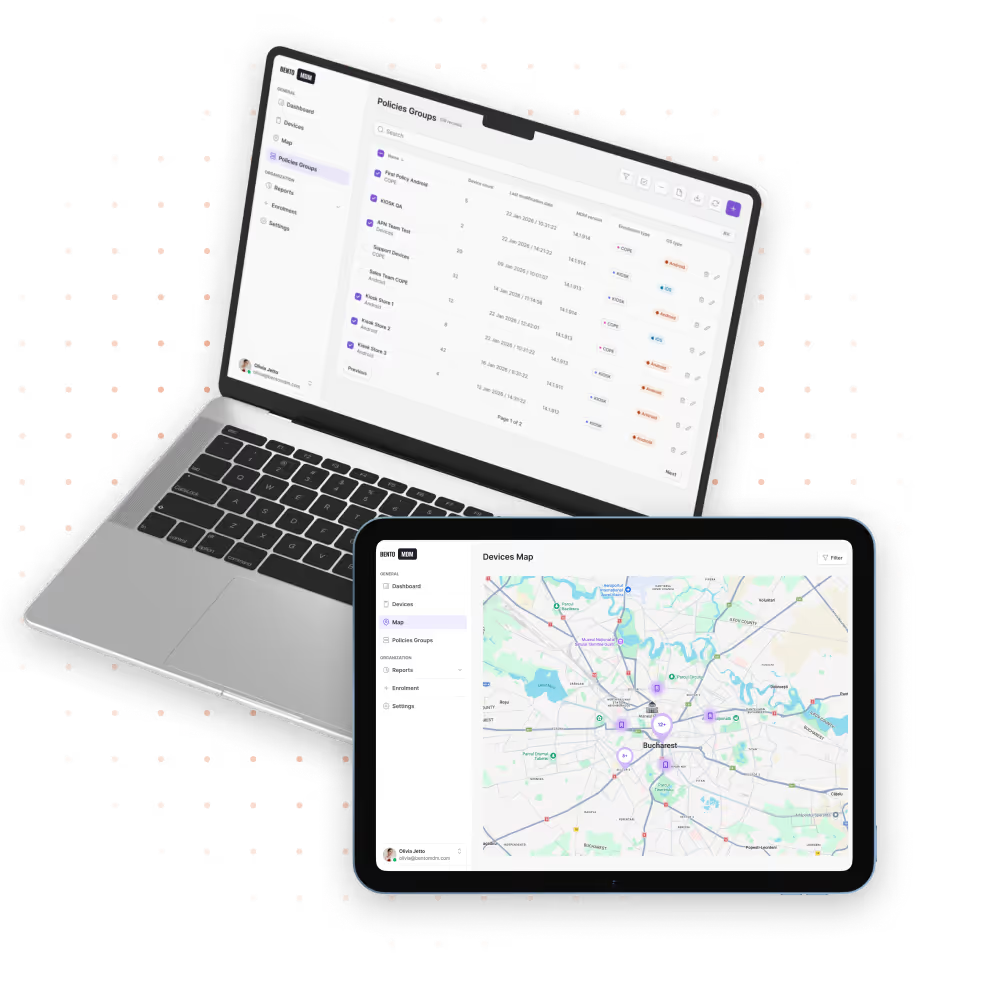
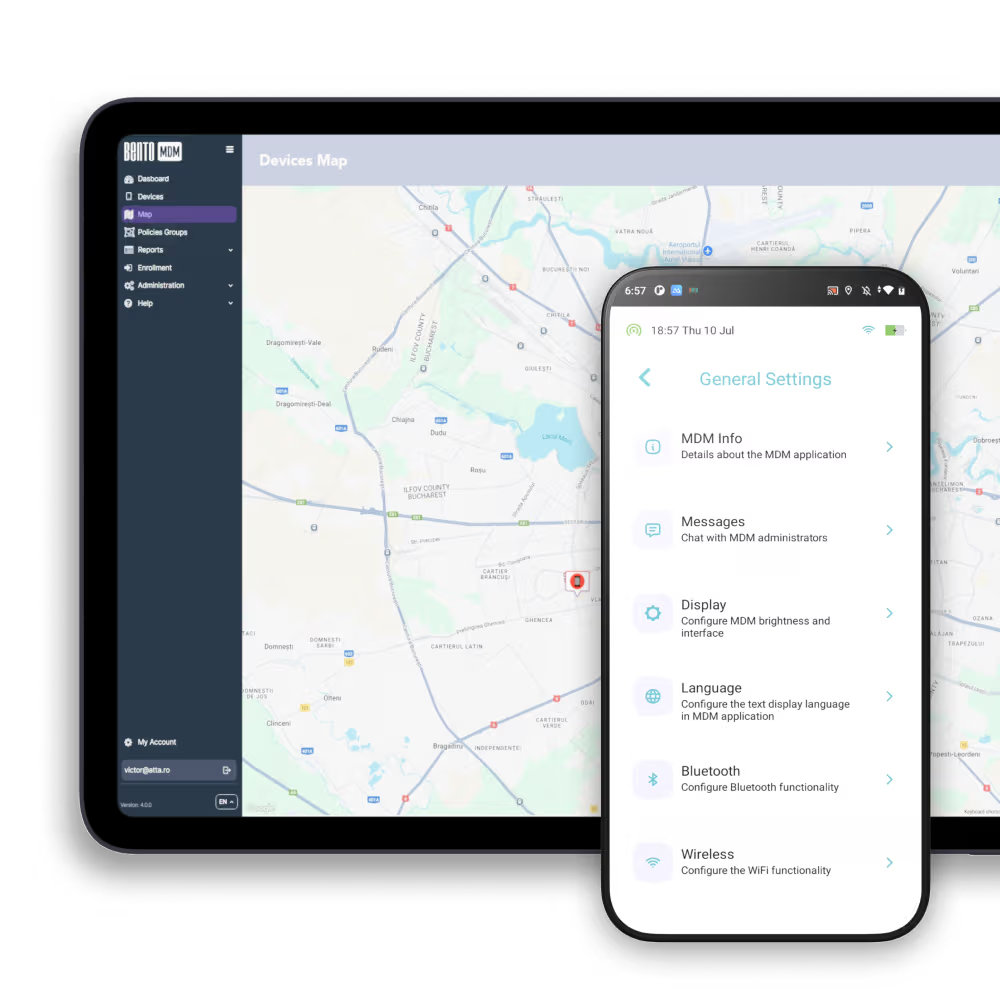
One live view shows iPad health, battery, connectivity, and app versions across the full iPad fleet for proactive management.

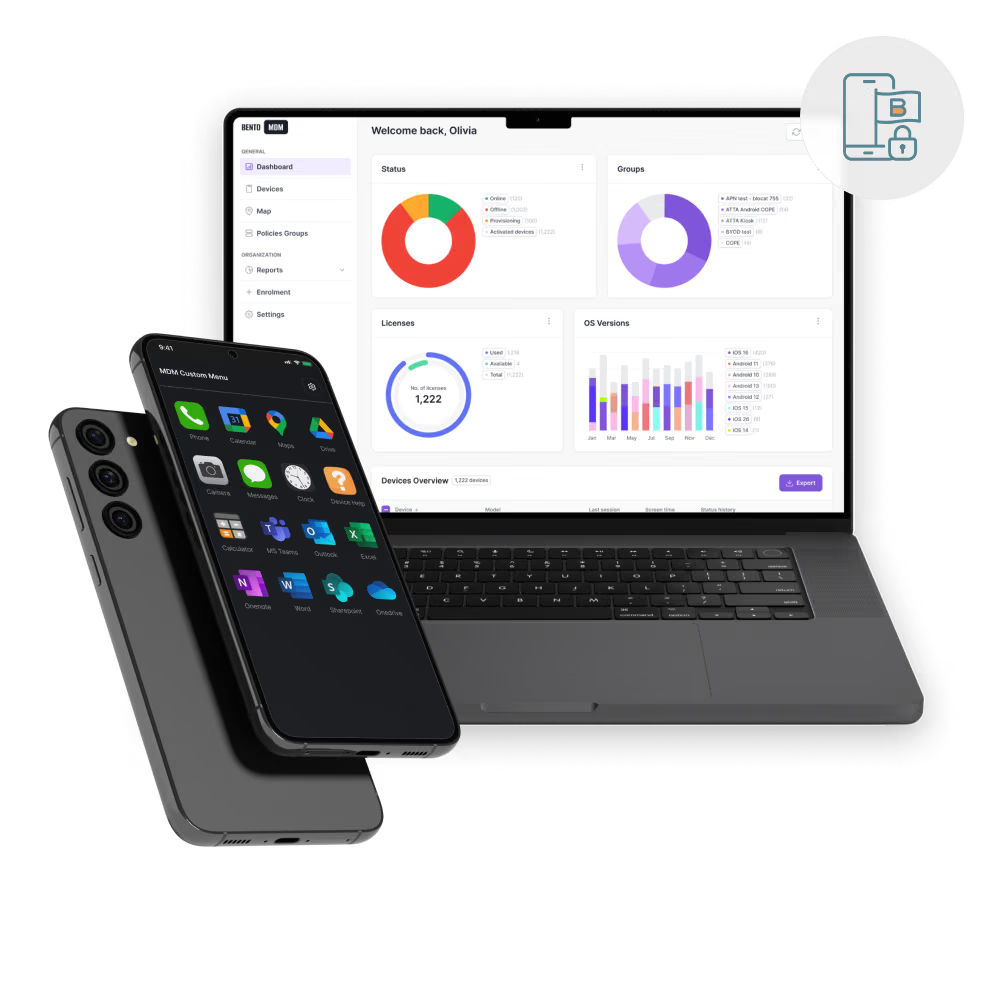
Silent background installs push approved iPad apps to every device, with version control and bulk updates from one console.

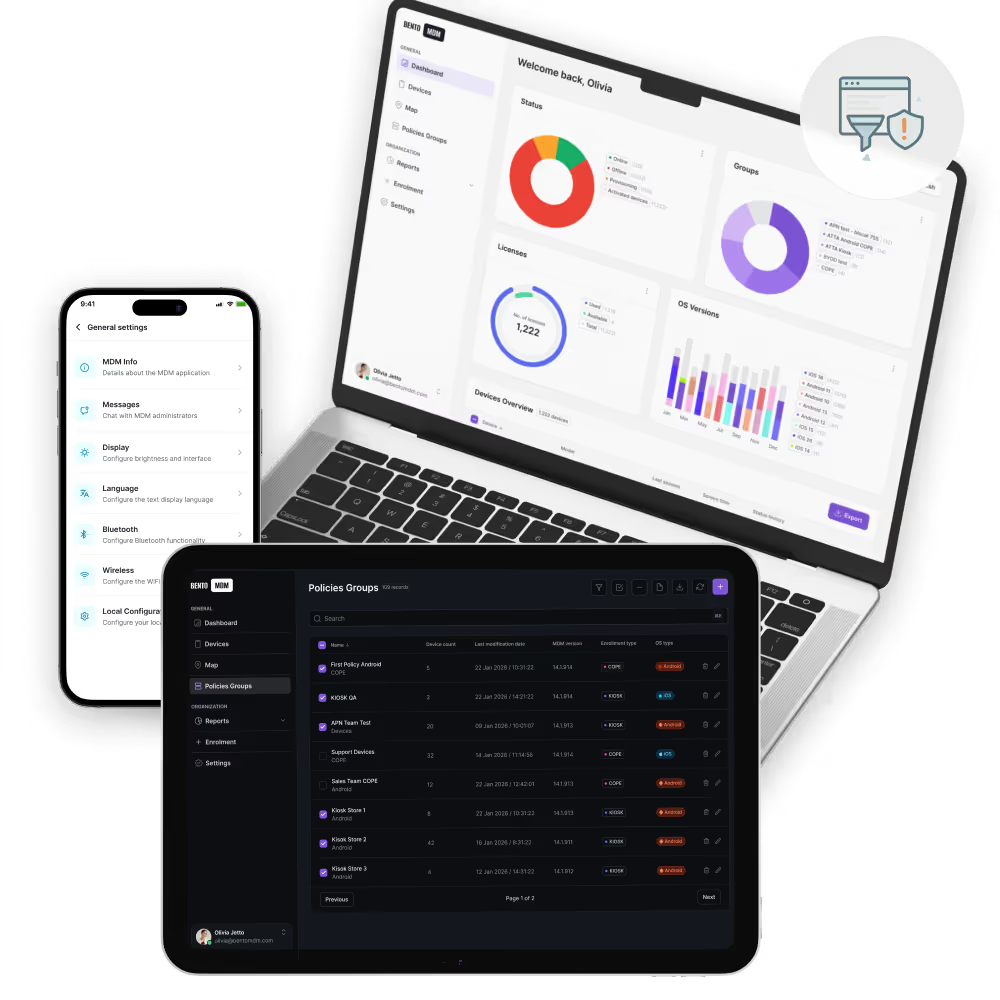
Apply encryption, passcode rules, and access restrictions consistently across every managed iPad in one action.

Lock iPads to a single app or approved set of apps for POS, check-in, customer service, or classroom deployments.

Define location zones and automatically trigger iPad policy changes or alerts when devices enter or exit defined boundaries.


"With Bento MDM and FSM, we efficiently manage over 700 devices, automate workflows, and improve communication between field teams."
Cristian Bordescu
Operations Director


“Our collaboration with Bento on migrating over 2,000 DPD devices was exceptional. Their openness, flexibility, and constant support stood out throughout the project. Their quick adaptation to challenges and solution-oriented approach made all the difference, a truly reliable and professional partner.”
Valentina Ionescu
CIO, DPD
https://www.linkedin.com/in/valentina-ionescu-45a117bb
https://www.facebook.com/DPDRomania/
https://www.linkedin.com/company/dpd-romania/
https://www.dpd.com/
https://ro.wikipedia.org/wiki/DPD_Romania

"Bento Field Service Management and Mobile Device Management helped us streamline field interventions, secure mobile devices, and increase operational transparency."
Simona Gigiu
Business Line Director


.avif)
Retail teams auto-update kiosk apps across stores, enforce payment security, lock interfaces, and minimize downtime to provide smooth shopping experiences.

Field technicians start with preloaded tools, track device locations, troubleshoot remotely, and sync data securely to boost on-site job efficiency.

Medical staff access patient records securely, schedule telehealth sessions, enforce privacy rules, and receive compliance alerts automatically on iPads everywhere.

Classrooms get learning apps distributed instantly, web access restricted, usage monitored, and performance tracked to support focused, safe student engagement.

Warehouse teams scan barcodes in real-time, update stock counts instantly, trigger restock alerts, and secure device access by role automatically.

Groups get tailored settings instantly, Wi-Fi, VPN, and restrictions applied per role, simplifying large-scale iPad policy management consistently.
%201.avif)
GDPR
Compliant

99.9%
Uptime

ISO 27001
Compliant

HIPAA
Compliant
What is an iPad MDM solution?
iPad MDM lets IT teams manage iPad fleets centrally, covering first-boot enrollment, app deployment, security enforcement, Kiosk mode, and remote support. Bento integrates with Apple Business Manager for automatic setup.
How are iPads enrolled in MDM?
Bento MDM enrolls iPads through Apple Business Manager. On first activation, each iPad receives its configuration profile, installs approved apps, and applies security policies automatically, with no per-device IT setup.
Can MDM remotely lock or wipe iPads?
Yes. Bento MDM locks or wipes an iPad remotely in seconds from the console. IT teams use this to protect corporate data on lost devices or clear settings before redeployment.
How does app deployment work with iPad MDM?
Bento MDM pushes App Store apps and enterprise apps silently to iPads. Apps install without user prompts. IT teams update or remove apps across the full fleet from one console view.
Is BYOD supported in iPad MDM?
Yes. Bento MDM supports BYOD iPads using Apple User Enrollment. Corporate apps and data run in a separate managed space, and IT controls only that space, leaving personal content untouched.
How are OS updates managed?
IT teams schedule iOS update deployments in the Bento MDM console. Updates install during defined off-hour windows without user action, and IT can enforce a minimum iOS version across the fleet.

Bento MDM secures and simplifies device operations, covering everything from BYOD to kiosk lockdown. Try it for free or book a live demo.


By Features
By Business Initiative
By OS Support