Trusted by









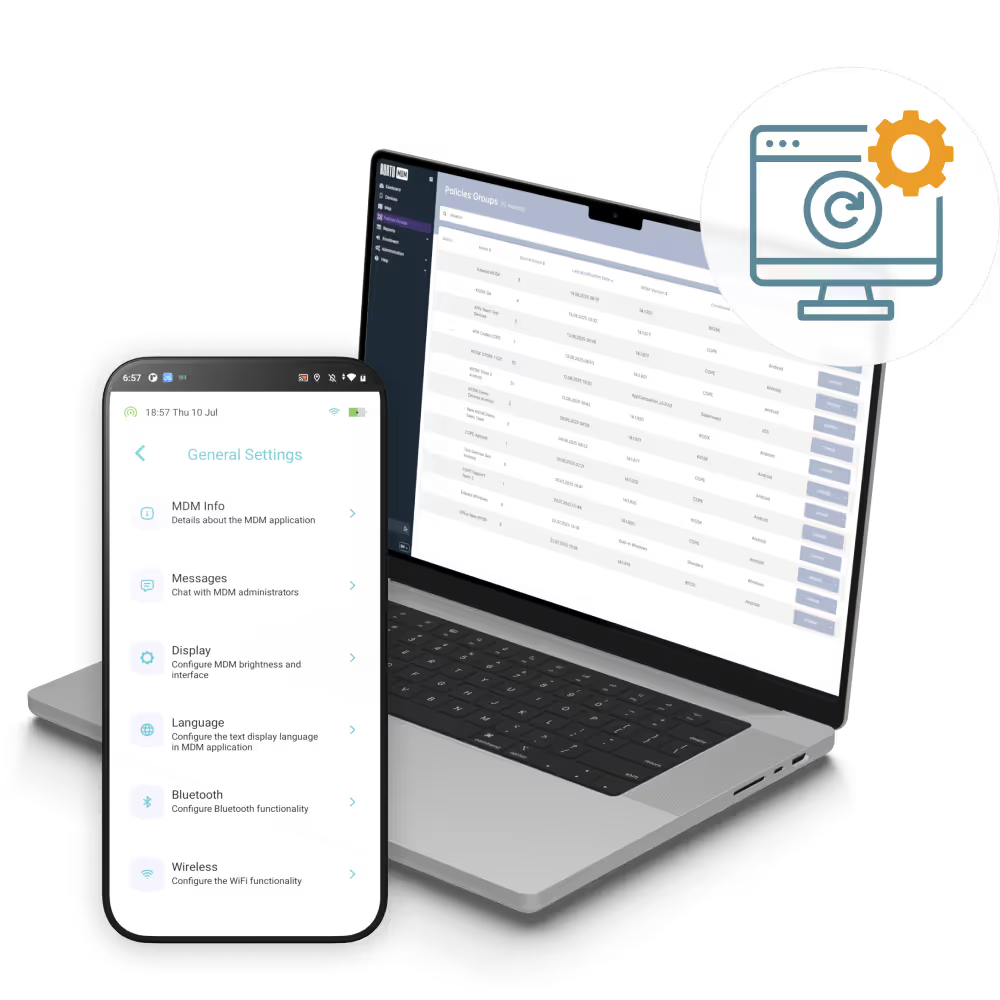
Roll out patches during off-hours or maintenance windows so devices stay protected without slowing down employees or frontline teams.

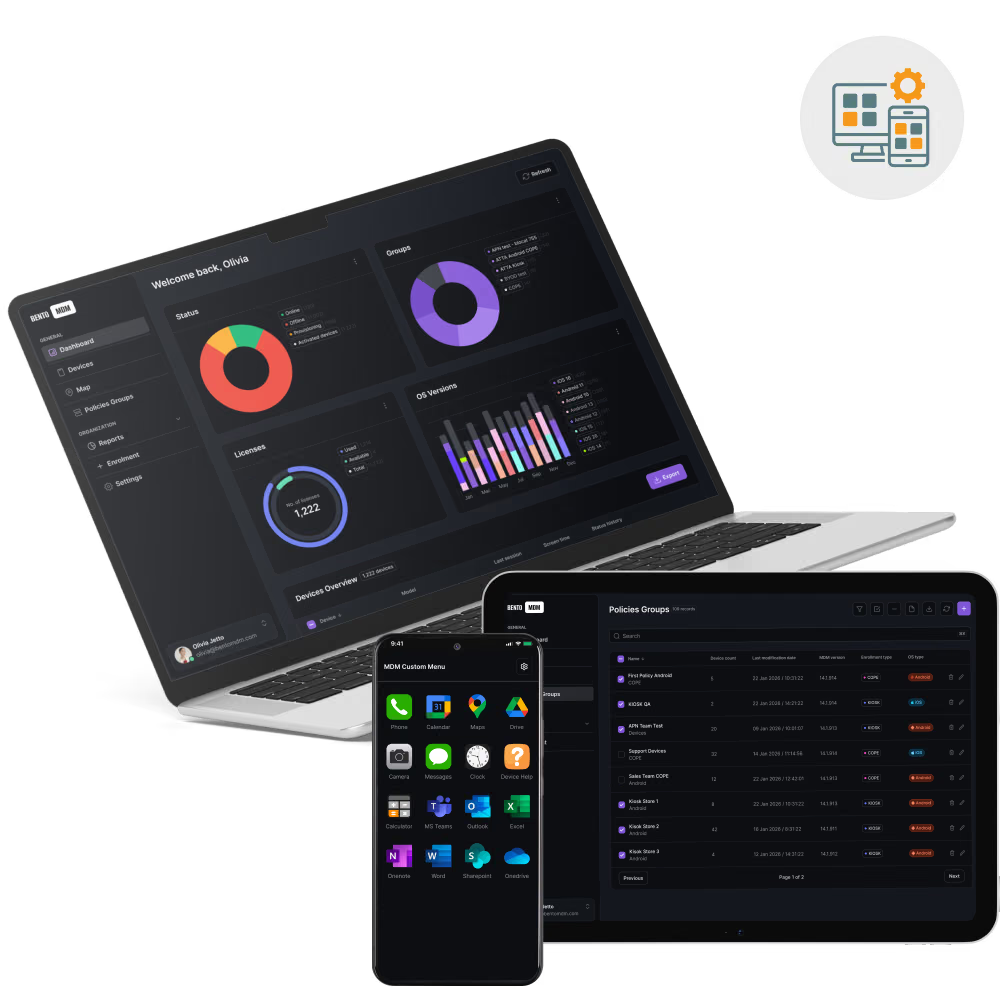
Control patching across Android, iOS, Windows, macOS, and Linux devices without splitting workflows across separate tools.

Spot missing, failed, or delayed patches quickly and trigger remediation before unpatched devices turn into risk.

Use audit-ready dashboards and exportable reports to show patch status across every device group, site, or policy scope.
Bento automates scheduling, deployment, and monitoring of updates, ensuring secure, compliant endpoints without manual effort or service interruptions.

Export patch management reports as CSV or PDF to document update history, policy coverage, and deployment outcomes.
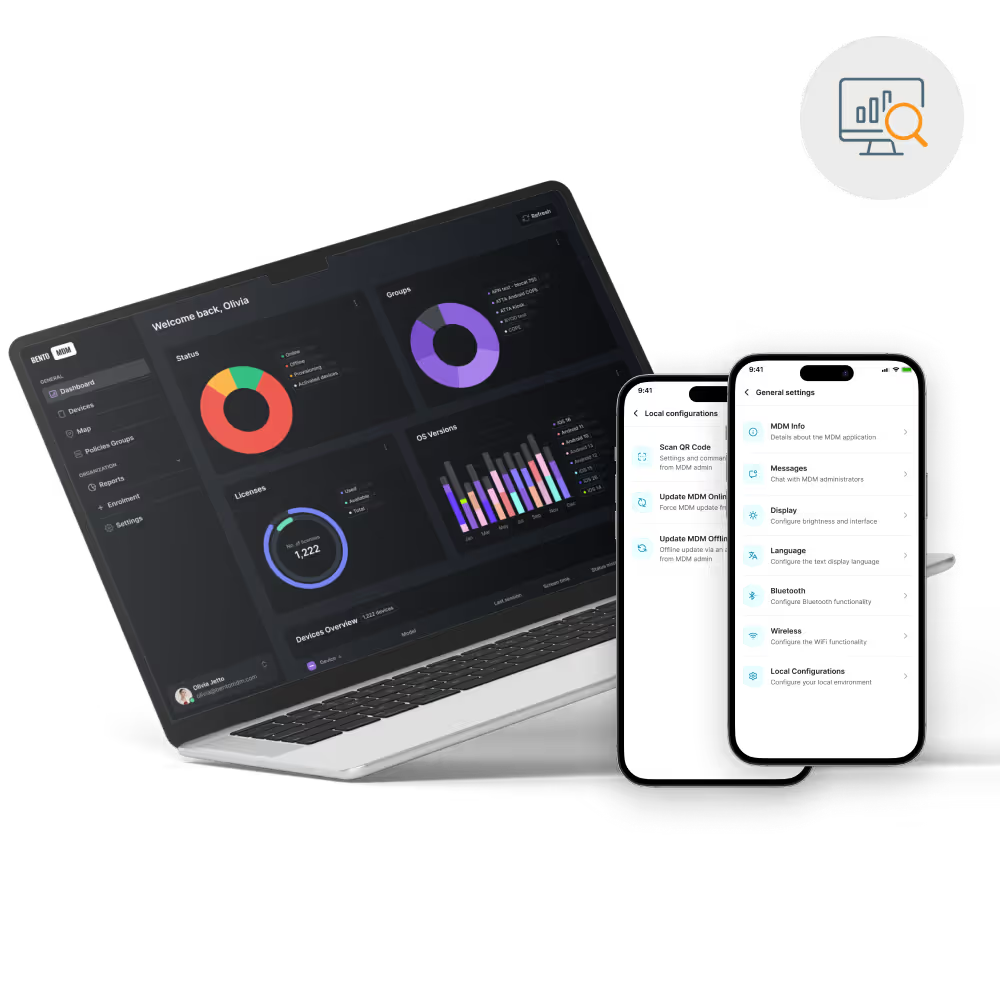
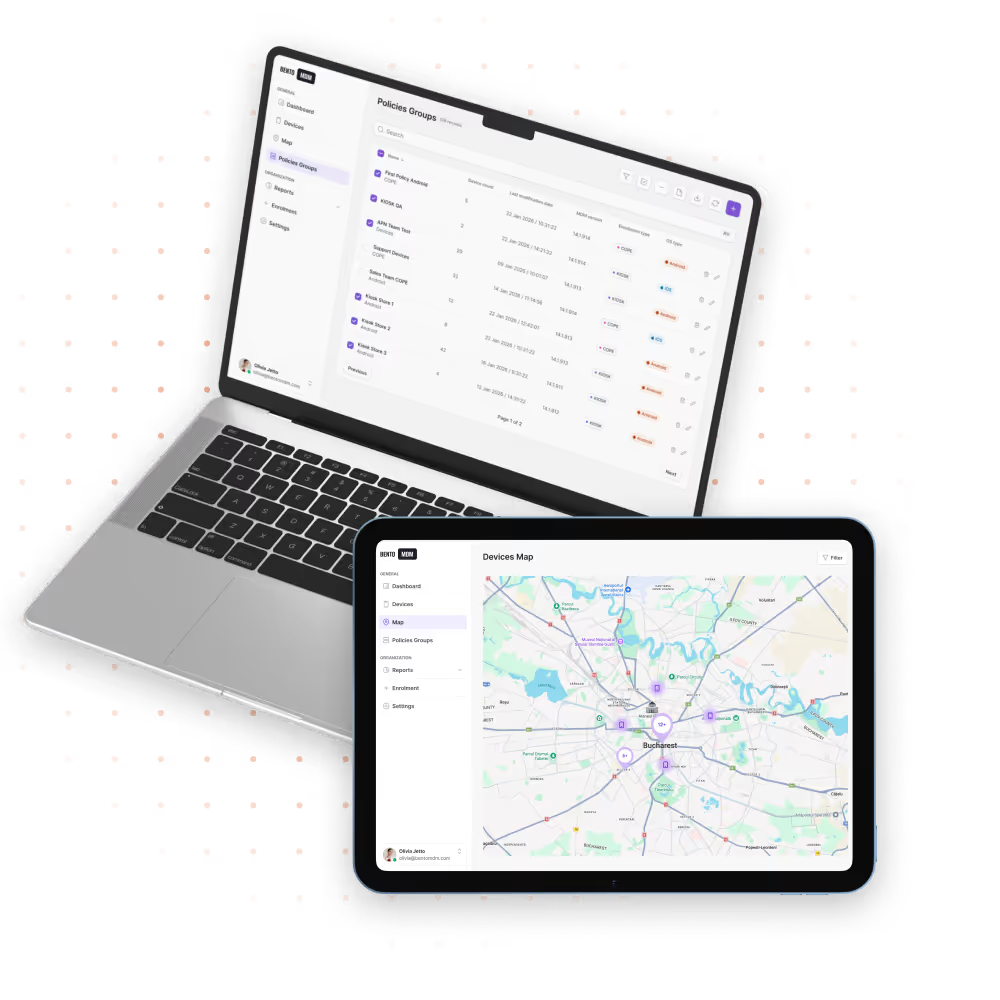
Show patch coverage, update status, and compliance trends in dashboards that support audits, reviews, and internal reporting.

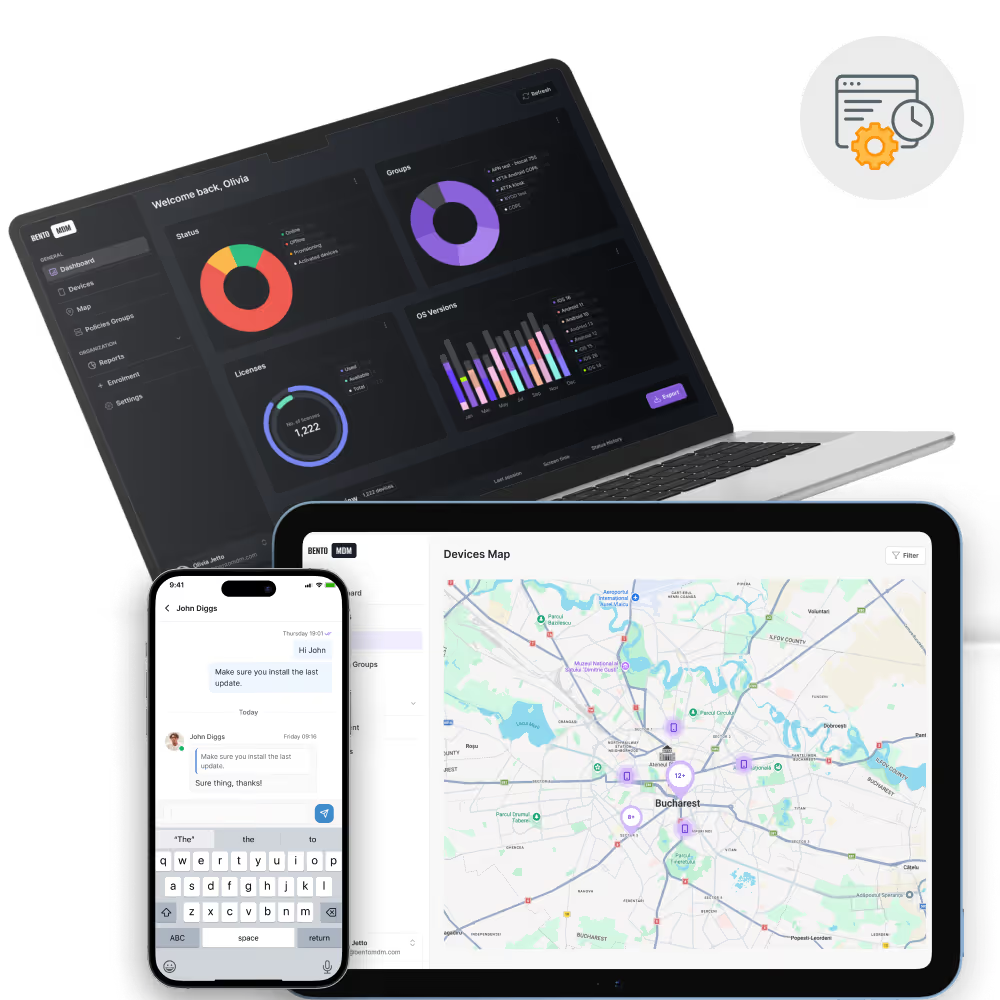
Queue patch actions for devices that are disconnected and complete installation automatically once they reconnect.

Retry failed updates, flag missing patches, and speed up follow-up actions without relying on manual review.
Track pending, in-progress, successful, and failed updates live, with clear visibility by group, location, or platform.

Test patches on pilot groups before full deployment to catch issues early and lower the risk of large-scale failures.
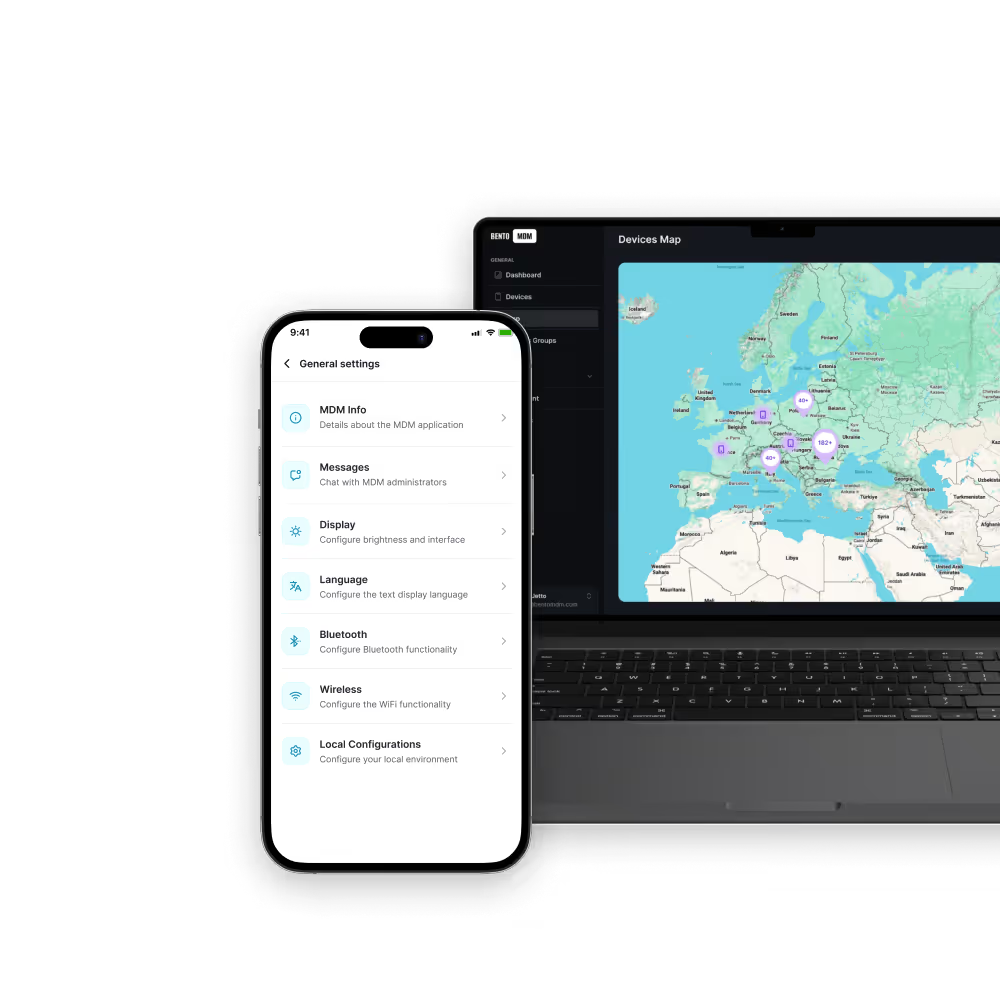
Deploy OS updates across Android, iOS, Windows, macOS, and Linux devices through one unified admin workflow.

Define rollout windows for automated patch management during off-peak hours to reduce downtime, user interruption, and bandwidth spikes.

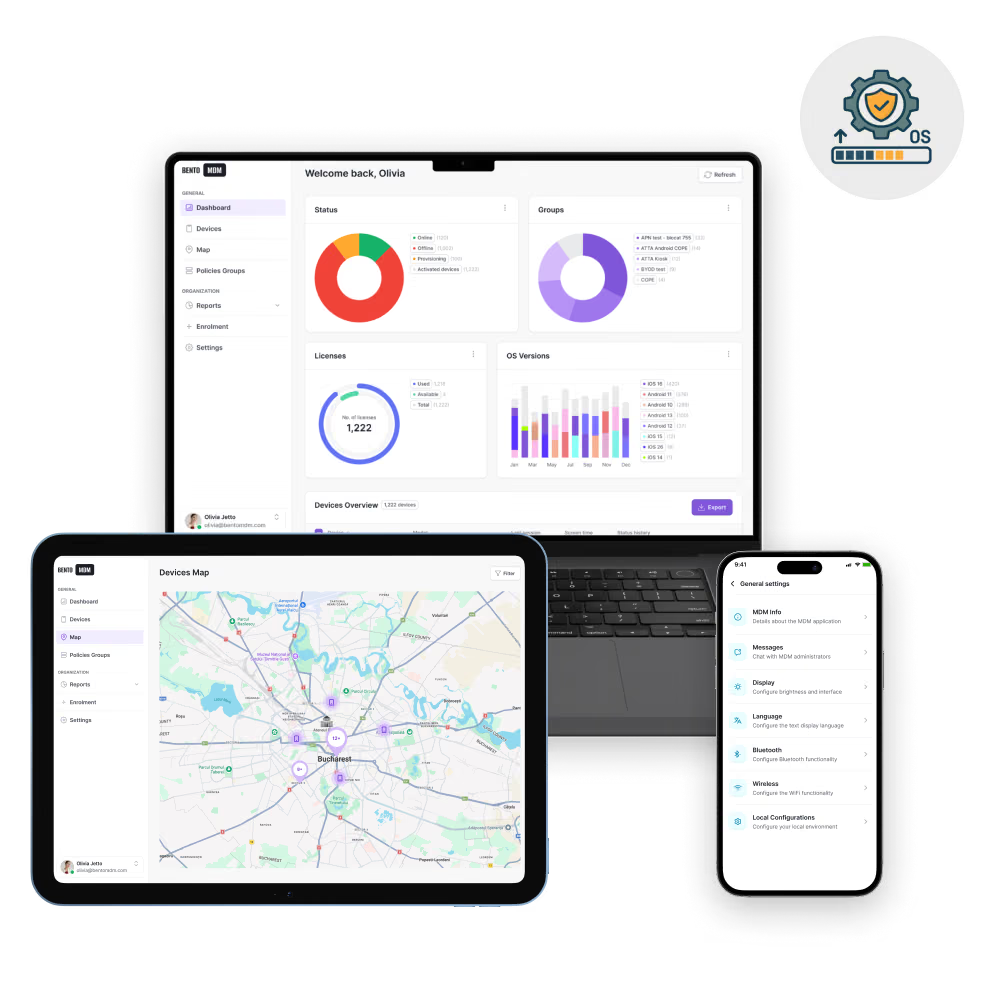
Centrally manage OS patching across Windows, macOS, Linux, iOS, iPadOS, and Android fleets. Bento OS Patch Management delivers controlled rollouts, vulnerability remediation tracking, and compliance reports for security and regulated environments.

"With Bento MDM and FSM, we efficiently manage over 700 devices, automate workflows, and improve communication between field teams."
Cristian Bordescu
Operations Director


“Our collaboration with Bento on migrating over 2,000 DPD devices was exceptional. Their openness, flexibility, and constant support stood out throughout the project. Their quick adaptation to challenges and solution-oriented approach made all the difference, a truly reliable and professional partner.”
Valentina Ionescu
CIO, DPD
https://www.linkedin.com/in/valentina-ionescu-45a117bb
https://www.facebook.com/DPDRomania/
https://www.linkedin.com/company/dpd-romania/
https://www.dpd.com/
https://ro.wikipedia.org/wiki/DPD_Romania

"Bento Field Service Management and Mobile Device Management helped us streamline field interventions, secure mobile devices, and increase operational transparency."
Simona Gigiu
Business Line Director


.avif)
Patch branch workstations and shared terminals on schedule to strengthen security and document update compliance.

Queue updates for remote tablets and handhelds so field teams receive patches once connectivity returns.

Patch clinical tablets, mobile carts, and shared devices overnight to reduce risk and support healthcare compliance requirements.

Update school laptops and classroom tablets outside teaching hours so devices are ready before students log in.
.avif)
Keep POS systems and store devices current with off-hours patching that avoids checkout disruption and security gaps.
%201.avif)
GDPR
Compliant

99.9%
Uptime

ISO 27001
Compliant

HIPAA
Compliant
How does Bento handle patch compliance reporting?
Bento provides dashboards and exportable reports that show patch status, update coverage, and compliance progress across groups, locations, and device types.
Can Bento use staged rollouts for safer patch deployment?
Yes. IT teams can deploy patches to pilot groups first, validate the results, and then expand rollout gradually to lower operational risk.
Can Bento schedule updates outside business hours?
Yes. Bento lets teams schedule update waves during off-hours or maintenance windows to reduce disruption for employees, students, clinicians, and frontline users.
What is OS patch management?
OS patch management is the process of planning, deploying, tracking, and verifying operating system updates across managed devices to reduce vulnerabilities and keep systems current.
What is a patch management solution?
A patch management solution helps IT teams automate software and OS updates, monitor patch status, reduce manual work, and improve device security across the fleet.
What happens if a device is offline during patch deployment?
Patch actions can queue for offline devices and run once connectivity returns, which is useful for remote teams, field operations, and unstable networks.
How does automated patch management work?
Admins define patch windows, device groups, and deployment rules, then Bento automates patch delivery, monitors results, and flags failures for follow-up.
Which operating systems does Bento support for patch management?
Bento supports multi-OS patch management across Android, iOS, Windows, macOS, and Linux devices from one centralized console.

From BYOD to kiosk lockdown, Bento MDM secures and simplifies your device operations. Try it for free or book a live demo.


By Features
By Business Initiative
By OS Support