Trusted by








Encryption, VPN, and compliance policies apply automatically during setup, ensuring devices are protected from the moment they are powered on.

Automated enrollment and self-service options cut desk visits, support tickets, and manual imaging, allowing IT focus on higher-value work.

Bento MDM standardizes enrollment across iOS, Android, Windows, and macOS, supporting programs like Apple ABM and Samsung Knox.

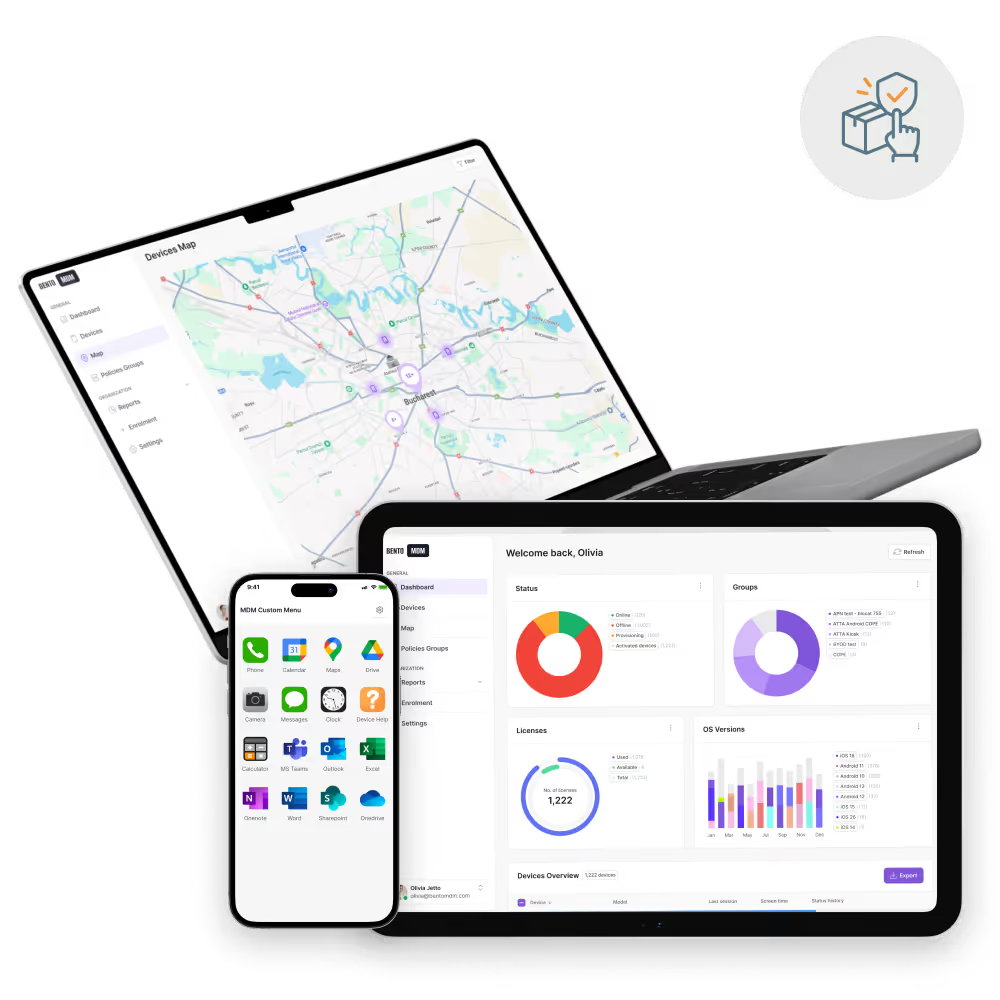
Ship devices directly to staff, with Bento MDM automatically applying apps, policies, and security so teams are productive from day one.
You need enrollment workflows that are fast, reliable, and scalable. Bento MDM delivers exactly that.

Mix and match manual, token-based, or QR-based workflows to meet different operational needs.

Ensure every enrolled device complies with your security policies and compliance requirements.

Provision iPhones, iPads, and Macs via Apple Business or School Manager for hands-free setup.

Support Android Enterprise enrollment and Samsung Knox programs for fast, consistent out of the box setup.

Enroll large fleets using QR codes, tokens, or platform-native tools like ADE and Knox.

Allow users to onboard securely without IT intervention or support tickets.

Preconfigure apps, settings, and policies as soon as the device connects to the internet.

Ship devices directly to users, provisioning occurs automatically, without cables, imaging, or IT desk visits.

Bento MDM supports all enrollment scenarios, whether for retail, remote work, or education.

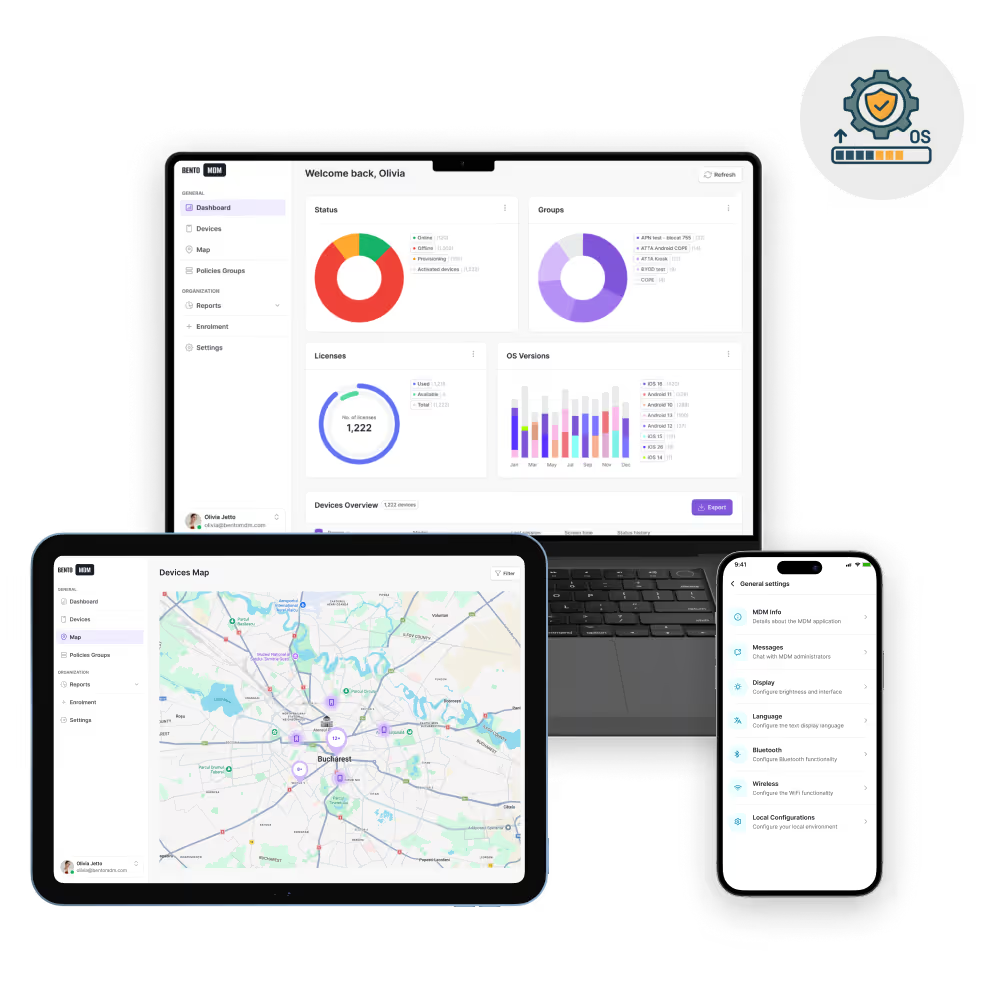
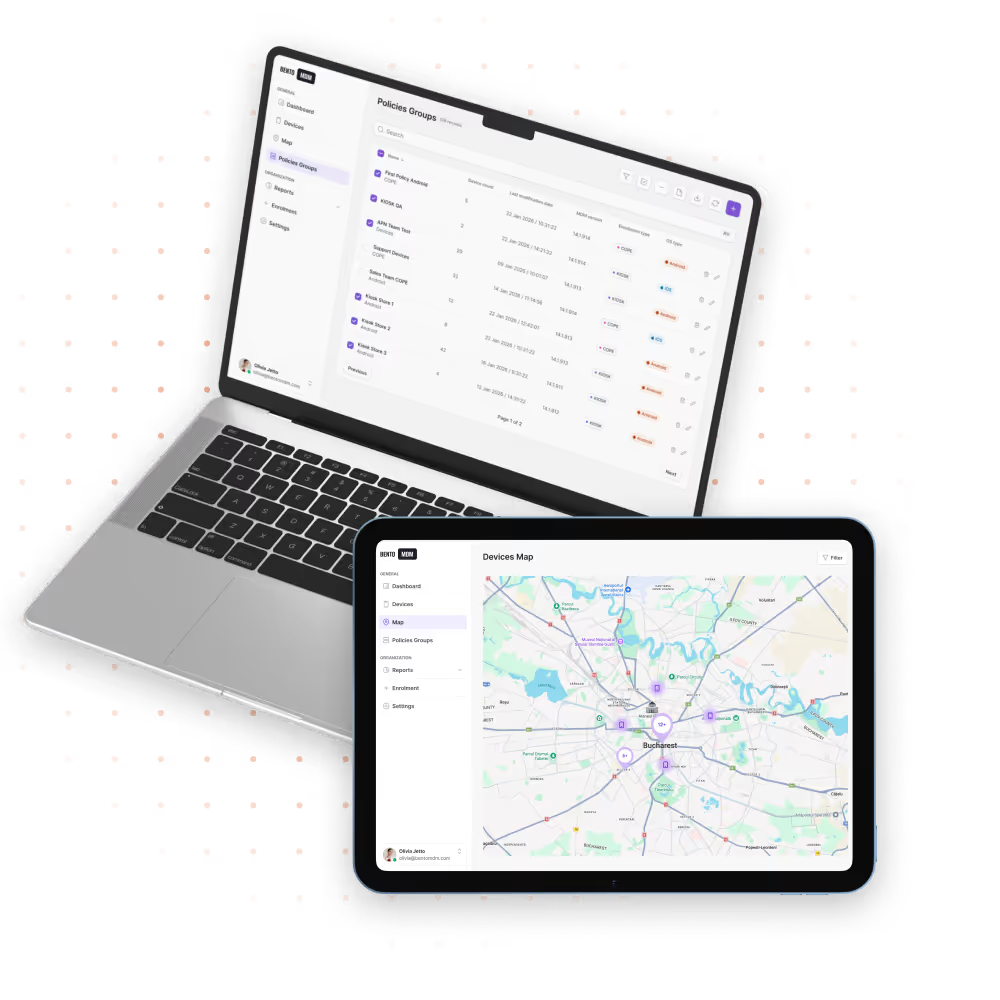
Provision new devices the moment they connect to the internet. Bento Automatic Enrollment supports Apple Automated Device Enrollment, Android Zero-Touch, and Windows Autopilot for fleet-wide deployment without IT touch.

"With Bento MDM and FSM, we efficiently manage over 700 devices, automate workflows, and improve communication between field teams."
Cristian Bordescu
Operations Director


“Our collaboration with Bento on migrating over 2,000 DPD devices was exceptional. Their openness, flexibility, and constant support stood out throughout the project. Their quick adaptation to challenges and solution-oriented approach made all the difference, a truly reliable and professional partner.”
Valentina Ionescu
CIO, DPD
https://www.linkedin.com/in/valentina-ionescu-45a117bb
https://www.facebook.com/DPDRomania/
https://www.linkedin.com/company/dpd-romania/
https://www.dpd.com/
https://ro.wikipedia.org/wiki/DPD_Romania
"Bento Field Service Management and Mobile Device Management helped us streamline field interventions, secure mobile devices, and increase operational transparency."
Simona Gigiu
Business Line Director



Enforce strict security during onboarding for customer service, branches and remote operations devices.

Roll out preconfigured check-in tablets, concierge phones, and in-room devices branded and ready to use out of the box.

Deploy and monitor rugged handhelds or tablets across fleets, fully enrolled, secured, and operational from delivery day.

Pre-enroll tablets and laptops before they reach classrooms, so students and teachers can start learning immediately.

Protect PHI and clinical data within your infrastructure while enforcing HIPAA-compliant device security and access policies.

Manage and update rugged Android tablets, Windows endpoints, and Linux-based industrial controllers - even in low-connectivity or offline environments.

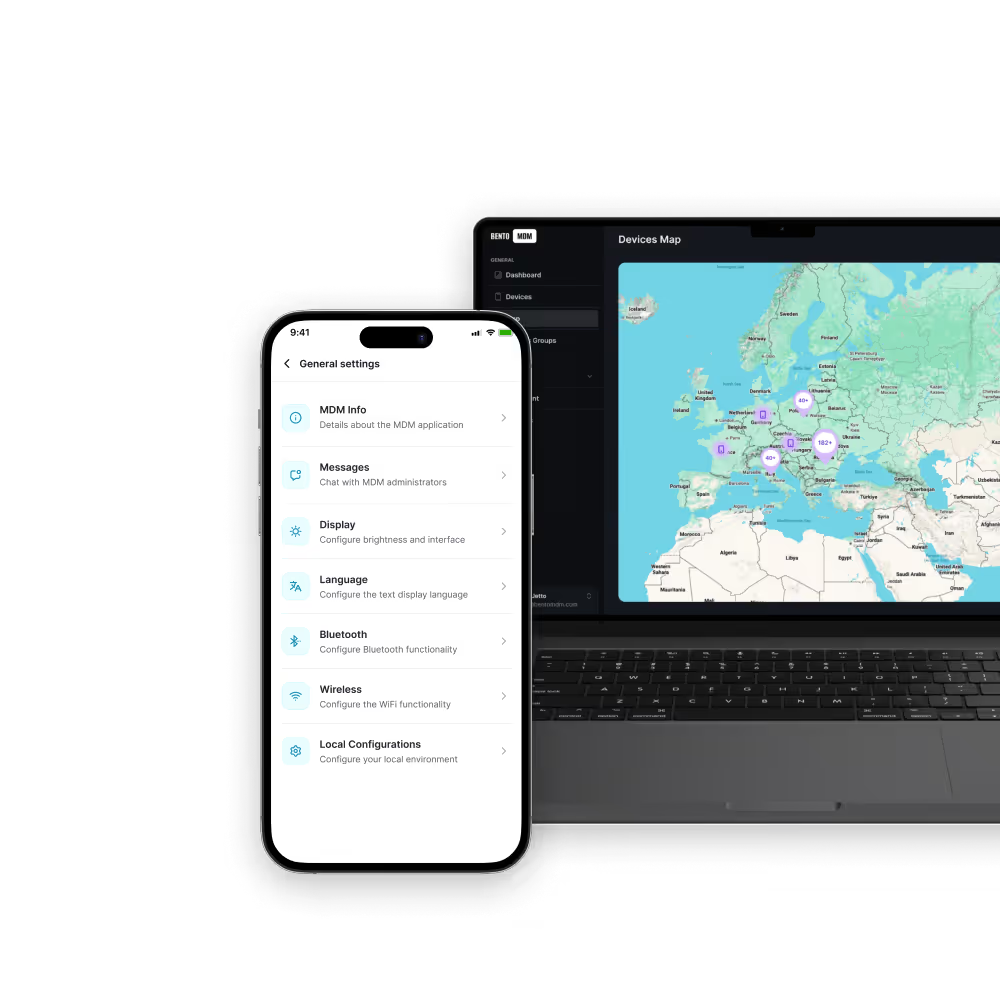
Meet regulatory mandates and strict access policies in air-gapped environments with on-premise deployment, multi-layer RBAC, local user management, and detailed audit trails.

Control LTE-connected rugged devices by blocking streaming and large downloads, preventing costly data overages.
%201.avif)
GDPR
Compliant

99.9%
Uptime

ISO 27001
Compliant

HIPAA
Compliant
What is automatic enrollment?
It’s a method for configuring and provisioning devices remotely - no physically handling required. Perfect for large-scale deployments across distributed teams or locations.
How does automated provisioning help IT teams?
It saves time by automating device setup, enforces policy consistency, and reduces manual errors during onboarding and configuration.
Is automatic enrollment compatible with all devices?
Not all hardware supports automated provisioning. Bento MDM covers Windows, iOS/macOS (ABM/ASM), and Android (Enterprise & Knox). It also includes fallback methods like QR and token-based enrollment.
Can we use automatic enrollment with remote teams?
Yes. Devices arrive pre-provisioned and ready to use, making it ideal for remote or distributed teams without on-site IT support.
Does Bento support Apple’s Automated Device Enrollment (ABM/ASM)?
Yes. Bento MDM integrates seamessly with Apple Business Manager (ABM) and Apple School Manager (ASM) to automate provisioning for iPhones, iPads, and Macs.
How secure is automatic enrollment?
It ensures device security from first boot by enforcing encryption, app restrictions, and compliance policies during provisioning.
Do I need to pre-register devices?
Some vendor programs require pre-registration, but Bento MDM also supports QR codes, token-based and manual enrollment, so you’re not limited by reseller workflows.
Does automatic enrollment deployment work offline?
Initial setup requires internet, but Bento MDM also supports offline fallback enrollment in restricted environments by caching policies locally until devices reconnect.
Can I customize provisioning workflows?
Bento MDM supports customizable enrollment workflows, including self-service setup, app bundles, Wi-Fi configurations, and access policies tailored for your organization.

From BYOD to kiosk lockdown, Bento MDM secures and simplifies your device operations. Try it for free or book a live demo.


By Features
By Business Initiative
By OS Support