Trusted by








Selective container wipe removes corporate data the moment a device is lost, jailbroken, or out of compliance, leaving personal photos, contacts, and apps untouched.

Centralized logs of data access, share attempts, clipboard events, and wipe actions give auditors evidence for GDPR, HIPAA, ISO 27001, and SOC 2 reviews on demand.

Managed work profiles isolate business content from personal apps on BYOD devices, giving employees privacy and IT full control over corporate data.

Containerized apps, clipboard limits, and screen capture blocks keep corporate files, text, and visuals locked inside approved apps so sensitive data never drifts to personal channels.
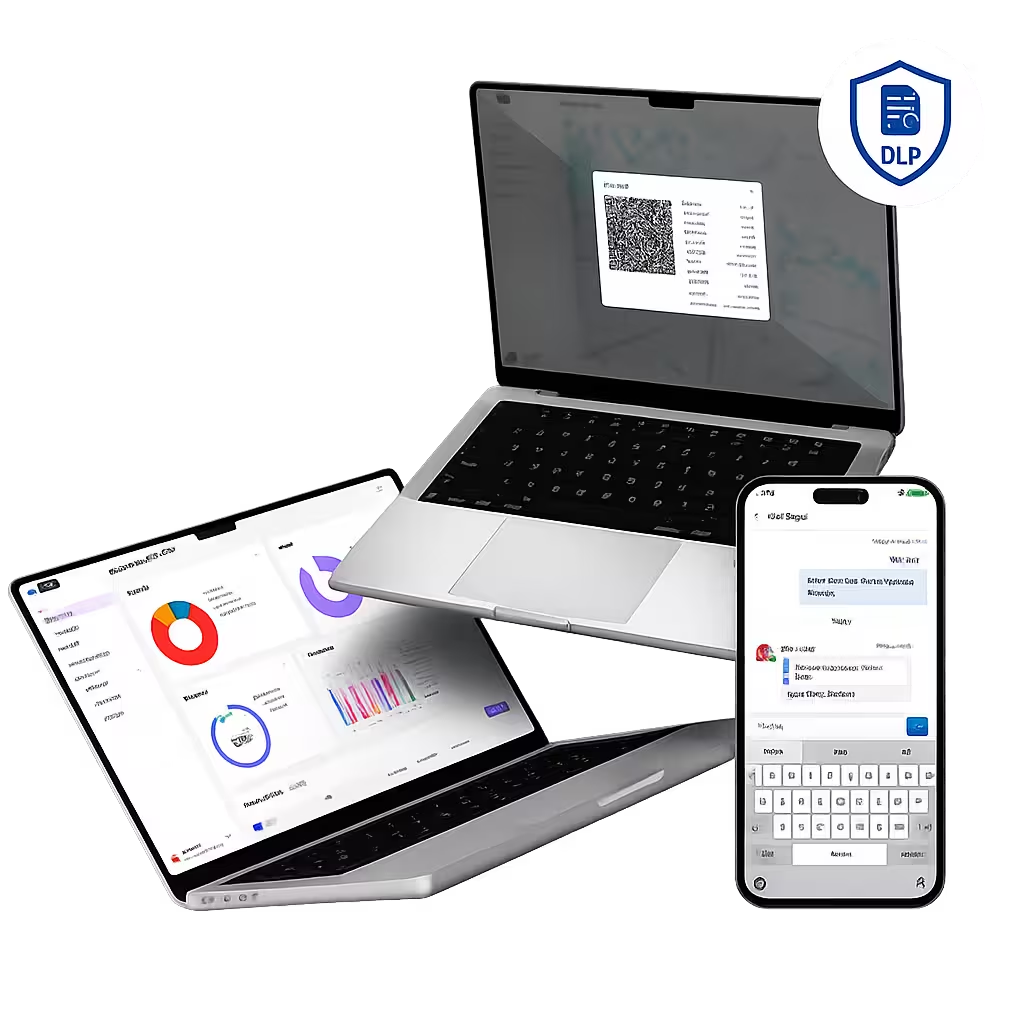
Bento DLP protects corporate data on endpoints through containerized apps, clipboard controls, network egress policies, screen capture blocks, and selective wipes.

Capture every data access, share attempt, and wipe action in centralized logs that support compliance audits.

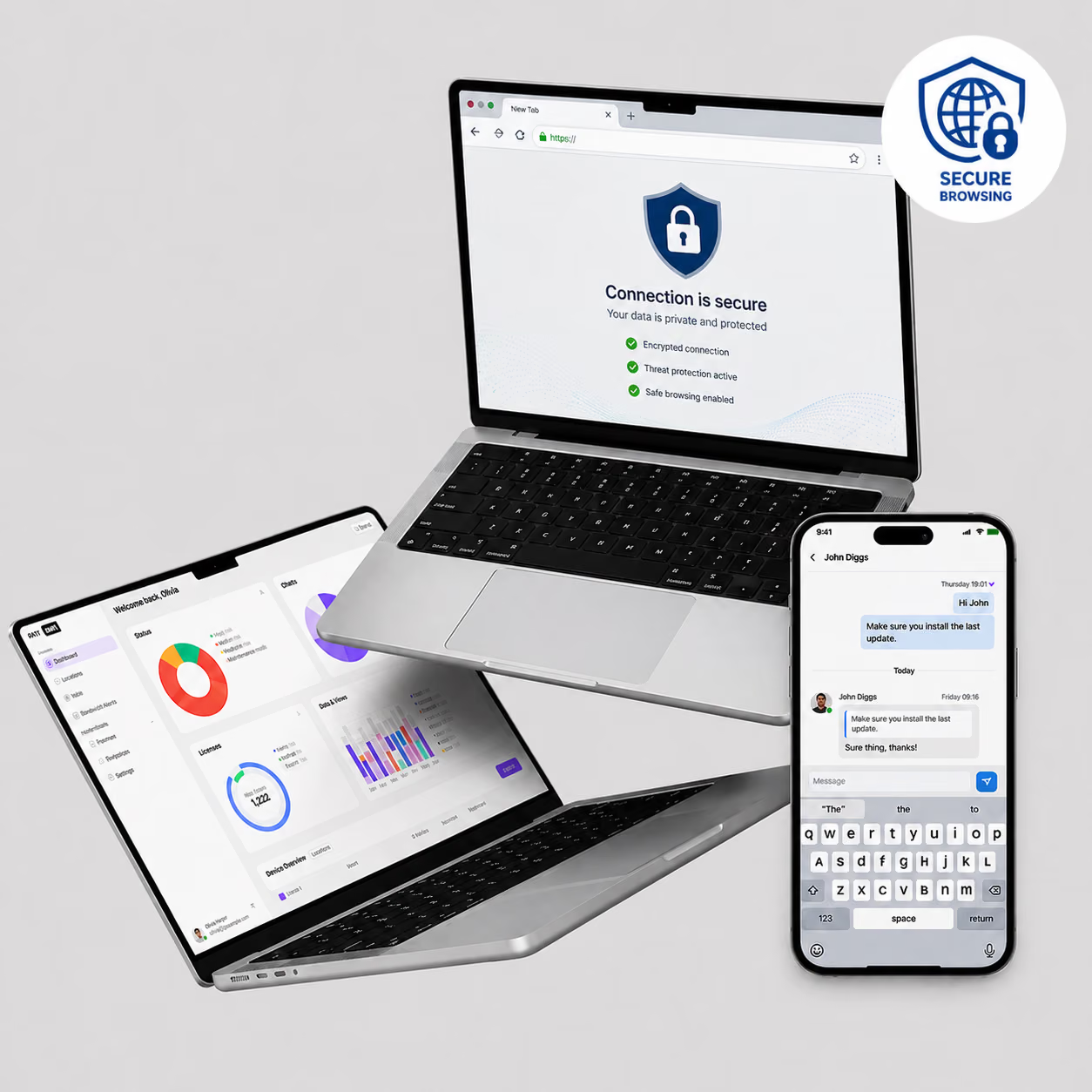
Corporate links open in managed browsers to enforce DLP rules and prevent data breaches through external sites.

On policy violation or device compromise, selectively wipe corporate containers while preserving personal data elsewhere.

Open sensitive files only in approved viewers to prevent leaks through unauthorized sharing or protocols.

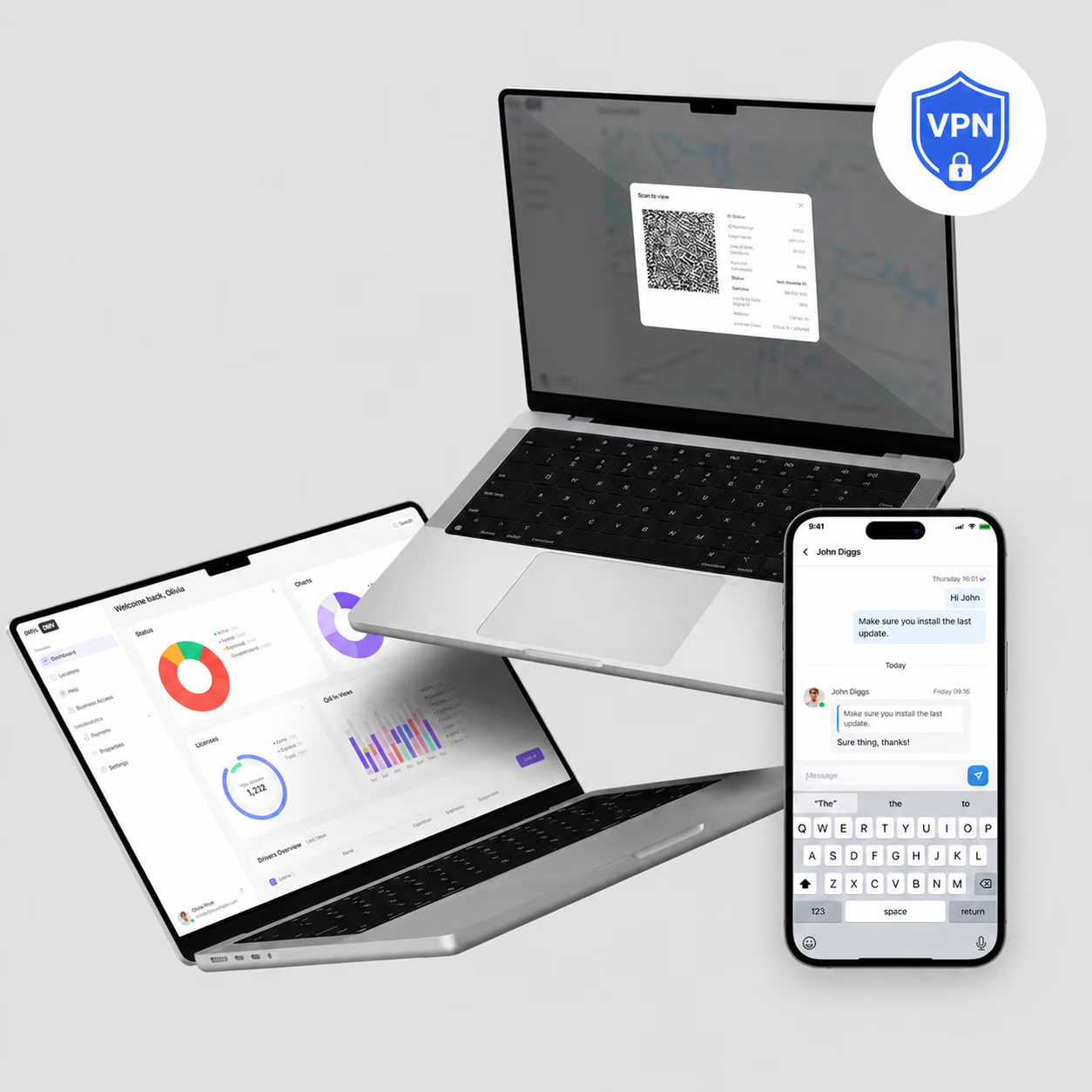
Enforce per-app VPN or proxy channels, blocking uploads to unapproved cloud services or external servers.

Screenshots, recordings, and mirroring are disabled automatically in protected apps to stop visual leaks.

Copy-paste restrictions block sensitive text transfers from managed apps to personal areas.

Corporate apps run in secure containers, preventing data mixing with personal apps or unapproved sharing.

Prevent copy, paste, screenshot, and file-sharing of corporate data outside managed apps. Bento Data Loss Prevention supports HIPAA ePHI protection, PCI DSS cardholder data controls, and GDPR personal-data containment across iOS, Android, Windows, and macOS.

"With Bento MDM and FSM, we efficiently manage over 700 devices, automate workflows, and improve communication between field teams."
Cristian Bordescu
Operations Director


“Our collaboration with Bento on migrating over 2,000 DPD devices was exceptional. Their openness, flexibility, and constant support stood out throughout the project. Their quick adaptation to challenges and solution-oriented approach made all the difference, a truly reliable and professional partner.”
Valentina Ionescu
CIO, DPD
https://www.linkedin.com/in/valentina-ionescu-45a117bb
https://www.facebook.com/DPDRomania/
https://www.linkedin.com/company/dpd-romania/
https://www.dpd.com/
https://ro.wikipedia.org/wiki/DPD_Romania
"Bento Field Service Management and Mobile Device Management helped us streamline field interventions, secure mobile devices, and increase operational transparency."
Simona Gigiu
Business Line Director




Home-office devices route through per-app VPN and screen capture blocks, keeping corporate data off personal cloud services.

CAD files and schematics stay locked to managed apps, with USB and cloud uploads blocked on engineering devices.

Classified files stay inside encrypted containers, with screen capture blocks and network egress controls enforcing data sovereignty.

Case files and contracts open only in managed viewers, with watermarked screens and blocked forwarding across every attorney device.

Trading apps, client portfolios, and deal rooms run inside encrypted containers that block screen capture and off-network uploads.
.avif)
Order data runs inside shielded handheld POS apps, with Bluetooth and USB transfers blocked on cashier devices.

Lesson plans and student data stay inside managed apps, with file-sharing and clipboard limits keeping academic records confidential.

Patient records and imaging stay inside HIPAA containers, with clipboard and screen blocks stopping PHI leaks on clinician tablets.
%201.avif)
GDPR
Compliant

99.9%
Uptime

ISO 27001
Compliant

HIPAA
Compliant
How is compliance reporting handled?
Bento MDM logs every data access event, share attempt, clipboard action, and wipe trigger. IT teams generate reports from the console for internal reviews, regulatory audits, and incident investigations.
Can DLP integrate with SIEM or DLP platforms?
Yes. Bento MDM exposes REST APIs that push device events, policy violations, and audit logs to SIEM, CASB, and dedicated DLP platforms for correlation with broader threat intelligence.
Is screen capture blocked?
Yes. Screen capture, screen recording, and screen mirroring are disabled automatically inside protected apps on supported platforms. This prevents visual data leaks through screenshots or video capture.
How are network egress rules enforced?
Bento MDM applies per-app VPN or proxy configurations that route corporate app traffic through approved channels. Uploads to unapproved cloud services or external servers are blocked at the network level.
Which data types are protected?
Bento DLP protects files, documents, emails, calendars, contacts, and any data handled inside managed apps. Clipboard limits, screen capture blocks, and open-in controls extend that protection across supported data types.
Can DLP function without the internet?
Yes. Containerization and clipboard controls operate locally on the device. Network egress policies queue and apply once connectivity returns. Core DLP protections remain active regardless of network state.
How does app containerization work?
Bento creates a secure container that isolates corporate apps from personal apps. Data inside the container, including files, credentials, and documents, cannot move to personal apps, external storage, or unapproved sharing.
What is DLP in MDM?
Data Loss Prevention in MDM stops corporate data from leaving managed devices through unauthorized channels. Bento DLP uses containerization, clipboard controls, screen capture blocks, network egress policies, and selective wipe.

From BYOD to kiosk lockdown, Bento MDM secures and simplifies your device operations. Try it for free or book a live demo.


By Features
By Business Initiative
By OS Support