Trusted by





Recover crashed apps and frozen devices with auto-restart, scheduled reboots, and remote reboot.

Keep each Android TV device on its approved app, with no access to settings, launcher, or other apps.

Enroll, update, and troubleshoot Android TV devices remotely instead of sending staff on site.

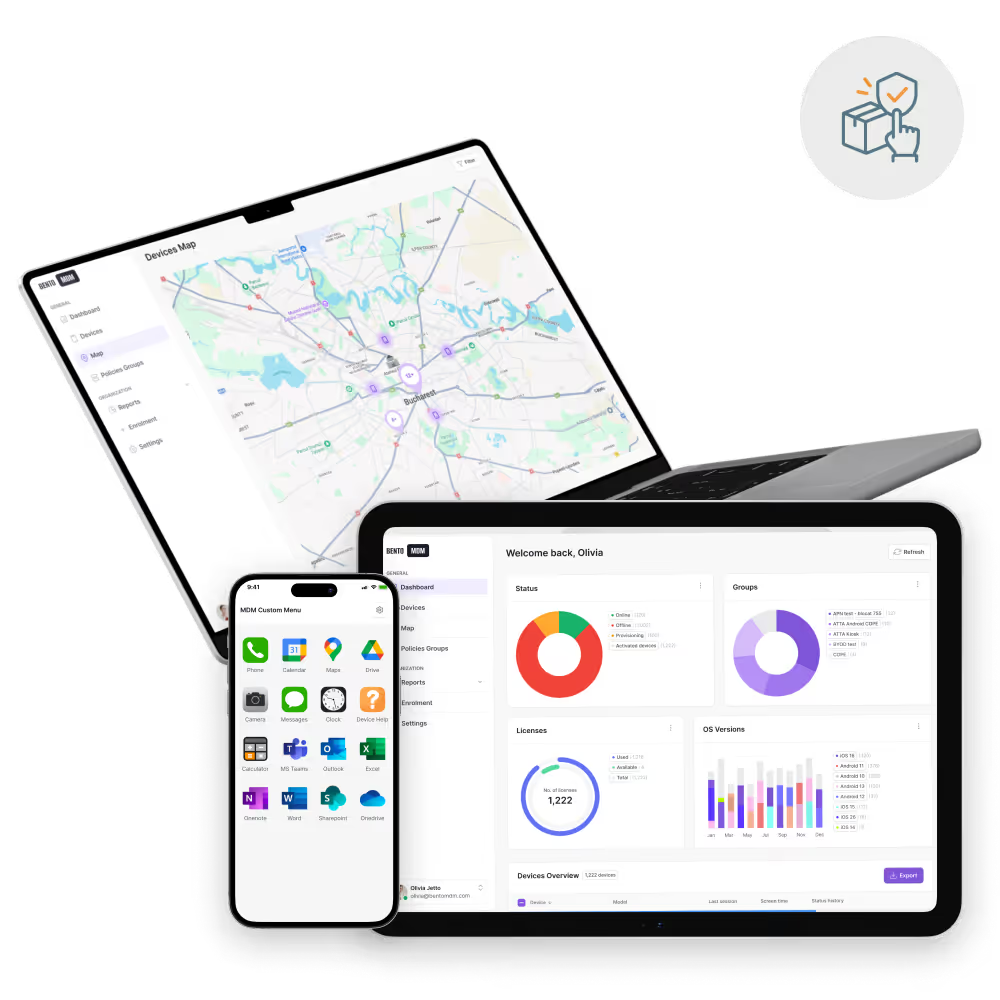
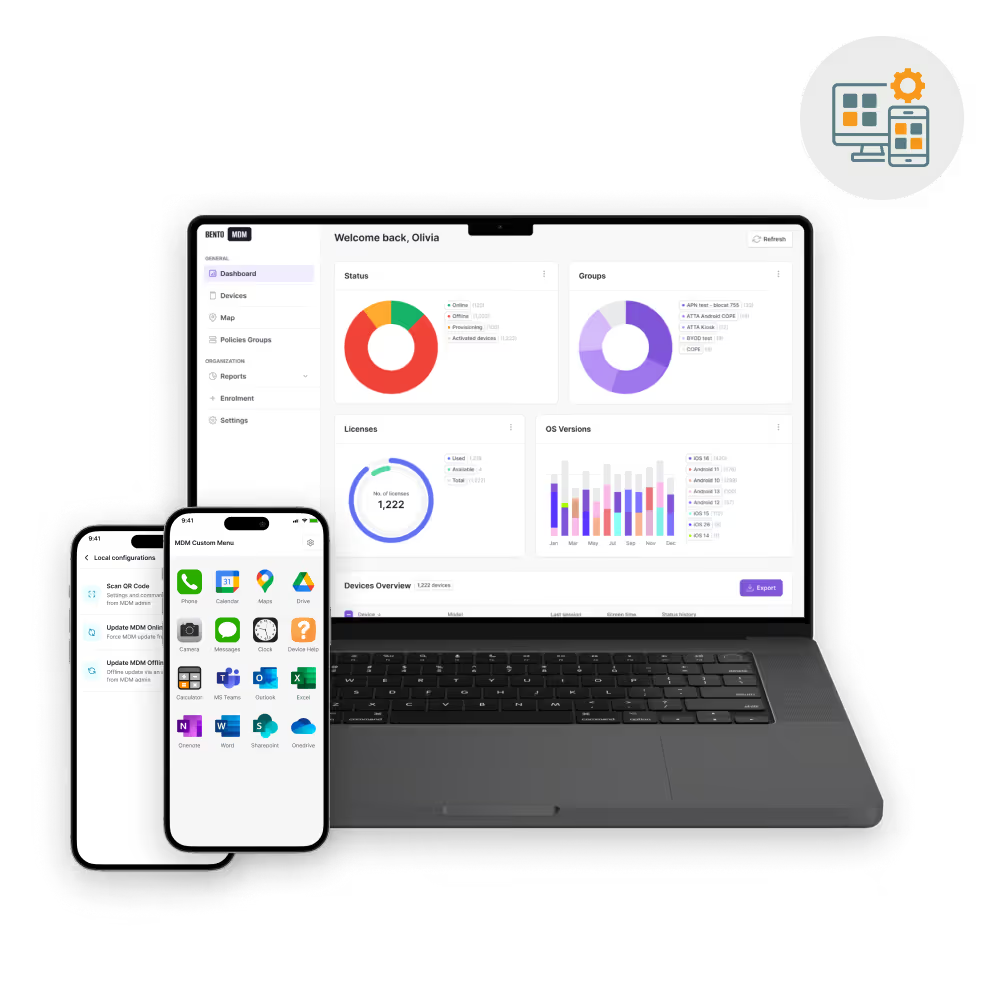
Group devices by site, venue, or campaign and push to every screen from one console.

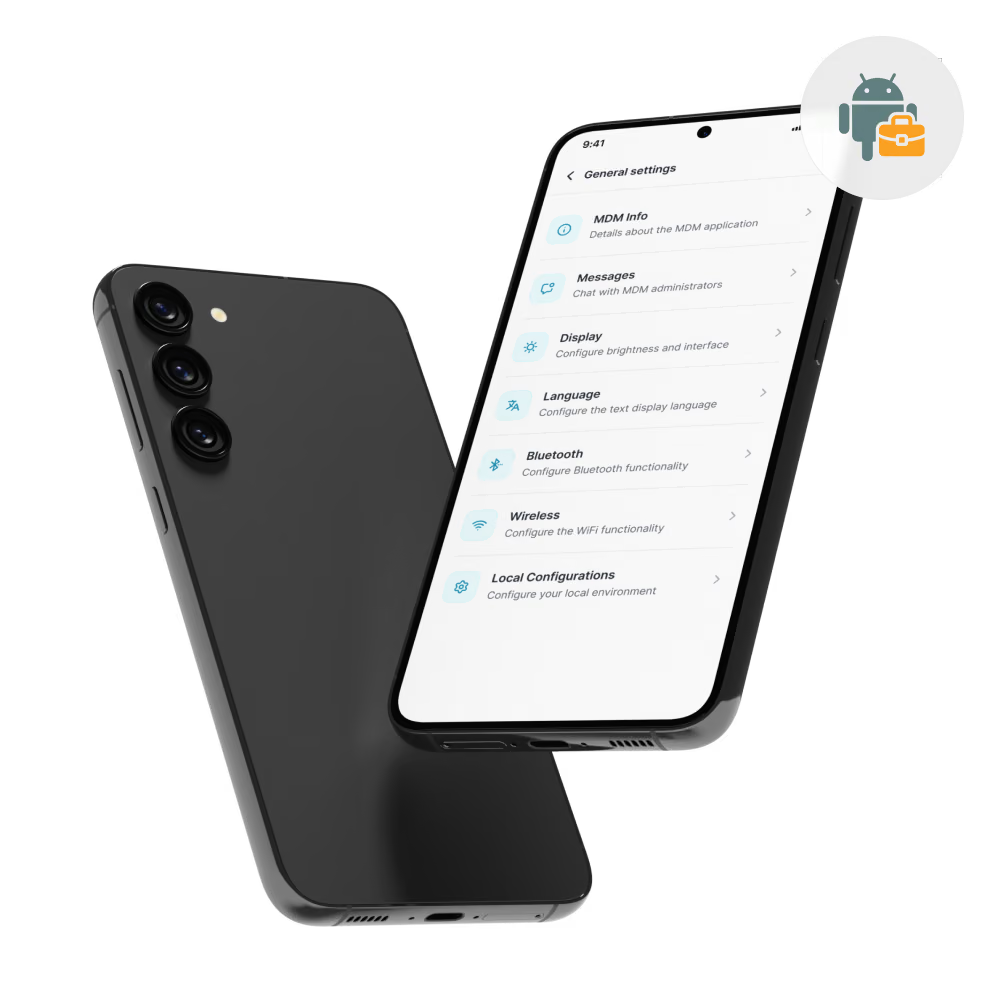
Enroll Android TV devices as fully managed, dedicated devices through Android Enterprise.

Lock each device to one approved app and hide the launcher, settings, and app store.

Push apps and content during maintenance windows, with content cached on the device.

Track device health, auto-restart crashed apps, and reboot frozen devices remotely.

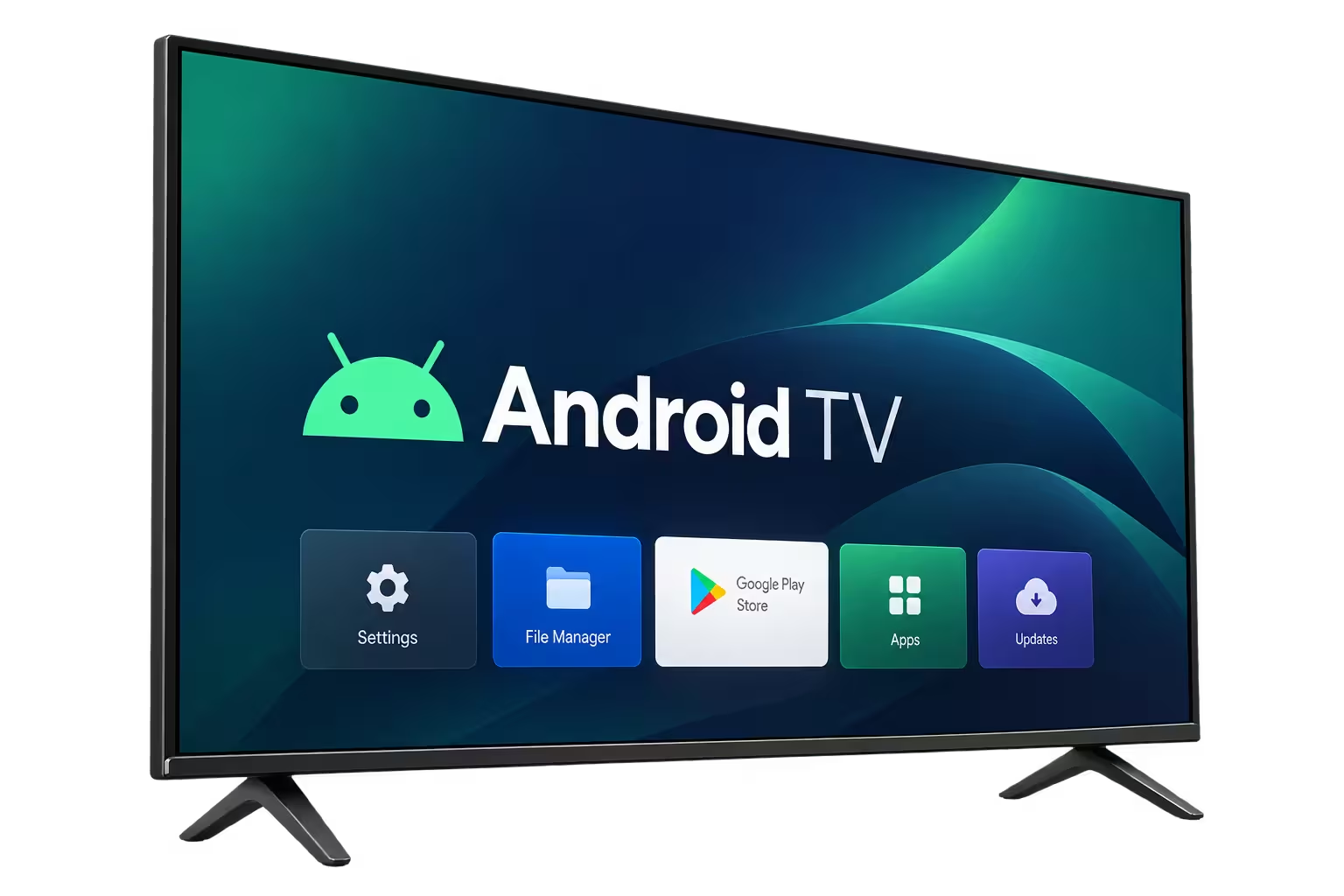
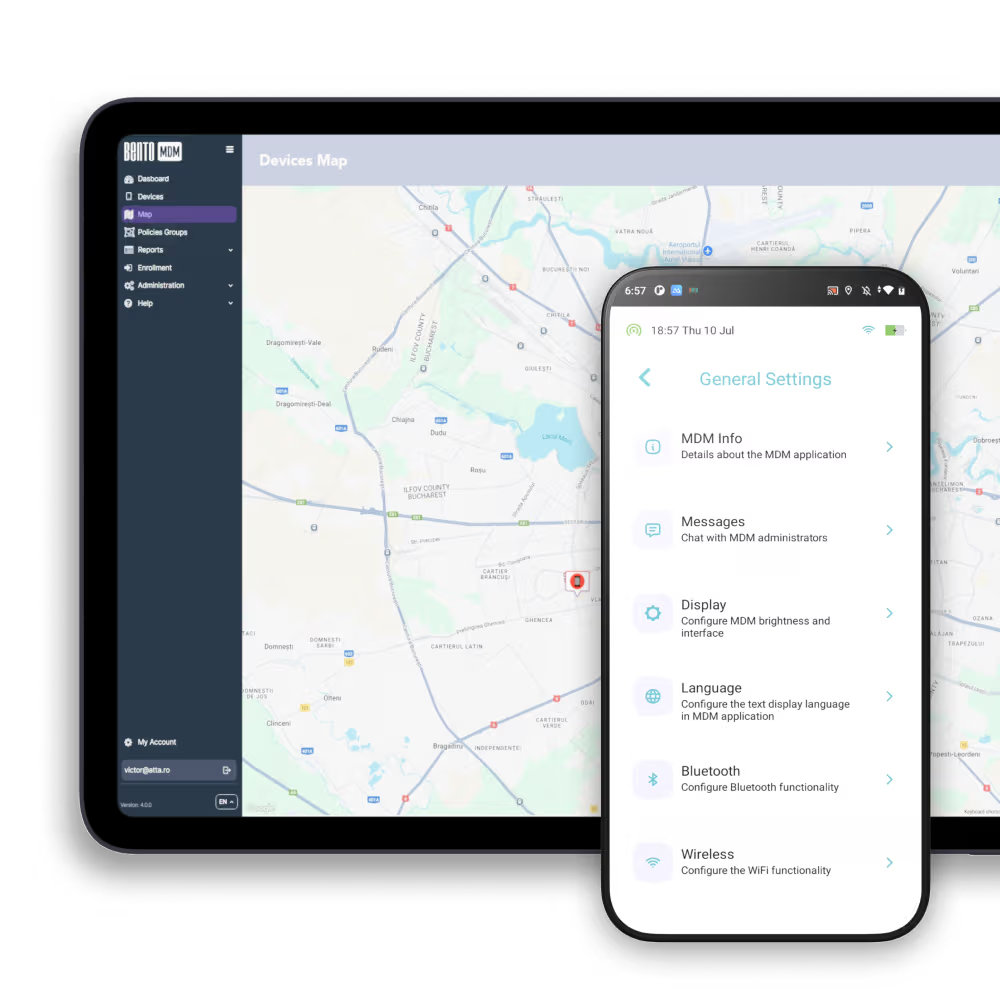
From a single lobby display to thousands of in-store screens and set-top boxes, Bento enrolls, locks down, and monitors Android TV devices, and keeps them running.
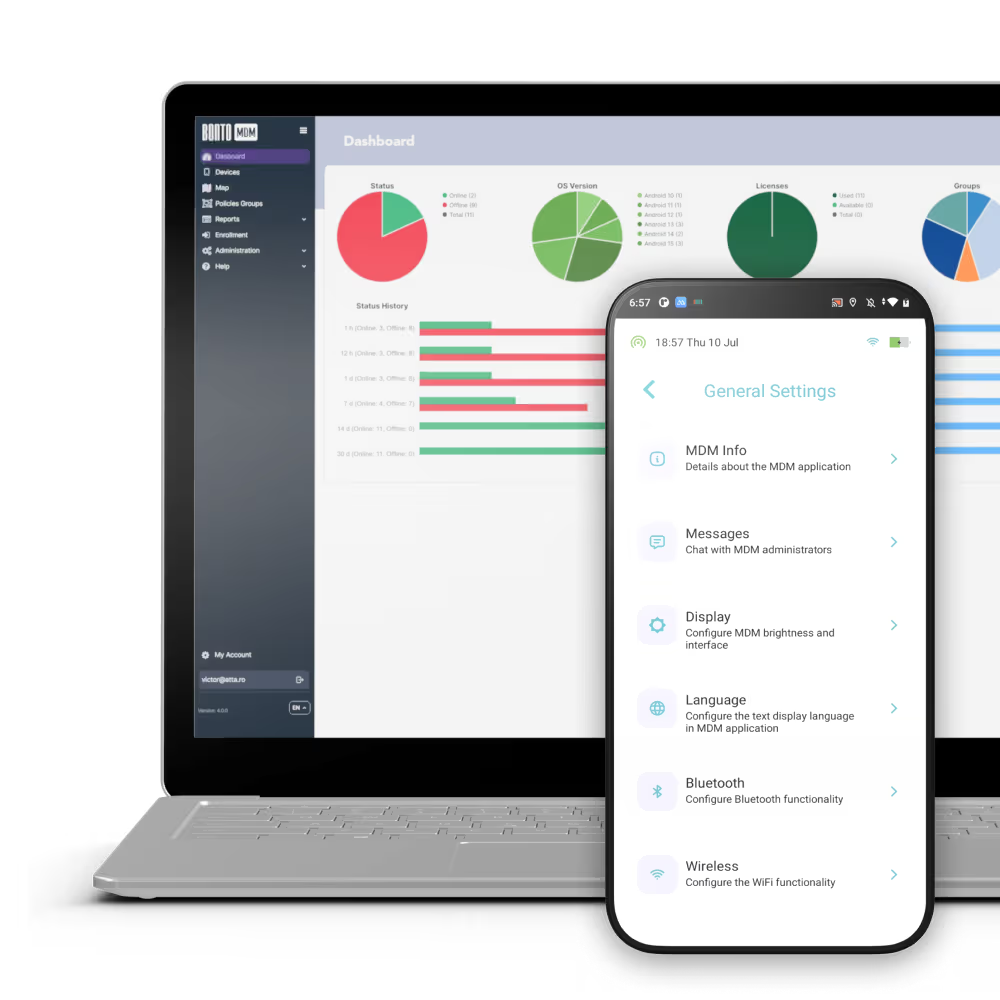

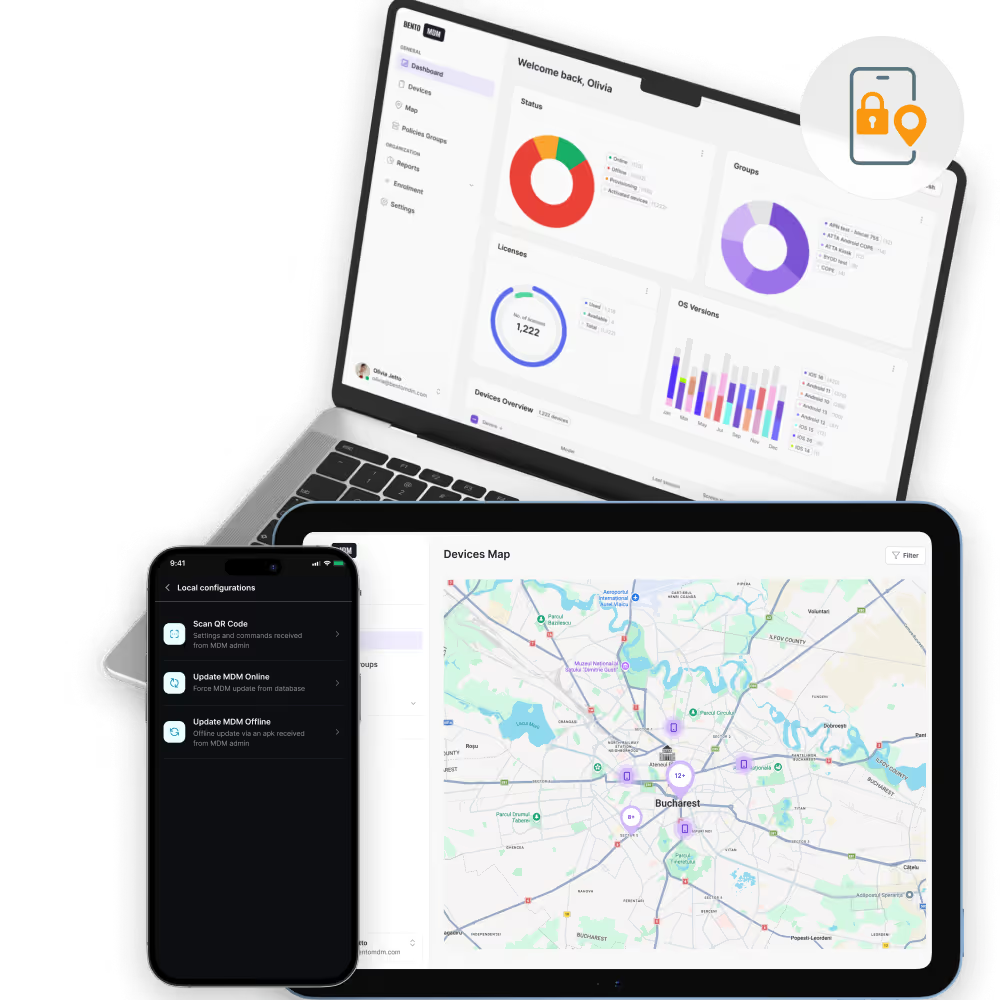
Lock Android TV devices to one app using Android COSU dedicated-device mode.
Provision Android TV devices in bulk from cached profiles, with no per-device setup.
Reboot devices on a set schedule to clear memory and apply updates overnight.

Restart the app after a crash, and reboot the device remotely if the OS freezes.

Stream a device's live screen to the console to verify content and troubleshoot.

Push app updates and OS or firmware updates during maintenance windows, where the OEM supports it.

Track online status, network, storage, and memory in real time, with offline alerts.

Keep content playing through brief outages and sync pending updates on reconnect.
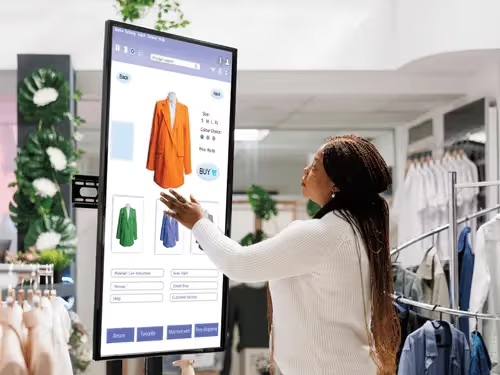

Lock Android signage players to the signage app and keep them running. See Digital Signage Management for the full signage solution.
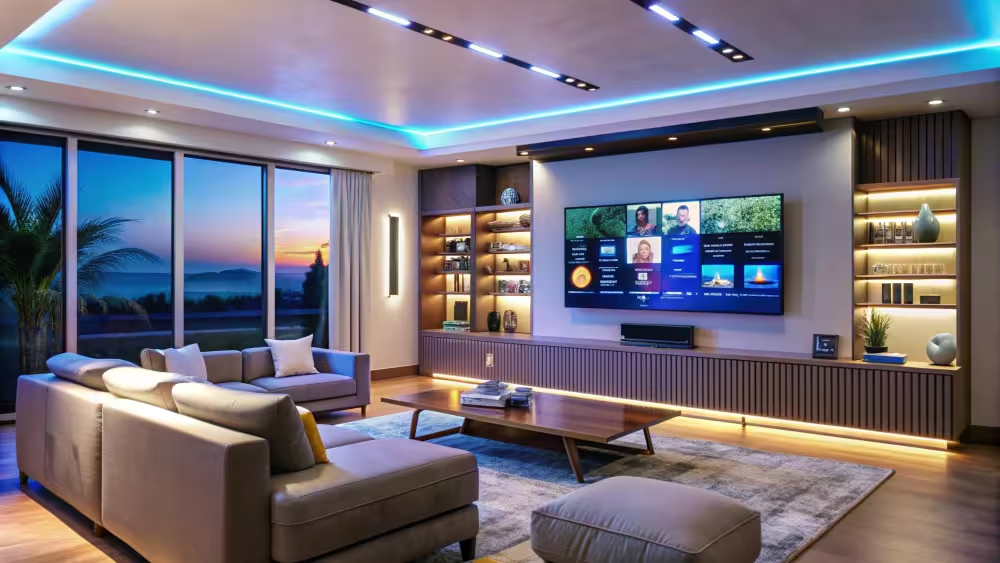
Manage guest-room Android TVs with a controlled, branded channel and app experience.

Keep meeting-room displays on the approved casting or conferencing app and reset them between sessions.
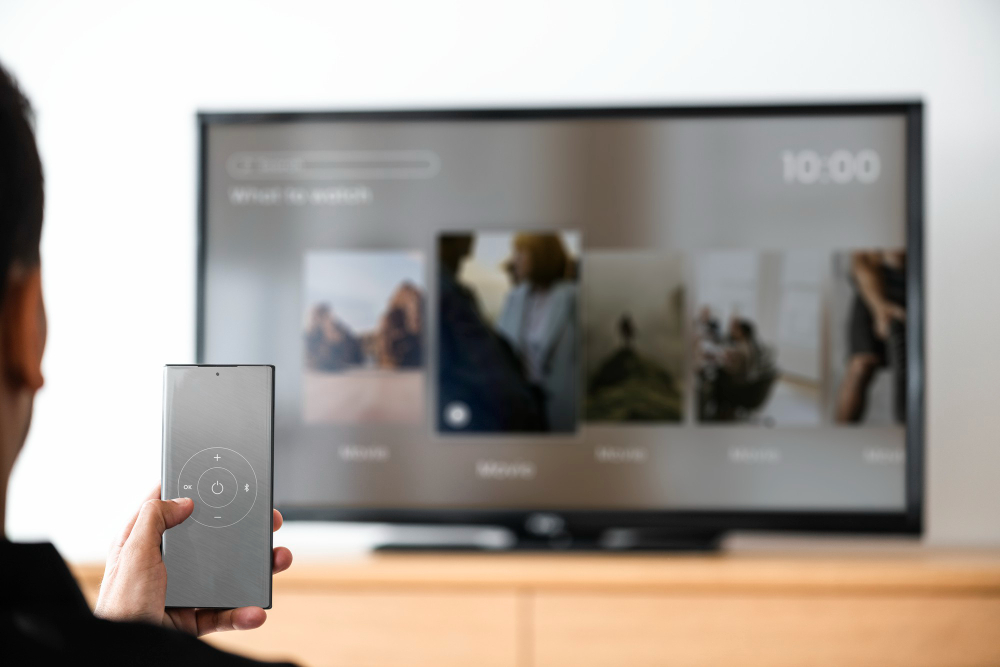
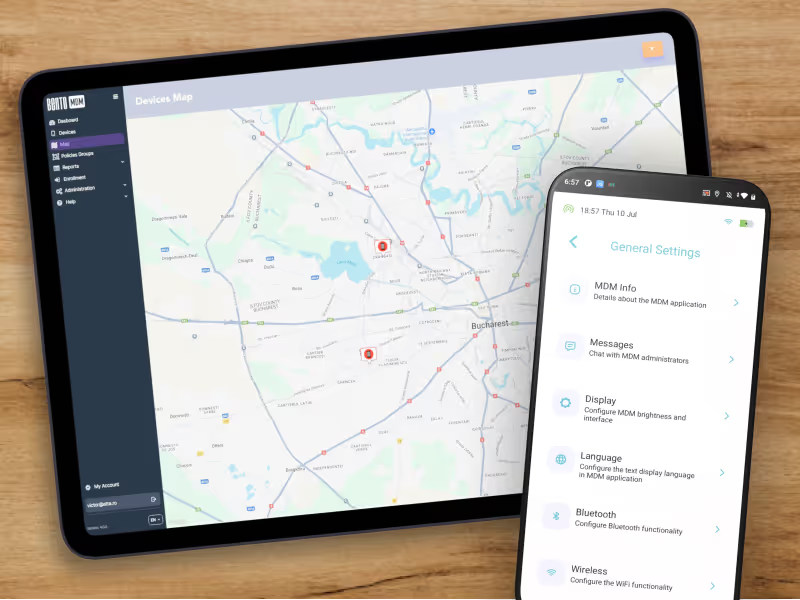
Provision and update operator or in-house Android set-top boxes across many sites.
.jpg)
Lock interactive Android TV displays to a single app for public, retail, or campus use.

"With Bento MDM and FSM, we efficiently manage over 700 devices, automate workflows, and improve communication between field teams."
Cristian Bordescu
Operations Director


“Our collaboration with Bento on migrating over 2,000 DPD devices was exceptional. Their openness, flexibility, and constant support stood out throughout the project. Their quick adaptation to challenges and solution-oriented approach made all the difference, a truly reliable and professional partner.”
Valentina Ionescu
CIO, DPD
https://www.linkedin.com/in/valentina-ionescu-45a117bb
https://www.facebook.com/DPDRomania/
https://www.linkedin.com/company/dpd-romania/
https://www.dpd.com/
https://ro.wikipedia.org/wiki/DPD_Romania
"Bento Field Service Management and Mobile Device Management helped us streamline field interventions, secure mobile devices, and increase operational transparency."
Simona Gigiu
Business Line Director


%201.avif)
GDPR
Compliant

99.9%
Uptime

ISO 27001
Compliant

HIPAA
Compliant
What is Android TV management?
Android TV management is the use of an MDM to enroll, configure, lock down, update, and monitor Android TV devices (smart displays, set-top boxes, and signage players) from one console. The MDM manages the device; a signage or media app handles the content.
Which Android TV devices does Bento MDM support?
Bento manages Android TV devices that run Google-certified Android TV or AOSP Android TV and support Android Enterprise device-owner enrollment, including Android TV signage players and set-top boxes from supported OEMs. Management depth varies by OEM, and deeper hardware controls depend on the OEM exposing them. Note that Samsung commercial displays (Tizen) and LG commercial displays (webOS) do not run Android TV and are managed differently. Confirm device coverage with our team for your specific hardware.
How is this different from Digital Signage Management?
Android TV Management is the platform view: managing any Android TV device, including hospitality TVs, set-top boxes, and meeting-room displays. Digital Signage Management is the use-case view: running signage across Android, iOS, and Windows players with content scheduling. For a signage deployment, see the Digital Signage Management page.
Can Bento lock an Android TV device to a single app?
Yes. Using Android COSU dedicated-device mode, Bento locks the device to one approved app and disables the launcher, settings, and other apps, so the screen shows only what IT approves.
How does Bento keep Android TV devices online?
Kiosk lockdown prevents accidental exits, app auto-restart recovers crashes, scheduled reboots refresh devices overnight, and connectivity monitoring alerts IT when a device goes offline, so many issues are caught before they affect viewers.
How much does Android TV management cost?
It is included in Bento MDM at EUR 1 per device per month, with kiosk lockdown, automatic enrollment, scheduled reboots, remote view, monitoring, and offline caching. A fleet of 100 Android TV devices costs EUR 100 per month.

Running signage players, set-top boxes, or in-room displays? Bento enrolls, locks down, and monitors your Android TV fleet from one place, with kiosk lockdown and remote view built in.


By Features
By Business Initiative
By OS Support