Trusted by






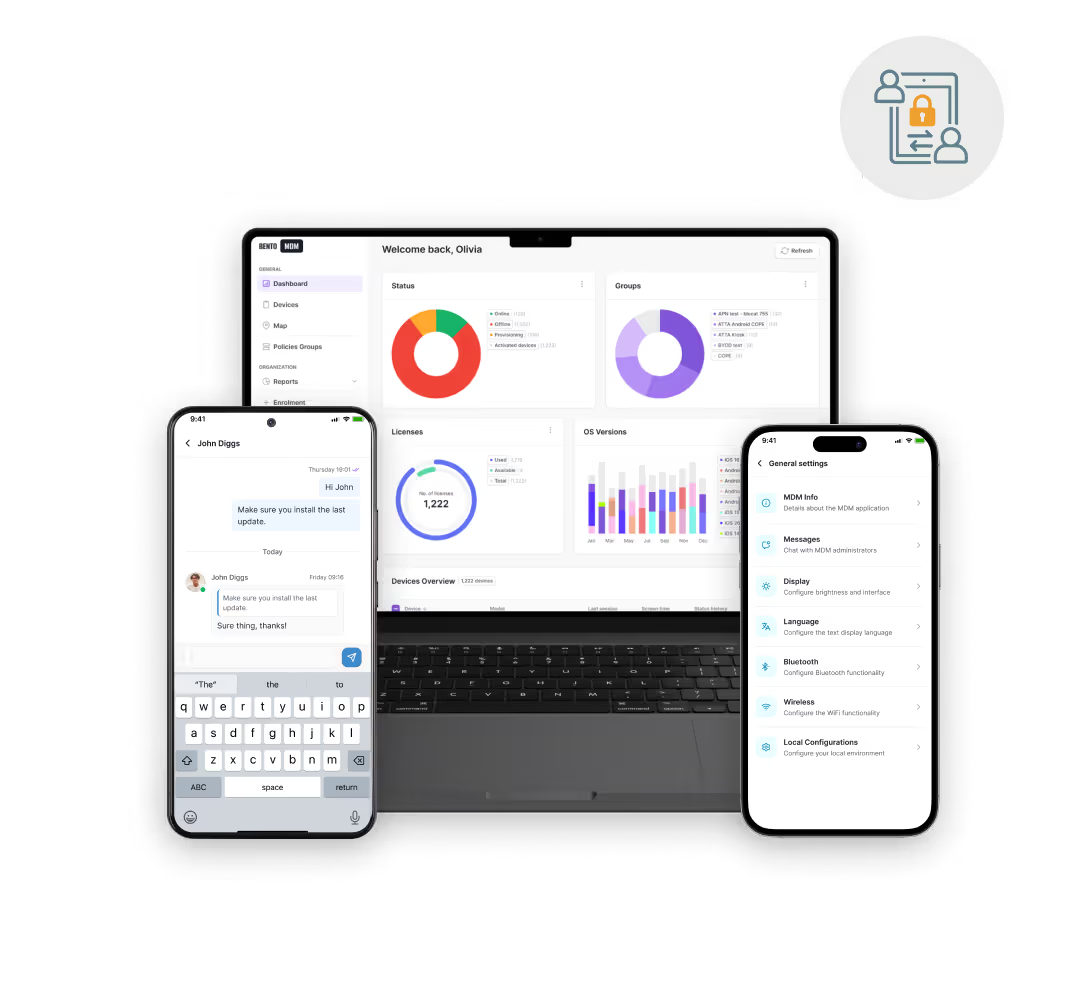
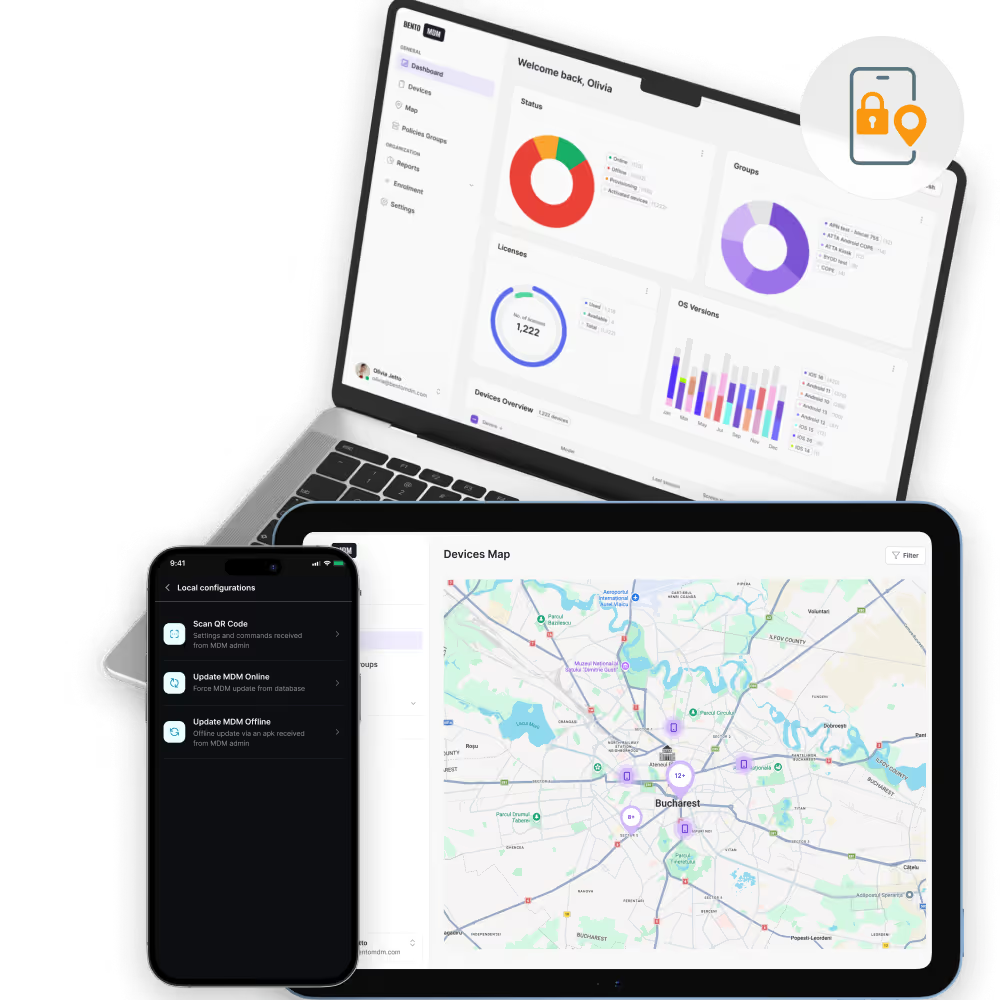
Android tablets self-configure on first boot with the apps, kiosk modes, and policies each use case needs, so schools, stores, and field teams skip manual staging.

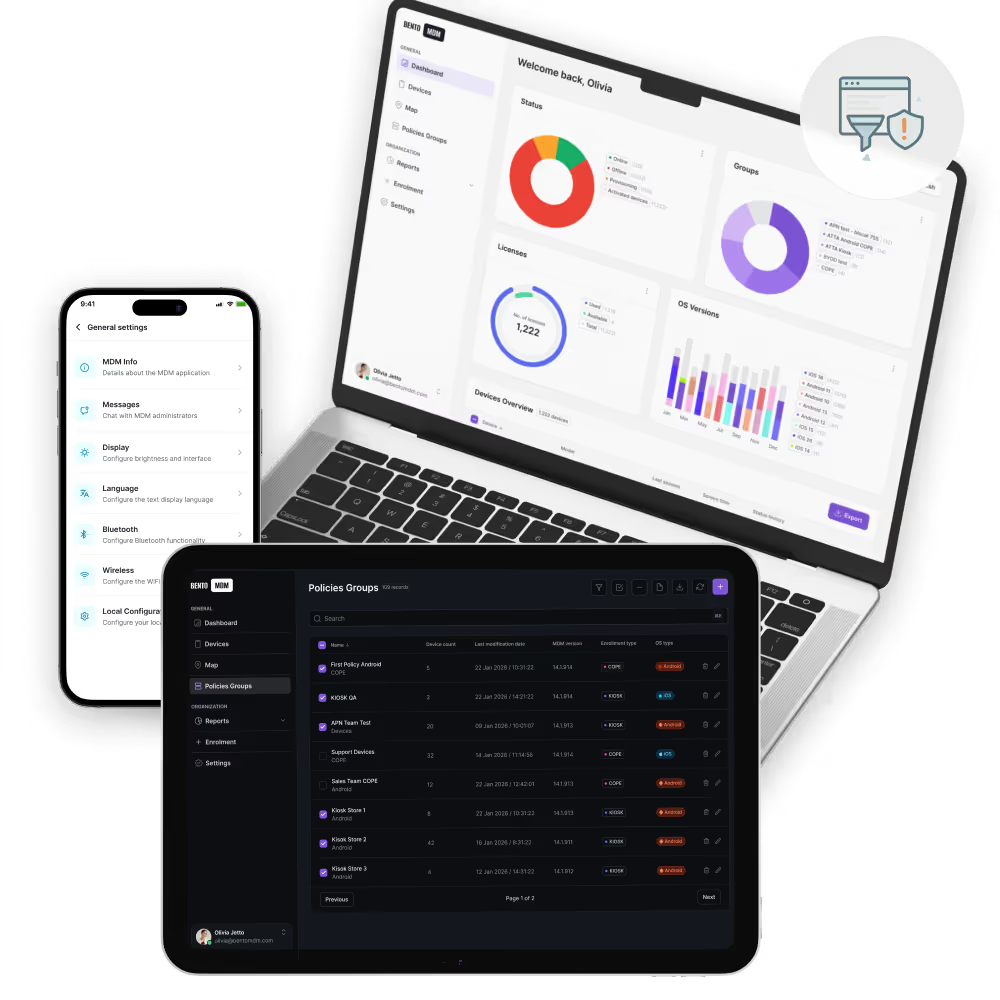
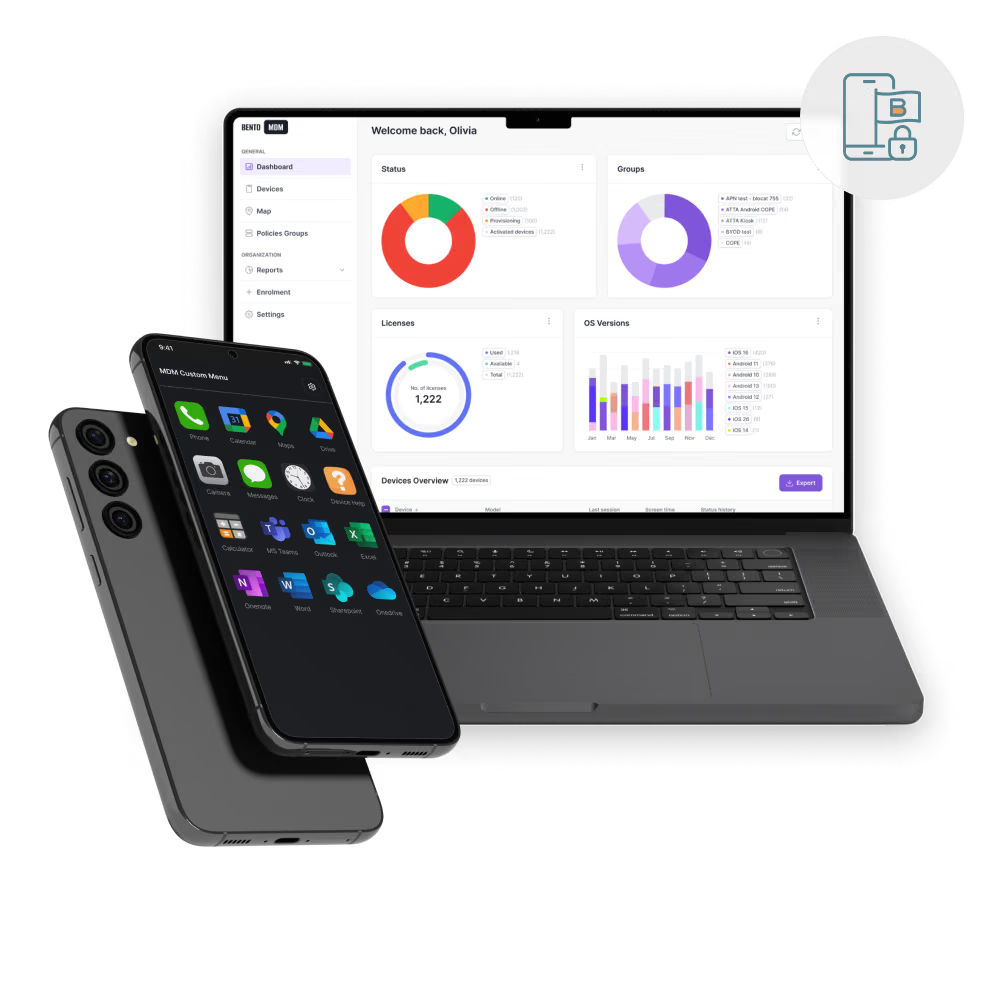
Kiosk mode, app allow-lists, and profile restrictions keep Android tablets focused on POS, signage, learning, or inventory, blocking off-purpose use and accidental changes.

Managed Google Play integration and bulk content delivery roll out new apps, updates, and media to thousands of tablets from one dashboard.

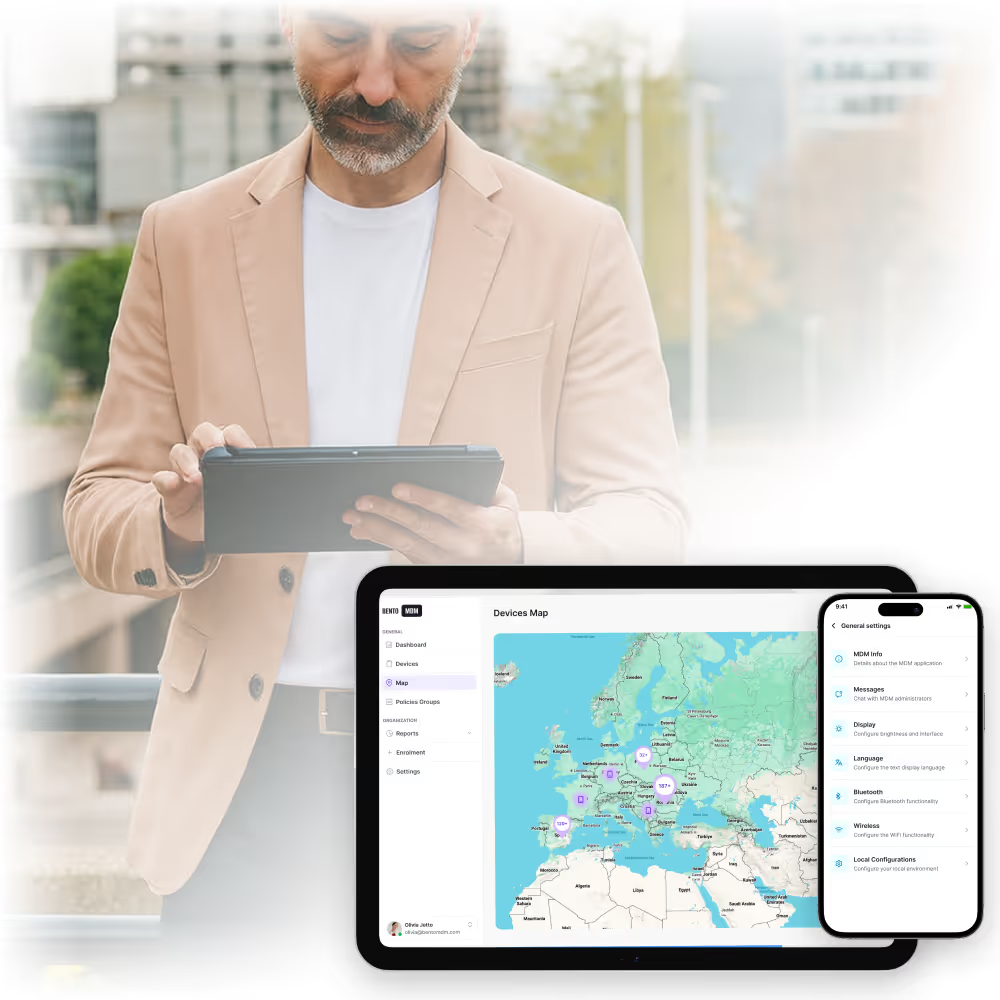
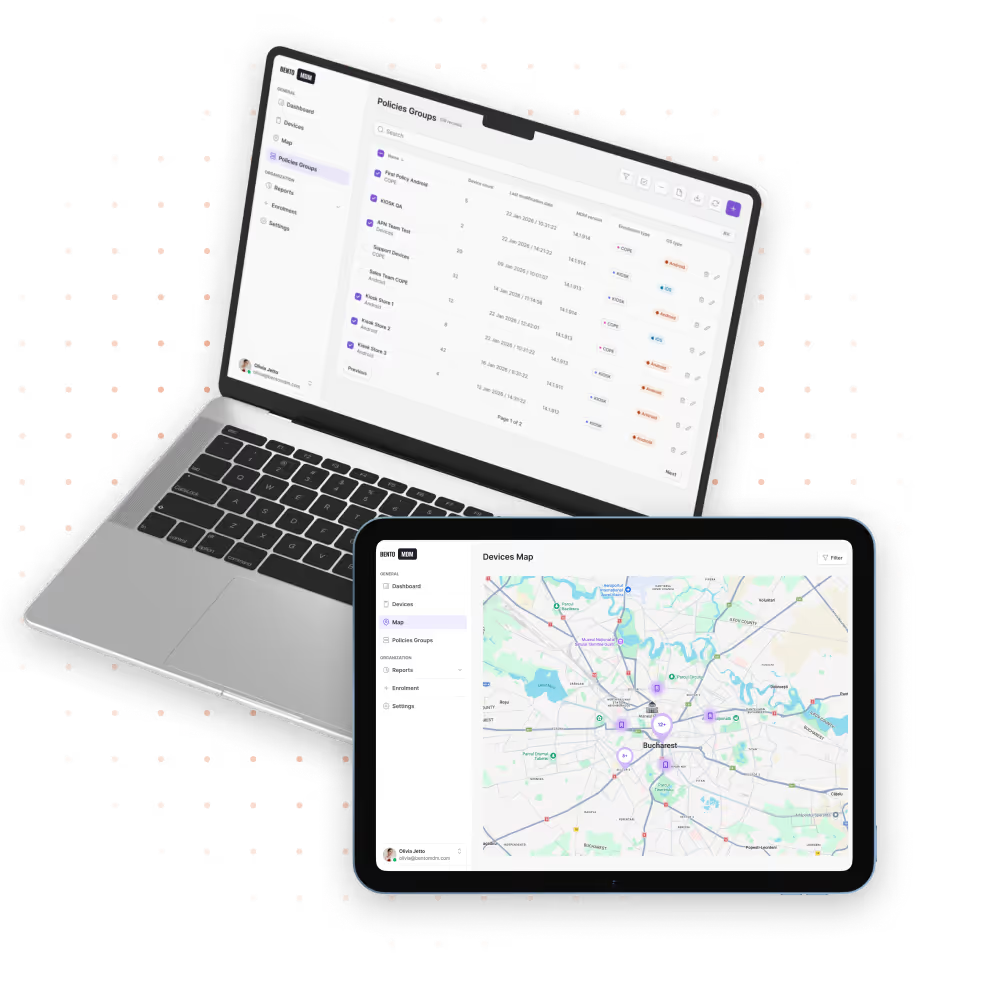
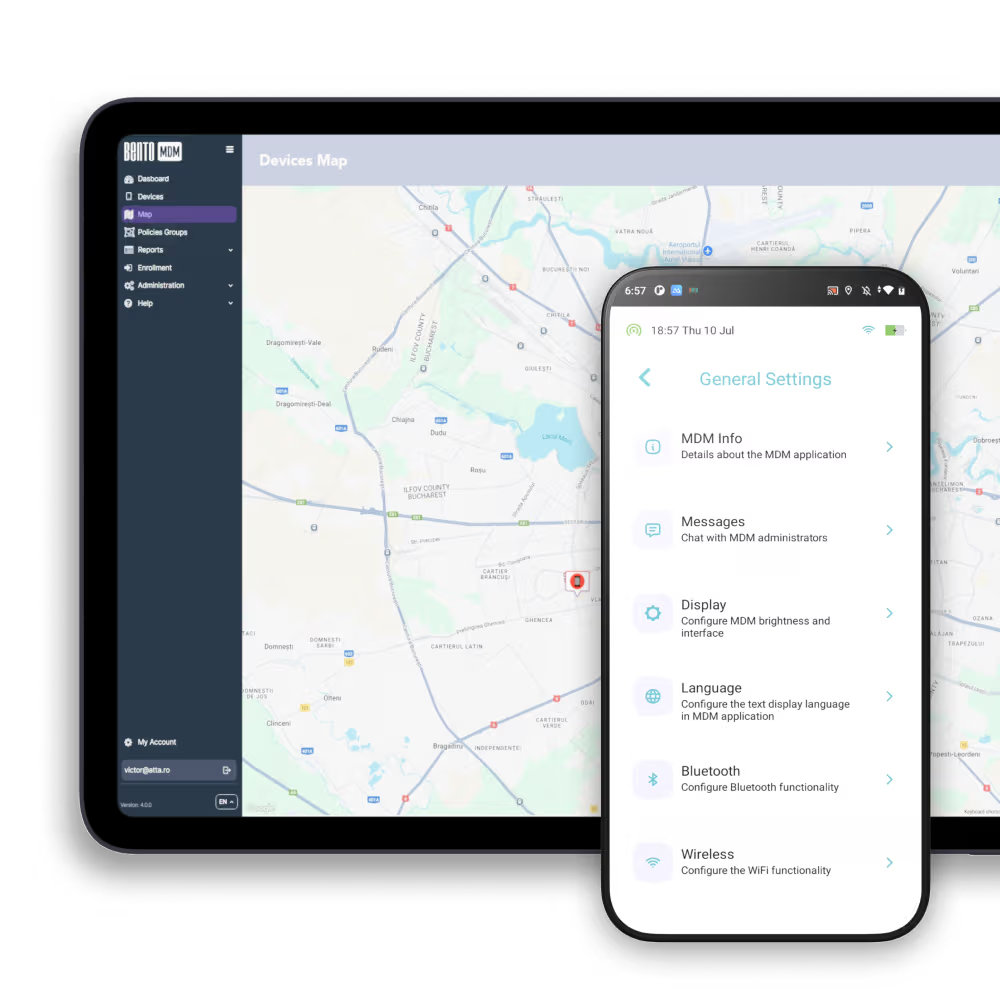
Live dashboards show battery, connectivity, location, and compliance for every Android tablet so IT catches failing units before users report them.
Automatic patch delivery and app upgrades keep security strong, simplify maintenance workflows, and free up IT teams for higher-value tasks.

Android tablets enroll through Android Enterprise on first boot, applying configurations, apps, and policies instantly with no manual staging.

One live view shows tablet health, battery, connectivity, and app versions for the full Android tablet fleet.

Push encryption, screen locks, and access rules to every tablet in one action to keep compliance consistent at fleet scale.

Approve apps once and deploy them across every tablet, supporting silent installs, version pinning, and private app delivery.

Schedule Android OS updates for off-hours so tablets stay current and secure without interrupting classroom or store use.

View screens, run diagnostics, and push fixes to any Android tablet remotely without shipping devices back to IT.


"With Bento MDM and FSM, we efficiently manage over 700 devices, automate workflows, and improve communication between field teams."
Cristian Bordescu
Operations Director


“Our collaboration with Bento on migrating over 2,000 DPD devices was exceptional. Their openness, flexibility, and constant support stood out throughout the project. Their quick adaptation to challenges and solution-oriented approach made all the difference, a truly reliable and professional partner.”
Valentina Ionescu
CIO, DPD
https://www.linkedin.com/in/valentina-ionescu-45a117bb
https://www.facebook.com/DPDRomania/
https://www.linkedin.com/company/dpd-romania/
https://www.dpd.com/
https://ro.wikipedia.org/wiki/DPD_Romania
"Bento Field Service Management and Mobile Device Management helped us streamline field interventions, secure mobile devices, and increase operational transparency."
Simona Gigiu
Business Line Director



Schools deploy shared Android tablets in kiosk mode for testing, learning apps, and digital textbooks with auto-wipe between sessions.
.avif)
Store tablets lock to POS, clienteling, and self-checkout apps, with silent updates between business hours.

Clinical tablets stay locked to rounding and EMR apps with managed containers that protect PHI on shared units.

Inspectors run forms, capture photos, and sync data on Android tablets with offline support across remote job sites.
.jpg)
Guest-room tablets run concierge apps, refresh content between stays, and auto-wipe personal data at checkout.

Warehouse tablets run WMS, picking, and scanner apps with offline queueing and shared-device sessions per shift.
%201.avif)
GDPR
Compliant

99.9%
Uptime

ISO 27001
Compliant

HIPAA
Compliant
What is an MDM for Android tablets?
Android Tablets MDM lets IT teams enroll, secure, and manage Android tablets from one console. Bento covers first-boot enrollment, app control, patch management, and remote support across the full Android tablet fleet.
How does Automatic Enrollment work?
Bento MDM enrolls Android tablets on first boot through Android Enterprise. The device applies configurations, installs approved apps, and enforces security policies automatically, with no manual setup from IT or the user.
Can MDM manage BYOD tablets?
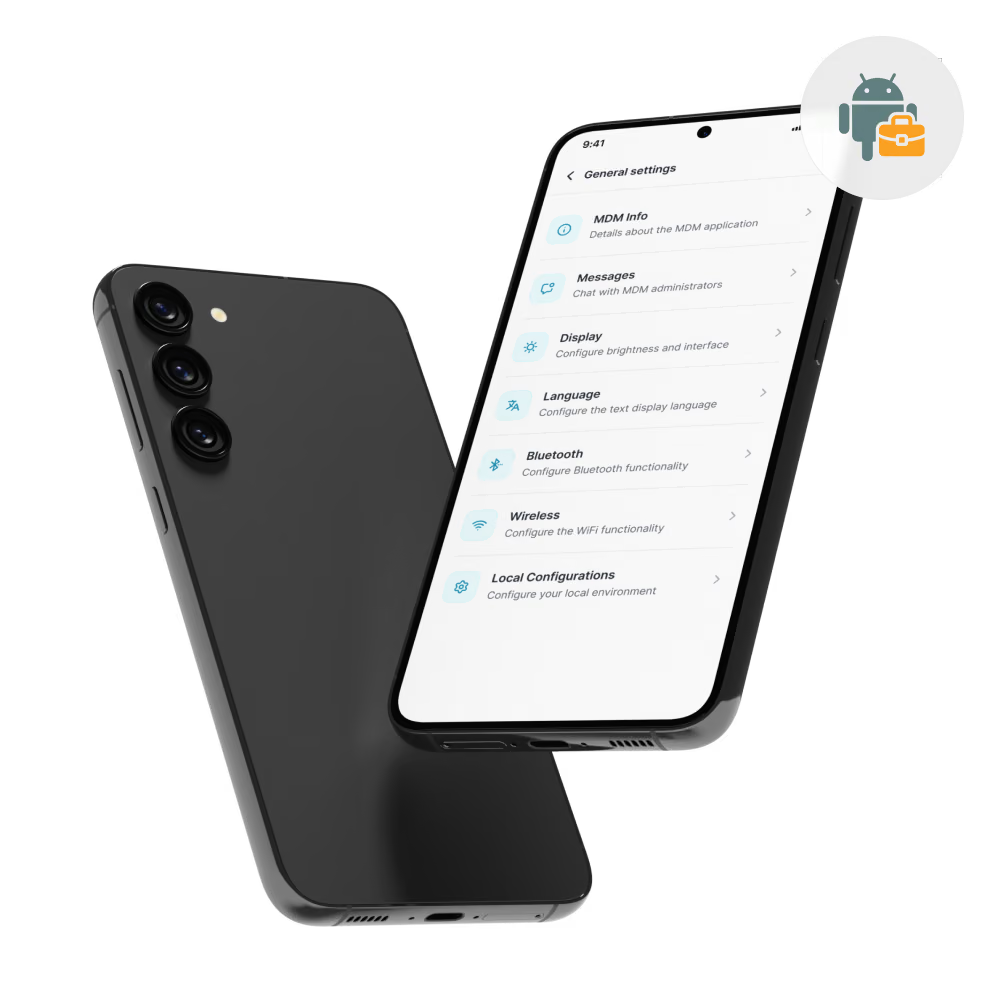
Yes. Bento MDM creates a separate work profile on personal Android tablets, isolating corporate apps and data from personal content. IT controls the work profile without accessing personal apps or data.
Does MDM support bulk app deployment?
Yes. Bento MDM deploys apps silently to all managed Android tablets at once. IT schedules installs, updates, and removals from the console without user prompts or per-device installs.
Can MDM remotely lock and wipe devices?
Yes. Bento MDM locks a tablet or wipes corporate data in seconds. IT teams trigger these actions from the console if a tablet is lost, stolen, or returned by a departing employee.

Bento MDM secures and simplifies device operations, covering everything from BYOD to kiosk lockdown. Try it for free or book a live demo.


By Features
By Business Initiative
By OS Support