Trusted by








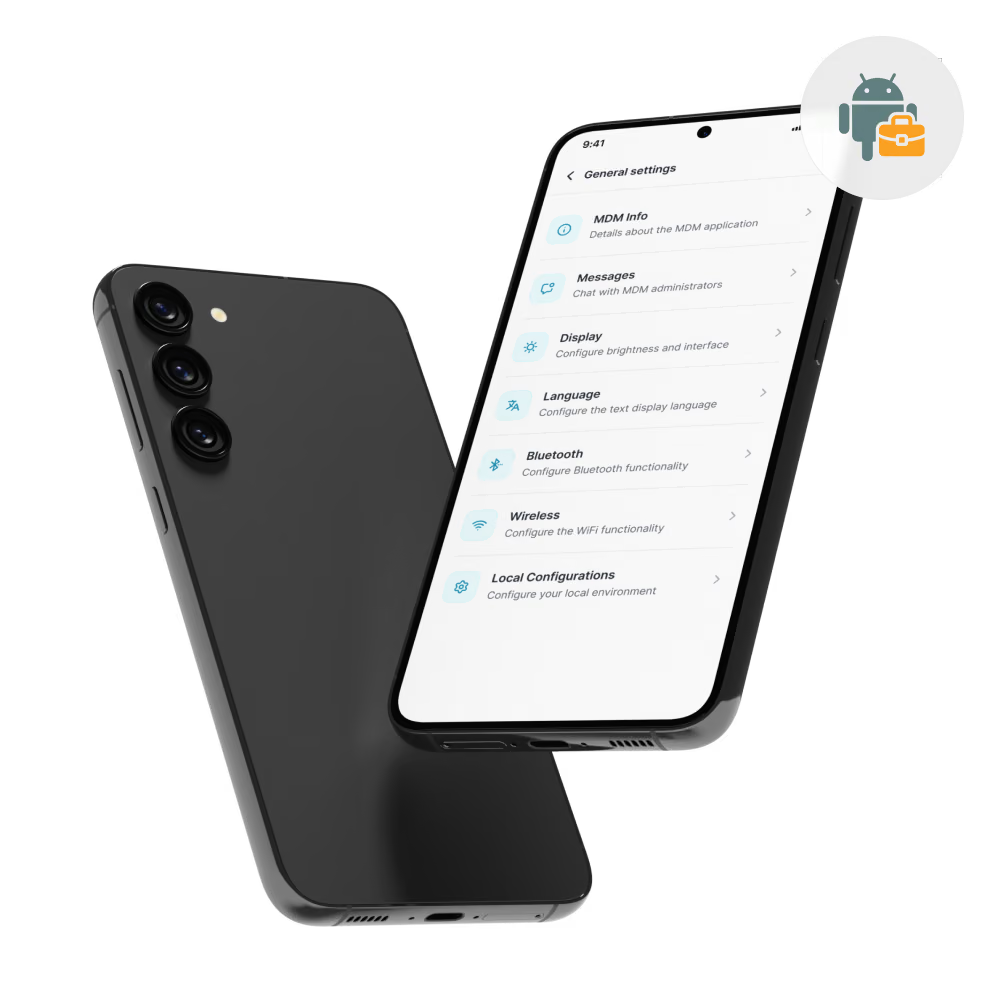
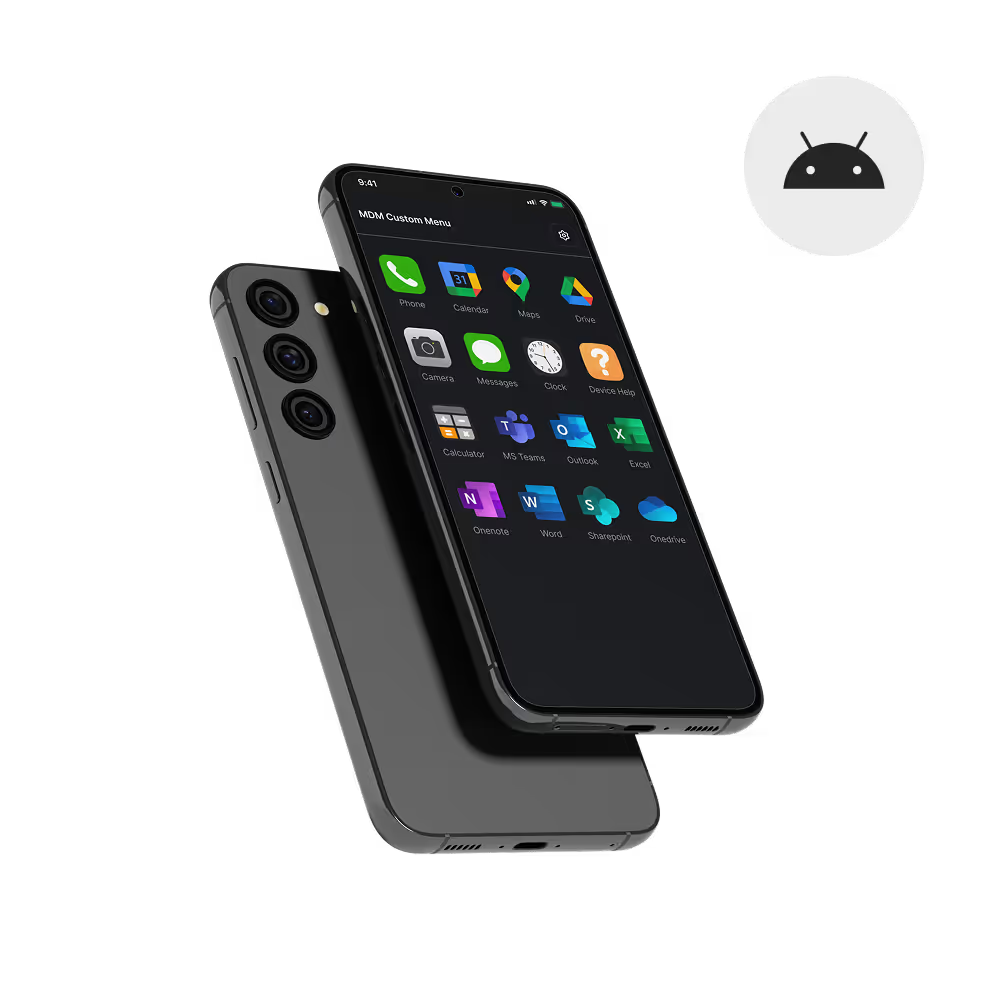
Android smartphones self-configure on first boot with corporate apps, profiles, and security policies, so employees go from unboxing to working without IT handoff.

Encryption, passcode rules, work profiles, and remote wipe keep business data separated from personal content on every Android phone, even on BYOD.

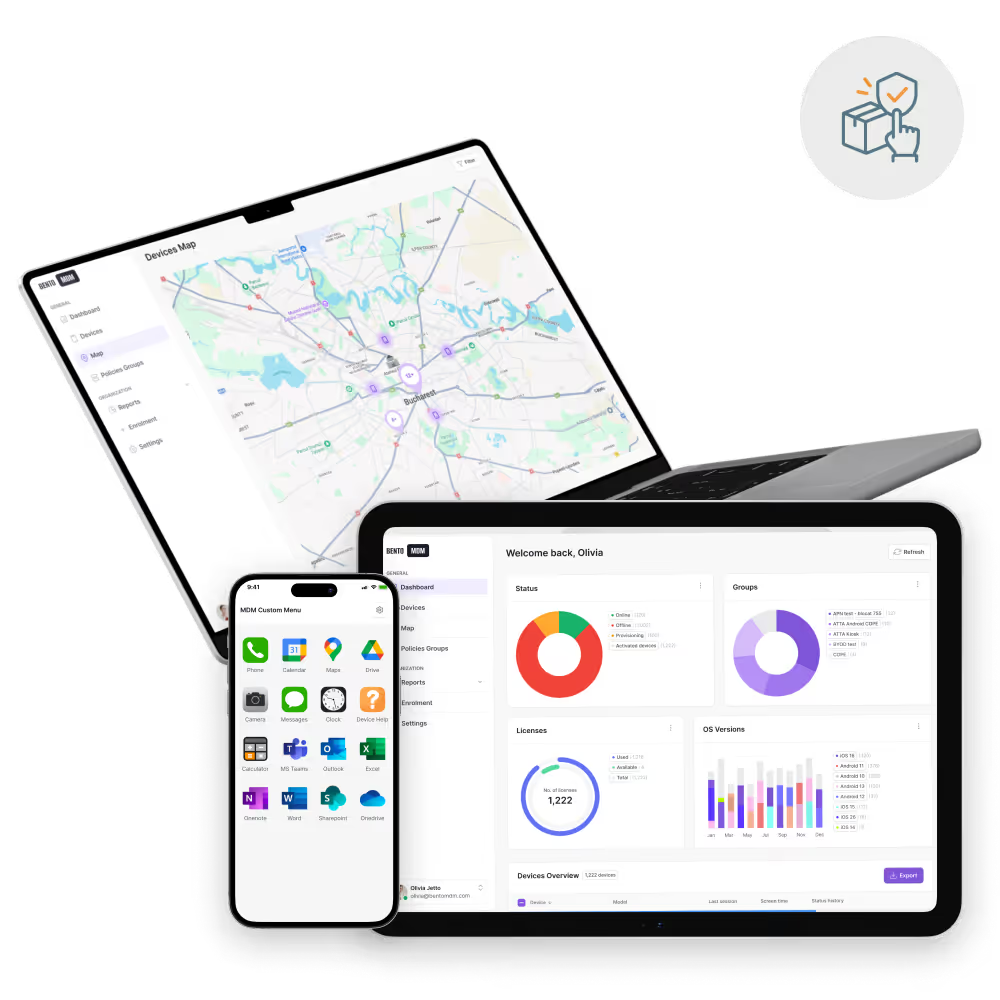
Managed Google Play integration approves apps once and deploys them silently across the Android smartphone fleet, with version control baked in.

Remote screen view, script execution, and diagnostics resolve issues on field Android phones from one dashboard, cutting travel time and ticket backlogs.
Keep every Android smartphone enrolled, secured, and current with automated app delivery, policy enforcement, and remote troubleshooting from one console.

Android phones enroll through Android Enterprise on first boot, applying settings, apps, and policies instantly without IT staging.

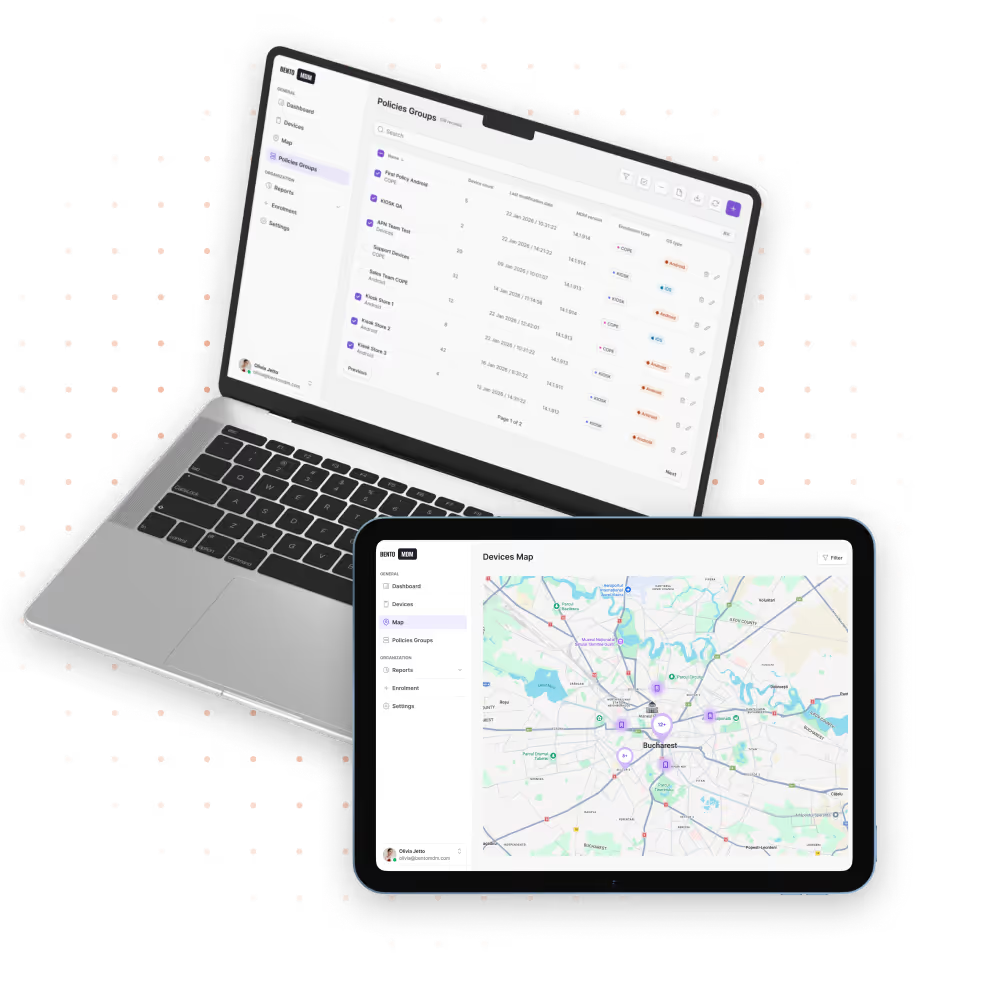
Centralized policies push encryption, passcodes, screen locks, and network rules to every Android phone in one action.

Push, update, and remove enterprise apps silently through Managed Google Play with version pinning and staged rollouts.

Schedule Android OS and security patch deployments for off-hours to keep phones current without interrupting users.

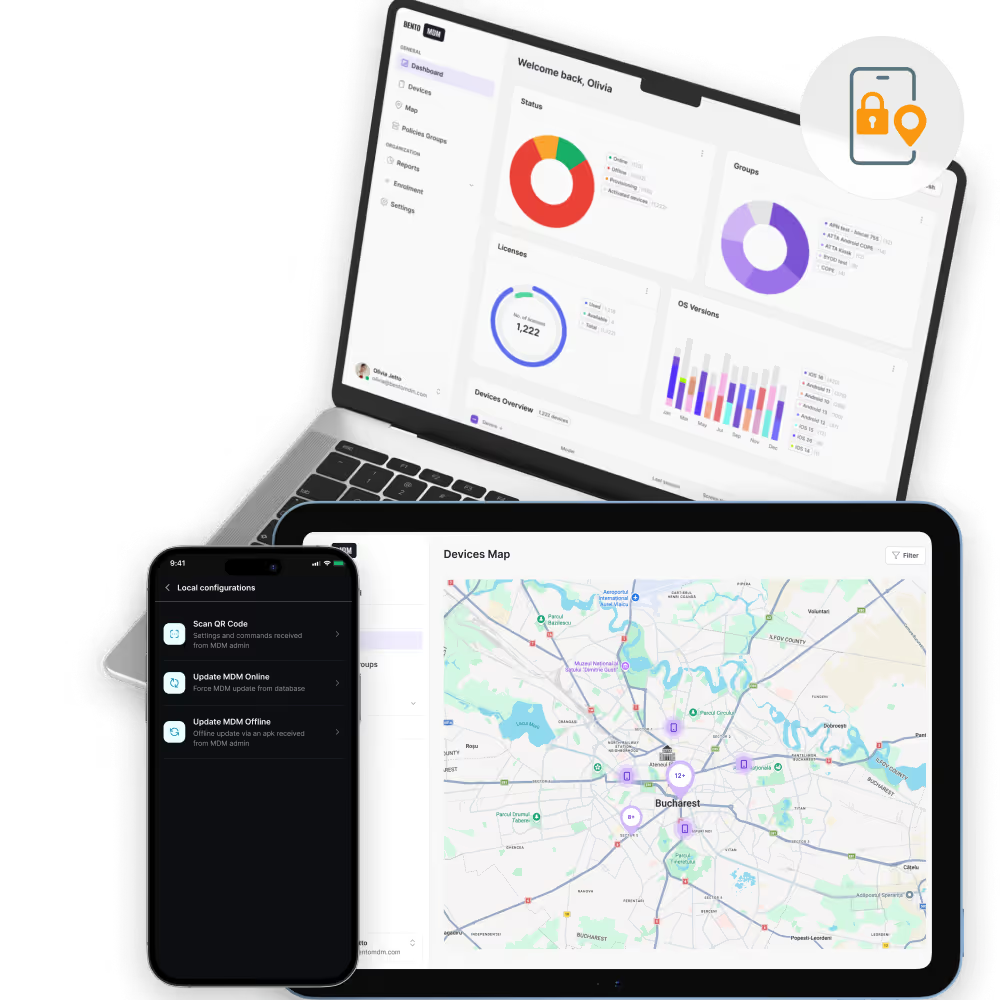
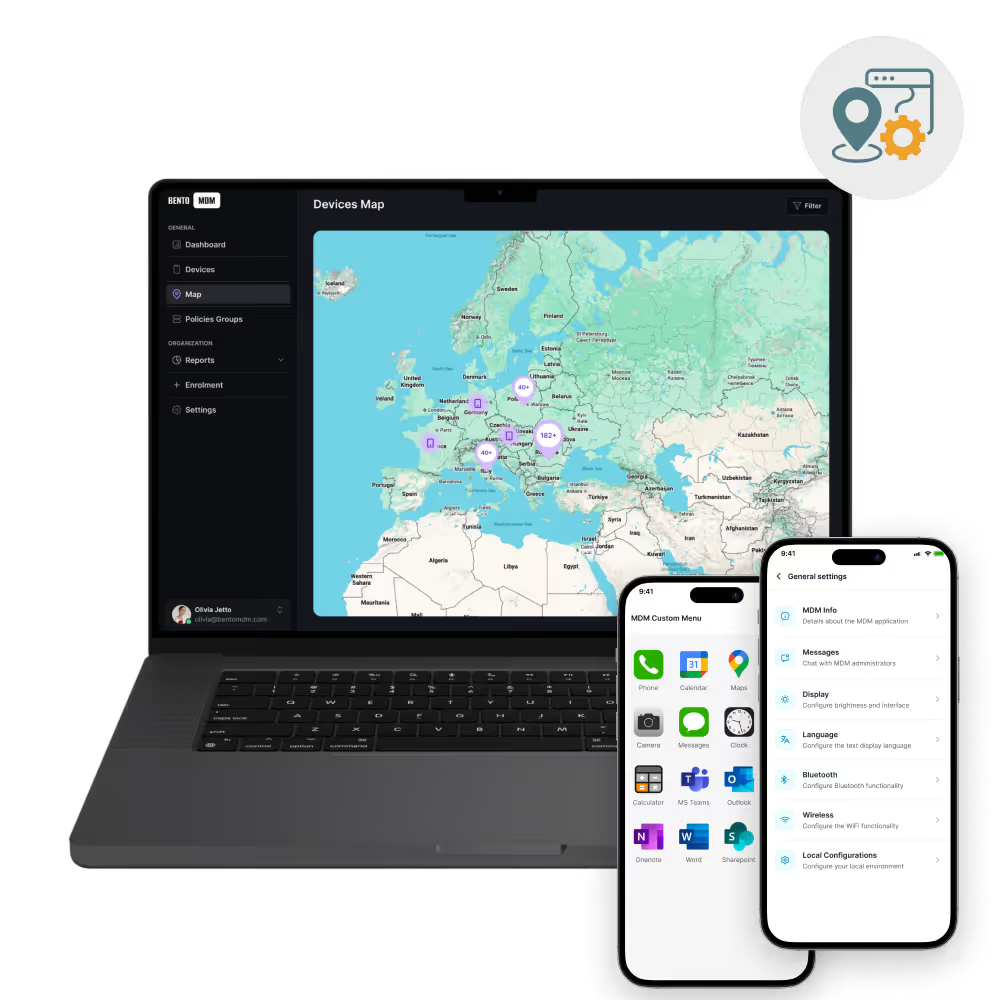
Track device health, battery, connectivity, and usage across every Android smartphone from one live dashboard.

View screens, run diagnostics, and push fixes to field Android phones remotely, with no shipping or site visits required.


"With Bento MDM and FSM, we efficiently manage over 700 devices, automate workflows, and improve communication between field teams."
Cristian Bordescu
Operations Director


“Our collaboration with Bento on migrating over 2,000 DPD devices was exceptional. Their openness, flexibility, and constant support stood out throughout the project. Their quick adaptation to challenges and solution-oriented approach made all the difference, a truly reliable and professional partner.”
Valentina Ionescu
CIO, DPD
https://www.linkedin.com/in/valentina-ionescu-45a117bb
https://www.facebook.com/DPDRomania/
https://www.linkedin.com/company/dpd-romania/
https://www.dpd.com/
https://ro.wikipedia.org/wiki/DPD_Romania

"Bento Field Service Management and Mobile Device Management helped us streamline field interventions, secure mobile devices, and increase operational transparency."
Simona Gigiu
Business Line Director



Technician phones run work-order, parts lookup, and photo-capture apps with offline support on poor-signal job sites.
.avif)
Store phones run POS, inventory, and clienteling apps, with kiosk lock preventing off-task use during shifts.

Driver phones run routing, ePOD, and dispatch apps, with lock and wipe protecting customer data on lost devices.

Personal Android phones run a managed work profile, isolating email, calendar, and corporate apps from personal content.

Nurse phones run shift, paging, and patient-lookup apps inside managed containers that protect PHI on shared devices.

Reps capture leads and orders on Android phones with offline sync, CRM push, and encrypted backup at every visit.
%201.avif)
GDPR
Compliant

99.9%
Uptime

ISO 27001
Compliant

HIPAA
Compliant
What is Android smartphone MDM?
Android Smartphones MDM lets IT teams manage, secure, and monitor Android phones from one console. Bento MDM handles enrollment, app deployment, security policy enforcement, and remote support across the full Android phone fleet.
How are Android devices enrolled automatically?
Android phones enroll on first boot through Android Enterprise. Bento MDM applies corporate settings, apps, and security policies the moment the device powers on, with no manual staging needed.
Can MDM track Android device location?
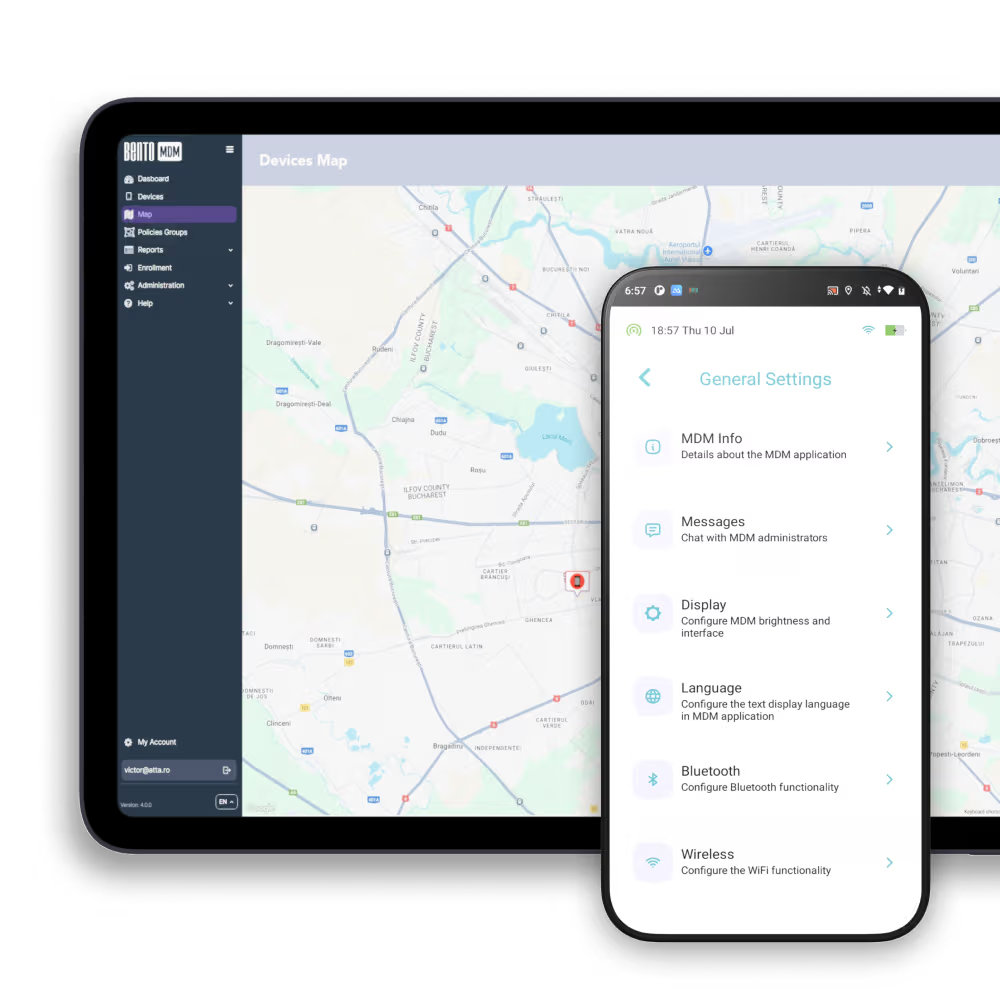
Yes. Bento MDM reports device location in real time through the central console. Location data helps IT teams manage field devices, confirm deployment zone compliance, and locate lost or stolen phones.
How does MDM enforce security on Android phones?
Bento MDM enforces encryption, screen lock requirements, password policies, and network restrictions across every managed Android phone. Devices that fall out of compliance are flagged instantly in the dashboard.
How are apps deployed to Android smartphones?
Apps deploy silently through the Bento MDM console. IT teams push, update, or remove apps across the full fleet without requiring user action or Google Play store interaction on each device.
Is remote troubleshooting available for Android devices?
Yes. IT teams view screens, run diagnostics, and push fixes to Android phones remotely without requiring physical access. This reduces support time and keeps field devices running without site visits.



By Features
By Business Initiative
By OS Support
Bento MDM secures and simplifies device operations, covering everything from BYOD to kiosk lockdown. Try it for free or book a live demo.
By Features
By Business Initiative
By OS Support