Trusted by









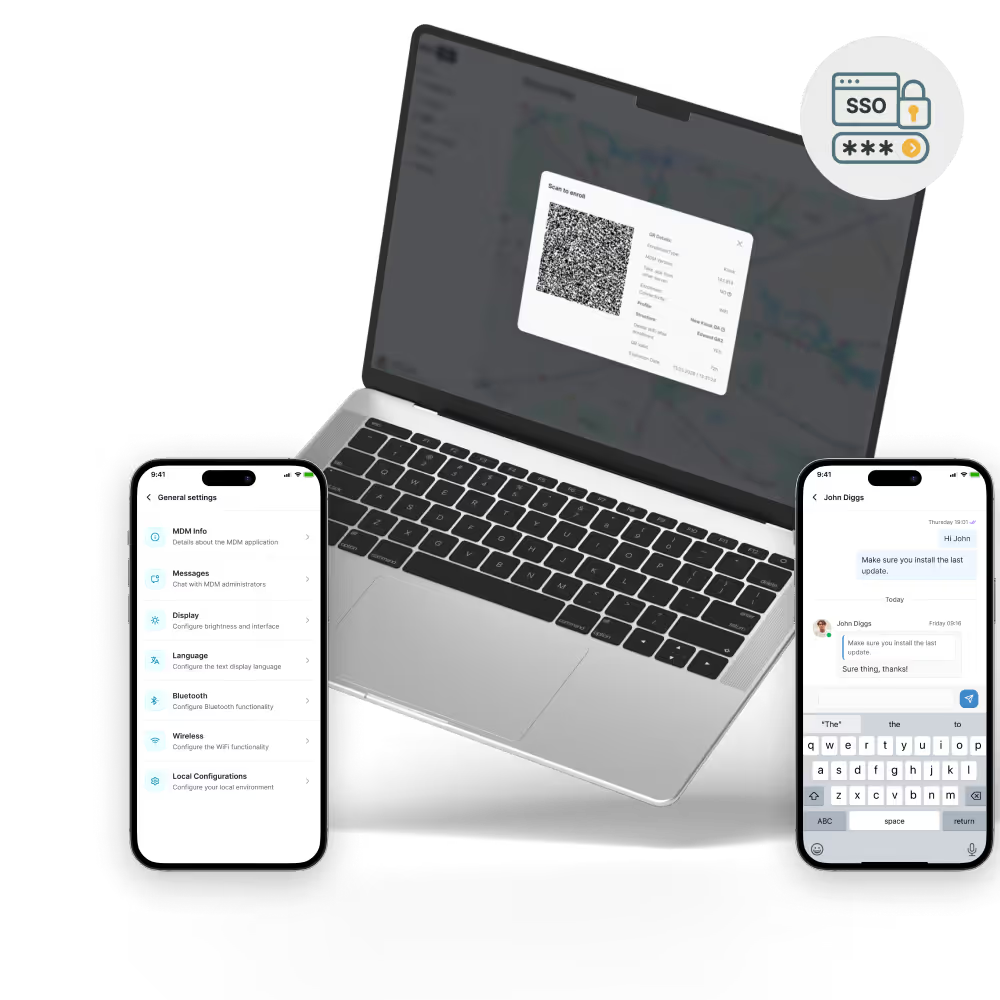
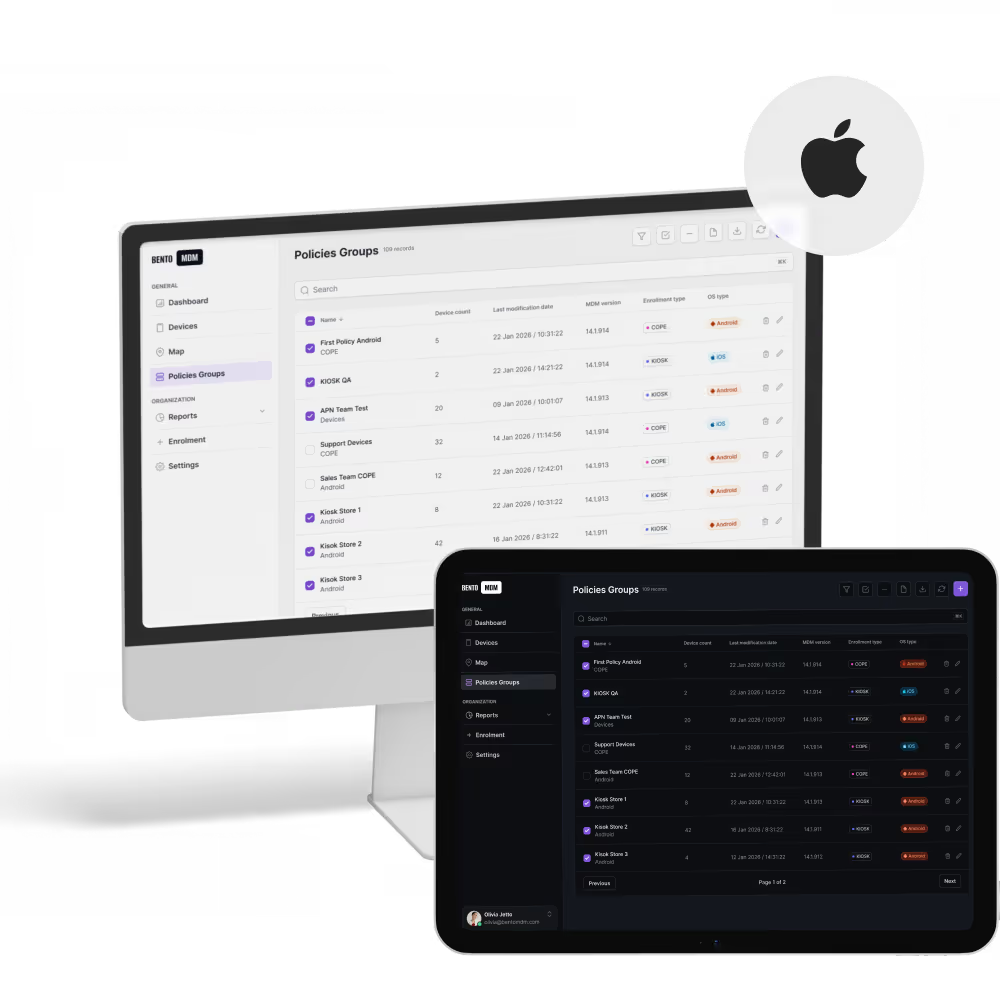
iPhones self-configure through Apple Business Manager on first activation, applying apps, profiles, and security settings without shipping pre-imaged devices or IT setup calls.

Apple User Enrollment separates work data from personal content so IT manages the corporate partition while employees keep their photos, messages, and apps private.

Schedule iOS versions and security patches through maintenance windows so every iPhone stays current without interrupting calls, meetings, or field work.

Remote diagnostics, live device status, and policy commands resolve issues on any iPhone in the fleet without shipping, walk-ins, or pulling users off the road.
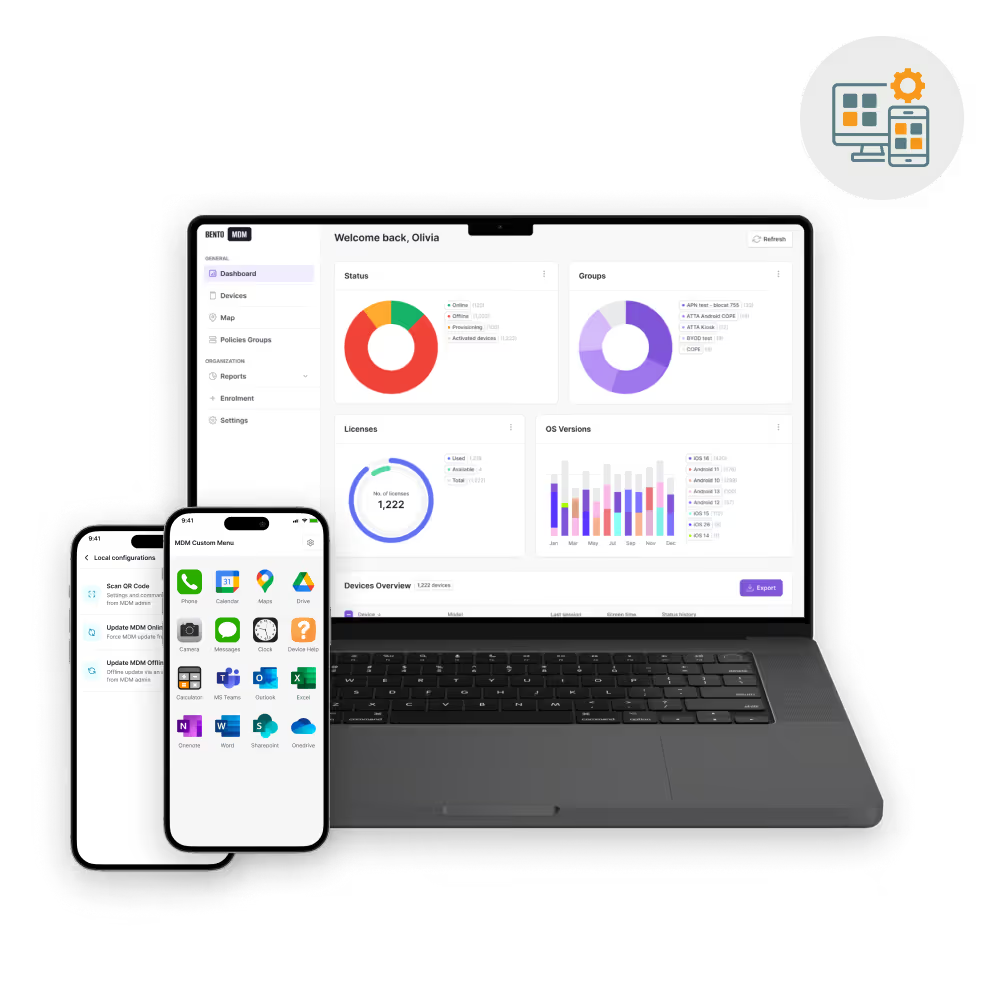
Real-time monitoring, automated updates, and centralized controls keep your iPhones compliant and protected, letting IT teams focus on strategic tasks.
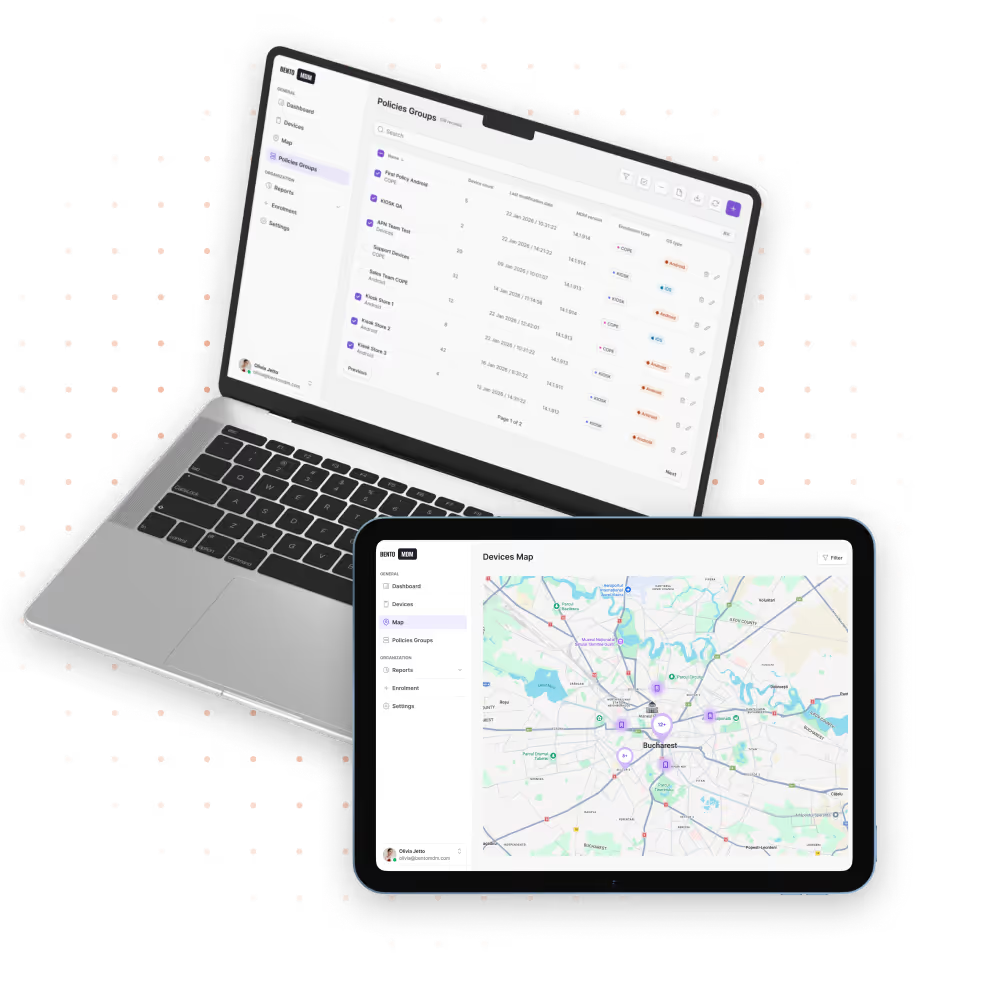

iPhones enroll straight from Apple Business Manager, applying configurations, apps, and policies on first activation with no manual staging.

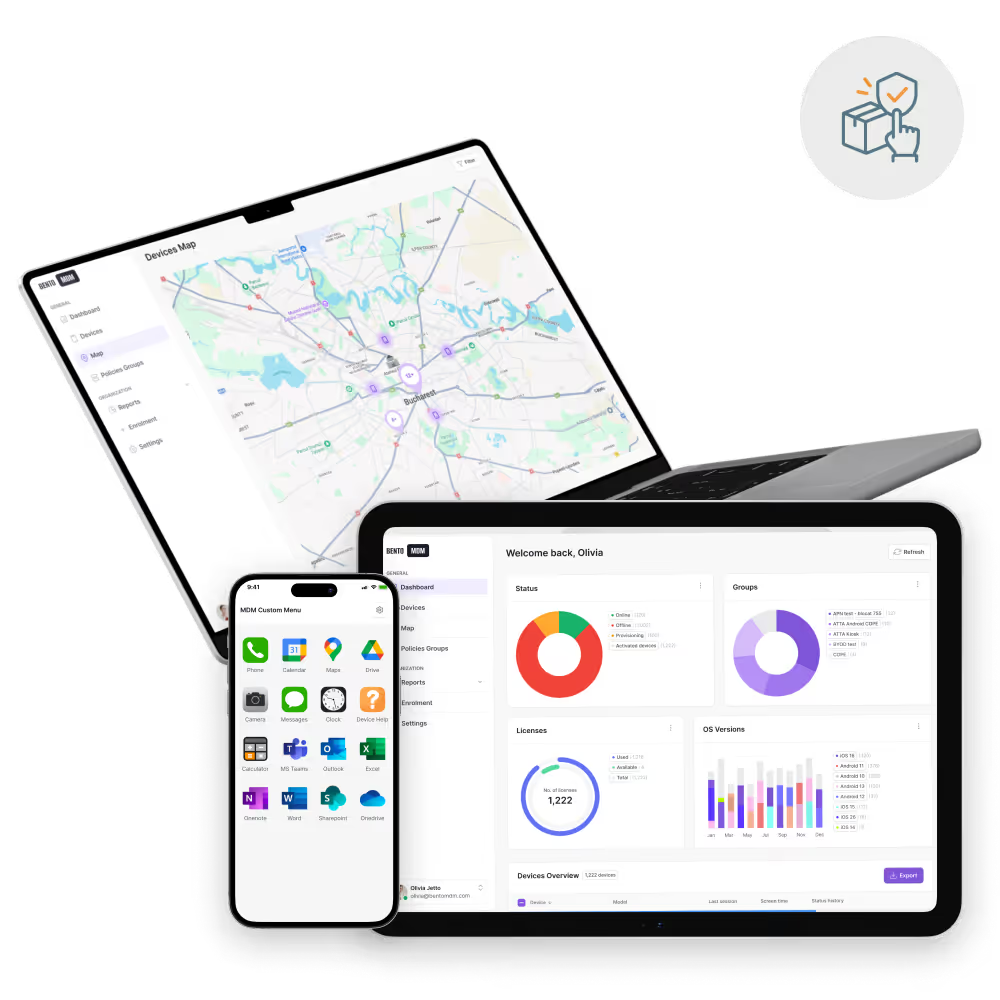
One live dashboard shows iPhone status, battery health, connectivity, and app versions across the iOS smartphone fleet.

Silently distribute approved iOS apps through Apple Business Manager and keep every iPhone on the same version with policy-controlled updates.

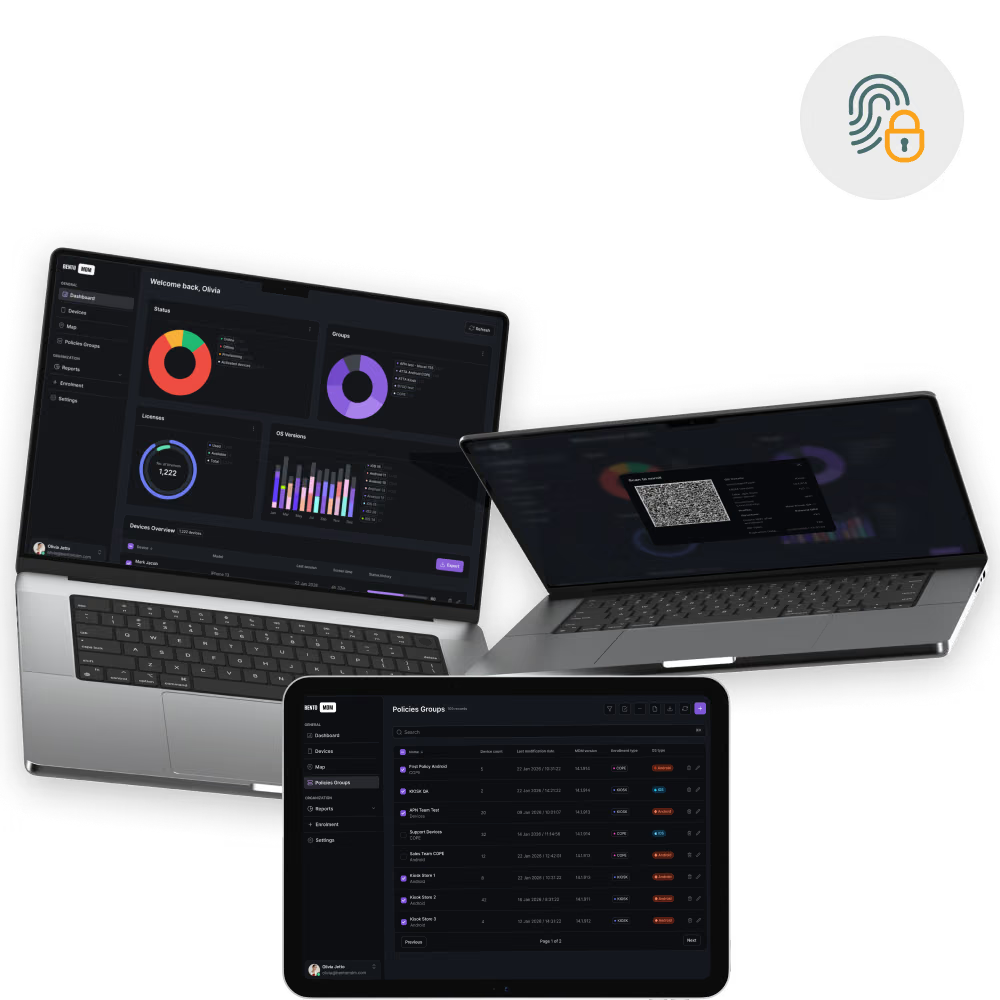
Push encryption, passcode complexity, VPN, and network restrictions to every iPhone in one action to protect corporate data.

Schedule iOS updates during maintenance windows so iPhones stay current and patched without interrupting users.

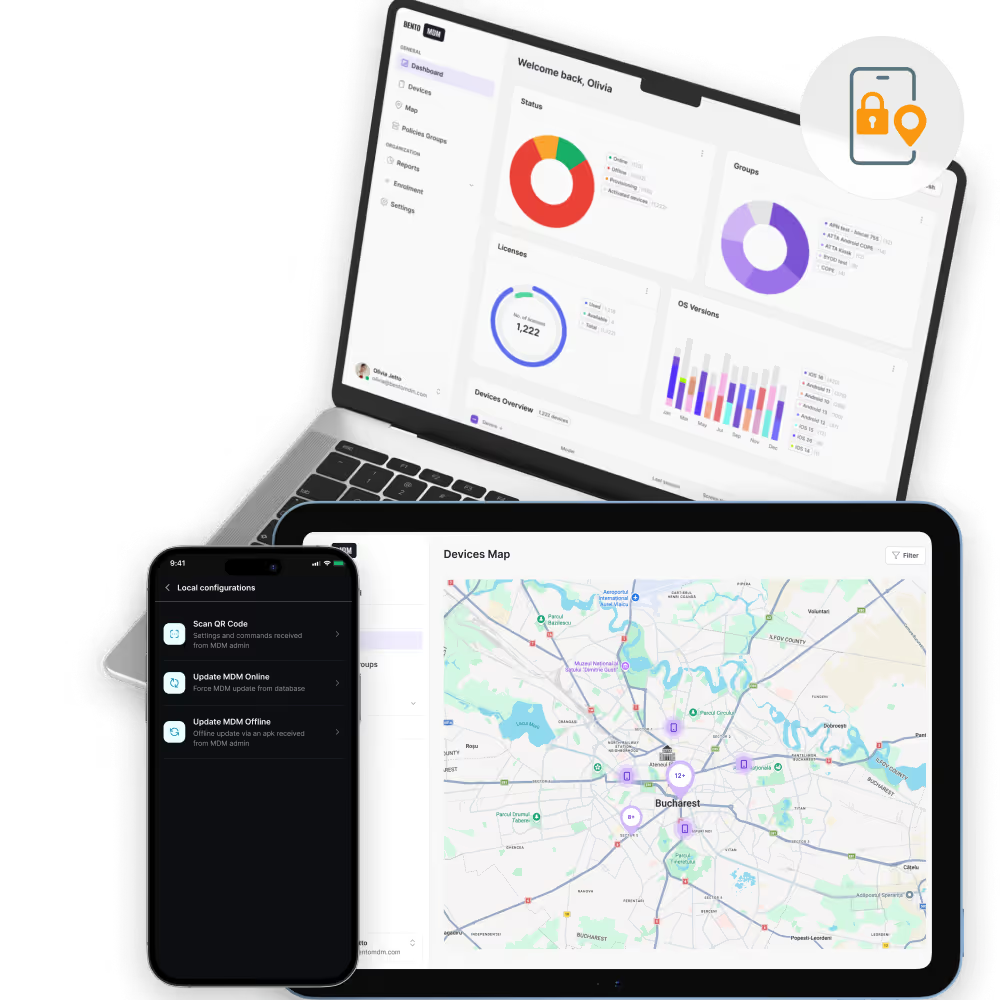
Define location zones and automatically apply or remove iPhone restrictions when devices enter or exit defined boundaries.


"With Bento MDM and FSM, we efficiently manage over 700 devices, automate workflows, and improve communication between field teams."
Cristian Bordescu
Operations Director


“Our collaboration with Bento on migrating over 2,000 DPD devices was exceptional. Their openness, flexibility, and constant support stood out throughout the project. Their quick adaptation to challenges and solution-oriented approach made all the difference, a truly reliable and professional partner.”
Valentina Ionescu
CIO, DPD
https://www.linkedin.com/in/valentina-ionescu-45a117bb
https://www.facebook.com/DPDRomania/
https://www.linkedin.com/company/dpd-romania/
https://www.dpd.com/
https://ro.wikipedia.org/wiki/DPD_Romania

"Bento Field Service Management and Mobile Device Management helped us streamline field interventions, secure mobile devices, and increase operational transparency."
Simona Gigiu
Business Line Director



Executive iPhones run corporate apps, mail, and calendar with conditional access, VPN, and remote wipe at a tap.

Reps capture orders, signatures, and photos on iPhones with offline queuing and auto-sync on reconnect.

Personal iPhones enroll via Apple User Enrollment, isolating work apps and data from photos, messages, and personal apps.

Clinician iPhones run EMR, secure messaging, and paging apps with PHI container isolation on shared ward devices.
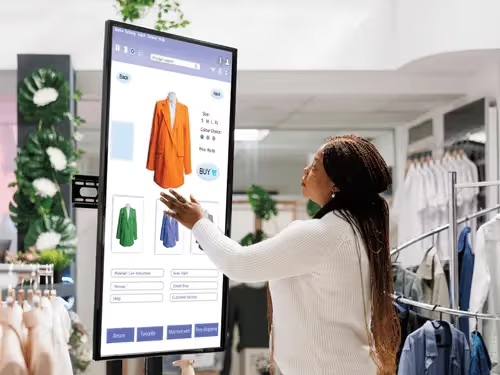
Associate iPhones run POS, clienteling, and ordering apps with shift-based sessions and auto-reset between users.

Advisor and attorney iPhones run client apps under strict compliance, with exportable logs for audit and e-discovery.
%201.avif)
GDPR
Compliant

99.9%
Uptime

ISO 27001
Compliant

HIPAA
Compliant
What is an iOS smartphone MDM solution?
iOS Smartphones MDM lets IT teams manage iPhones centrally, covering enrollment, app deployment, security policy enforcement, OS updates, and remote support. Bento integrates with Apple Business Manager for automatic setup.
How are iOS devices enrolled in MDM?
Bento MDM enrolls iPhones through Apple Business Manager and Apple School Manager. Devices receive configurations, apps, and security policies automatically at first activation, with no manual steps.
Does iOS MDM support bulk app deployment?
Yes. Bento MDM deploys App Store apps and custom enterprise apps to any number of iPhones at once. Apps install silently in the background without requiring user approval.
What security features does iOS MDM offer?
Bento MDM enforces passcode requirements, encryption, VPN settings, and network restrictions on iPhones. It blocks unauthorized app installs, enforces compliance policies, and enables instant remote lock or wipe.
How does geofencing work on iPhones?
Virtual boundaries trigger location-based rules. Devices entering or exiting defined zones automatically enforce restrictions, send alerts, or lock functions—ideal for site-specific policies and loss prevention.
Is BYOD supported in iOS MDM?
Yes. Bento MDM uses Apple User Enrollment for BYOD iPhones, creating a managed partition that separates work apps from personal content. IT controls the partition without touching personal data.

Bento MDM secures and simplifies device operations, covering everything from BYOD to kiosk lockdown. Try it for free or book a live demo.


By Features
By Business Initiative
By OS Support