
MDM Shared Device Management

Manage shared iPads, Android tablets, and Windows workstations from one console, with per-user sign-ins and an automatic privacy reset between sessions.

Trusted by

Why Use Bento MDM for Shared Device Management

Icon of a notepad and a magnifying glass

Reduce Hardware Waste

Let one device serve multiple users, shifts, classrooms, or roles without forcing a 1:1 device model.

Icon of a slashed notification bell

Protect User Privacy

Keep shared hardware from becoming shared data by separating sessions and reducing leftover user access between sign-ins.

Icon of a clock

Support Real Shift Work

Give staff, students, clinicians, or field teams the right access when they sign in, even when devices rotate all day.

Icon of a desktop device with a magnifying glass

Simplify Shared Fleet Control

Manage shared iPads, Android tablets, Windows workstations, scanners, and frontline devices from one console.

100+
customers
1,000,000+
managed devices
20+
years of experience

Bento MDM's Shared Device Management Features

Bento gives IT centralized control over multi-user device configurations, user switching, privacy reset, and audit logging across Apple, Android, and Windows.

Icon showing a ticket

Shared iPad Configuration

Configure Shared iPad settings through Apple Business Manager or Apple School Manager, including user access, app assignment, and storage behavior.

Icon of a checkmark within a circle

Android Shared Workflows

Manage shared Android tablets and handhelds with controlled user access, managed apps, and device-owner controls where supported.

Icon of a desktop device with an arrow on its screen

Windows Shared Device Support

Support shared Windows workstations with identity-based sign-in, assigned access, session controls, and managed device settings.

Icon of a mobile device with an arrow pointing right

Session Cleanup Controls

Clear supported session data, cached access, recent activity, and app state between users to reduce data exposure.

Icon of a cloud with a lock symbol

Per-User Profiles

Apply apps, restrictions, configurations, and access rules based on the user signing in, not only the device.

Icon showing the connection between three endpoints

Session Expiration

End sessions after a shift, class period, workday, or defined inactive period to keep shared devices clean.

Icon representing script commands

SSO for Shared Devices

Authenticate users through Microsoft Entra ID, Okta, or Google Workspace for faster switching and cleaner access control.

Icon representing screen sharing

User-Level Audit Logs

Attribute sign-ins, app launches, policy events, and device activity to the user when supported by the platform.

Icon representing screen sharing

Temporary Guest Sessions

Give substitutes, contractors, seasonal staff, or visitors temporary access with predefined permissions and time limits.


Share the device. Not the data.

Privacy reset on every sign-out. Per-user apps, policies, and audit on every sign-in.
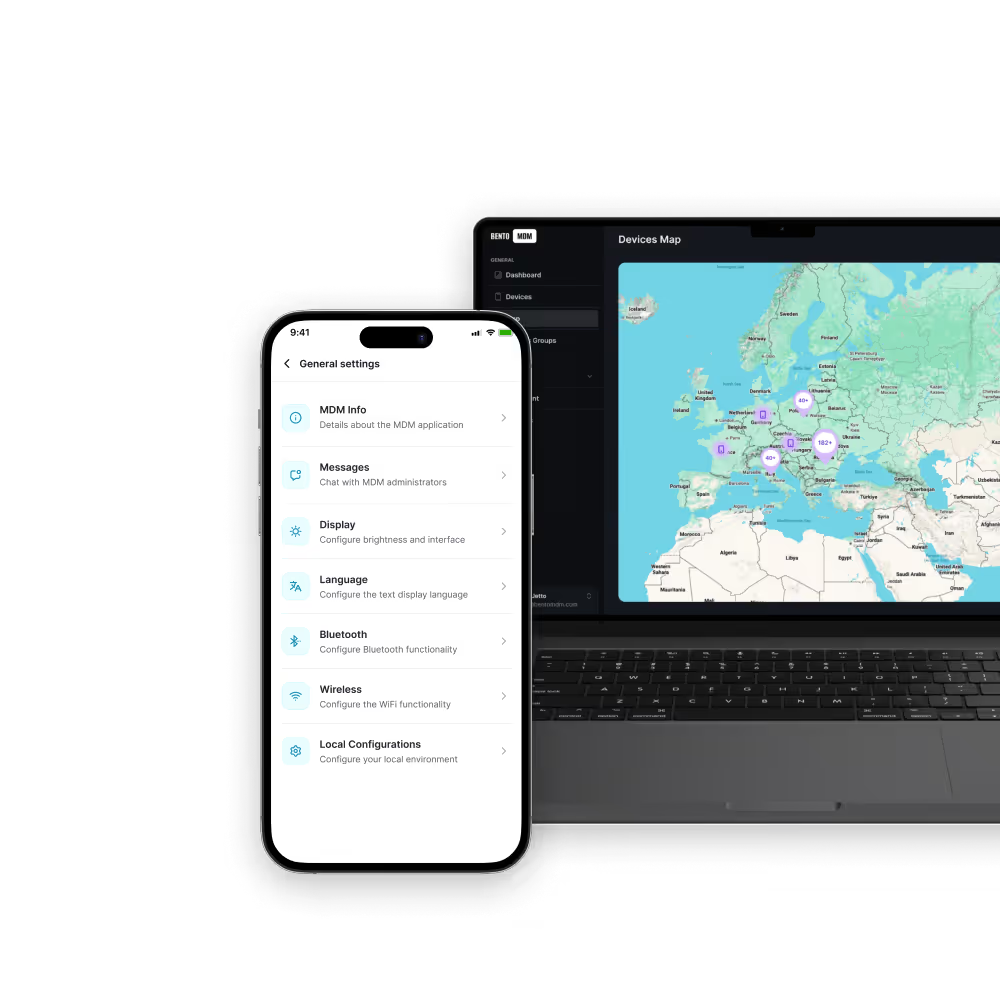
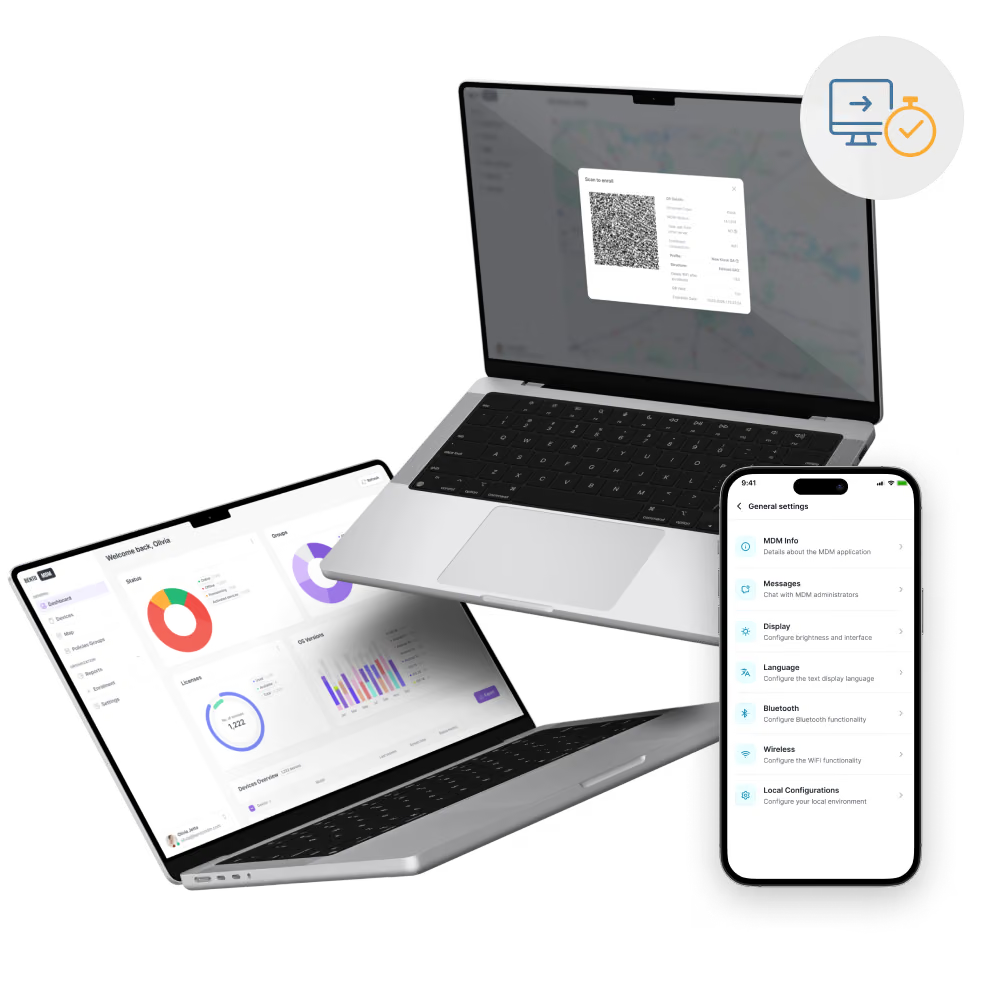
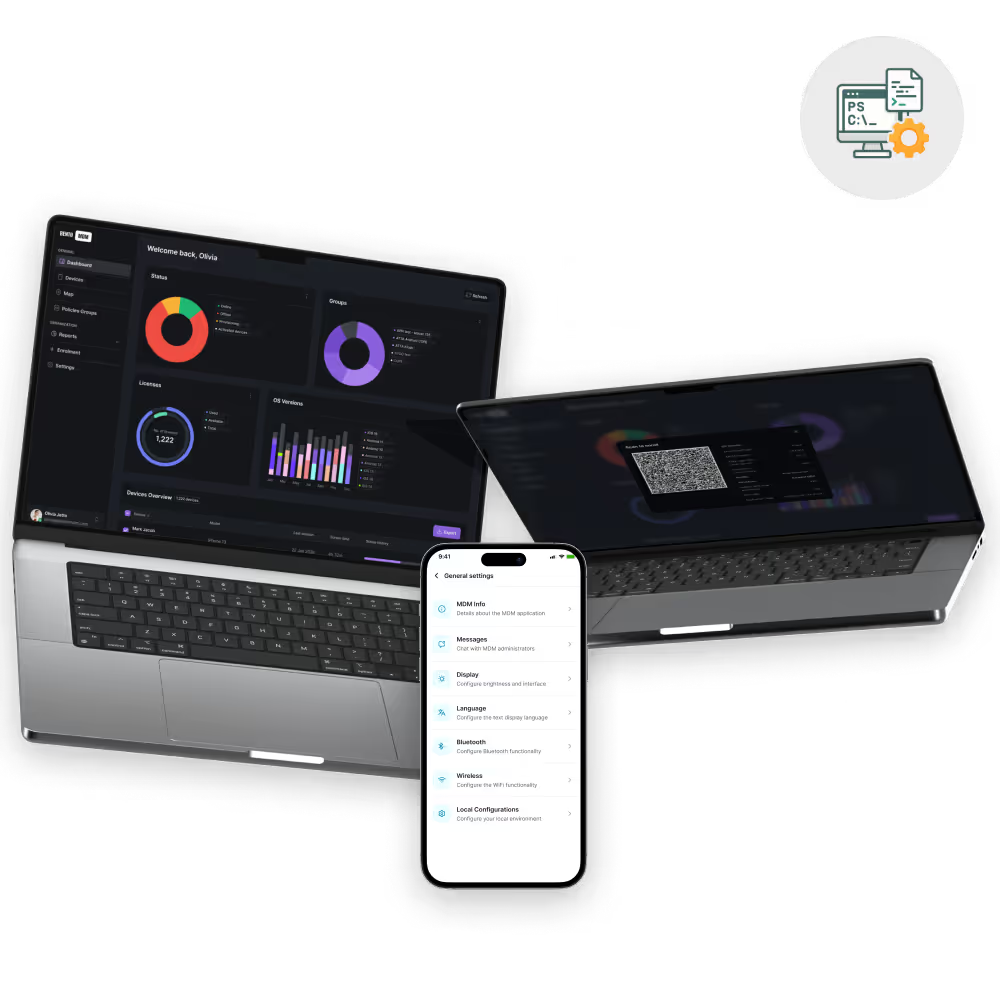
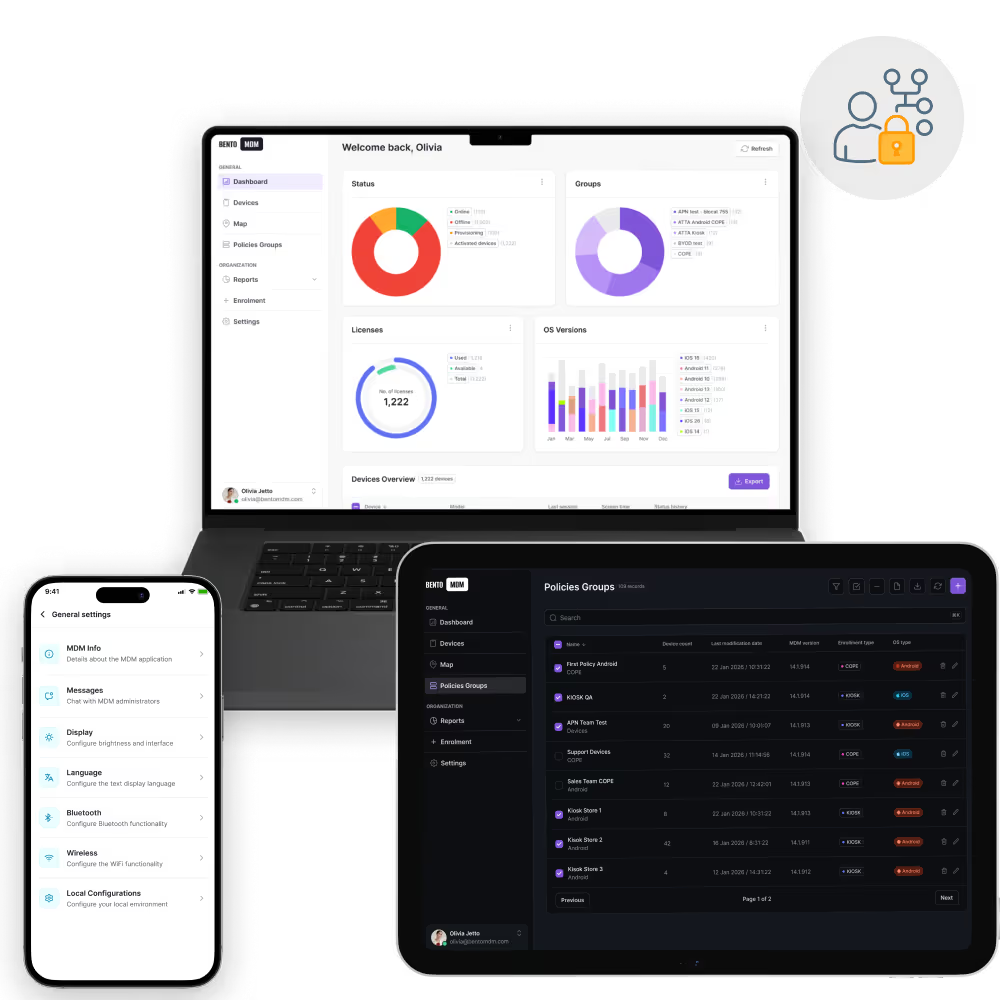
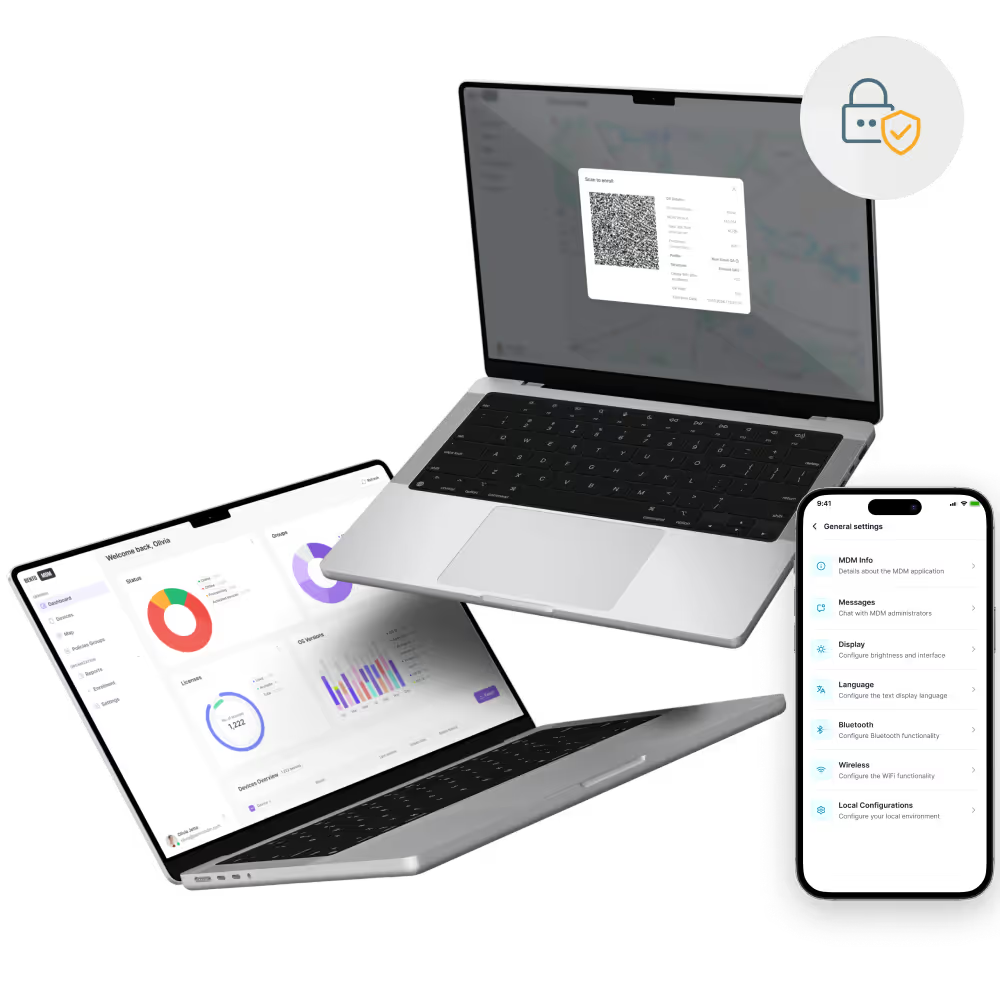
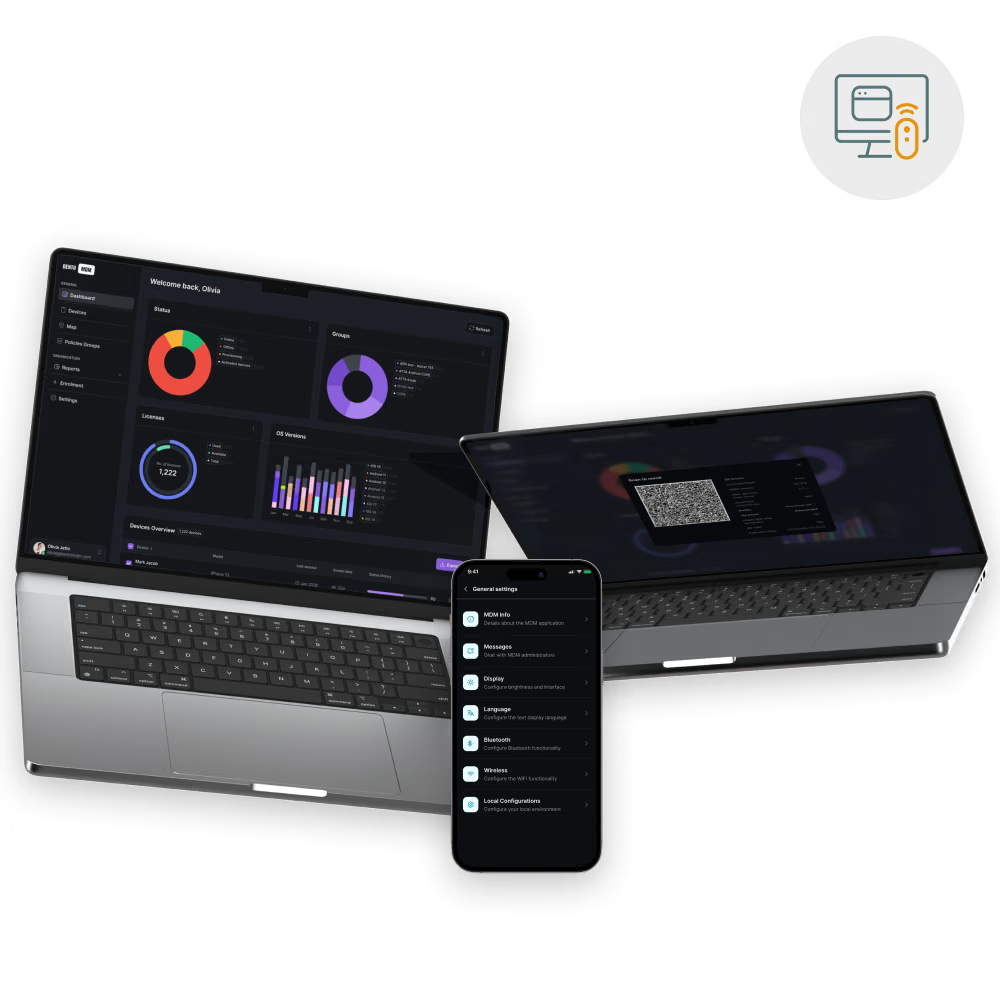
Ensamble of devices running Bento MDM

Hear from customers of Bento MDM solution

"With Bento MDM and FSM, we efficiently manage over 700 devices, automate workflows, and improve communication between field teams."

5 stars

“Our collaboration with Bento on migrating over 2,000 DPD devices was exceptional. Their openness, flexibility, and constant support stood out throughout the project. Their quick adaptation to challenges and solution-oriented approach made all the difference, a truly reliable and professional partner.”

5 stars

"Bento Field Service Management and Mobile Device Management helped us streamline field interventions, secure mobile devices, and increase operational transparency."

5 stars

Where Bento MDM Shared Device Management Delivers

Shared device management serves healthcare, education, retail, hospitality, field service, and shift-based operations.

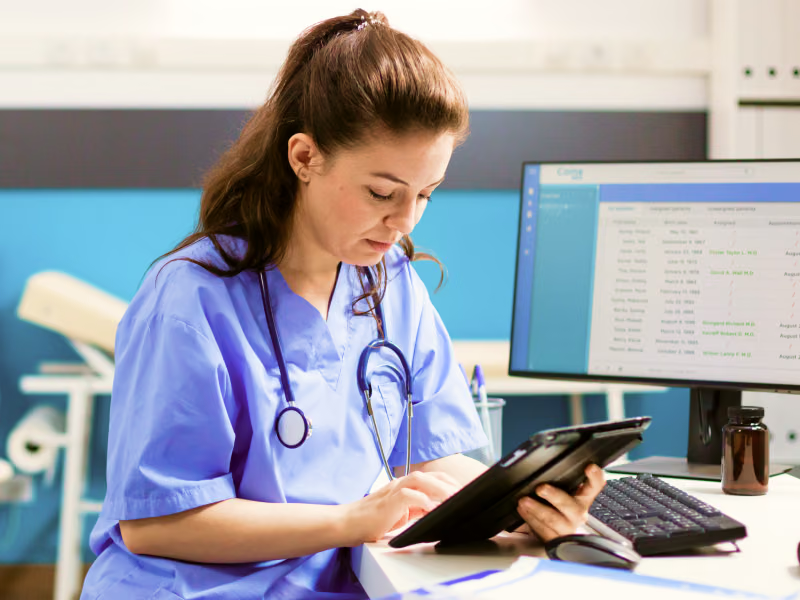
Image showing a doctor using a tablet running Bento MDM softwareImage showing a doctor using a tablet running Bento MDM software

Healthcare

Nursing stations and clinical cart tablets provide per-user audit and privacy reset support HIPAA accountability.

Image showing children in a classroom using tablets running Bento MDM softwareImage showing children in a classroom using tablets running Bento MDM software

Education

Classroom iPad carts where each student signs in to their curriculum apps and saves work.
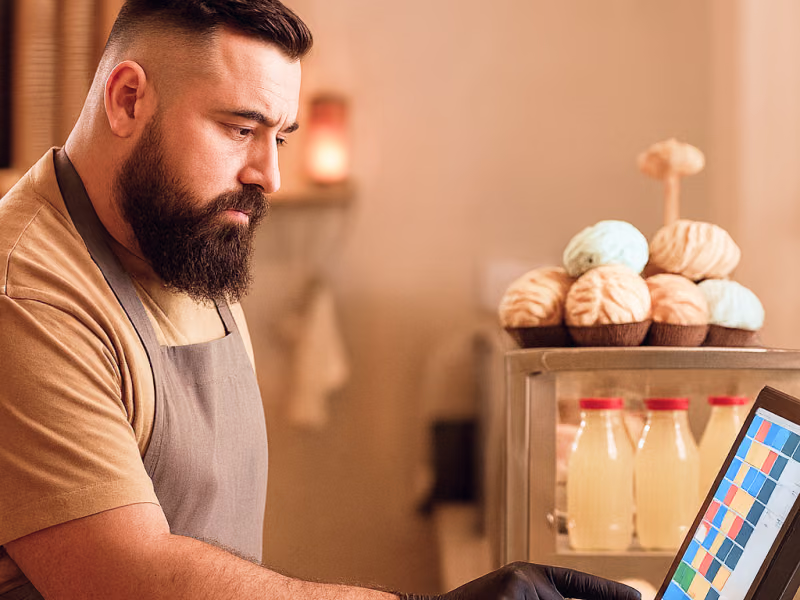
Image showing a cashier using a POS device running Bento MDM softwareImage showing a cashier using a POS device running Bento MDM software

Retail

Associate tablets, POS terminals, and inventory scanners that rotate across shifts on the same device.

Image showing government officials using mobile devices running Bento MDM softwareImage showing government officials using mobile devices running Bento MDM software

Hospitality

Front desk and concierge devices that cleanly pass between day, evening, and overnight staff.

Image showing a construction worker on a construction site, using a tablet running Bento MDM softwareImage showing a construction worker on a construction site, using a tablet running Bento MDM software

Field Services

Rugged tablets that rotate among technicians by job, with offline-capable shared device profiles.

Image showing factory workers using Bento MDM on a tabletImage showing factory workers using Bento MDM on a tablet

Shift-Based Operations

Manufacturing tablets, warehouse scanners, and logistics handhelds shared across multiple daily shifts.

Award-winning MDM Software: Recognized, Certified, and Trusted.

With built-in security and 99.98% uptime, Bento MDM is the solution trusted by teams worldwide.

BentoMDM GDPR Compliant

GDPR

Compliant

BentoMDM 99,9% uptime

99.9%

Uptime

BentoMDM SOC 2 Type 2
BentoMDM ISO 27001 Compliant

ISO 27001

Compliant

BentoMDM HIPAA Compliant

HIPAA

Compliant

Discover Bento's Other Power Features

Explore the rest of our feature set:

Frequently Asked Questions

How does MDM remote control differ from TeamViewer or AnyDesk?

MDM remote control operates through the MDM agent already installed on managed devices - no separate remote access tool needs to be installed, licensed, or maintained. It supports unattended access on fully managed devices without user interaction. All sessions are logged within the MDM compliance framework. And it integrates with the MDM’s existing policy enforcement, device inventory, and ticketing integrations. Generic remote desktop tools require a separate agent, separate licensing, and separate audit logging.

Does MDM remote control work on unattended devices?

Yes. MDM remote control supports unattended access on fully managed Android devices (Device Owner mode), supervised iOS devices, and domain-joined Windows endpoints. This means IT can connect to kiosk devices, digital signage players, field equipment, and shared ward tablets without anyone being present at the device. No user acceptance prompt is required on fully managed devices.

What is the difference between remote view and remote control in MDM?

Remote view is observation-only - IT sees the device screen in real time but cannot interact with it. This is useful for diagnosing issues, verifying kiosk display content, or auditing device configuration. Remote control is interactive - IT can tap, type, navigate, and execute actions on the device as if holding it. Bento MDM supports both modes, with RBAC controlling which administrators have which level of access.

How does MDM remote view maintain security and privacy?

All MDM remote sessions are encrypted end-to-end. Role-based access control restricts which administrators can initiate remote view (screen observation only) vs. remote control (interactive access). Every session is logged with timestamp, admin identity, device ID, and a full action record. Session recordings can be enabled for compliance and audit purposes.

Can files be transferred during MDM remote sessions?

Yes. Bento MDM supports secure file transfer in both directions during remote sessions. IT can push patches, configuration files, certificates, and diagnostic scripts to the device; and retrieve crash logs, screenshots, and app data from the device for analysis.

Can MDM remote control fix device issues?

Yes. IT can resolve app crashes, configuration drift, connectivity failures, login issues, and policy violations remotely. Common fix actions include restarting apps, clearing caches, modifying settings, reinstalling profiles, pushing certificates, and collecting diagnostic logs - all without dispatching a technician.

Does MDM remote control require user consent?

It depends on the enrollment mode. On fully managed (Device Owner) Android devices and supervised iOS devices, MDM remote control works without user interaction — this is called unattended access. On BYOD devices with Work Profiles or personal iOS devices, Bento MDM can require on-screen user consent before the session starts. The consent requirement is configurable per device group.

What is MDM remote view and control?

MDM remote view and control is a mobile device management capability that lets IT administrators see a managed device’s screen in real time and interact with it remotely, tapping, typing, navigating menus, and executing commands, without physical access. It works across Android, iOS, Windows, macOS, and Linux devices enrolled in the MDM platform. MDM remote control differs from generic remote desktop tools (TeamViewer, AnyDesk) because it operates through the MDM agent already installed on the device, supports unattended access on fully managed devices, and logs all sessions for compliance.

Start sharing safely.

Running clinical carts, classroom iPads, or shift-based POS? One Bento console. Privacy reset by policy. Audit by user.
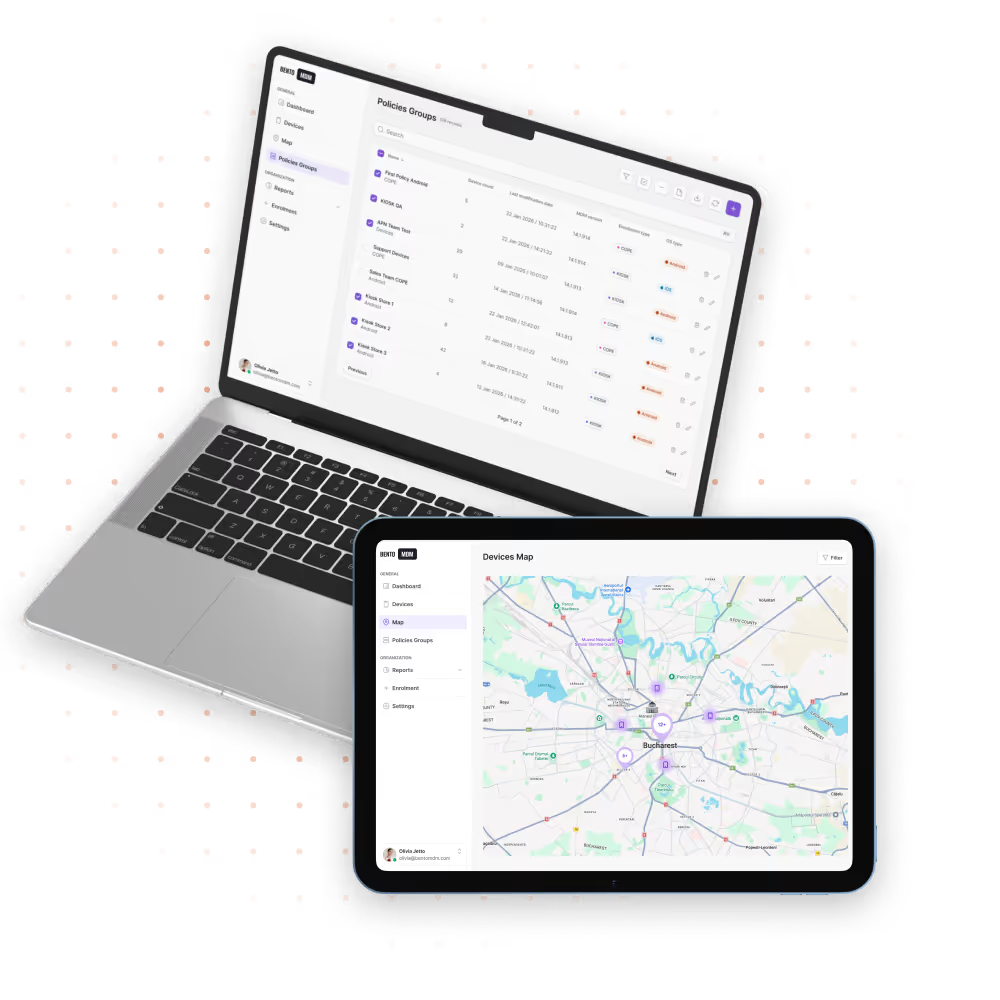
Ensamble of devices running Bento MDM