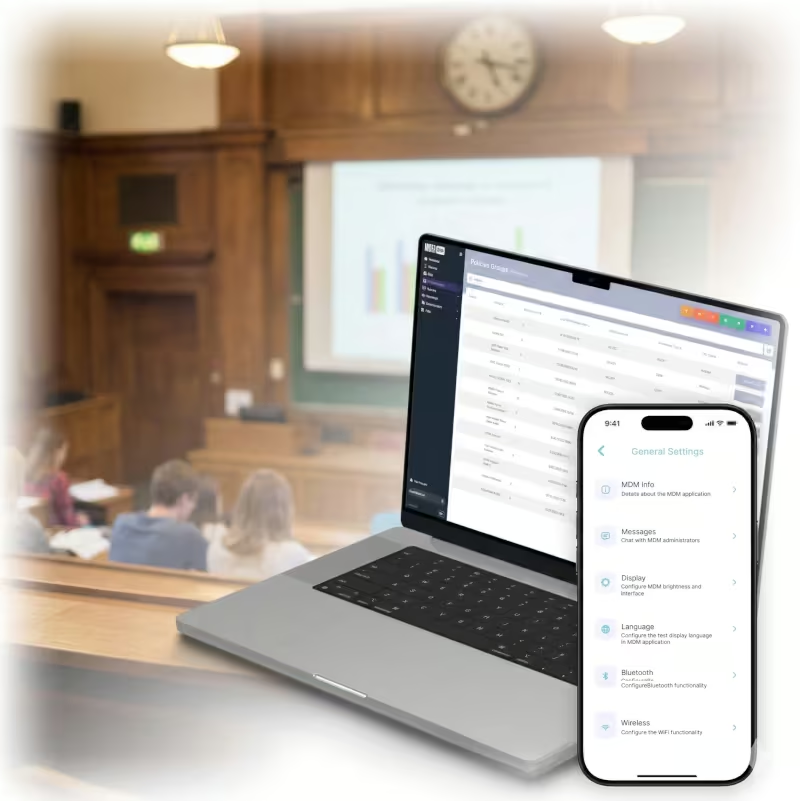
Recomandat de








Use automatic enrollment and policy-based setup to get tablets, laptops, and shared devices ready without heavy manual staging.

Apply web filtering, app controls, and usage restrictions that support age-appropriate access and cleaner classroom oversight.

Fix issues remotely, push apps and updates centrally, and keep lessons moving without waiting for in-person IT support.

Manage classroom carts, labs, kiosks, and staff devices with consistent policies, session controls, and compliance visibility.

School-owned tablets, laptops, and shared devices can enroll with pre-approved settings, restrictions, and apps from the start, reducing rollout time and setup errors.

Web filtering policies help block harmful content, apply classroom browsing rules, and support safer internet use during lessons and research activities.

Approved learning apps can be deployed centrally so every device has the tools students and teachers need without manual installs at each desk.

IT teams can view devices remotely, troubleshoot problems, and resolve software issues without disrupting class flow or moving between rooms.

Admins can track device health, update status, policy compliance, and shared-device readiness from one reporting view.

Criptează, monitorizează, actualizează și oferă suport pentru dispozitive în toate departamentele guvernamentale, totul dintr-o singură consolă.


Automatically configure school devices with predefined profiles, restrictions, and essential settings during setup.
Block harmful content, apply browsing rules by group or use case, and support safer online learning.
Distribute approved educational apps centrally and keep versions consistent across classrooms and campuses.

Lock devices into controlled sessions or app experiences for labs, libraries, check-in points, and digital signage.
Troubleshoot student and faculty devices remotely with screen access, diagnostics, and guided support.

Schedule operating system and app updates during off-hours to keep school devices secure without interrupting lessons.

Define campus zones, monitor device movement, and help recover misplaced or unauthorized devices faster.

Generate reports on device health, policy adherence, and update status for internal oversight and audits.

„Cu Bento MDM și FSM, gestionăm eficient peste 700 de dispozitive, automatizăm fluxurile de lucru și îmbunătățim comunicarea între echipele de teren.”
Cristian Bordescu
Director Operațiuni


“Colaborarea noastră cu Bento pentru migrarea a peste 2.000 de dispozitive DPD a fost excepțională. Deschiderea, flexibilitatea și suportul constant oferite de echipa lor au ieșit în evidență pe tot parcursul proiectului. Adaptarea rapidă la provocări și abordarea orientată spre soluții au făcut diferența, un partener cu adevărat de încredere și profesional.”
Valentina Ionescu
CIO, DPD
https://www.linkedin.com/in/valentina-ionescu-45a117bb
https://www.facebook.com/DPDRomania/
https://www.linkedin.com/company/dpd-romania/
https://www.dpd.com/
https://ro.wikipedia.org/wiki/DPD_Romania

„Bento Field Service Management și Mobile Device Management ne-au ajutat să eficientizăm intervențiile pe teren, să securizăm dispozitivele mobile și să creștem transparența operațională.”
Simona Gigiu
Business Line Director


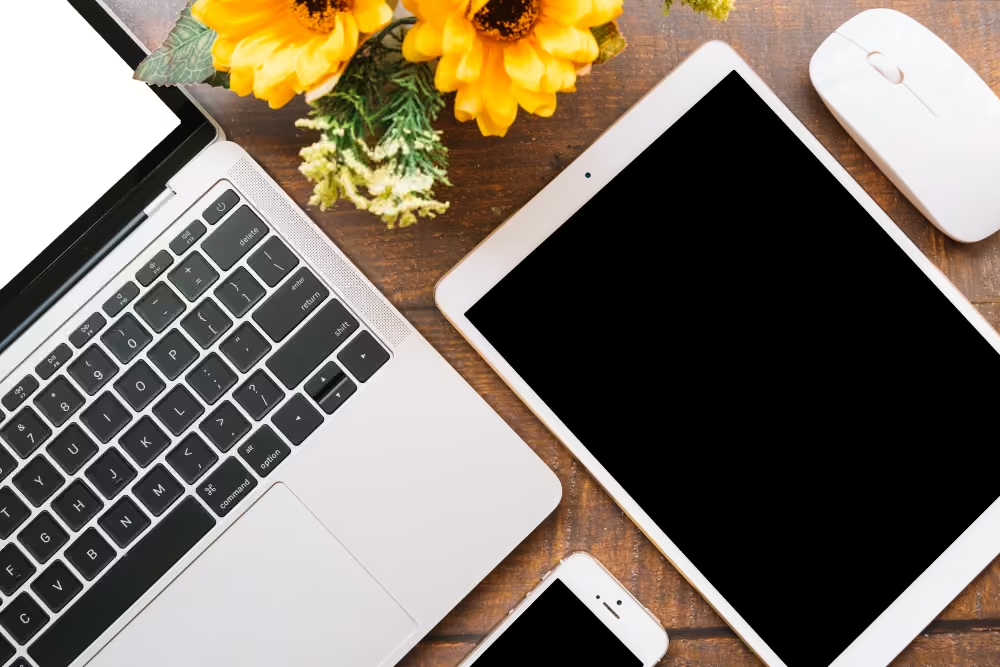
Automatically enroll and configure tablets and laptops before devices reach students or teachers.
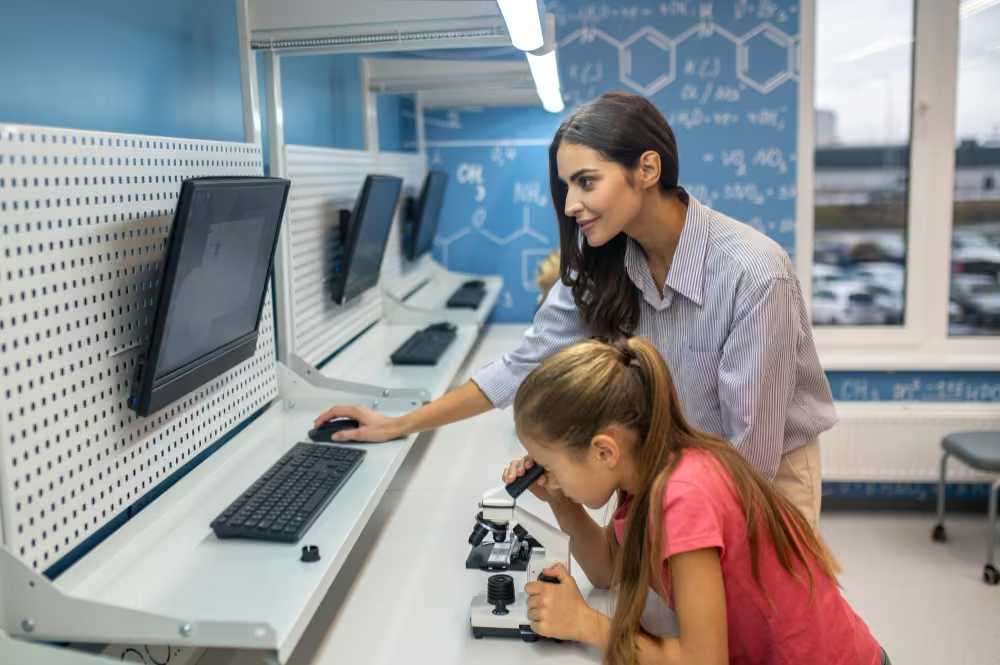
Reset shared devices between users to protect privacy and reduce manual cleanup in computer labs.

Apply web filtering policies during student internet use to support safer browsing and reduce exposure to harmful content.
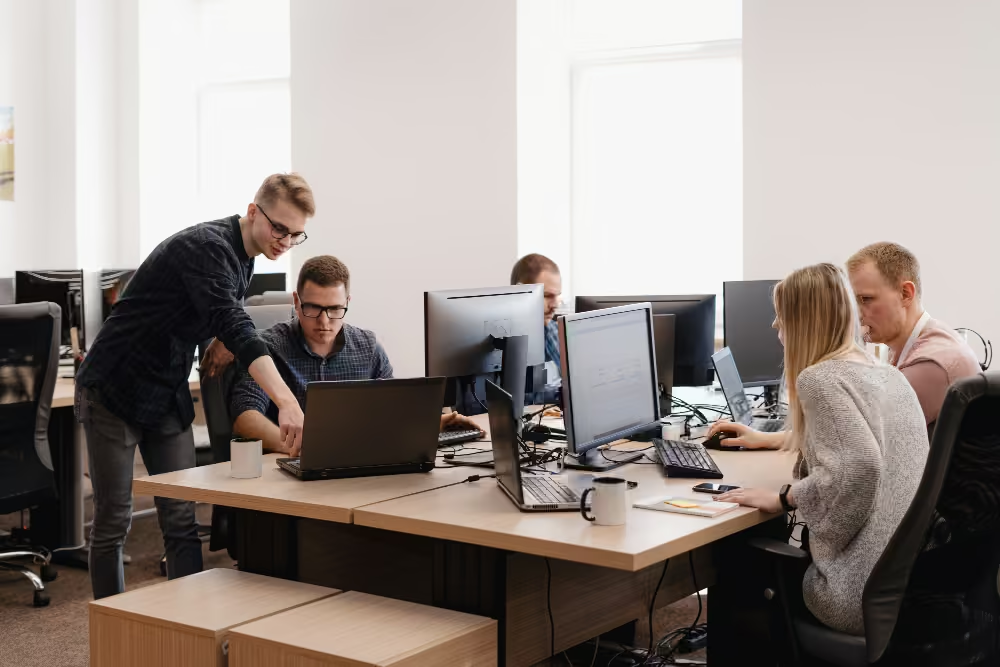
Deploy and update educational apps centrally so every class has the software it needs.
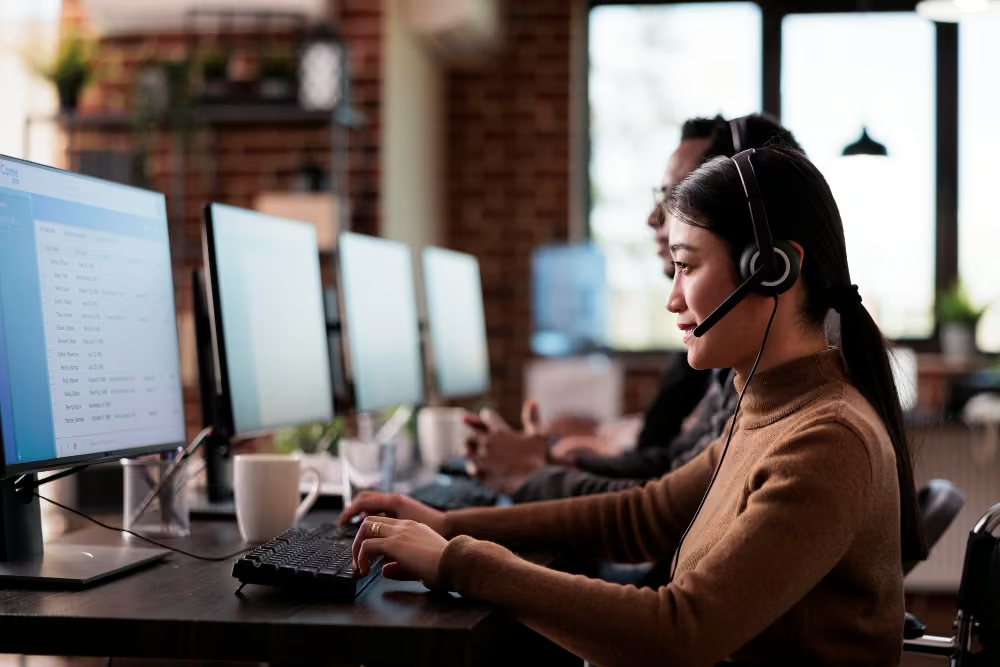
View and troubleshoot devices remotely when lessons are already in progress.
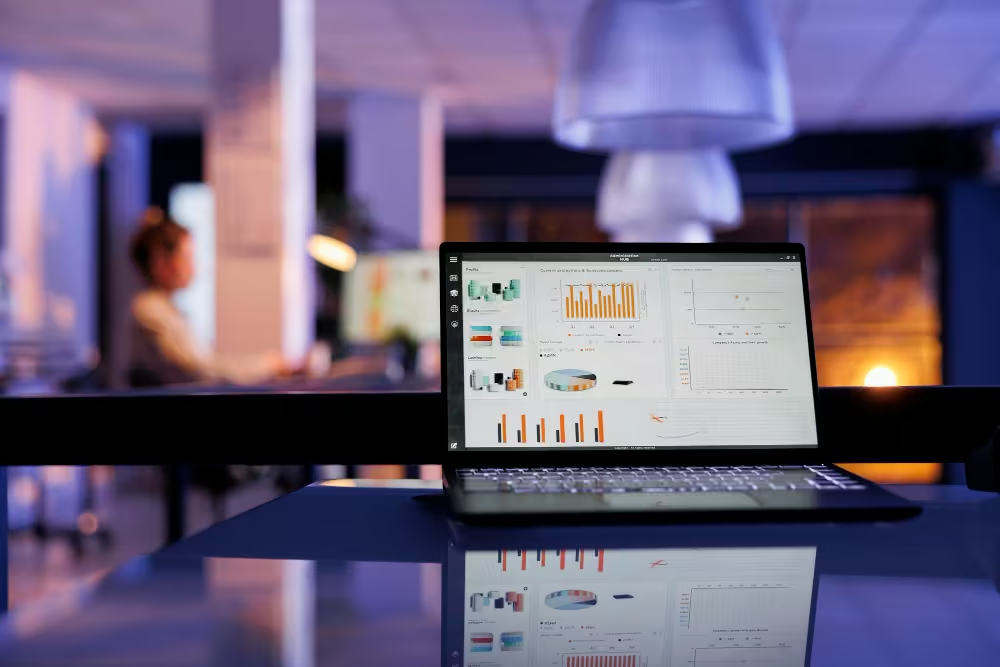
Track device health, update status, and policy adherence across student and staff fleets.

What is MDM for education?
MDM for education helps schools and universities enroll, configure, secure, update, and support student, staff, and shared devices from one central platform.
How are student devices provisioned?
Automatic enrollment allows school devices to configure with predefined settings, apps, and restrictions during setup, reducing manual staging and rollout time.
Can MDM filter web content for students?
Yes. Education MDM can apply web filtering rules that block harmful websites, support age-appropriate access, and enforce classroom browsing policies.
How are classroom apps distributed?
Admins can deploy approved educational apps centrally, keep them updated, and ensure students and teachers receive the right software on the right devices.
Is remote support available for school devices?
Yes. IT teams can remotely view, diagnose, and troubleshoot devices to reduce downtime during classes and across campus.
How does MDM support compliance in education?
MDM reporting helps schools track device health, update status, and policy adherence, giving administrators clearer oversight for internal reviews and audits.
Can shared devices reset between students?
Yes. Shared and kiosk-style modes can help reset sessions between users, which protects privacy and reduces cleanup work in labs and libraries.
Does education MDM work without internet?
Some actions can queue locally and sync once the device reconnects, which helps maintain continuity in unstable or partially offline environments.

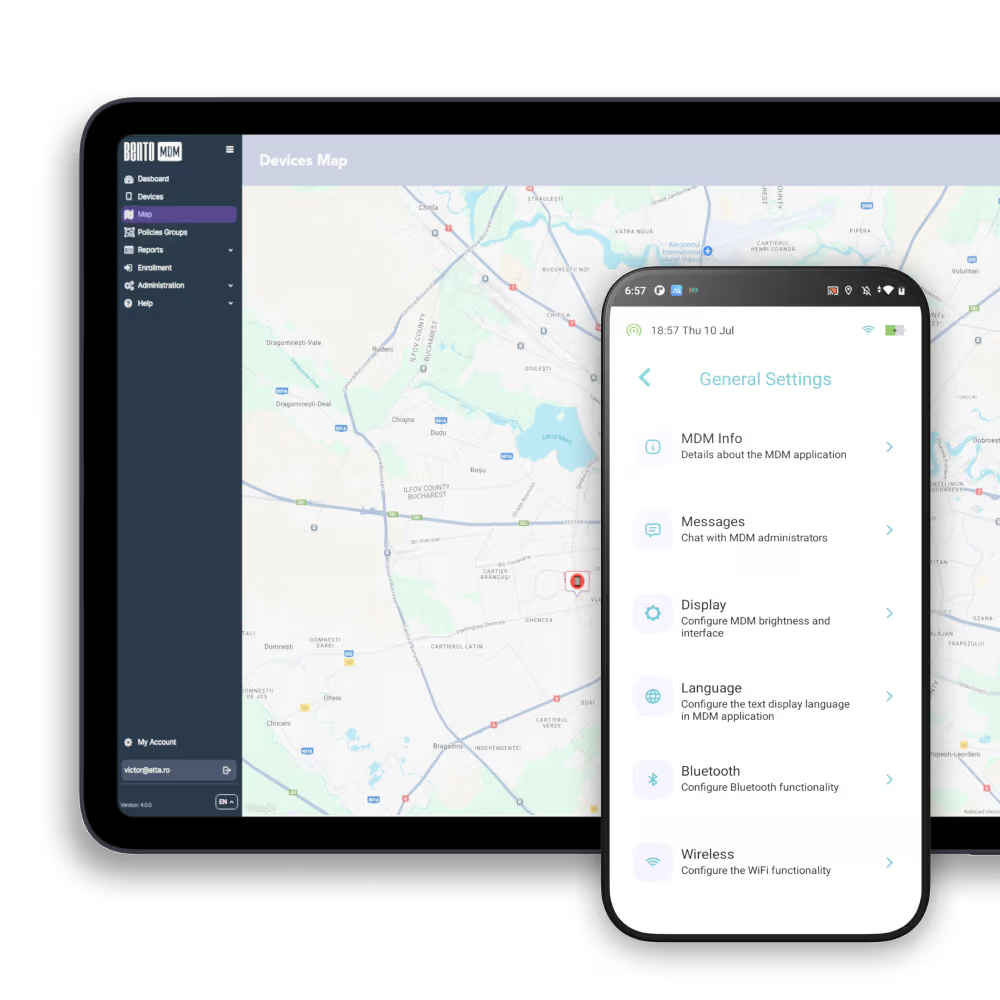
Gestionează fiecare telefon, tabletă și stație de lucru dintr-o singură consolă, în domeniul sănătății și nu numai, cu Bento MDM.


După caracteristici
După inițiative de afaceri
După suportul OS
După industrii